0.0.8
19 Feb 2026
Client Not supported Server Required Dependencies No extras listed Listed on Project page
Check the setup 
CurseForge · Hytale mod
Server Waypoints that unlock quicktravel locations and explorable points of interest
Quick answer
Landmark 0.0.8 targets Hytale. Do not install it as a separate client mod. Enable it on the world host—the local server in singleplayer or the dedicated server in multiplayer. No required dependencies listed for this file.
Where it goes
Do not install it as a separate client mod. Enable it on the world host—the local server in singleplayer or the dedicated server in multiplayer.
Put Hytale mods on the world host or dedicated server. Singleplayer runs a local server too; Hytale does not use separate client mods.
0.0.8. Change the file and its required mods may change too.
This file does not list any required mods. Do not add a library just because a different file uses it.
This file does not list any required or optional project dependencies. Check the creator notes before changing an existing world.
Before you install it
Built for Landmark 0.0.8. Pick another file and the loader, install side or required mods may change.
Use 0.0.8. It targets Hytale; another release may target a different game build or dependency set.
This file does not list any required mods. Do not add a library just because a different file uses it.
Do not install it as a separate client mod. Enable it on the world host—the local server in singleplayer or the dedicated server in multiplayer.
Use the “Get this file” button beside 0.0.8. It opens that exact file at the source.
About this project


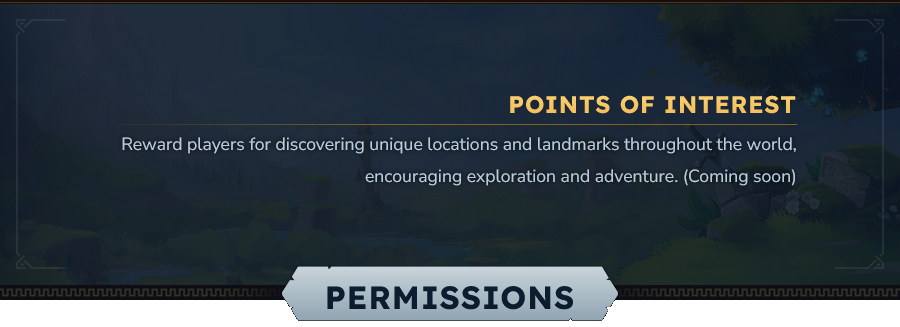
Base permission to be able to use interact with the Landmark mod is tr7zw.landmark.command.landmark.
/landmark tp <id|name> - Teleports you to the specified landmark ID if you have unlocked it (This is more of an internal command). Permission: tr7zw.landmark.command.landmark.tp./landmark list - Lists all unlocked Waypoints to teleport to. Permission: tr7zw.landmark.command.landmark.tp./landmark clear [player] --confirm - Clears all unlocked landmarks for yourself or the specified player. Needs permission tr7zw.landmark.command.landmark.manage./landmark manage <id> - Manages a specific landmark, allowing you to rename it. Needs permission tr7zw.landmark.command.landmark.manage.Example to give all players the permission to use Waypoints, run these two commands:
/perm group add Adventure tr7zw.landmark.command.landmark/perm group add Adventure tr7zw.landmark.command.landmark.tp 

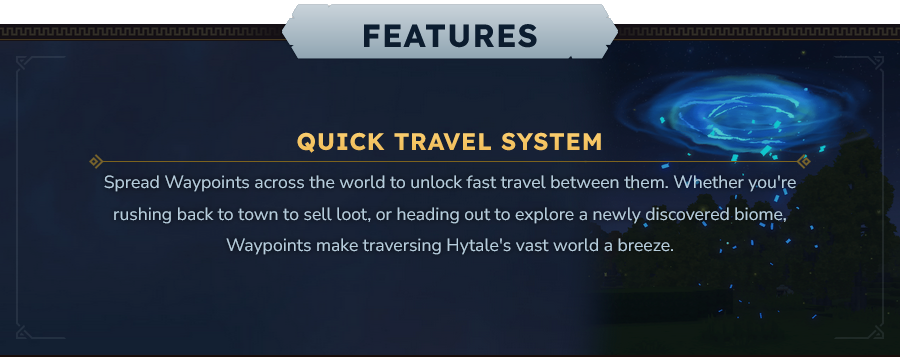
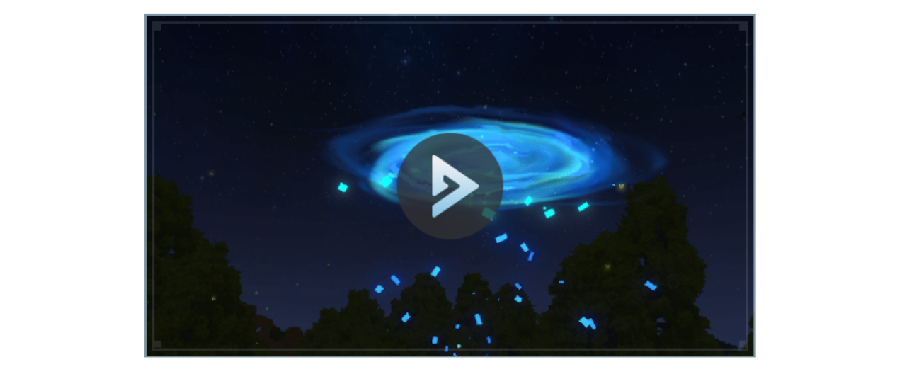
Place the waypoint marker item in your world at locations you want players to discover. When players approach the waypoint, they will receive a notification that they unlocked it for quick travel. Once unlocked, players can use the waypoint from the world map to quickly teleport to that location. When too far away/in a different dimension, use /landmark list to teleport.

Project description from CurseForge.
Recent files
19 Feb 2026
18 Feb 2026
25 Jan 2026
18 Jan 2026
13 Jan 2026
12 Jan 2026
8 Jan 2026
Looking for an older file? The official CurseForge project page is in Resources.