RestoredRuins.zip
13 Jan 2026
Client Not supported Server Required Dependencies No extras listed Listed on Project page
Check the setup 
CurseForge · Hytale mod
Adds prefabs inspired by the ruins in the game
Quick answer
Restored Ruins RestoredRuins.zip targets Hytale. Do not install it as a separate client mod. Enable it on the world host—the local server in singleplayer or the dedicated server in multiplayer. No required dependencies listed for this file.
Where it goes
Do not install it as a separate client mod. Enable it on the world host—the local server in singleplayer or the dedicated server in multiplayer.
Put Hytale mods on the world host or dedicated server. Singleplayer runs a local server too; Hytale does not use separate client mods.
RestoredRuins.zip. Change the file and its required mods may change too.
This file does not list any required mods. Do not add a library just because a different file uses it.
This file does not list any required or optional project dependencies. Check the creator notes before changing an existing world.
Before you install it
Built for Restored Ruins RestoredRuins.zip. Pick another file and the loader, install side or required mods may change.
Use RestoredRuins.zip. It targets Hytale; another release may target a different game build or dependency set.
This file does not list any required mods. Do not add a library just because a different file uses it.
Do not install it as a separate client mod. Enable it on the world host—the local server in singleplayer or the dedicated server in multiplayer.
Use the “Get this file” button beside RestoredRuins.zip. It opens that exact file at the source.
About this project
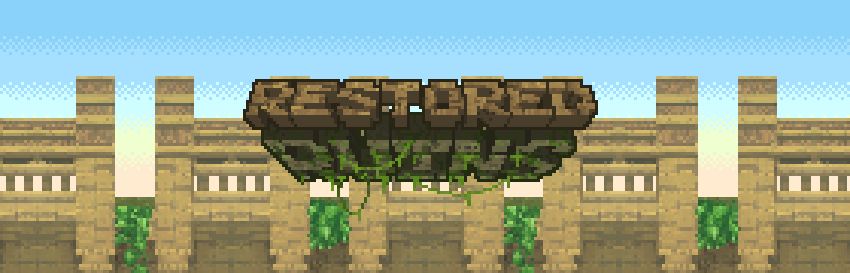
Restored Ruins brings ruins-inspired structures to the world. Expect to find small camps to large castles with enemies and lots of loot. More coming very soon.
Restored Ruins currently only adds 1 structure, the Castle Arena. More coming Very soon, I promise.
Structures are inspired by the ruins found on Orbis, not direct repairs of them. This should keep exploring them feeling fresh, and different from existing buildings.
Shoutout to the Hytale and CurseForge teams for making all of this happen, huge thanks to them and all the help I received for it.
Currently required Shared Structures to generate on Orbis.


Project description from CurseForge.
Recent files
13 Jan 2026
Looking for an older file? The official CurseForge project page is in Resources.