HyMarkers-1.0.0.jar
13 Jan 2026
Client Not supported Server Required Dependencies No extras listed Listed on Project page
Check the setup 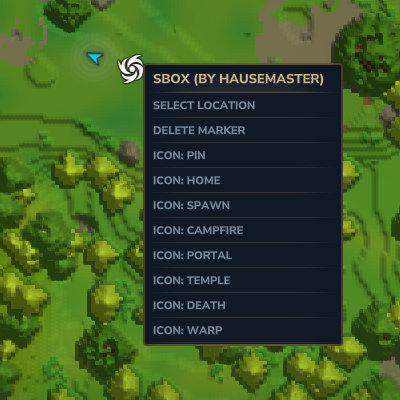
CurseForge · Hytale mod
Markers for Hytale!
Quick answer
HyMarkers-1.0.0.jar targets Hytale. Do not install it as a separate client mod. Enable it on the world host—the local server in singleplayer or the dedicated server in multiplayer. No required dependencies listed for this file.
Where it goes
Do not install it as a separate client mod. Enable it on the world host—the local server in singleplayer or the dedicated server in multiplayer.
Put Hytale mods on the world host or dedicated server. Singleplayer runs a local server too; Hytale does not use separate client mods.
HyMarkers-1.0.0.jar. Change the file and its required mods may change too.
This file does not list any required mods. Do not add a library just because a different file uses it.
This file does not list any required or optional project dependencies. Check the creator notes before changing an existing world.
Before you install it
Built for HyMarkers-1.0.0.jar. Pick another file and the loader, install side or required mods may change.
Use HyMarkers-1.0.0.jar. It targets Hytale; another release may target a different game build or dependency set.
This file does not list any required mods. Do not add a library just because a different file uses it.
Do not install it as a separate client mod. Enable it on the world host—the local server in singleplayer or the dedicated server in multiplayer.
Use the “Get this file” button beside HyMarkers-1.0.0.jar. It opens that exact file at the source.
About this project
A way to share locations with your friends that actually stays on the map. For server installation just drop it into the mods\ folder in your server folder. For single-player simply go to: %appdata%, then find Hytale and look for UserData, mods and then put the jar in there.
Drop a marker anywhere on the map and it shows up for everyone on the server, just use /marker add name and optionally you can do /marker add name --icon=Home or any of the other icons, however you can simply just right click the marker on the worldmap and set the icon manually.
/marker add Base          - drops a marker where you're standing

/marker add Dungeon --icon=Temple_Gateway

/marker remove Base       - removes it

/marker list              - shows all markers
You can also use /m or /wp as shortcuts.
Pin, Home, Spawn, Campfire, Portal, Temple, Death, Warp
mods/markers/ as JSONWorks great for survival servers, SMPs, or just playing with friends. Let me know if you run into any issues.
Project description from CurseForge.
Recent files
13 Jan 2026
Looking for an older file? The official CurseForge project page is in Resources.
 mod
modAutomatically sends supported block, mob, and item drops to your inventory. Use /pickup to manage ON, OFF, or SNEAK mode, pickup categories, and collection speed. Inventory overflow drops safely at your feet.
 mod
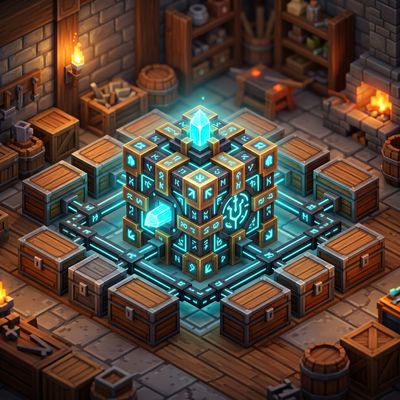
modTired of rummaging through dozens of chests across your base, but don't want to risk data loss because of mod? Then this is for you. Using standard Hytale storage to create a searchable storage system without the risk of a mod deleting your stuff.
 mod
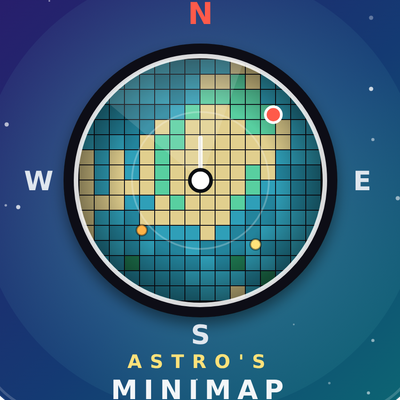
modA simple live on-screen minimap for Hytale with a rotating compass, radar, waypoints and a player-set size and update rate. It needs Astro's World Map.