SmartTargeting-Plugin-V1.0
14 Jan 2026
Client Not supported Server Required Dependencies No extras listed Listed on Project page
Check the setup 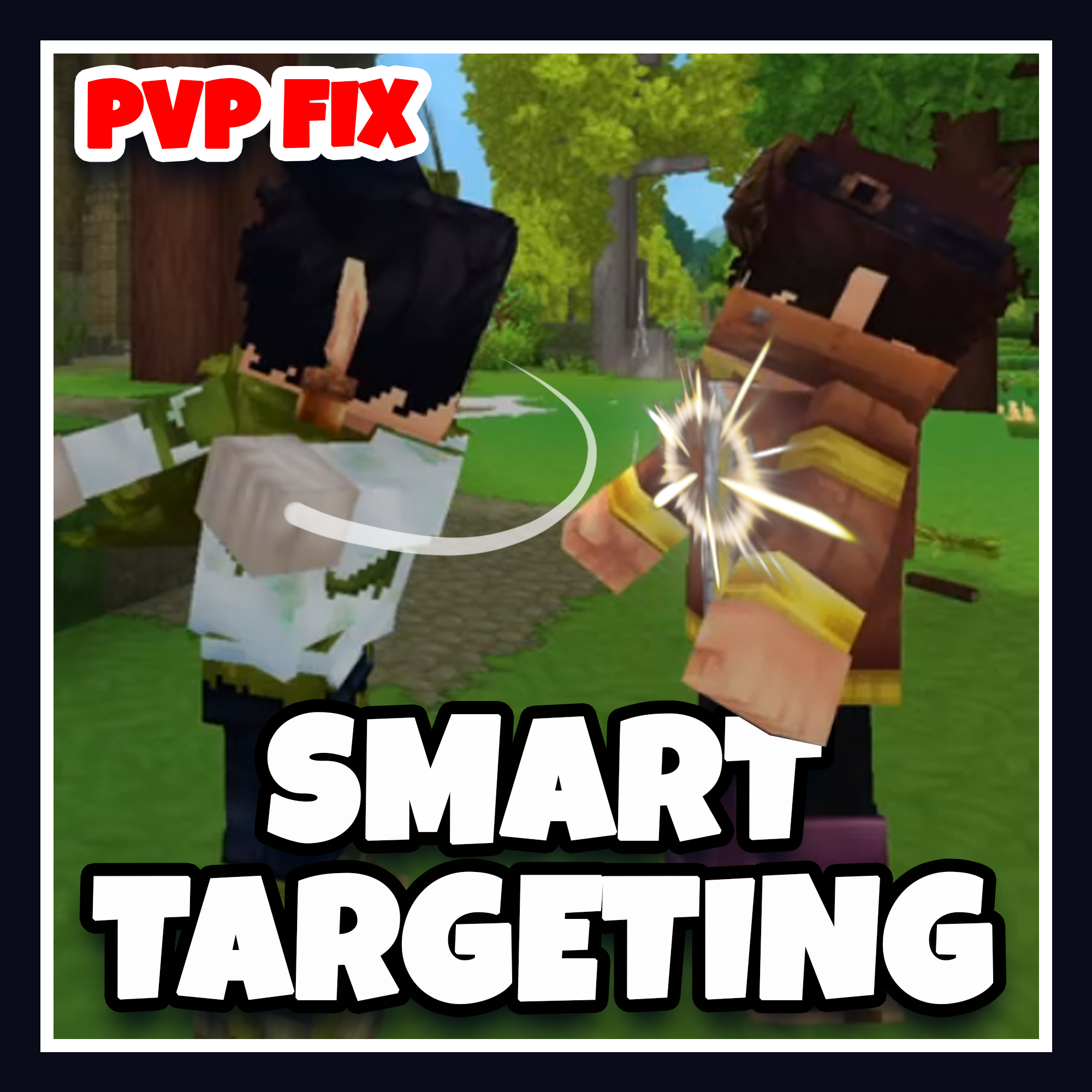
CurseForge · Hytale mod
Smart Targeting prevents players from hitting mobs and other players at the same time, which made fighting the same the enemy with PVP on unbareable.
Quick answer
Smart Targeting - PVP Fix SmartTargeting-Plugin-V1.0 targets Hytale. Do not install it as a separate client mod. Enable it on the world host—the local server in singleplayer or the dedicated server in multiplayer. No required dependencies listed for this file.
Where it goes
Do not install it as a separate client mod. Enable it on the world host—the local server in singleplayer or the dedicated server in multiplayer.
Put Hytale mods on the world host or dedicated server. Singleplayer runs a local server too; Hytale does not use separate client mods.
SmartTargeting-Plugin-V1.0. Change the file and its required mods may change too.
This file does not list any required mods. Do not add a library just because a different file uses it.
This file does not list any required or optional project dependencies. Check the creator notes before changing an existing world.
Before you install it
Built for Smart Targeting - PVP Fix SmartTargeting-Plugin-V1.0. Pick another file and the loader, install side or required mods may change.
Use SmartTargeting-Plugin-V1.0. It targets Hytale; another release may target a different game build or dependency set.
This file does not list any required mods. Do not add a library just because a different file uses it.
Do not install it as a separate client mod. Enable it on the world host—the local server in singleplayer or the dedicated server in multiplayer.
Use the “Get this file” button beside SmartTargeting-Plugin-V1.0. It opens that exact file at the source.
About this project
Smart Targeting is a mod that prevents players from hitting other players and mobs at the same time;
The mod works by detecting what the player is hitting, and checking for overlap between players and mobs.
This mod was made because of an issue that made using PVP unbareable for me and my friends.
Who doesn't like to hurt their friends though?
INSTALLING:
Place the included .jar file in your mods directory, typically 'Hytale\UserData\Mods', or if you're hosting your own server the mods folder should be next to your server.jar.
Project description from CurseForge.
Recent files
14 Jan 2026
Looking for an older file? The official CurseForge project page is in Resources.
 mod
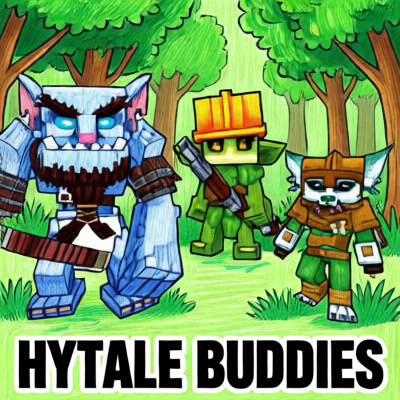
modThis Plugins add three Buddies to your adventure - they will follow you, fight with you and interact via sounds and chat (AI-featured through LLM).
 mod
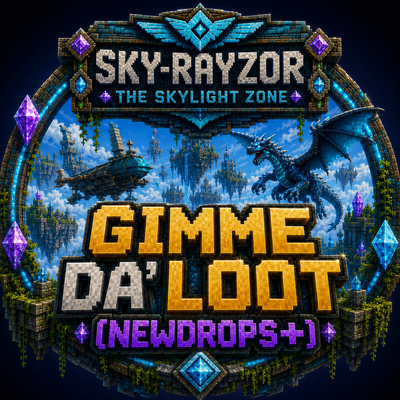
modThe Skylight Zone: Gimme Da' Loot (NewDrops+) is a Droptable Addon for (New Items, NPC Drops, Lootbags and more). - It Adds 3 New 'Lootbags' that have the chance to reward the player with Loot. The Mod now Also Includes 28 new NPCs.
 mod
modWalk the path of a Xianxia cultivator. Meditate for Spirit Qi, break through 7 realms, found a sect, inscribe talismans, wake a weapon spirit, breed spirit beasts, brew pills, survive heavenly tribulation -- then ascend past the peak itself.