FloorIsLava-1.0.2.jar
15 Jan 2026
Client Not supported Server Required Dependencies No extras listed Listed on Project page
Check the setup 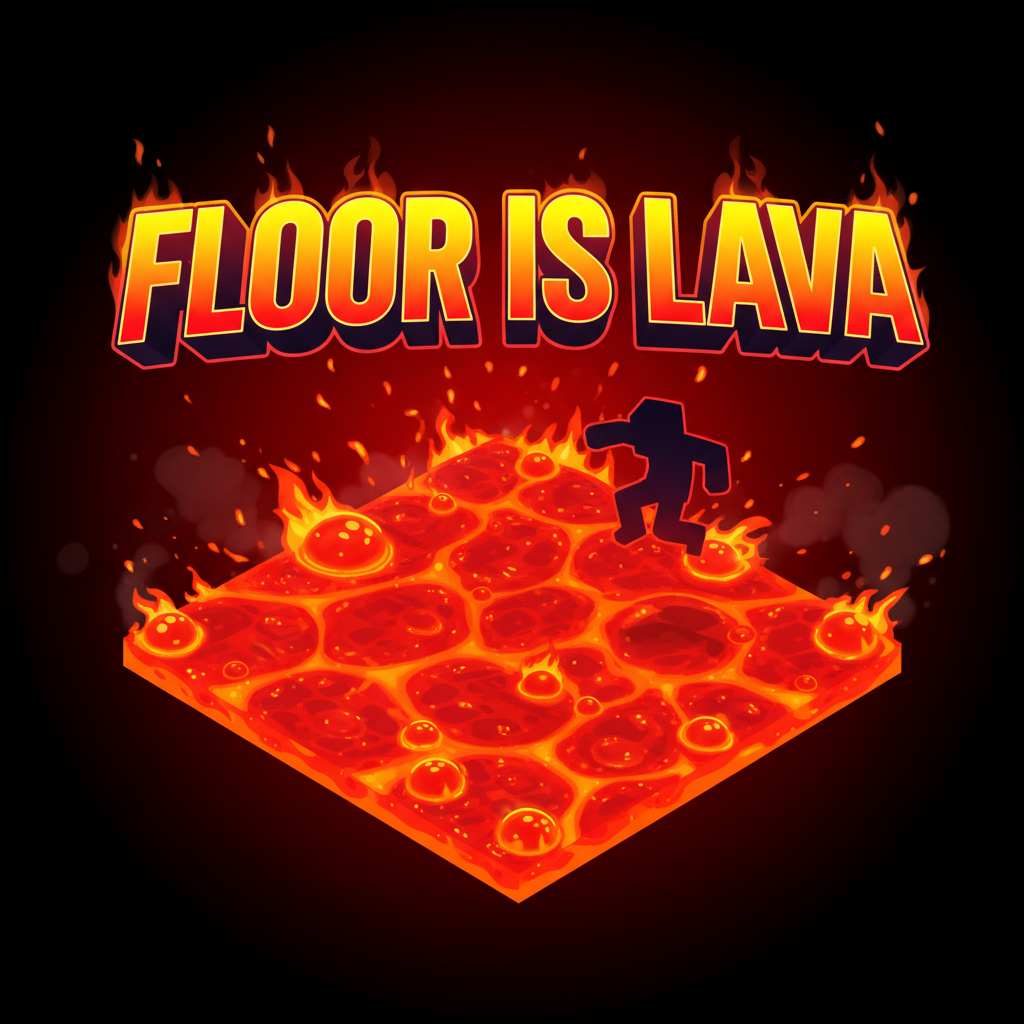
CurseForge · Hytale mod
Don't stand still! Keep moving! Every second, the block under you turns into lava!
Quick answer
Floor Is Lava! FloorIsLava-1.0.2.jar targets Hytale. Do not install it as a separate client mod. Enable it on the world host—the local server in singleplayer or the dedicated server in multiplayer. No required dependencies listed for this file.
Where it goes
Do not install it as a separate client mod. Enable it on the world host—the local server in singleplayer or the dedicated server in multiplayer.
Put Hytale mods on the world host or dedicated server. Singleplayer runs a local server too; Hytale does not use separate client mods.
FloorIsLava-1.0.2.jar. Change the file and its required mods may change too.
This file does not list any required mods. Do not add a library just because a different file uses it.
This file does not list any required or optional project dependencies. Check the creator notes before changing an existing world.
Before you install it
Built for Floor Is Lava! FloorIsLava-1.0.2.jar. Pick another file and the loader, install side or required mods may change.
Use FloorIsLava-1.0.2.jar. It targets Hytale; another release may target a different game build or dependency set.
This file does not list any required mods. Do not add a library just because a different file uses it.
Do not install it as a separate client mod. Enable it on the world host—the local server in singleplayer or the dedicated server in multiplayer.
Use the “Get this file” button beside FloorIsLava-1.0.2.jar. It opens that exact file at the source.
About this project
You have exactly one second to make a decision, finish crafting, or take a break. Don't waste time!
The mod adds a simple "Floor is Lava!". If you stand on a block for longer than a second, it turns into lava!
Be careful—this is deadly!
How to install the mod:
Open your game folder: launch the launcher -> click the gear icon -> “Open directory”.
Go to the UserData -> Mods folder.
Move the RandomDropMod.jar file into this folder.
In-game, when selecting a world, right-click your world and tick the checkbox for the mod.
Done! Now you can enjoy the pure madness!!!
Project description from CurseForge.
Recent files
15 Jan 2026
Looking for an older file? The official CurseForge project page is in Resources.
 mod
modAdds powerful exotic weaponry, elevating combat, rendering unique attacks, and showing cool moves to fights!
 mod
modMissing the Nether? Limbo is Hytale's burning dimension: floating islands over a lava sea, armed pig-folk, splitting salamanders, fortress loot, three plant lines and a gold economy. Server-side only, zero setup.
 mod
modRecruit, command, equip, and level up companions that fight for you against enemies and rival player teams, farm, mine, loot, and haul items for you in Hytale.