Tombale-1.0.0.jar
26 May 2026
Client Not supported Server Required Dependencies No extras listed Listed on Project page
Check the setup 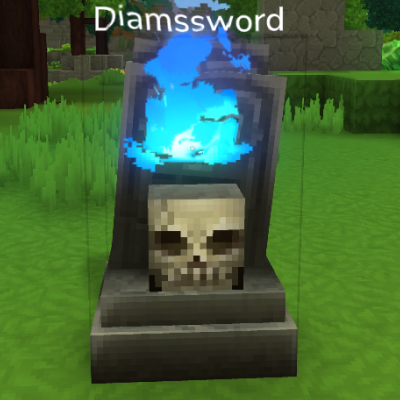
CurseForge · Hytale mod
A grave mod to keep your items safe !
Quick answer
Tombale (A Grave Mod) Tombale-1.0.0.jar targets Hytale. Do not install it as a separate client mod. Enable it on the world host—the local server in singleplayer or the dedicated server in multiplayer. No required dependencies listed for this file.
Where it goes
Do not install it as a separate client mod. Enable it on the world host—the local server in singleplayer or the dedicated server in multiplayer.
Put Hytale mods on the world host or dedicated server. Singleplayer runs a local server too; Hytale does not use separate client mods.
Tombale-1.0.0.jar. Change the file and its required mods may change too.
This file does not list any required mods. Do not add a library just because a different file uses it.
This file does not list any required or optional project dependencies. Check the creator notes before changing an existing world.
Before you install it
Built for Tombale (A Grave Mod) Tombale-1.0.0.jar. Pick another file and the loader, install side or required mods may change.
Use Tombale-1.0.0.jar. It targets Hytale; another release may target a different game build or dependency set.
This file does not list any required mods. Do not add a library just because a different file uses it.
Do not install it as a separate client mod. Enable it on the world host—the local server in singleplayer or the dedicated server in multiplayer.
Use the “Get this file” button beside Tombale-1.0.0.jar. It opens that exact file at the source.
About this project
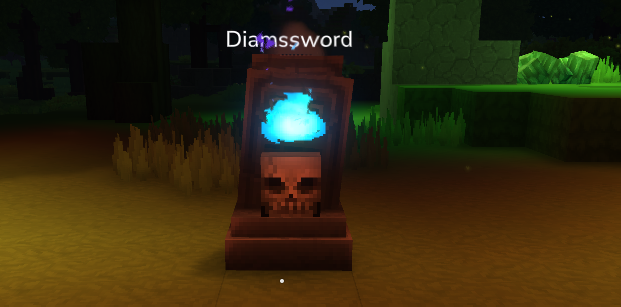
Dying now place a map marker at the position of your grave, the marker is removed automatically when your grave is collected.
Added config file with dimensions blacklist and whitelist for tombs! blacklisted dimension will not use the grave system and work as in vanilla, you can use wildcards so that a blacklist with 'instances-*' will blacklist all dimensions starting with this name.
Added config to disable markers/ re-enable chat message.
This mod will place a Tombstone when you die and collect your items instead of them laying around.
The tombstone can be safely retrieved by interacting with it.
The tombstone will be placed on the nearest free block, and the coordinates will be sent to you in the chat.
It respects the Death Penalties option:
A tombstone will generate only if some items are dropped on death.
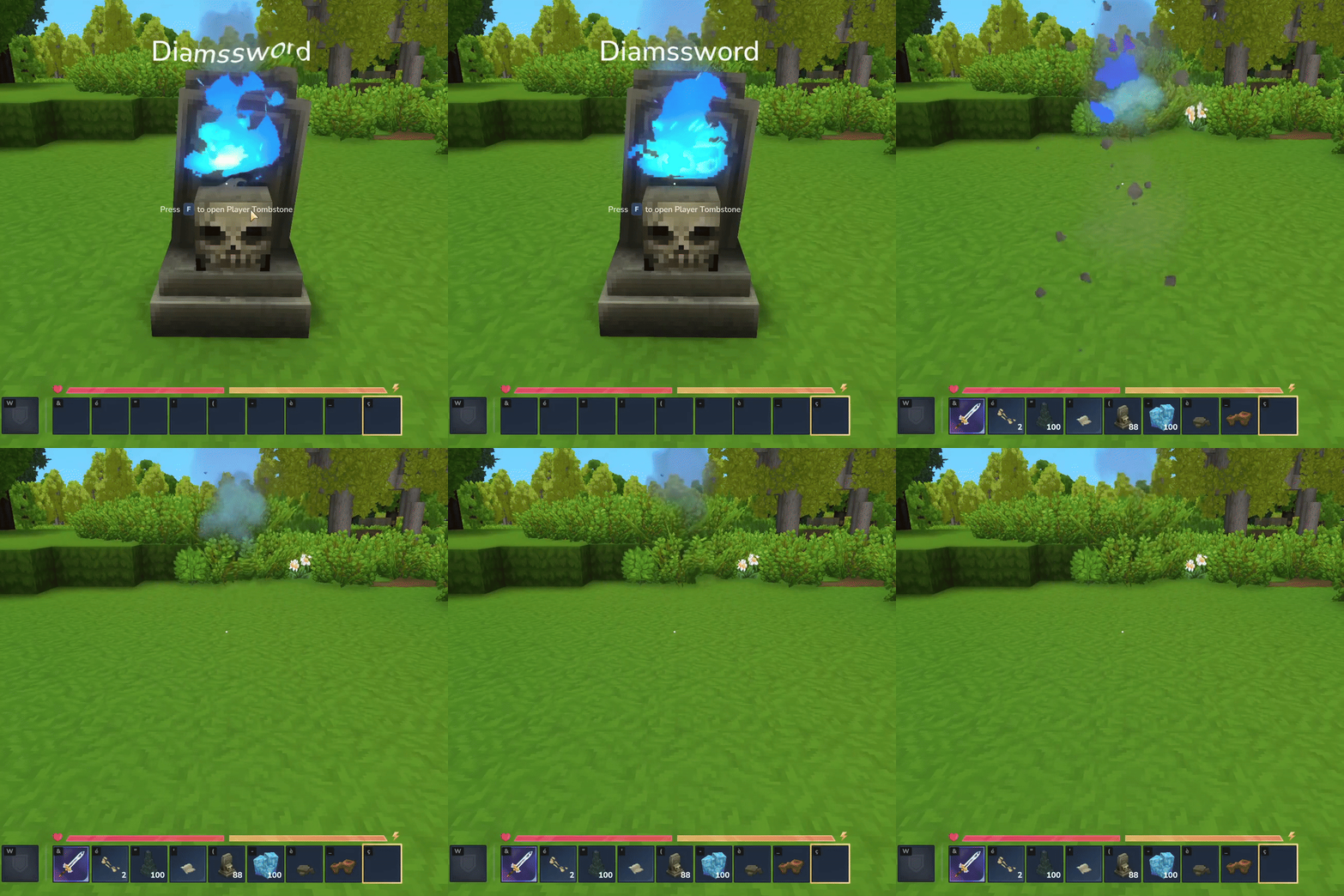
Project description from CurseForge.
Recent files
26 May 2026
24 Mar 2026
18 Jan 2026
17 Jan 2026
15 Jan 2026
Looking for an older file? The official CurseForge project page is in Resources.