Talecraft-0.1.0.jar
17 Jan 2026
Client Not supported Server Required Dependencies No extras listed Listed on Project page
Check the setup 
CurseForge · Hytale mod
Import your Minecraft builds into Hytale!
Quick answer
Talecraft-0.1.0.jar targets Hytale. Do not install it as a separate client mod. Enable it on the world host—the local server in singleplayer or the dedicated server in multiplayer. No required dependencies listed for this file.
Where it goes
Do not install it as a separate client mod. Enable it on the world host—the local server in singleplayer or the dedicated server in multiplayer.
Put Hytale mods on the world host or dedicated server. Singleplayer runs a local server too; Hytale does not use separate client mods.
Talecraft-0.1.0.jar. Change the file and its required mods may change too.
This file does not list any required mods. Do not add a library just because a different file uses it.
This file does not list any required or optional project dependencies. Check the creator notes before changing an existing world.
Before you install it
Built for Talecraft-0.1.0.jar. Pick another file and the loader, install side or required mods may change.
Use Talecraft-0.1.0.jar. It targets Hytale; another release may target a different game build or dependency set.
This file does not list any required mods. Do not add a library just because a different file uses it.
Do not install it as a separate client mod. Enable it on the world host—the local server in singleplayer or the dedicated server in multiplayer.
Use the “Get this file” button beside Talecraft-0.1.0.jar. It opens that exact file at the source.
About this project
Import your Minecraft builds into Hytale!
Experimental: This mod is still in early development. Some features may be incomplete or change in future versions. Feedback and bug reports are welcome!
This mod is a passion project built in my spare time. If you'd like to help, consider supporting the project.
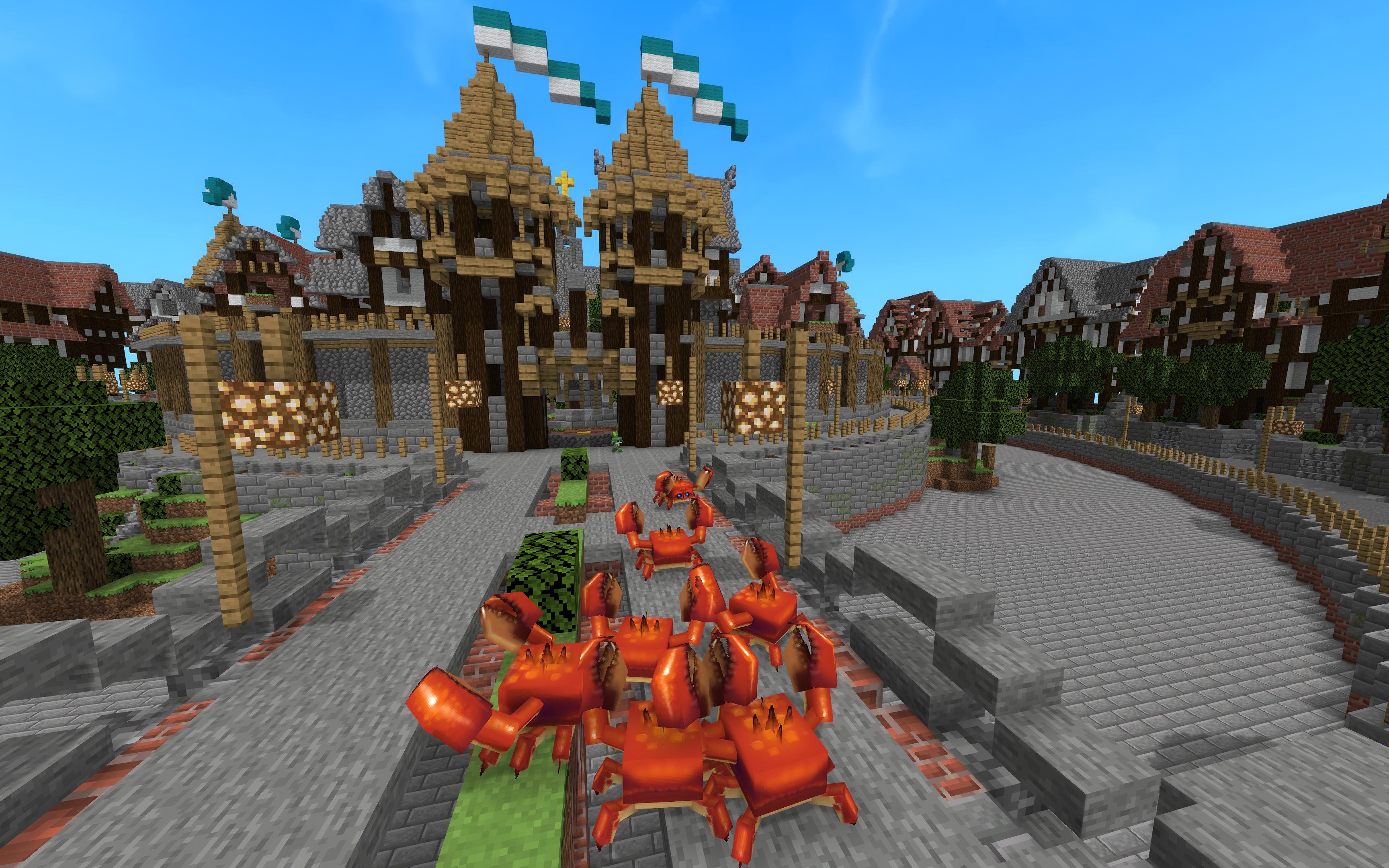
Talecraft is a mod that allows you to import Minecraft schematics directly into your Hytale world. Whether you have massive builds from Minecraft that you want to bring over, or you want to use the thousands of schematics available online, Talecraft makes it easy.
.schematic files and modern WorldEdit/Sponge .schem filesTalecraft-X.X.X.jar from the releasesmods folderplugins/Talecraft/schematics/ folder| Command | Description | Usage |
|---|---|---|
/schematic list |
Lists all available schematics in your schematics folder | /schematic list |
/schematic paste <filename> |
Pastes a schematic at your current position | /schematic paste castle.schem |
/schematic download <url> [filename] |
Downloads a schematic from a URL | /schematic download https://example.com/build.schem |
/schematic undo |
Undoes your last schematic paste, restoring original blocks | /schematic undo |
Alias: All commands also work with /schem (e.g., /schem list, /schem paste)
Displays all schematic files (.schematic and .schem) found in your schematics folder. Use this to see what builds you have available.
Pastes the specified schematic at your current position. The schematic's origin point will be placed at your feet.
Example:
/schematic paste medieval_house.schem
After pasting, you'll see:
/schem undo to rollbackDownloads a schematic file from the internet and saves it to your schematics folder.
Examples:
/schematic download https://example.com/castle.schem
/schematic download https://example.com/build.schem my_castle.schem
.schematic or .schem fileRestores the terrain to its state before your last paste. Each player has their own undo history, and multiple undos are supported.
Notes:
| Format | Extension | Description |
|---|---|---|
| Sponge Schematic | .schem |
Modern format used by WorldEdit, Litematica, and other tools. Supports all modern Minecraft blocks. |
| Legacy Schematic | .schematic |
Classic MCEdit format. Limited to pre-1.13 block IDs (0-255). |
Recommendation: Use .schem files when possible as they have better block support and preserve more block properties.
Talecraft automatically maps Minecraft blocks to Hytale equivalents. The mapping preserves:
Some Minecraft-specific blocks may not have direct Hytale equivalents and will be skipped during paste. The command output will show you which blocks couldn't be mapped.
The mod is really early stages and I'm working on support more blocks and mobs in the future so stay tune and if you can help founding, feel free support the project.
"Schematic not found"
plugins/Talecraft/schematics//schematic list to see available files"No parser available"
Many blocks skipped
.schematic files have limited block support.schem file insteadTalecraft is not affiliated with Hypixel Studios or Mojang. Minecraft is a trademark of Mojang Studios.
Project description from CurseForge.
Recent files
17 Jan 2026
Looking for an older file? The official CurseForge project page is in Resources.
 mod
modA Hytale Skyblock mod with portal progression: create multiple starts in one save, including Asteroid Starter, connect worlds with Rift Shard and World Teleporter, and automate your base with Life Essence-powered machines.
 mod
modweaponised femboy body pillows (dakimakura), cozy cushion blocks, plushie characters, silly fumo, futon bed, lain onesie mage robes (kigurumi), pillow hexstaff + hexbook + glyph guide for hexcode magic via patchly! anime ref: astolfo, ferris, rimuru, lain!
 mod
modHere is the new version of Home Furniture V2, a much more optimized version of the first, with a renaming of all object types to avoid bugs, improved user-friendliness and usefulness, and of course, new objects.