1.0-beta.2
21 Jan 2026
Client Not supported Server Required Dependencies No extras listed Listed on Project page
Check the setup 
CurseForge · Hytale mod
A fully customizable hytale to discord bridge.
Quick answer
AetherLink 1.0-beta.2 targets Hytale. Do not install it as a separate client mod. Enable it on the world host—the local server in singleplayer or the dedicated server in multiplayer. No required dependencies listed for this file.
Where it goes
Do not install it as a separate client mod. Enable it on the world host—the local server in singleplayer or the dedicated server in multiplayer.
Put Hytale mods on the world host or dedicated server. Singleplayer runs a local server too; Hytale does not use separate client mods.
1.0-beta.2. Change the file and its required mods may change too.
This file does not list any required mods. Do not add a library just because a different file uses it.
This file does not list any required or optional project dependencies. Check the creator notes before changing an existing world.
Before you install it
Built for AetherLink 1.0-beta.2. Pick another file and the loader, install side or required mods may change.
Use 1.0-beta.2. It targets Hytale; another release may target a different game build or dependency set.
This file does not list any required mods. Do not add a library just because a different file uses it.
Do not install it as a separate client mod. Enable it on the world host—the local server in singleplayer or the dedicated server in multiplayer.
Use the “Get this file” button beside 1.0-beta.2. It opens that exact file at the source.
About this project
Bridge your Hytale server with Discord — seamless chat sync & event notifications.
AetherLink is a powerful plugin that connects your Hytale server to Discord, enabling real-time bi-directional chat synchronization and server event notifications. Keep your community connected whether they're in-game or on Discord!
📖 Full documentation available on the Wiki
/aetherlink command for server managementThis project is still in its early stages, which means some basic features are missing and you may encounter bugs. If you’d like to help out, testing and reporting issues would be a huge support. The best place to report problems is on the GitHub Issues page (Feedback/Suggestions are also welcome). Please avoid using CurseForge’s built-in issue tracker, since it’s harder to manage and often leads to duplicate reports.
Because the project is developing quickly, new builds will roll out at a fast pace. For downloading stable releases, I recommend sticking with CurseForge, but if you run into a bug, check GitHub first — it may already be fixed in a nightly build or in a version that’s still waiting for CurseForge approval.
TL:DR: use CurseForge for stable downloads, GitHub for bug reports, and keep an eye on nightly builds if you want the very latest fixes. Your feedback and testing will help shape the project as it grows.
plugins folderconfig/AetherLink/config.json with your Discord bot tokenNeed help? Check the Getting Started Guide or Troubleshooting
VIEW_CHANNEL and MESSAGE_SEND permissionsThis project is licensed under the CC BY-NC 4.0 — free for non-commercial use with attribution.
AI Disclosure: The icon for this project page is AI generated
Project description from CurseForge.
Recent files
21 Jan 2026
18 Jan 2026
Looking for an older file? The official CurseForge project page is in Resources.
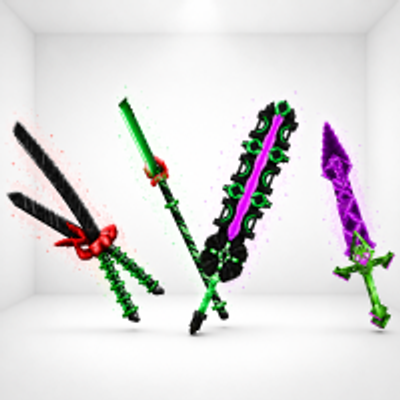 mod
modKweebec Arsenal is a set of custom Kweebec-made weapons built for speed, style, and extra damage. Each one has its own unique trail and deadly design.
 mod
modVandoria Jetpacks adds four unique craftable jetpacks to Hytale, each offering progressively better flight performance, improved player stats, custom models, animated thruster effects, immersive engine sounds, and balanced stamina-based flight.
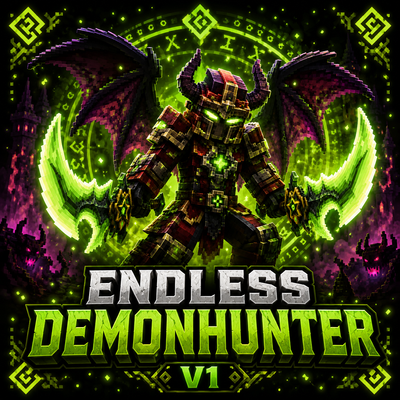 mod
modBecome a fast and aggressive Demon Hunter with powerful class abilities, demonic wings, fire attacks, and heavy area damage.