DiscordBridge-0.1.1
19 Jan 2026
Client Not supported Server Required Dependencies No extras listed Listed on Project page
Check the setup 
CurseForge · Hytale mod
DiscordBridge is a lightweight Hytale server plugin that sends server events to Discord using a Discord Webhook.
Quick answer
DiscordBridge-0.1.1 targets Hytale. Do not install it as a separate client mod. Enable it on the world host—the local server in singleplayer or the dedicated server in multiplayer. No required dependencies listed for this file.
Where it goes
Do not install it as a separate client mod. Enable it on the world host—the local server in singleplayer or the dedicated server in multiplayer.
Put Hytale mods on the world host or dedicated server. Singleplayer runs a local server too; Hytale does not use separate client mods.
DiscordBridge-0.1.1. Change the file and its required mods may change too.
This file does not list any required mods. Do not add a library just because a different file uses it.
This file does not list any required or optional project dependencies. Check the creator notes before changing an existing world.
Before you install it
Built for DiscordBridge-0.1.1. Pick another file and the loader, install side or required mods may change.
Use DiscordBridge-0.1.1. It targets Hytale; another release may target a different game build or dependency set.
This file does not list any required mods. Do not add a library just because a different file uses it.
Do not install it as a separate client mod. Enable it on the world host—the local server in singleplayer or the dedicated server in multiplayer.
Use the “Get this file” button beside DiscordBridge-0.1.1. It opens that exact file at the source.
About this project
DiscordBridge is a lightweight Hytale server plugin that sends server events directly to Discord using a Webhook.
No Discord bot.
No tokens.
No external hosting required.
Designed to be drop-in, easy to configure, and safe for public servers.
config.json{playerName}{serverName}{disconnectReason}DiscordBridge-x.y.z.jarmods/ directoryconfig.json)config.json and set your Discord webhook URLconfig.json/discordbridge reloadReloads config.json without restarting the server.
Default permission:discordbridge.reload
You can change this permission via
reloadPermissioninconfig.json
Workflow:
config.json/discordbridge reloadconfig.json){
"webhookUrl": "PASTE_WEBHOOK_HERE",
"serverName": "My Hytale Server",
"sendServerStartStop": true,
"sendJoinLeave": true,
"useEmbedsForJoinLeave": true,
"webhookUsername": "Hytale Bridge",
"webhookAvatarUrl": "",
"joinEmbed": {
"title": "Player Joined",
"description": "➕ **{playerName}** joined **{serverName}**",
"color": 65280,
"footerText": "{serverName}",
"thumbnailUrl": "",
"includeTimestamp": true
},
"leaveEmbed": {
"title": "Player Left",
"description": "➖ **{playerName}** left **{serverName}**\nReason: `{disconnectReason}`",
"color": 16711680,
"footerText": "{serverName}",
"thumbnailUrl": "",
"includeTimestamp": true
}
}
Project description from CurseForge.
Recent files
19 Jan 2026
Looking for an older file? The official CurseForge project page is in Resources.
 mod
modMob taming framework and asset patcher. Breeding, traits, leveling, tame management UI, easier interaction chains, capture/spawn items that store metadata, ownership/tamed status, lots of behavior components and more!
 mod
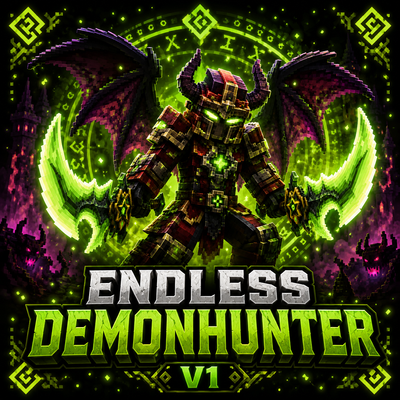
modBecome a fast and aggressive Demon Hunter with powerful class abilities, demonic wings, fire attacks, and heavy area damage.
 mod
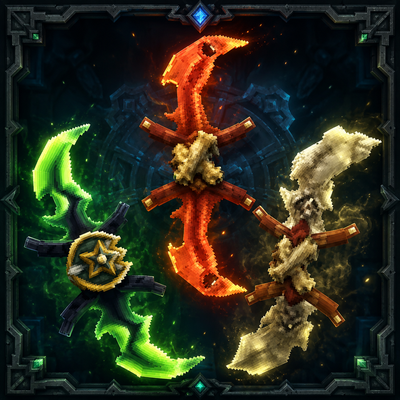
mod**Twinfang Glaives** adds a growing collection of dual-wielded glaives to Hytale.