Hytale version
Back to mods 
CurseForge · Hytale mod
Functional Furniture
Turning that useless decorative furniture into something decorative and functional.
Choose a version Pick your version below, then grab the matching file.
Quick answer
Which Functional Furniture release should I use?
Latest stable file VoxelStudios.FunctionalFurniture-v1.1.4.zip
Game version 0.7
Mod system Built-in Hytale mod system
Functional Furniture VoxelStudios.FunctionalFurniture-v1.1.4.zip targets 0.7. Do not install it as a separate client mod. Enable it on the world host—the local server in singleplayer or the dedicated server in multiplayer. No required dependencies listed for this file.
Where it goes
Where should Functional Furniture be installed in Hytale?
Do not install it as a separate client mod. Enable it on the world host—the local server in singleplayer or the dedicated server in multiplayer.
Separate client mod Not supported
World host / dedicated server Required
Mod system for this release Built-in Hytale mod system
Required install it here Optional supported, not mandatory Not supported do not install here Source doesn’t say do not assume
Put Hytale mods on the world host or dedicated server. Singleplayer runs a local server too; Hytale does not use separate client mods.
What else does Functional Furniture VoxelStudios.FunctionalFurniture-v1.1.4.zip need?
VoxelStudios.FunctionalFurniture-v1.1.4.zip. Change the file and its required mods may change too.
This file does not list any required mods. Do not add a library just because a different file uses it.
This file does not list any required or optional project dependencies. Check the creator notes before changing an existing world.
Before you install it
Add Functional Furniture without breaking your instance.
Built for Functional Furniture VoxelStudios.FunctionalFurniture-v1.1.4.zip. Pick another file and the loader, install side or required mods may change.
- 01
Stick to this file
Use VoxelStudios.FunctionalFurniture-v1.1.4.zip. It targets 0.7; another release may target a different game build or dependency set.
- 02
Bring the mods it needs
This file does not list any required mods. Do not add a library just because a different file uses it.
- 03
Enable it on the world host
Do not install it as a separate client mod. Enable it on the world host—the local server in singleplayer or the dedicated server in multiplayer.
- 04
Pick the file you checked
Use the “Get this file” button beside VoxelStudios.FunctionalFurniture-v1.1.4.zip. It opens that exact file at the source.
About this project
What does Functional Furniture add?
Functional Furniture
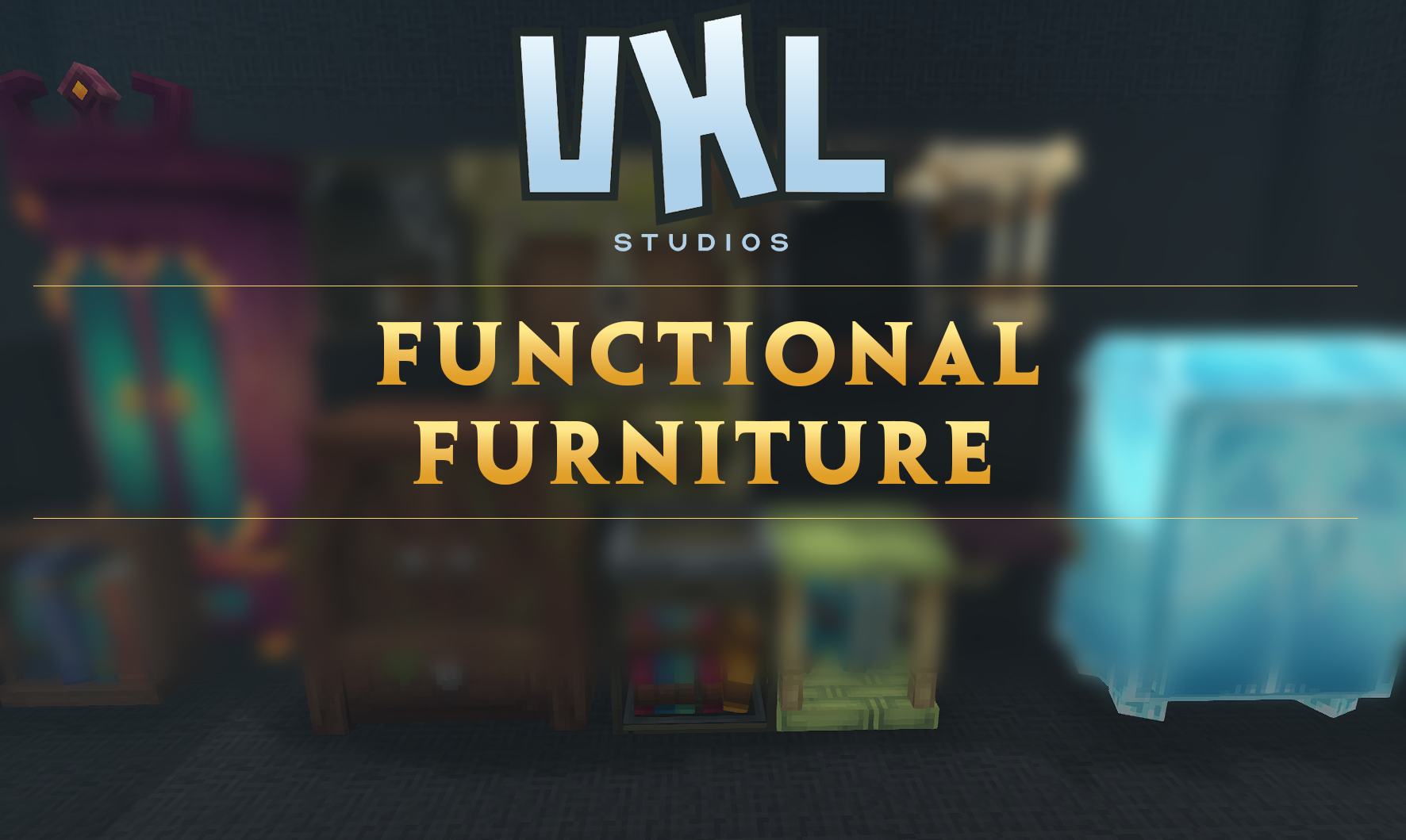
Functional Furniture breathes new life into Hytale’s decorative furniture by turning it into fully functional storage blocks. Wardrobes, shelves, and bookshelves are no longer just visual details—they now serve a real purpose, allowing you to store items directly within them.
In vanilla gameplay, furniture helps define the atmosphere of a build but offers little interaction. This mod bridges the gap between aesthetics and gameplay, making interiors feel lived-in, practical, and immersive.
🪑 Functional & Immersive Storage
Supported furniture items now act as physical, world-based storage containers. Items are stored inside the furniture itself, reinforcing realism and consistency.
- Wardrobes feel like a natural place to store armor and gear
- Shelves provide convenient storage for tools and materials
- Bookshelves finally function as proper storage within libraries and study rooms
Break the furniture, and its contents behave exactly as you’d expect, maintaining survival balance.
📦 Storage Capacities
Each furniture item has a carefully balanced storage capacity designed to feel vanilla-friendly while remaining useful.
- Wardrobe: 36 slots
- Royal Wardrobe: 54 slots
- Bookshelves: 9 slots
- Shelves: 5 slots
These values encourage decorative storage without replacing dedicated storage blocks.
🏠 Built for Builders & Roleplayers
Functional Furniture is ideal for players who value detail, immersion, and thoughtful design. Instead of hiding storage behind rows of generic containers, you can now integrate storage directly into your builds without sacrificing style.
- More believable homes and interiors
- Functional libraries, studies, and workshops
- Immersive shops, taverns, and storage rooms
- Perfect for roleplay and world-building servers
⚖️ Balanced & Vanilla-Friendly
This mod is designed to complement Hytale’s existing systems rather than replace them.
- Furniture storage is intentionally limited and balanced
- Uses existing furniture aesthetics and interactions
- Includes a unique, vanilla-friendly recipe for the Work in Progress sign, ensuring it fits naturally into survival gameplay
No unnecessary complexity—just thoughtful, immersive functionality.
✨ Features
- Furniture items function as real storage blocks
- Physical, world-based item storage
- Balanced capacities that respect progression
- Seamless interaction using familiar mechanics

Project description from CurseForge.
Pick your setup
Functional Furniture releases for each Hytale build.
Choose the version and loader you play, then open the matching release.
Hytale version
0.6
1 loader buildCheck the dependencies, then try the file in a copied instance before changing a world you care about.
Recent files
Functional Furniture releases and Hytale builds
VoxelStudios.FunctionalFurniture-v1.1.4.zip
13 Oct 2026
Client Not supported Server Required Dependencies No extras listed Listed on Project page
Check the 0.7 setup 0.7 release
VoxelStudios - FunctionalFurniture - v1.1.3
2 Sept 2026
Client Not supported Server Required Dependencies No extras listed Listed on Project page
Check the 0.6 setup 0.6 release
VoxelStudios - FunctionalFurniture - v1.1.2
27 May 2026
Client Not supported Server Required Dependencies No extras listed Listed on Project page
Check the setup VoxelStudios - FunctionalFurniture - v1.1.1
30 Mar 2026
Client Not supported Server Required Dependencies No extras listed Listed on Project page
Check the setup VoxelStudios - FunctionalFurniture - v1.1.0
21 Feb 2026
Client Not supported Server Required Dependencies No extras listed Listed on Project page
Check the setup VoxelStudios - FunctionalFurniture - v1.0.1
24 Jan 2026
Client Not supported Server Required Dependencies No extras listed Listed on Project page
Check the setup VoxelStudios - FunctionalFurniture - v1.0.0
19 Jan 2026
Client Not supported Server Required Dependencies No extras listed Listed on Project page
Check the setup Looking for an older file? The official CurseForge project page is in Resources.