RandomlyFish.FunctionalTV.zip
17 Feb 2026
Client Not supported Server Required Dependencies No extras listed Listed on Project page
Check the setup 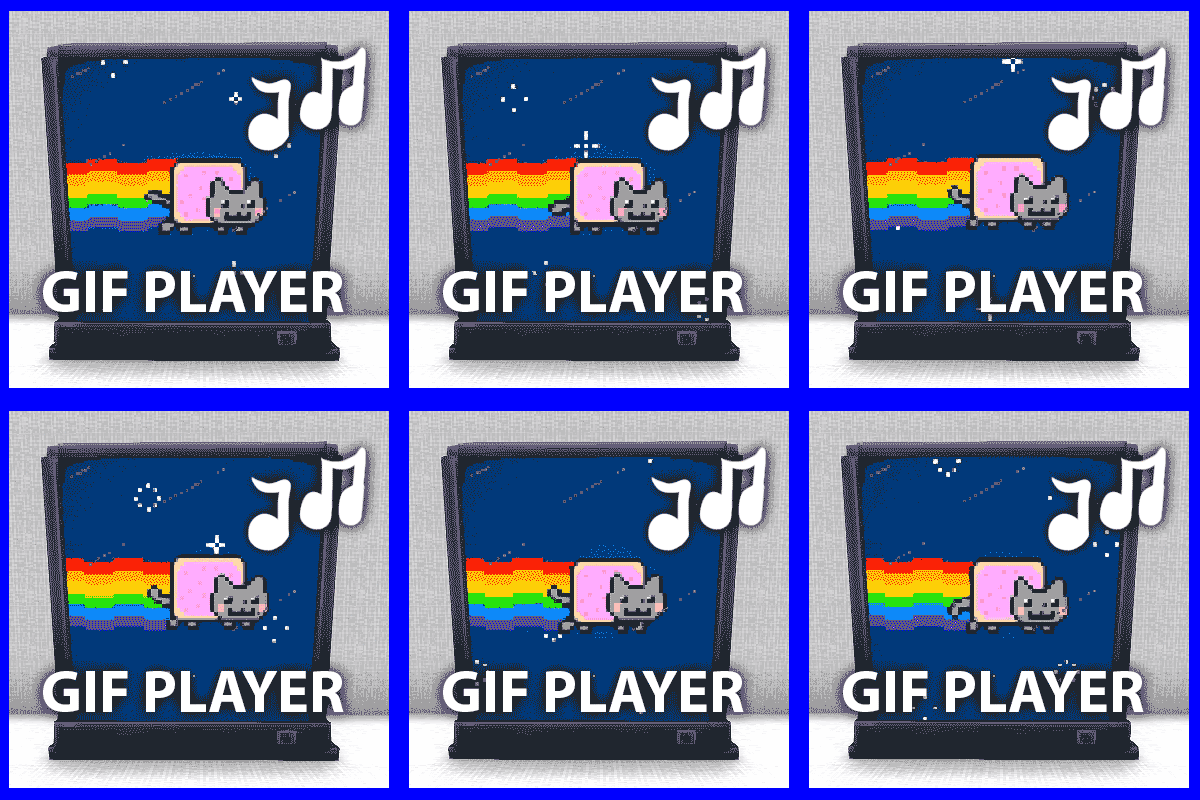
CurseForge · Hytale mod
TV that can play animated gifs with music. Add your own gifs with the included developer tool
Quick answer
Functional TV RandomlyFish.FunctionalTV.zip targets Hytale. Do not install it as a separate client mod. Enable it on the world host—the local server in singleplayer or the dedicated server in multiplayer. No required dependencies listed for this file.
Where it goes
Do not install it as a separate client mod. Enable it on the world host—the local server in singleplayer or the dedicated server in multiplayer.
Put Hytale mods on the world host or dedicated server. Singleplayer runs a local server too; Hytale does not use separate client mods.
RandomlyFish.FunctionalTV.zip. Change the file and its required mods may change too.
This file does not list any required mods. Do not add a library just because a different file uses it.
This file does not list any required or optional project dependencies. Check the creator notes before changing an existing world.
Before you install it
Built for Functional TV RandomlyFish.FunctionalTV.zip. Pick another file and the loader, install side or required mods may change.
Use RandomlyFish.FunctionalTV.zip. It targets Hytale; another release may target a different game build or dependency set.
This file does not list any required mods. Do not add a library just because a different file uses it.
Do not install it as a separate client mod. Enable it on the world host—the local server in singleplayer or the dedicated server in multiplayer.
Use the “Get this file” button beside RandomlyFish.FunctionalTV.zip. It opens that exact file at the source.
About this project
Adds a functional TV to hytale that can play animated gifs.
Each video adds lighting based on the color of the gif.
Crafting:
The items can be crafted in the Furniture Workbench, in the lighting category.
Usage:
Place down the TV and with a Video item selected, aim at the center of the screen and right click or press the 'interact' key.
Once a video is playing, right clicking with a different video will swap the video that is playing. Pressing the 'interact' key pauses/plays the current video.
**Adding your own gifs:**The tool I'm using to convert gifs into mod items is included in the zip. It just requires NodeJS to run it. For more information, please check the included instructions in the README.pdf.
If you add your own gifs, feel free to create your own mod pack and share it.
Credits:
The gifs used were found on tenor.com. The names of the gifs are included in the video item names.
Note:
I built a tool for converting gifs into animated hytale blocks. If someone can create a plugin for doing the same, that would be great.
Project description from CurseForge.
Recent files
17 Feb 2026
23 Jan 2026
22 Jan 2026
21 Jan 2026
20 Jan 2026
Looking for an older file? The official CurseForge project page is in Resources.