Hytale version
Back to mods 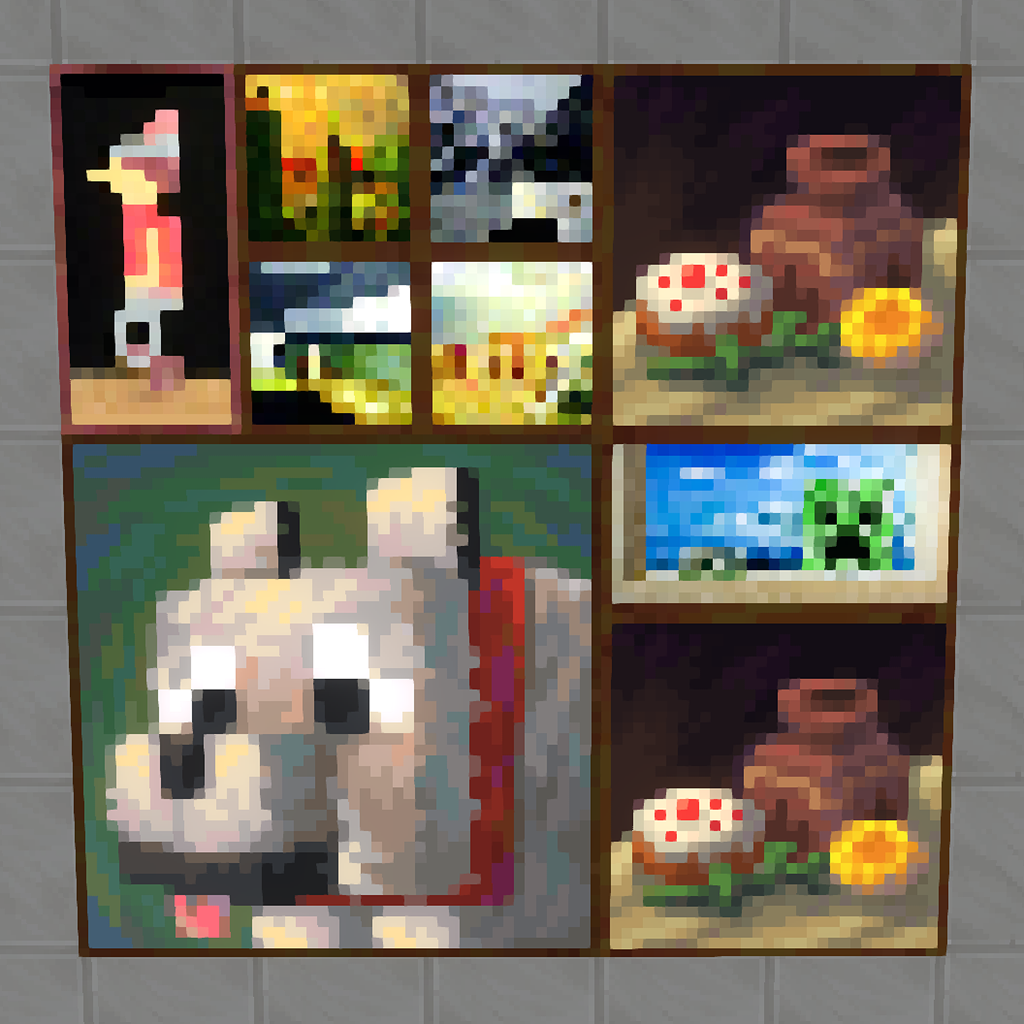
CurseForge · Hytale mod
MC Paintings
Adds 47 Minecraft paintings to Hytale!
Choose a version Pick your version below, then grab the matching file.
Quick answer
Which MC Paintings release should I use?
Latest stable file MCPaintings_1.0.1.zip
Game version 0.5
Mod system Built-in Hytale mod system
MC Paintings MCPaintings_1.0.1.zip targets 0.5. Do not install it as a separate client mod. Enable it on the world host—the local server in singleplayer or the dedicated server in multiplayer. No required dependencies listed for this file.
Where it goes
Where should MC Paintings be installed in Hytale?
Do not install it as a separate client mod. Enable it on the world host—the local server in singleplayer or the dedicated server in multiplayer.
Separate client mod Not supported
World host / dedicated server Required
Mod system for this release Built-in Hytale mod system
Required install it here Optional supported, not mandatory Not supported do not install here Source doesn’t say do not assume
Put Hytale mods on the world host or dedicated server. Singleplayer runs a local server too; Hytale does not use separate client mods.
What else does MC Paintings MCPaintings_1.0.1.zip need?
MCPaintings_1.0.1.zip. Change the file and its required mods may change too.
This file does not list any required mods. Do not add a library just because a different file uses it.
This file does not list any required or optional project dependencies. Check the creator notes before changing an existing world.
Before you install it
Add MC Paintings without breaking your instance.
Built for MC Paintings MCPaintings_1.0.1.zip. Pick another file and the loader, install side or required mods may change.
- 01
Stick to this file
Use MCPaintings_1.0.1.zip. It targets 0.5; another release may target a different game build or dependency set.
- 02
Bring the mods it needs
This file does not list any required mods. Do not add a library just because a different file uses it.
- 03
Enable it on the world host
Do not install it as a separate client mod. Enable it on the world host—the local server in singleplayer or the dedicated server in multiplayer.
- 04
Pick the file you checked
Use the “Get this file” button beside MCPaintings_1.0.1.zip. It opens that exact file at the source.
About this project
What does MC Paintings add?
🖼️MC Paintings — Ports 47 Minecraft paintings to Hytale. 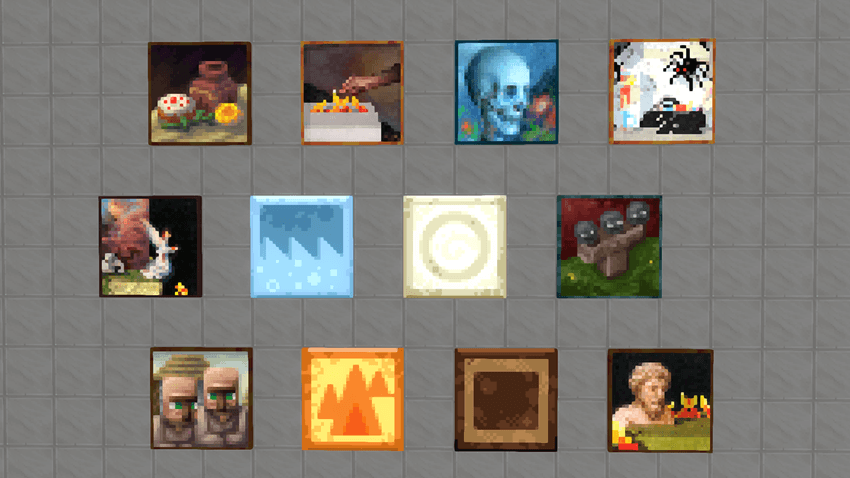
MC Paintings Mod for Hytale
Created by: [TheAlexPrutyan — Alexander Prutyan]
The MC Paintings mod is a nostalgic cosmetic expansion that brings the entire classic art gallery from Minecraft into the world of Orbis. Whether you are building a medieval castle or a modern villa, this mod allows you to decorate your walls with the iconic pixel art that defined an era.
The mod features all 47 original paintings created by Kristoffer Zetterstrand, faithfully recreated to fit the Hytale engine.
✦
Key Features
- Complete Collection: Includes all 47 classic artworks, ranging from the tiny 1x1 portraits to the massive 4x4 masterpieces.
- Hytale Integration: Textures are optimized for Hytale’s engine, taking full advantage of the game's dynamic lighting and shading while preserving the original pixelated aesthetic.
- Intuitive Placement: Easy-to-use placement system that respects block boundaries and wall surfaces.
- Lore Friendly: While originating from another universe, the abstract and surreal nature of the paintings fits perfectly into the creative world of Hytale.
Project description from CurseForge.
Pick your setup
MC Paintings releases for each Hytale build.
Choose the version and loader you play, then open the matching release.
Check the dependencies, then try the file in a copied instance before changing a world you care about.
Recent files
MC Paintings releases and Hytale builds
MCPaintings_1.0.1.zip
12 Jul 2026
Client Not supported Server Required Dependencies No extras listed Listed on Project page
Check the 0.5 setup 0.5 release
MCPaintings_1.0.0.zip
20 Jan 2026
Client Not supported Server Required Dependencies No extras listed Listed on Project page
Check the setup Looking for an older file? The official CurseForge project page is in Resources.
 mod
mod CurseForge · Hytale
Endless Leveling - V11
Hytale RPG Leveling Mod - Endless Leveling adds full character progression: levels, stats, classes, races, augments, skills/abilities, dungeons & dynamic events. Solo Leveling inspired endless growth for singleplayer & servers.
 mod
mod CurseForge · Hytale
Kweebec Arsenal
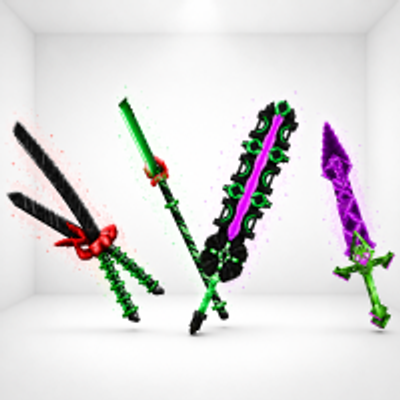
Kweebec Arsenal is a set of custom Kweebec-made weapons built for speed, style, and extra damage. Each one has its own unique trail and deadly design.
 mod
mod CurseForge · Hytale
Vandoria Jetpacks - Custom Balanced Jetpacks with sounds and visual effects.
Vandoria Jetpacks adds four unique craftable jetpacks to Hytale, each offering progressively better flight performance, improved player stats, custom models, animated thruster effects, immersive engine sounds, and balanced stamina-based flight.