Hytale version
Back to mods 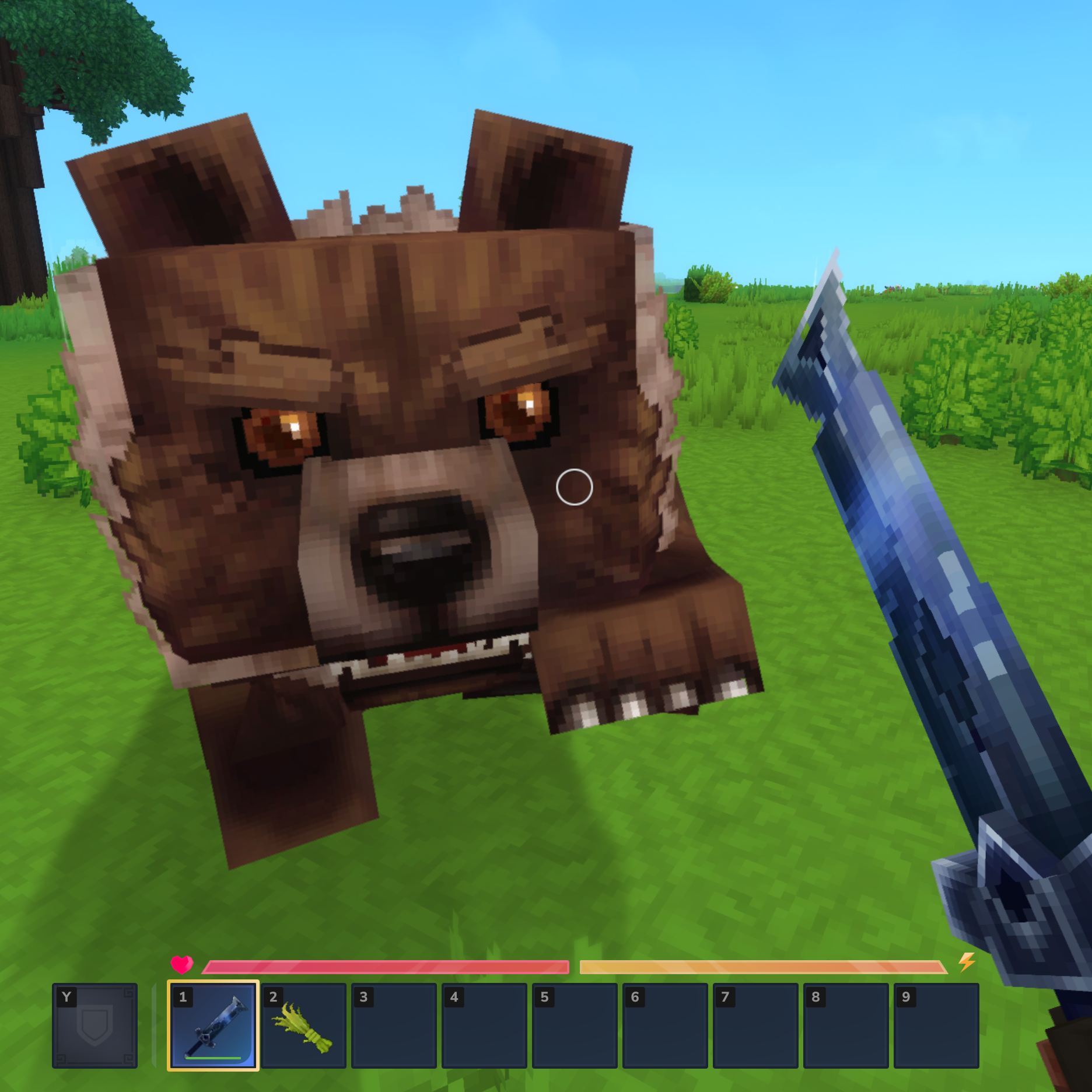
CurseForge · Hytale mod
Hide HealthBar
You can disable health bars and damage numbers for both players and mobs.
Choose a version Pick your version below, then grab the matching file.
Quick answer
Which Hide HealthBar release should I use?
Latest stable file HideHealthBar 1.1.2
Game version 0.7
Mod system Built-in Hytale mod system
Hide HealthBar HideHealthBar 1.1.2 targets 0.7. Do not install it as a separate client mod. Enable it on the world host—the local server in singleplayer or the dedicated server in multiplayer. No required dependencies listed for this file.
Where it goes
Where should Hide HealthBar be installed in Hytale?
Do not install it as a separate client mod. Enable it on the world host—the local server in singleplayer or the dedicated server in multiplayer.
Separate client mod Not supported
World host / dedicated server Required
Mod system for this release Built-in Hytale mod system
Required install it here Optional supported, not mandatory Not supported do not install here Source doesn’t say do not assume
Put Hytale mods on the world host or dedicated server. Singleplayer runs a local server too; Hytale does not use separate client mods.
What else does Hide HealthBar HideHealthBar 1.1.2 need?
HideHealthBar 1.1.2. Change the file and its required mods may change too.
This file does not list any required mods. Do not add a library just because a different file uses it.
This file does not list any required or optional project dependencies. Check the creator notes before changing an existing world.
Before you install it
Add Hide HealthBar without breaking your instance.
Built for Hide HealthBar HideHealthBar 1.1.2. Pick another file and the loader, install side or required mods may change.
- 01
Stick to this file
Use HideHealthBar 1.1.2. It targets 0.7; another release may target a different game build or dependency set.
- 02
Bring the mods it needs
This file does not list any required mods. Do not add a library just because a different file uses it.
- 03
Enable it on the world host
Do not install it as a separate client mod. Enable it on the world host—the local server in singleplayer or the dedicated server in multiplayer.
- 04
Pick the file you checked
Use the “Get this file” button beside HideHealthBar 1.1.2. It opens that exact file at the source.
About this project
What does Hide HealthBar add?
This mod lets you independently hide entity health bars and damage numbers for players and NPCs. As a server mod this applies globally and a client can't bypass it.
Versions
- 1.1.2 for Hytale 0.7.7 and later 0.7 releases
- 1.1.2-beta.1 for Hytale 0.8.0-pre.6
Configuration
mods/HideHealthBar/config.json
{
  "targets": [
    { "target": "players", "hideHealthBar": true, "hideDamage": true },
    { "target": "npcs",    "hideHealthBar": true, "hideDamage": true }
  ]
}
Commands
| Command | Description |
|---|---|
/hhb status |
Show current settings |
/hhb toggle <players/npcs> <healthbar/damage/all> |
Toggle a setting for a target |
/hhb reload |
Reload configuration from disk |
/hhb is short for /hidehealthbar. A change applies to entities as they enter the world. Restart the server to apply it to everyone at once.
Project description from CurseForge.
Pick your setup
Hide HealthBar releases for each Hytale build.
Choose the version and loader you play, then open the matching release.
Hytale version
0.7
1 loader buildCheck the dependencies, then try the file in a copied instance before changing a world you care about.
Recent files
Hide HealthBar releases and Hytale builds
HideHealthBar 1.1.2
21 Nov 2026
Client Not supported Server Required Dependencies No extras listed Listed on Project page
Check the 0.7 setup 0.7 release
HideHealthBar 1.1.2-beta.1 (PRE-RELEASE ONLY)
21 Nov 2026
Client Not supported Server Required Dependencies No extras listed Listed on Project page
Check the 0.8 setup HideHealthBar v1.1.0
19 Feb 2026
Client Not supported Server Required Dependencies No extras listed Listed on Project page
Check the setup HideHealthBar v.1.0.0
21 Jan 2026
Client Not supported Server Required Dependencies No extras listed Listed on Project page
Check the setup Looking for an older file? The official CurseForge project page is in Resources.