Quick answer
Which Armor Presets release should I use?
Latest stable file armorpresets-0.0.5.jar
Game version Not listed
Mod system Built-in Hytale mod system
Armor Presets armorpresets-0.0.5.jar targets Hytale. Do not install it as a separate client mod. Enable it on the world host—the local server in singleplayer or the dedicated server in multiplayer. No required dependencies listed for this file.
Where it goes
Where should Armor Presets be installed in Hytale?
Do not install it as a separate client mod. Enable it on the world host—the local server in singleplayer or the dedicated server in multiplayer.
Separate client mod Not supported
World host / dedicated server Required
Mod system for this release Built-in Hytale mod system
Required install it here Optional supported, not mandatory Not supported do not install here Source doesn’t say do not assume
Put Hytale mods on the world host or dedicated server. Singleplayer runs a local server too; Hytale does not use separate client mods.
What else does Armor Presets armorpresets-0.0.5.jar need?
armorpresets-0.0.5.jar. Change the file and its required mods may change too.
This file does not list any required mods. Do not add a library just because a different file uses it.
This file does not list any required or optional project dependencies. Check the creator notes before changing an existing world.
Before you install it
Add Armor Presets without breaking your instance.
Built for Armor Presets armorpresets-0.0.5.jar. Pick another file and the loader, install side or required mods may change.
- 01
Stick to this file
Use armorpresets-0.0.5.jar. It targets Hytale; another release may target a different game build or dependency set.
- 02
Bring the mods it needs
This file does not list any required mods. Do not add a library just because a different file uses it.
- 03
Enable it on the world host
Do not install it as a separate client mod. Enable it on the world host—the local server in singleplayer or the dedicated server in multiplayer.
- 04
Pick the file you checked
Use the “Get this file” button beside armorpresets-0.0.5.jar. It opens that exact file at the source.
About this project
What does Armor Presets add?
🛡️ Armor Presets
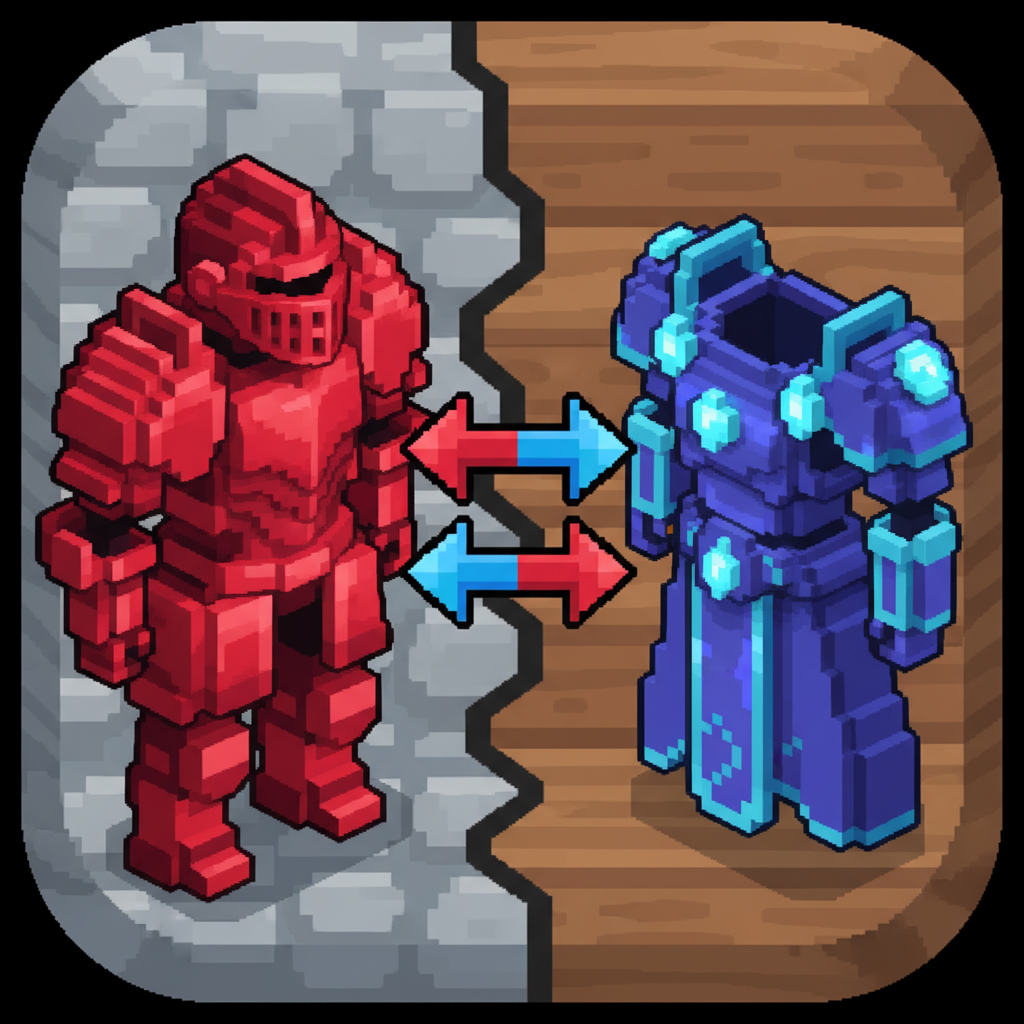
Say goodbye to clunky armor switching! This mod lets you save and equip your favorite armor sets in an instant.
✨ Features
- Save Multiple Presets: Configure your own limit and save any number of armor configurations for any situation (e.g., "Swimming", "Combat").
- Custom Preset Names: Give your presets descriptive names to easily tell them apart.
- Smart Equipping: The mod intelligently searches your entire inventory, hotbar, backpack, and even equipped armor to find the correct items.
- Intuitive GUI: A clean and convenient interface for managing your presets and switching between them.
- Visual Feedback: Clear indicators show you if a piece of armor from your preset is missing from your inventory.
- ID-Based & Per-Player: Saves items by their ID, ensuring accuracy. Settings are stored separately for each player, perfect for servers.
🎮 How to Use
- Open the Armor Presets GUI with the command:
/armorPresets
- To Save a Preset: In the GUI, click on an armor slot in a preset, select the item from your inventory, and give your preset a name. It will be saved automatically.
- To Equip a Preset: Click the "Equip" button below the desired preset. The mod will automatically find and equip all available pieces!
⚙️ Configuration
Adjust the maximum number of presets via the armorPresetsMaxCount setting in the armor_presets_config.json file.
📝 Notes
- This is my first mod! I created it to solve the slow, manual armor switching I experienced in-game.
- ⚠️ Important for Updates: Due to a recent major overhaul, old presets from previous versions cannot be migrated and will be lost.
- Feedback and suggestions are greatly appreciated!
Enjoy faster adventures and seamless role-playing!
Project description from CurseForge.
Recent files
Armor Presets releases and Hytale builds
25 Jan 2026
Client Not supported Server Required Dependencies No extras listed Listed on Project page
Check the setup → 24 Jan 2026
Client Not supported Server Required Dependencies No extras listed Listed on Project page
Check the setup → 23 Jan 2026
Client Not supported Server Required Dependencies No extras listed Listed on Project page
Check the setup → 21 Jan 2026
Client Not supported Server Required Dependencies No extras listed Listed on Project page
Check the setup → 21 Jan 2026
Client Not supported Server Required Dependencies No extras listed Listed on Project page
Check the setup →