Hytale version
Back to mods 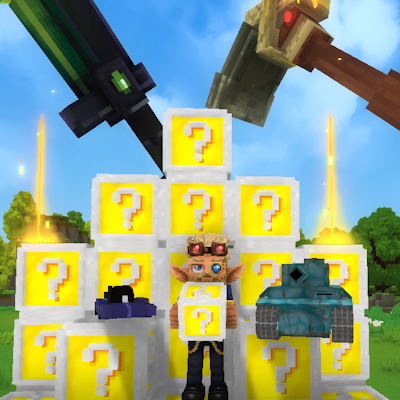
CurseForge · Hytale mod
Joshi's Lucky Blocks
Lucky Blocks featuring loads of custom content, with built-in minigames and maps to battle with your friends!
Choose a version Pick your version below, then grab the matching file.
Quick answer
Which Joshi's Lucky Blocks release should I use?
Latest stable file Joshi's Lucky Blocks-0.6.1.jar
Game version 0.6
Mod system Built-in Hytale mod system
Joshi's Lucky Blocks-0.6.1.jar targets 0.6. Do not install it as a separate client mod. Enable it on the world host—the local server in singleplayer or the dedicated server in multiplayer. No required dependencies listed for this file.
Where it goes
Where should Joshi's Lucky Blocks be installed in Hytale?
Do not install it as a separate client mod. Enable it on the world host—the local server in singleplayer or the dedicated server in multiplayer.
Separate client mod Not supported
World host / dedicated server Required
Mod system for this release Built-in Hytale mod system
Required install it here Optional supported, not mandatory Not supported do not install here Source doesn’t say do not assume
Put Hytale mods on the world host or dedicated server. Singleplayer runs a local server too; Hytale does not use separate client mods.
What else does Joshi's Lucky Blocks-0.6.1.jar need?
Joshi's Lucky Blocks-0.6.1.jar. Change the file and its required mods may change too.
This file does not list any required mods. Do not add a library just because a different file uses it.
This file does not list any required or optional project dependencies. Check the creator notes before changing an existing world.
Before you install it
Add Joshi's Lucky Blocks without breaking your instance.
Built for Joshi's Lucky Blocks-0.6.1.jar. Pick another file and the loader, install side or required mods may change.
- 01
Stick to this file
Use Joshi's Lucky Blocks-0.6.1.jar. It targets 0.6; another release may target a different game build or dependency set.
- 02
Bring the mods it needs
This file does not list any required mods. Do not add a library just because a different file uses it.
- 03
Enable it on the world host
Do not install it as a separate client mod. Enable it on the world host—the local server in singleplayer or the dedicated server in multiplayer.
- 04
Pick the file you checked
Use the “Get this file” button beside Joshi's Lucky Blocks-0.6.1.jar. It opens that exact file at the source.
About this project
What does Joshi's Lucky Blocks add?
I'm working on basically bringing over the original lucky block mod (all credit goes here: ( https://github.com/alexsocha/luckyblock ) to hytale.
The lucky blocks are not craftable and need to be taken out of the creative menu. Lucky blocks are not intended for a normal playthrough!
This mod has 265 unique drops as of right now, with more coming constantly. I don't want to spoil anything, just download it and check it out!
Want to create your own Lucky Block? Check out the documentation here: https://wiki.hytalemodding.dev/mod/joshis-lucky-block/creating-lucky-blocks
This mod features many custom items, including custom weapons, custom structures, custom throwables, custom enemies, custom guns, custom armor, custom effects and much more!
Built in Minigames
Run /battle to open this gui: 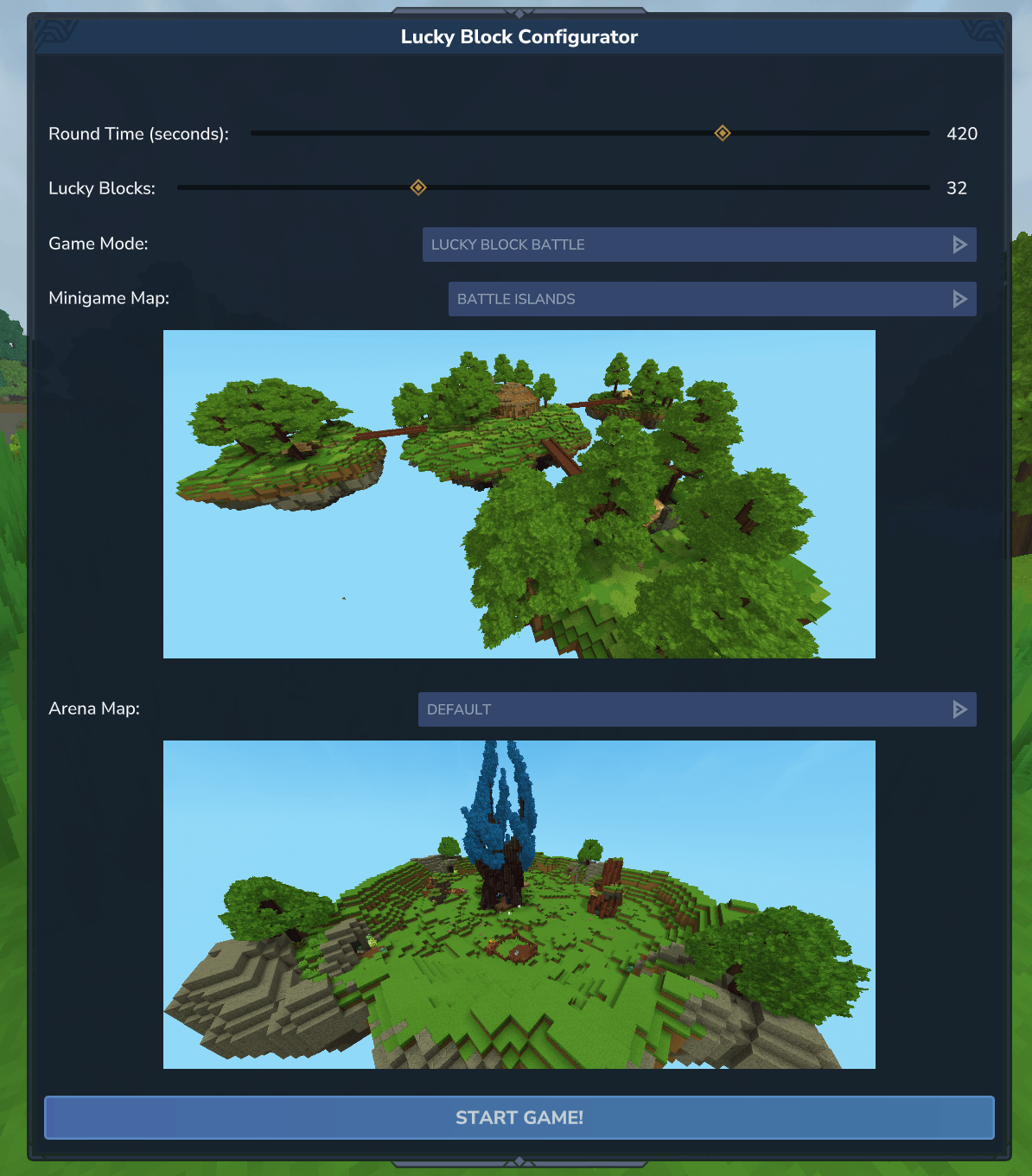
In there you can change the round time, the initial amount of lucky blocks everybody gets and the Game Mode. When changing gamemodes, the other values will be changed to the default values for that gamemode.
Don't run Minigames on your survival world, it will wipe your entire inventory. Please create a seperate world if you want to play minigames!
To start a new round, simply run /battleagain.
You can create your own maps for those minigames pretty easily. If you want to know more, check out the tutorial here: https://wiki.hytalemodding.dev/mod/joshis-lucky-block/map-creation
The tutorial might seem complicated, but its really a step by step instructions even for people who have never modded hytale.
Lucky Block Battle
Made for 4 people (can be played with more or less players tho)
Everybody gets 32 Lucky Blocks and 7 Minutes time, after which everybody gets teleported to the arena and can battle each other with lives (configurable).
Lucky Block Battle Maps Preview: 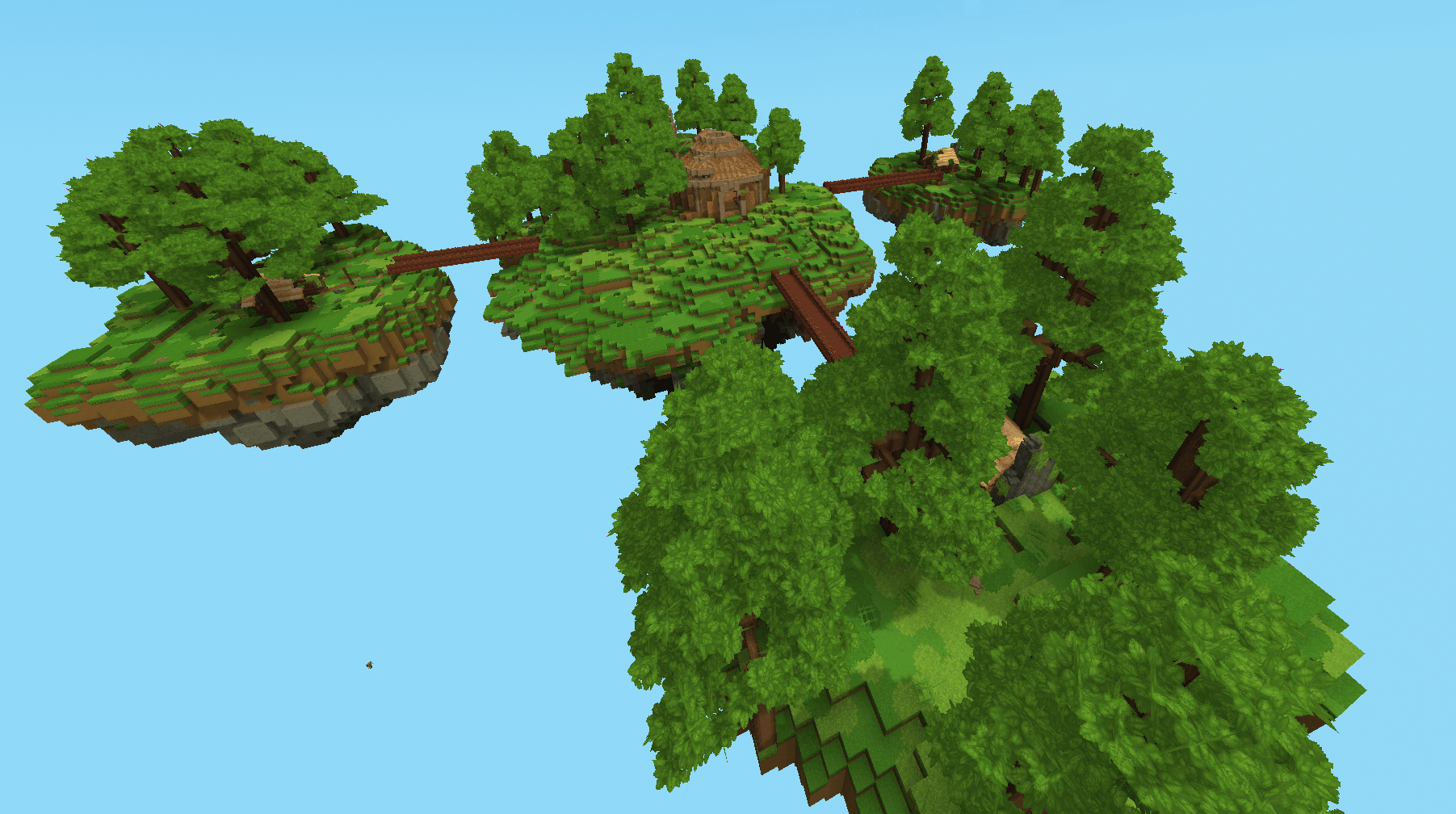 Arena Map Preview: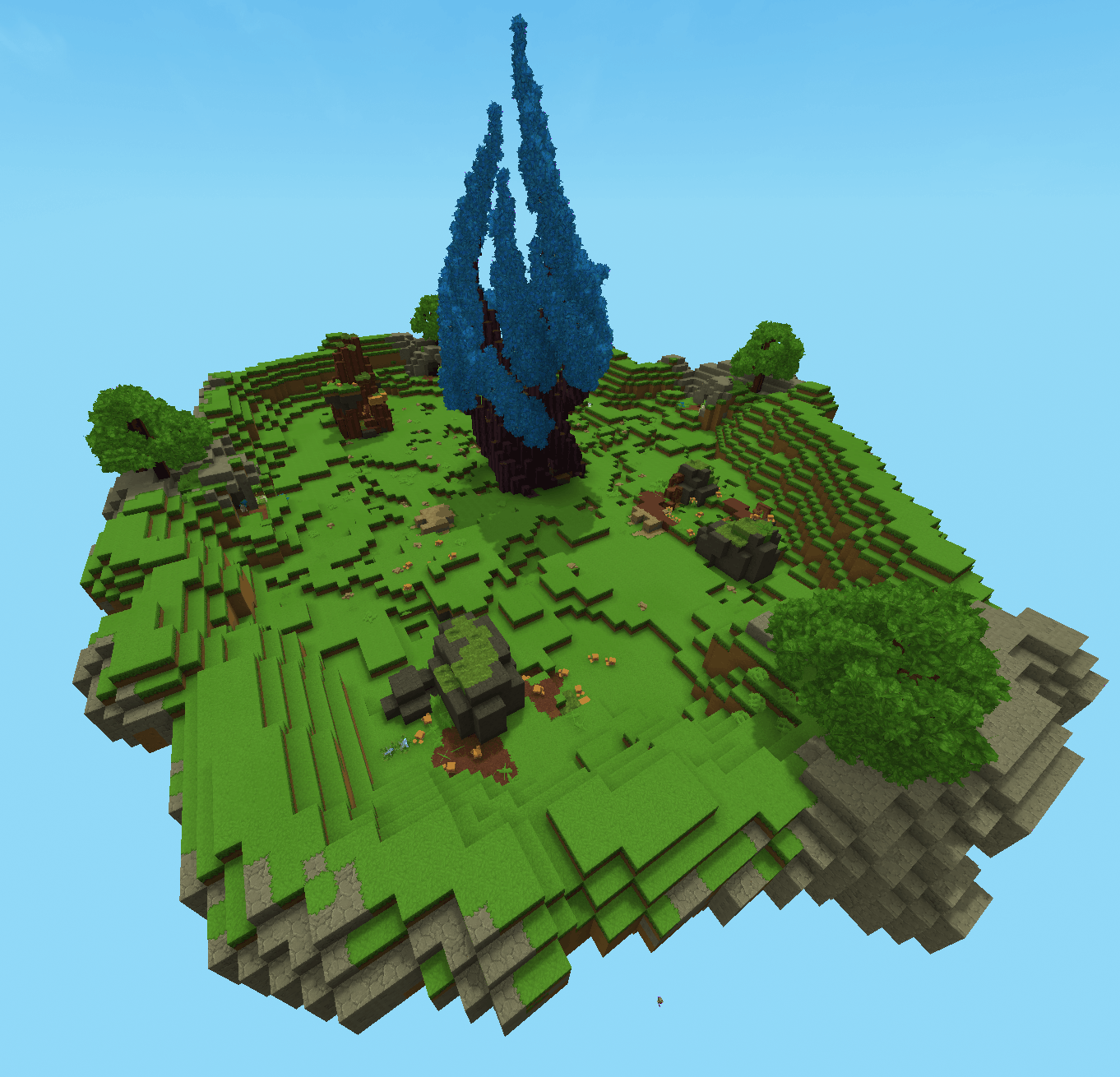
Lucky Skyblock
Made for up to 4 people (dynamic map generation based on player count coming soon)
You spawn on a lucky block island, and have 6 minutes time to destroy as many as possible before batteling. Structures are disabled in this minigame so it doesnt destroy your island.
Lucky Skyblock Map Preview: 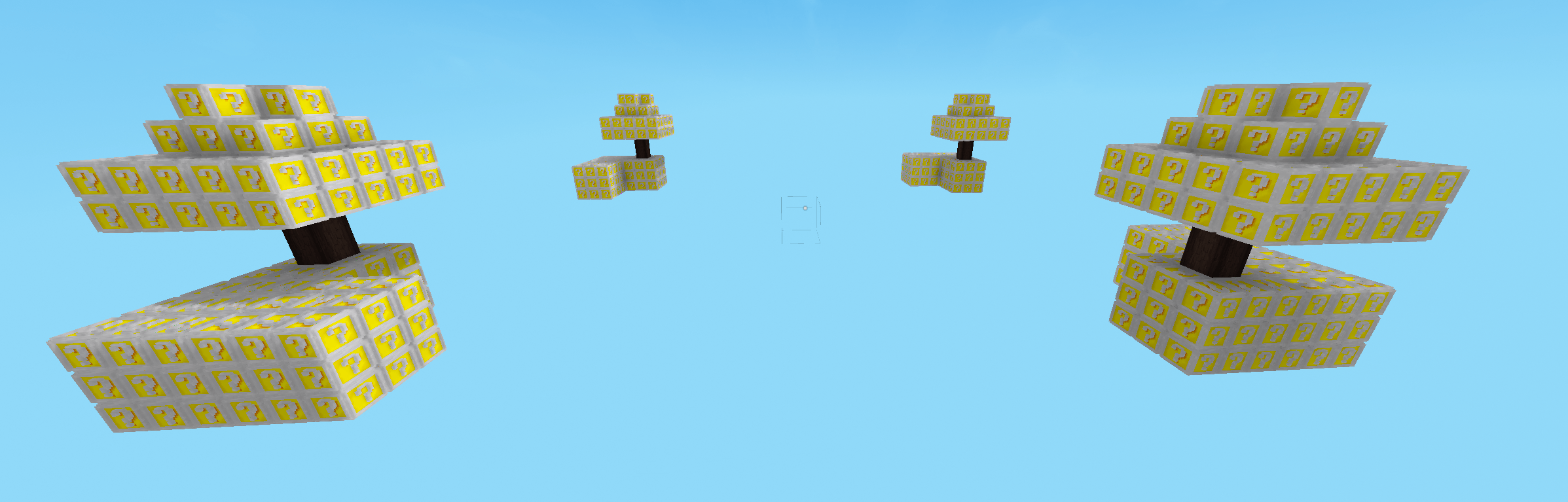
Lucky Block Race
Made for 4 people.
Once aplayer reaches the finish flag, all players get teleported to the arena. No timer.
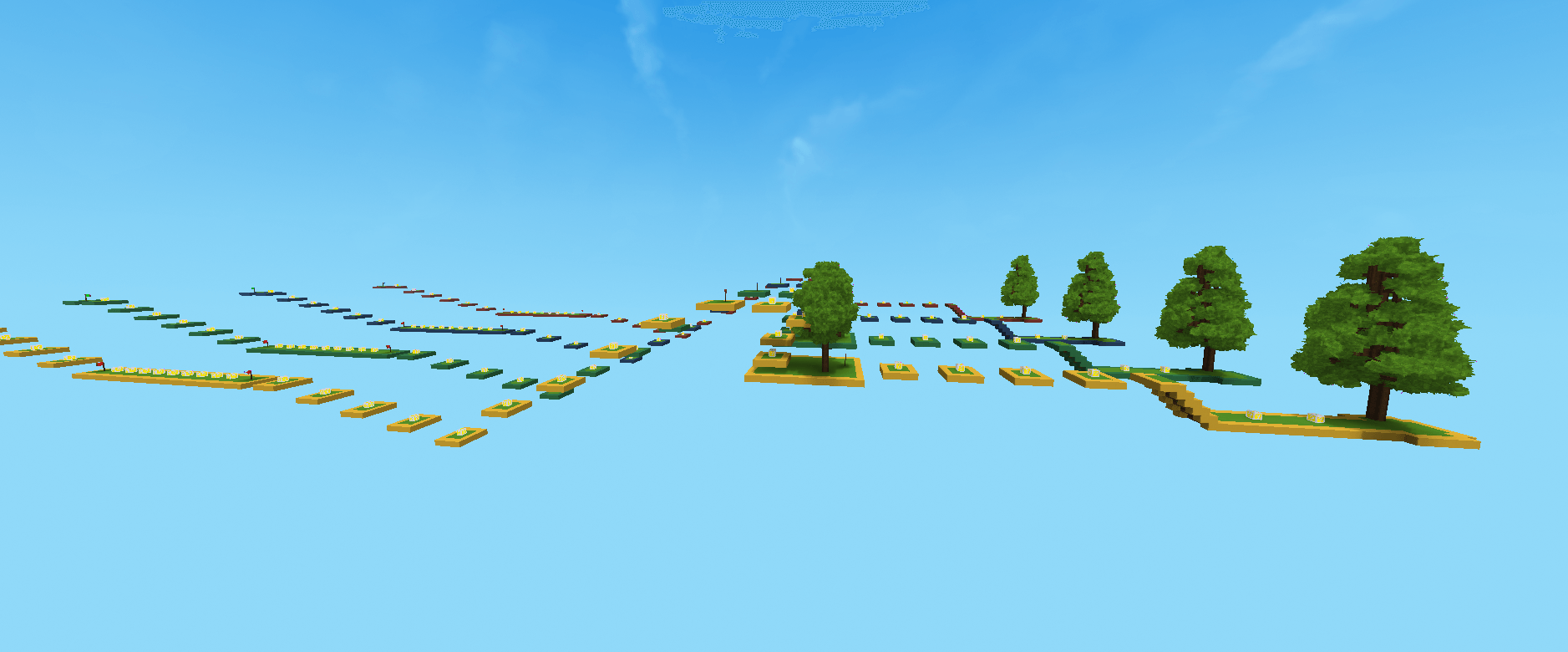
Project Infos & Contact:
If you are enjoying this mod and you have ideas, bug reports or just questions, you can join the official discord server here: https://discord.gg/a6emPDeypK .
The main reason why I'm directly integrating maps into the mod is so that any future addon lucky block can be used with any map, as it will dynamically replace the blocks.
This mod is ment to be extensible just like the original lucky block mod, its asset pack based (no code required) in the asset editor. You can check out the tutorial and docs here: todo
Some of the drops, especially the OP and more trolly stuff will be moved to add-ons later on
Please tell me what you think and leave feedback and ideas!
Project description from CurseForge.
Pick your setup
Joshi's Lucky Blocks releases for each Hytale build.
Choose the version and loader you play, then open the matching release.
Hytale version
0.5
1 loader buildCheck the dependencies, then try the file in a copied instance before changing a world you care about.
Recent files
Joshi's Lucky Blocks releases and Hytale builds
Joshi's Lucky Blocks-0.6.1.jar
31 Aug 2026
Client Not supported Server Required Dependencies No extras listed Listed on Project page
Check the 0.6 setup 0.6 release
Joshi's LuckyBlocks-0.6.0.jar
27 Aug 2026
Client Not supported Server Required Dependencies No extras listed Listed on Project page
Check the 0.6 setup 0.6 release
Joshi's LuckyBlocks-0.5.4.jar
27 May 2026
Client Not supported Server Required Dependencies No extras listed Listed on Project page
Check the 0.5 setup 0.5 release
Joshi's LuckyBlocks-0.5.3.jar
18 May 2026
Client Not supported Server Required Dependencies No extras listed Listed on Project page
Check the setup Joshi's LuckyBlocks-0.5.2.jar
5 May 2026
Client Not supported Server Required Dependencies No extras listed Listed on Project page
Check the setup Joshi's LuckyBlocks-0.5.1.jar
27 Apr 2026
Client Not supported Server Required Dependencies No extras listed Listed on Project page
Check the setup Joshi's LuckyBlocks-0.5.0.jar
26 Apr 2026
Client Not supported Server Required Dependencies No extras listed Listed on Project page
Check the setup Joshi's LuckyBlocks-0.4.10.jar
25 Apr 2026
Client Not supported Server Required Dependencies No extras listed Listed on Project page
Check the setup Joshi's LuckyBlocks-0.4.9.jar
23 Apr 2026
Client Not supported Server Required Dependencies No extras listed Listed on Project page
Check the setup Joshi's LuckyBlocks-0.4.8.jar
21 Apr 2026
Client Not supported Server Required Dependencies No extras listed Listed on Project page
Check the setup Joshi's LuckyBlocks-0.4.7.jar
17 Apr 2026
Client Not supported Server Required Dependencies No extras listed Listed on Project page
Check the setup Joshi's LuckyBlocks-0.4.6.jar
16 Apr 2026
Client Not supported Server Required Dependencies No extras listed Listed on Project page
Check the setup Looking for an older file? The official CurseForge project page is in Resources.
 mod
mod CurseForge · Hytale
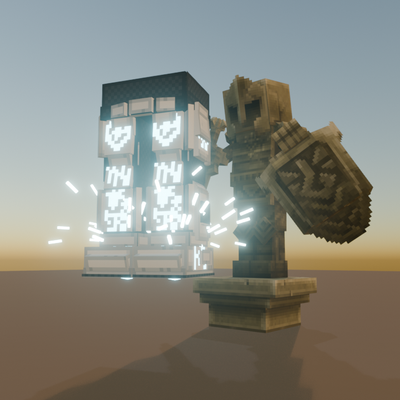
Rune - Voltstride
Rune-socketed leg armor that leaves electric spark trails when you sprint, shocks nearby enemies, and adds a double jump.
 mod
mod CurseForge · Hytale
OrbisMines | Mine Reset
A Hytale server plugin for creating and managing auto-resetting mines with customizable block compositions, timer-based or percentage-based resets, and full GUI editing support.
 mod
mod CurseForge · Hytale
PJ Money
Economy system that adds coin assets, wallet, transfer and allow to win coins with other mods integration.