WorkbenchRepair-1.1.0.jar
25 Jan 2026
Client Not supported Server Required Dependencies No extras listed Listed on Project page
Check the setup 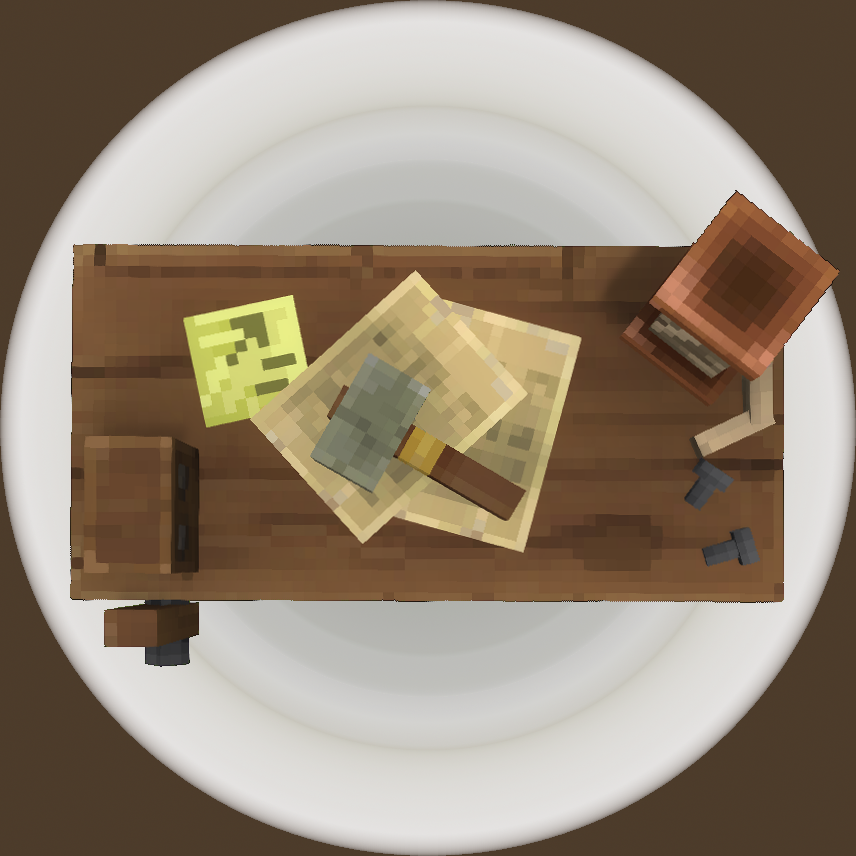
CurseForge · Hytale mod
Changes the Workbench to automatically repair your gear when you interact with it. Because really. Shouldn't it?
Quick answer
WorkbenchRepair-1.1.0.jar targets Hytale. Do not install it as a separate client mod. Enable it on the world host—the local server in singleplayer or the dedicated server in multiplayer. No required dependencies listed for this file.
Where it goes
Do not install it as a separate client mod. Enable it on the world host—the local server in singleplayer or the dedicated server in multiplayer.
Put Hytale mods on the world host or dedicated server. Singleplayer runs a local server too; Hytale does not use separate client mods.
WorkbenchRepair-1.1.0.jar. Change the file and its required mods may change too.
This file does not list any required mods. Do not add a library just because a different file uses it.
This file does not list any required or optional project dependencies. Check the creator notes before changing an existing world.
Before you install it
Built for WorkbenchRepair-1.1.0.jar. Pick another file and the loader, install side or required mods may change.
Use WorkbenchRepair-1.1.0.jar. It targets Hytale; another release may target a different game build or dependency set.
This file does not list any required mods. Do not add a library just because a different file uses it.
Do not install it as a separate client mod. Enable it on the world host—the local server in singleplayer or the dedicated server in multiplayer.
Use the “Get this file” button beside WorkbenchRepair-1.1.0.jar. It opens that exact file at the source.
About this project
Make your Workbench do double duty as a Repair Bench!
When installed and enabled, causes the Workbench to automatically repair damaged gear in your inventory. Includes hotbar, inventory, equipment slots, and every other kind of storage ON YOUR CHARACTER. (Does not repair items in chests or any other storage.)
This plugin DOES NOT remove / readd items. This is important because in the future, mods or the official game developers might create functionality that adds RNG features to items like armor, weapons, and tools. In that case, this mod is friendly to and compatible with those features simply because it modifies item durability rather than removing and readding items.
A lightweight plugin. Just copy to Hytale\\UserData\\Mods and enjoy!
The configuration file for this mod can be found in your server working directory at /mods/com.the7legions/WorkbenchRepairConfig.json. Edit this file to change the behavior of the mod.
{
  "AllowT1Workbench": false,
  "Blacklist": []
}
AllowT1Workbench specifies whether the T1 Workbench should repair items or not. Be aware that setting this to true will make the early game easier for players but will also make it so clever player can carry a Workbench to repair items in the field by placing the Workbench even in dangerous locations. This is set to false by default.
Blacklist lets you define a list of item IDs to be ignored by the mod. Add item IDs wrapped in quotes and separated with commas between the square brackets. Do not put a comma after the last item in the list. Example:
{
  "AllowT1Workbench": false,
  "Blacklist": [
    "Tool_Pickaxe_Mithril",
    "Tool_Pickaxe_Onyxium"
  ]
}
In single player worlds, don't forget to enable the plugin on your map.
DOES NOT require a new save. You can freely add or remove this plugin from your server as you please. The only thing it will affect is whether the Workbench repairs your stuff or not.
Project description from CurseForge.
Recent files
25 Jan 2026
22 Jan 2026
21 Jan 2026
Looking for an older file? The official CurseForge project page is in Resources.