EasySafeZone-1.1.0.jar
19 Feb 2026
Client Not supported Server Required Dependencies No extras listed Listed on Project page
Check the setup 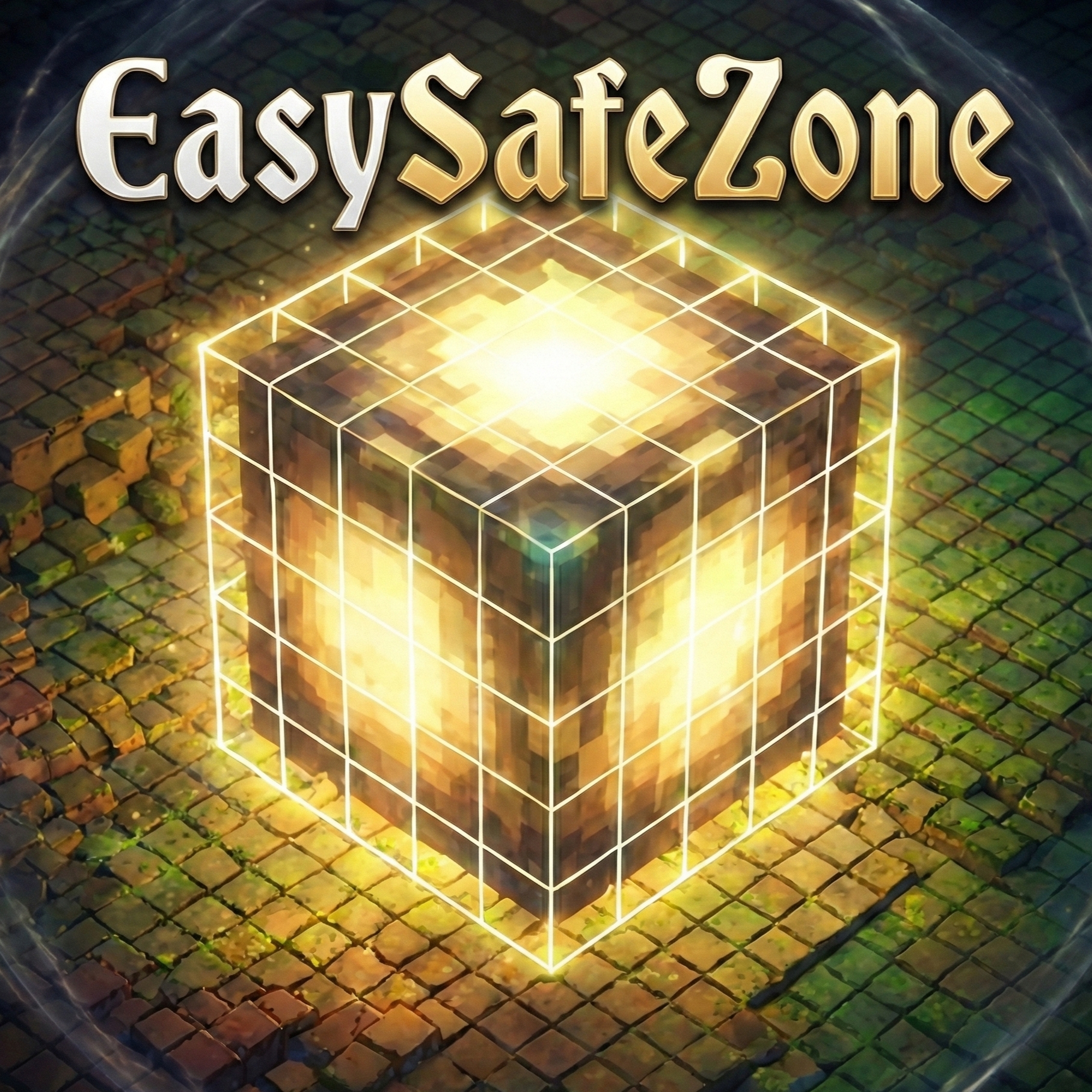
CurseForge · Hytale mod
EasySafeZone is a Hytale plugin that makes managing protected areas super simple. It hooks right into Hytale's Builder Tools, so you can just select a region and create a Safe Zone where players can't fight, break blocks, or build.
Quick answer
EasySafeZone-1.1.0.jar targets Hytale. Do not install it as a separate client mod. Enable it on the world host—the local server in singleplayer or the dedicated server in multiplayer. No required dependencies listed for this file.
Where it goes
Do not install it as a separate client mod. Enable it on the world host—the local server in singleplayer or the dedicated server in multiplayer.
Put Hytale mods on the world host or dedicated server. Singleplayer runs a local server too; Hytale does not use separate client mods.
EasySafeZone-1.1.0.jar. Change the file and its required mods may change too.
This file does not list any required mods. Do not add a library just because a different file uses it.
This file does not list any required or optional project dependencies. Check the creator notes before changing an existing world.
Before you install it
Built for EasySafeZone-1.1.0.jar. Pick another file and the loader, install side or required mods may change.
Use EasySafeZone-1.1.0.jar. It targets Hytale; another release may target a different game build or dependency set.
This file does not list any required mods. Do not add a library just because a different file uses it.
Do not install it as a separate client mod. Enable it on the world host—the local server in singleplayer or the dedicated server in multiplayer.
Use the “Get this file” button beside EasySafeZone-1.1.0.jar. It opens that exact file at the source.
About this project
EasySafeZone provides straightforward region protection for your server. It allows you to define 3D areas where you can strictly control player behavior, making it perfect for Spawns, Hubs, giving players their own plots, or custom Arenas.
It is designed to work out of the box with Hytale's native tools—just select your area, create the zone, and set your flags.
/sz to manage all your zones visually—toggle flags, edit messages, and more without memorizing commands.${RED}, ${#FF5555}, etc.All commands function with the prefix /safezone or the alias /sz.
The easiest way to manage your zones is through the in-game UI. Just run:
/sz
This opens a panel where you can:

The plugin uses your current Selection Tool's selection to define boundaries.
/sz create [zone_name]
Example:
/sz create Spawn

By default, creating a zone locks most things down. You can customize what is allowed inside using flags.
Command:
/sz flag [zone_name] [flag] [true/false]
Available Flags:
PVP: Allow or block player damage.BLOCK_BREAK: Allow or block destroying blocks.BLOCK_PLACE: Allow or block placing new blocks.BLOCK_USE: Allow or block interactions (Chests, Doors, Lamps, etc.).Examples:
Create a PVP Arena but stop griefing:
`/sz flag Arena PVP true`

Customize what players see when an action is blocked. Each flag can have its own message per zone, with color support.
Set a custom message:
/sz message set [zone_name] [flag] [message]
Example:
/sz message set Spawn PVP ${RED}No fighting in the hub!
Reset to default:
/sz message reset [zone_name] [flag]
View current message:
/sz message [zone_name] [flag]
Color Presets: RED, GREEN, BLUE, WHITE, YELLOW, GOLD, ORANGE, PURPLE, PINK, CYAN, GRAY, DARK_RED, DARK_GREEN, DARK_BLUE, DARK_GRAY, LIGHT_BLUE, AQUA, BLACK, or any hex code like ${#FF5555}.
Examples:
Set a custom message with colors for block placing.
/sz message set Spawn BLOCK_PLACE "${RED}No building in the ${BLUE}spawn ${RED}area!"
Note: When using the command form you need to use "" to wrap the message, otherwise command will fail. This is not necesary when using the UI input field.

You don't need to guess where a zone starts or ends. You can render the boundaries physically in the world. Show specific zone:
/sz show [zone_name] Find closest zone:
/sz show (without arguments) will highlight the nearest zone within 100 blocks.
Color Guide:

If you built something new and need to expand a zone coverage:
/sz edit [zone_name]
Adjust your selection: Use your wand or builder tools to resize the area.
Save changes:
/sz update [zone_name]
Note: This only updates the boundaries. Your flags and custom messages remain saved.
See all zones:
/sz list

Remove a zone:
/sz delete [zone_name]
You will need the following permissions to manage or bypass zones.
Admin Management
easy-safezone.admin - Required to use any /sz commands.Bypass Permissions Give these to staff to let them work inside protected zones without restrictions.
easy-safezone.bypass.all - Ignores all restrictions.easy-safezone.bypass.pvp - Can attack in safe zones.easy-safezone.bypass.break - Can break blocks in protected zones.easy-safezone.bypass.place - Can place blocks in protected zones.easy-safezone.bypass.use - Can interact with objects in protected zones.Project description from CurseForge.
Recent files
19 Feb 2026
24 Jan 2026
Looking for an older file? The official CurseForge project page is in Resources.
 mod
modTame, breed, care for, fight with, level up and more all vanilla animals. Train beasts as combat pets, breed livestock for the best harvesting efficiency, and so much more!
 mod
modMob taming framework and asset patcher. Breeding, traits, leveling, tame management UI, easier interaction chains, capture/spawn items that store metadata, ownership/tamed status, lots of behavior components and more!
 mod
modBecome a fast and aggressive Demon Hunter with powerful class abilities, demonic wings, fire attacks, and heavy area damage.