Hytale version
Back to mods 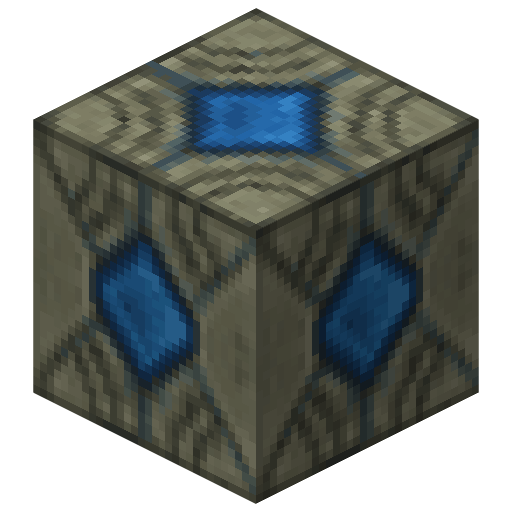
CurseForge · Hytale mod
Simple Elevator
Adds an Elevator Block that teleports players vertically. You can use it in normal, disguised, or directional mode. Just jump on it to go up, and crouch on it to go down.
Choose a version Pick your version below, then grab the matching file.
Quick answer
Which Simple Elevator release should I use?
Latest stable file SimpleElevator - v4.0.0
Game version 0.5
Mod system Built-in Hytale mod system
Simple Elevator SimpleElevator - v4.0.0 targets 0.5. Do not install it as a separate client mod. Enable it on the world host—the local server in singleplayer or the dedicated server in multiplayer. No required dependencies listed for this file.
Where it goes
Where should Simple Elevator be installed in Hytale?
Do not install it as a separate client mod. Enable it on the world host—the local server in singleplayer or the dedicated server in multiplayer.
Separate client mod Not supported
World host / dedicated server Required
Mod system for this release Built-in Hytale mod system
Required install it here Optional supported, not mandatory Not supported do not install here Source doesn’t say do not assume
Put Hytale mods on the world host or dedicated server. Singleplayer runs a local server too; Hytale does not use separate client mods.
What else does Simple Elevator SimpleElevator - v4.0.0 need?
SimpleElevator - v4.0.0. Change the file and its required mods may change too.
This file does not list any required mods. Do not add a library just because a different file uses it.
This file does not list any required or optional project dependencies. Check the creator notes before changing an existing world.
Before you install it
Add Simple Elevator without breaking your instance.
Built for Simple Elevator SimpleElevator - v4.0.0. Pick another file and the loader, install side or required mods may change.
- 01
Stick to this file
Use SimpleElevator - v4.0.0. It targets 0.5; another release may target a different game build or dependency set.
- 02
Bring the mods it needs
This file does not list any required mods. Do not add a library just because a different file uses it.
- 03
Enable it on the world host
Do not install it as a separate client mod. Enable it on the world host—the local server in singleplayer or the dedicated server in multiplayer.
- 04
Pick the file you checked
Use the “Get this file” button beside SimpleElevator - v4.0.0. It opens that exact file at the source.
About this project
What does Simple Elevator add?

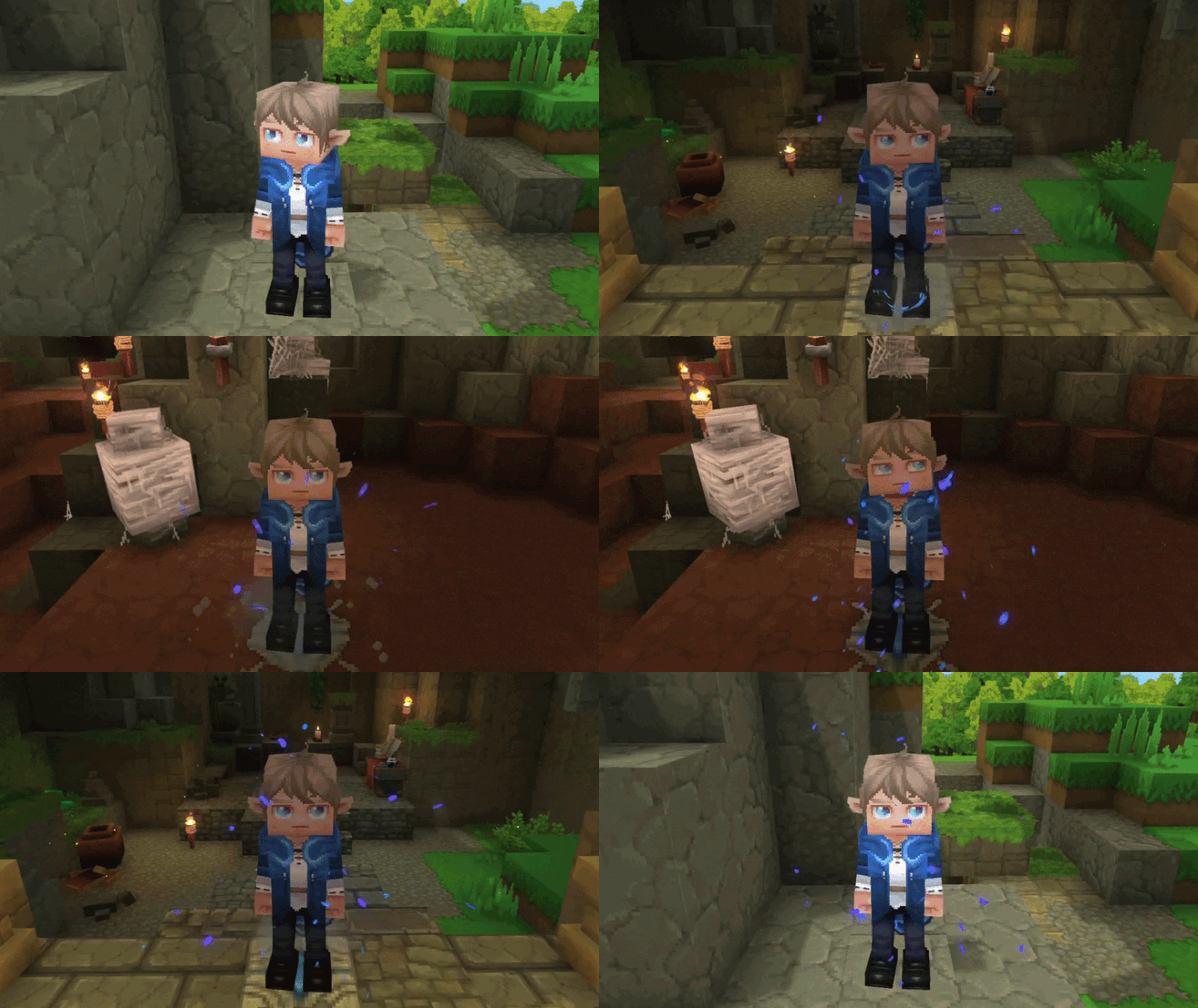
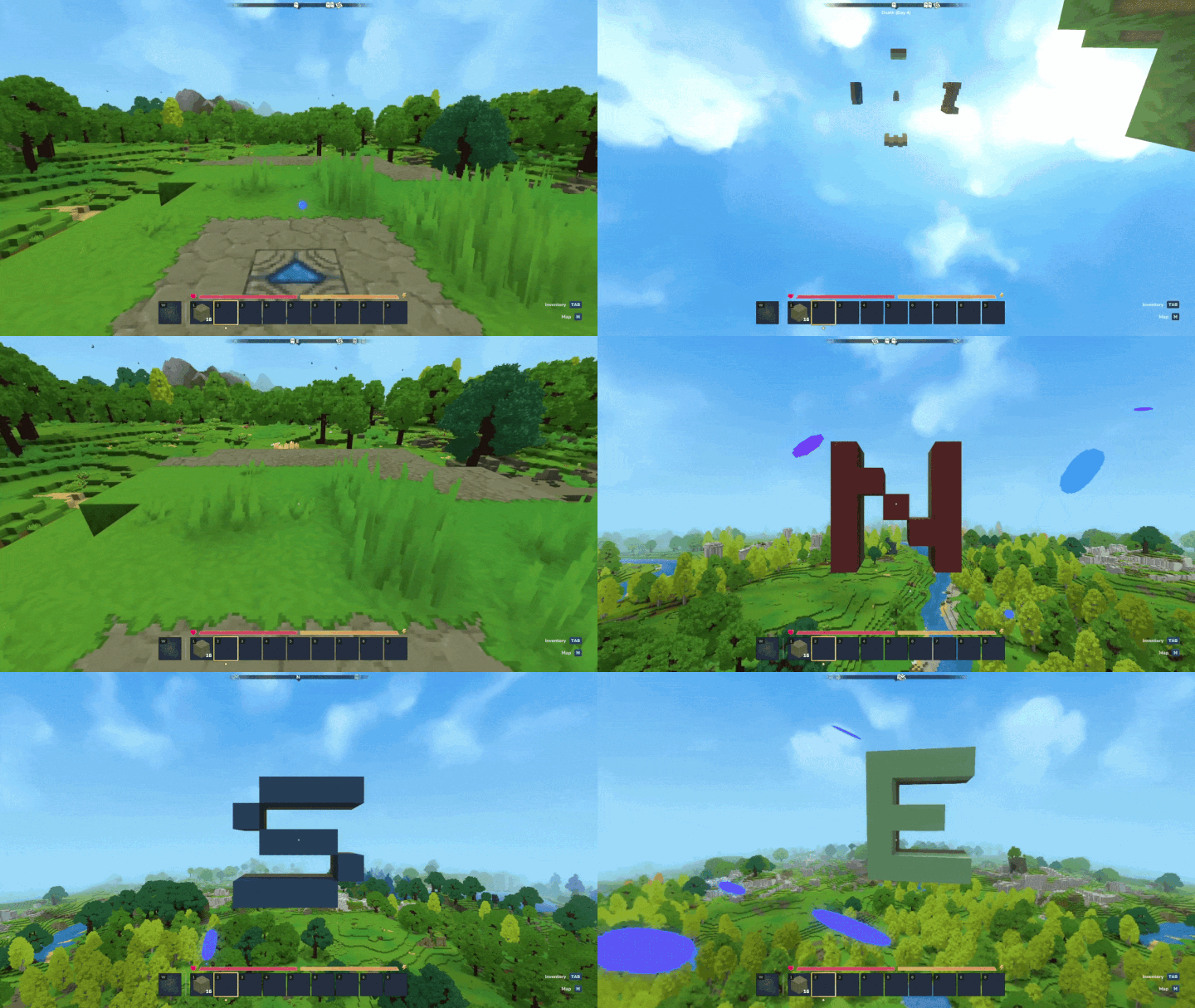
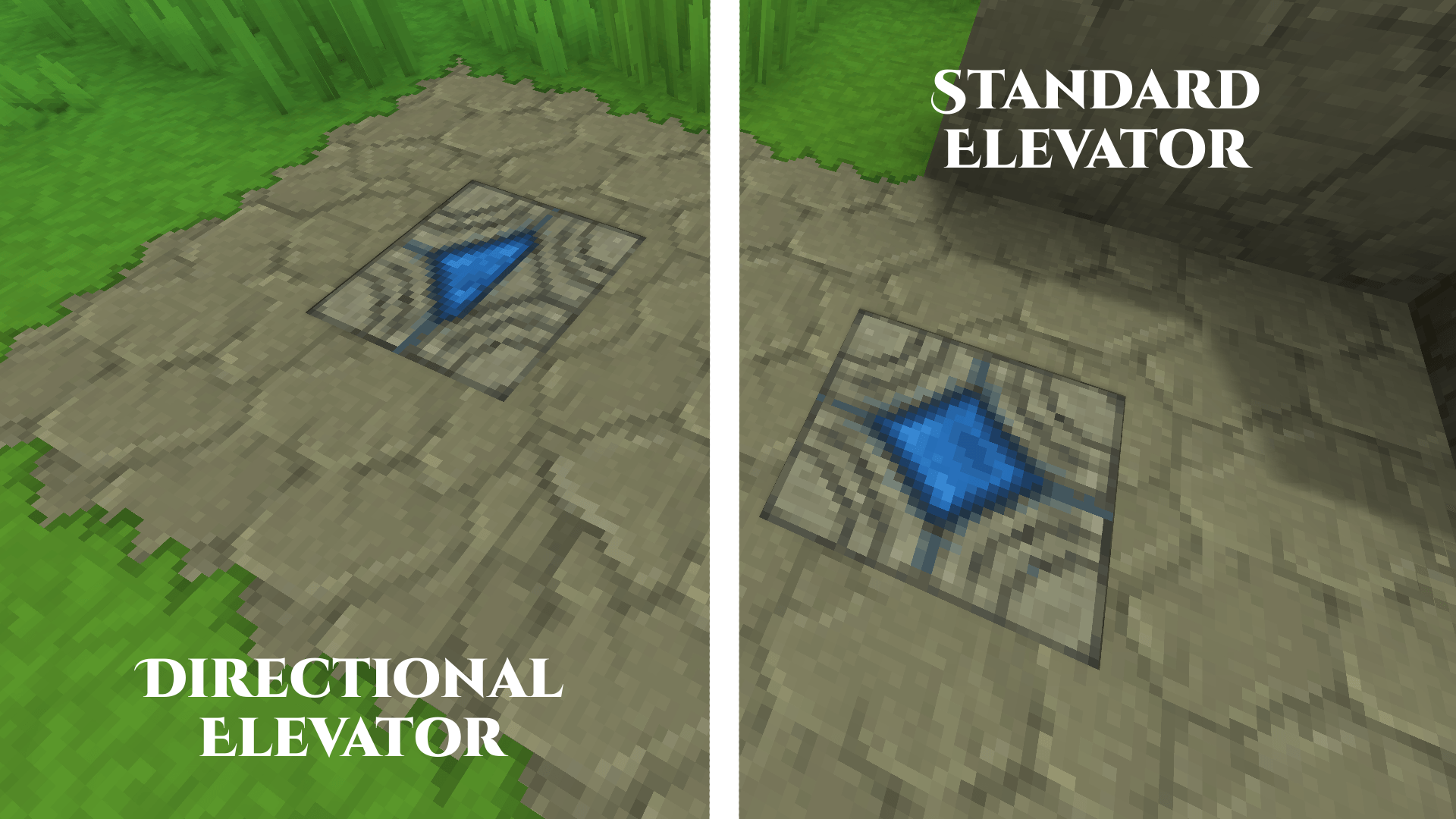
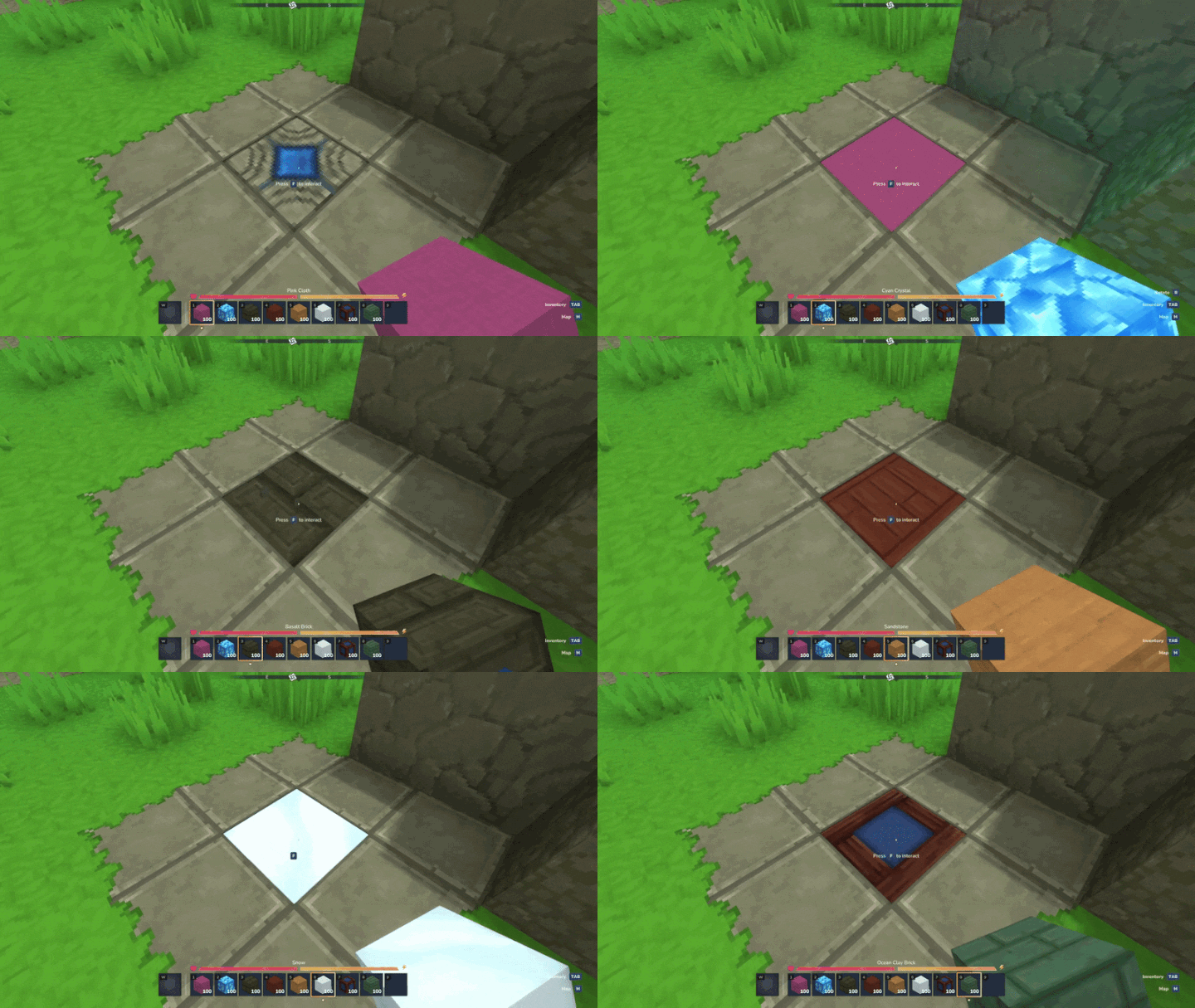
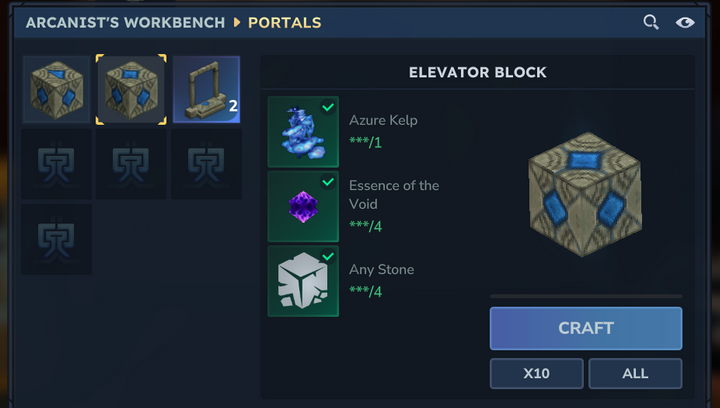
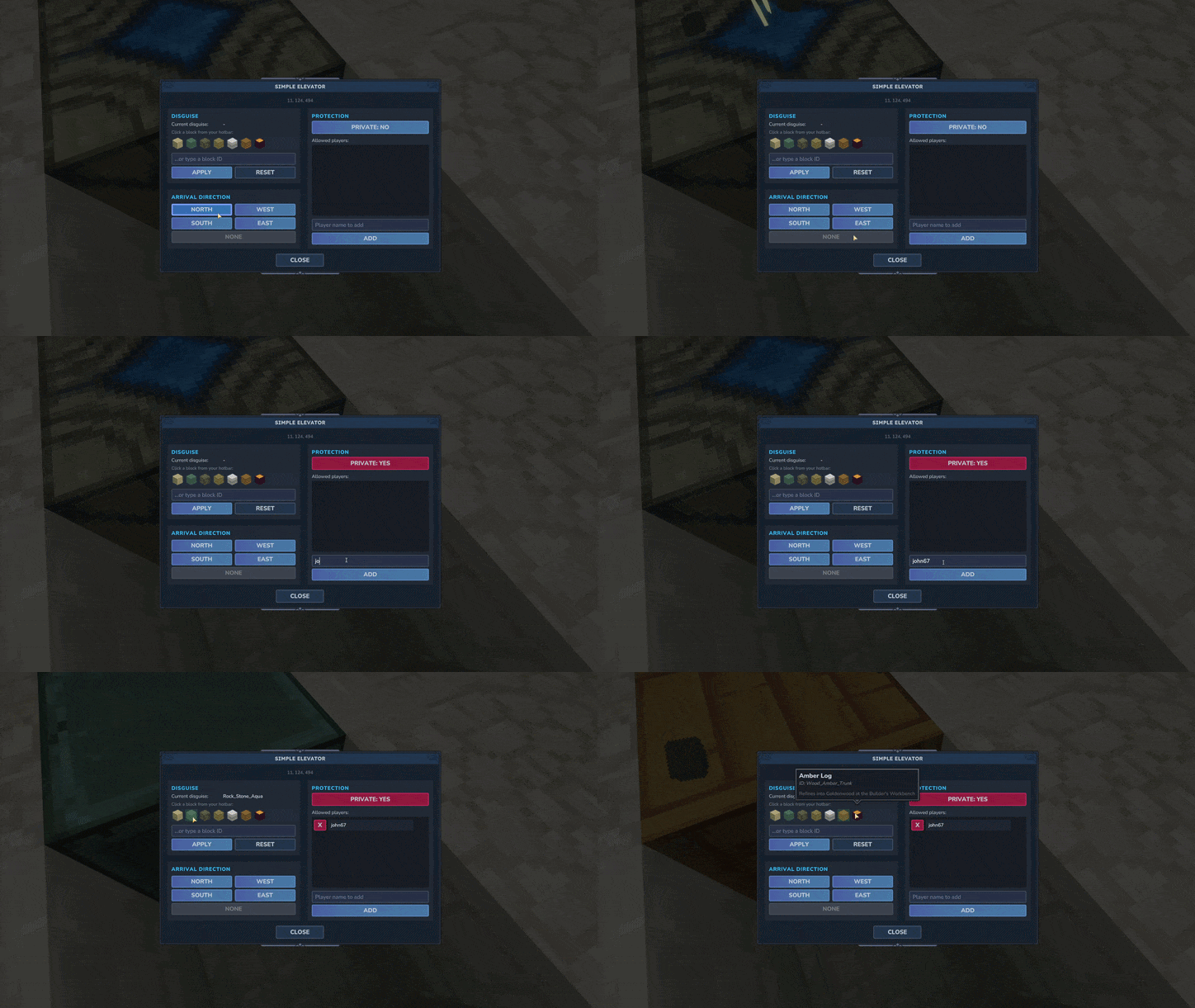
🚀 Simple Elevator
Adds a new block to Hytale: the Elevator Block.
Place two or more aligned vertically, jump to go up, sneak to go down.
✨ Features
Vertical travel on the same X/Z column.
A configuration menu, opened by interacting with the block, to manage everything below.
Disguise the block as almost any solid block, picked straight from your hotbar or typed by ID.
Set the direction players face on arrival (North, West, South, East, or none).
Make an elevator private, with an owner and a whitelist of allowed players.
In-game admin command to change every setting on the fly.
Craftable at the Arcanist Table.
⚙️ Admin command
/simpleelevator status to view settings./simpleelevator set <setting> <true|false> to change them./simpleelevator reload to reload settings from the config file without restarting the server.
📦 Install
Drop the .jar in your mods folder, enable it on your world, craft and place.
Created by Heikos.
Project description from CurseForge.
Pick your setup
Simple Elevator releases for each Hytale build.
Choose the version and loader you play, then open the matching release.
Check the dependencies, then try the file in a copied instance before changing a world you care about.
Recent files
Simple Elevator releases and Hytale builds
SimpleElevator - v4.0.0
11 Jul 2026
Client Not supported Server Required Dependencies No extras listed Listed on Project page
Check the 0.5 setup 0.5 release
SimpleElevator - v3.8.2
15 Jun 2026
Client Not supported Server Required Dependencies No extras listed Listed on Project page
Check the 0.5 setup 0.5 release
SimpleElevator - v3.8.1
15 Jun 2026
Client Not supported Server Required Dependencies No extras listed Listed on Project page
Check the 0.5 setup 0.5 release
SimpleElevator - v3.8.0
14 Jun 2026
Client Not supported Server Required Dependencies No extras listed Listed on Project page
Check the 0.5 setup 0.5 release
SimpleElevator - v3.7.1
8 Jun 2026
Client Not supported Server Required Dependencies No extras listed Listed on Project page
Check the 0.5 setup 0.5 release
SimpleElevator - v3.7.0
4 Jun 2026
Client Not supported Server Required Dependencies No extras listed Listed on Project page
Check the 0.5 setup 0.5 release
SimpleElevator - v3.6.0
26 May 2026
Client Not supported Server Required Dependencies No extras listed Listed on Project page
Check the 0.5 setup 0.5 release
SimpleElevator - v3.5.0
4 Apr 2026
Client Not supported Server Required Dependencies No extras listed Listed on Project page
Check the setup SimpleElevator - v3.4
14 Mar 2026
Client Not supported Server Required Dependencies No extras listed Listed on Project page
Check the setup SimpleElevator - v3.3
5 Mar 2026
Client Not supported Server Required Dependencies No extras listed Listed on Project page
Check the setup SimpleElevator - v3.2
28 Feb 2026
Client Not supported Server Required Dependencies No extras listed Listed on Project page
Check the setup SimpleElevator - v3.1
24 Feb 2026
Client Not supported Server Required Dependencies No extras listed Listed on Project page
Check the setup Looking for an older file? The official CurseForge project page is in Resources.
 mod
mod CurseForge · Hytale
Onyxium Prismatic Revamp
Craft Onyxium and Prisma armor, weapons, and tools! Custom workbench for required ingredients!
 mod
mod CurseForge · Hytale
GlymeraBlueStone
A complete redstone-style automation system for Hytale — wires, pistons, hoppers, repeaters, observers, torches, pressure plates, ejectors, applicators and more.
 mod
mod CurseForge · Hytale
Endless Warlock V2
🔮Adds a dark ranged Warlock class with staff scaling, life steal, mana sustain, companions and Endless Leveling progression paths.