SwapPlugHy-1.2.1.jar
26 Mar 2026
Client Not supported Server Required Dependencies No extras listed Listed on Project page
Check the setup 
CurseForge · Hytale mod
BuilderHelper is a Hytale builder tool that converts selected blocks into their material variants while preserving shape and orientation.
Quick answer
BuilderHelper SwapPlugHy-1.2.1.jar targets Hytale. Do not install it as a separate client mod. Enable it on the world host—the local server in singleplayer or the dedicated server in multiplayer. No required dependencies listed for this file.
Where it goes
Do not install it as a separate client mod. Enable it on the world host—the local server in singleplayer or the dedicated server in multiplayer.
Put Hytale mods on the world host or dedicated server. Singleplayer runs a local server too; Hytale does not use separate client mods.
SwapPlugHy-1.2.1.jar. Change the file and its required mods may change too.
This file does not list any required mods. Do not add a library just because a different file uses it.
This file does not list any required or optional project dependencies. Check the creator notes before changing an existing world.
Before you install it
Built for BuilderHelper SwapPlugHy-1.2.1.jar. Pick another file and the loader, install side or required mods may change.
Use SwapPlugHy-1.2.1.jar. It targets Hytale; another release may target a different game build or dependency set.
This file does not list any required mods. Do not add a library just because a different file uses it.
Do not install it as a separate client mod. Enable it on the world host—the local server in singleplayer or the dedicated server in multiplayer.
Use the “Get this file” button beside SwapPlugHy-1.2.1.jar. It opens that exact file at the source.
About this project
World-editing toolkit for Hytale — swap materials & generate shapes.
BlockMorph is a server-side Hytale plugin that gives builders two powerful tools in one UI:
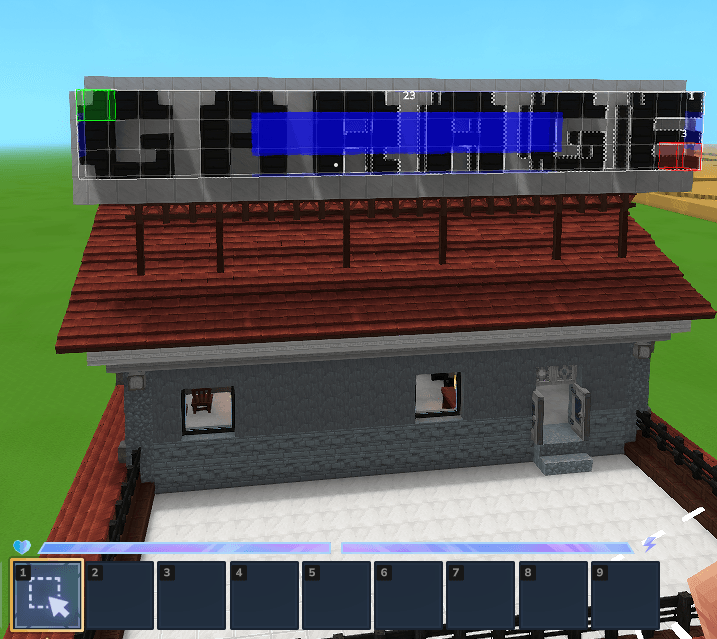
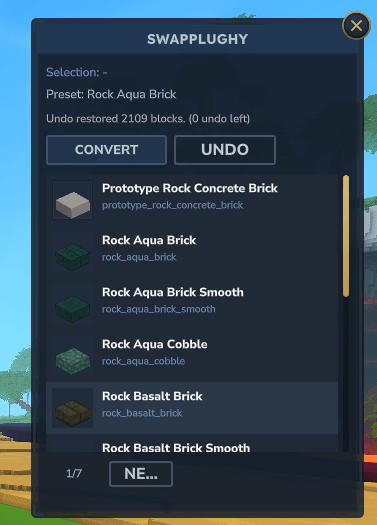
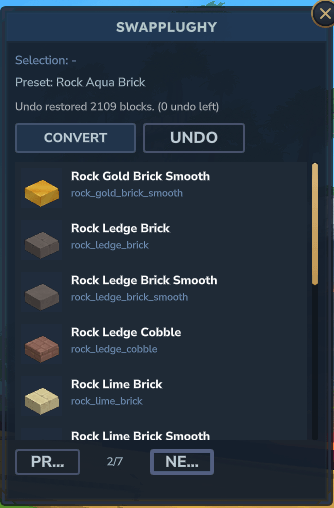
Material Swap — Select a group of blocks (via Selection Tool or manual coordinates) and instantly convert their material while preserving block shape (stairs, slabs, walls, fences, roofs, doors, etc.). Pick from an auto-generated list of compatible material variants.
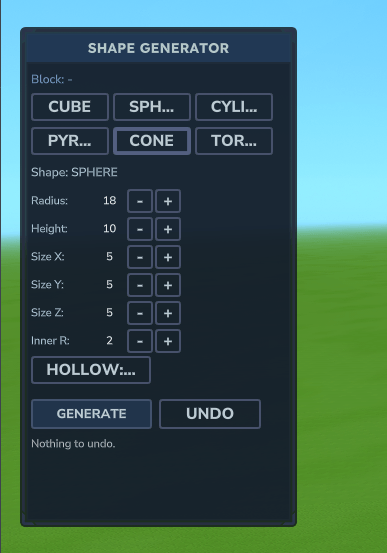
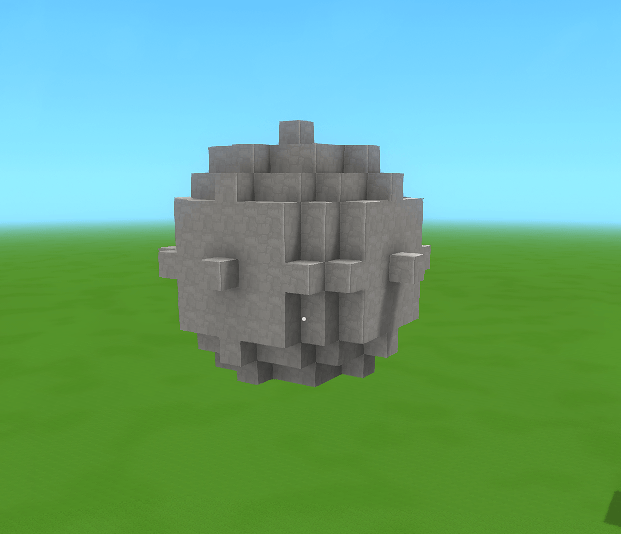
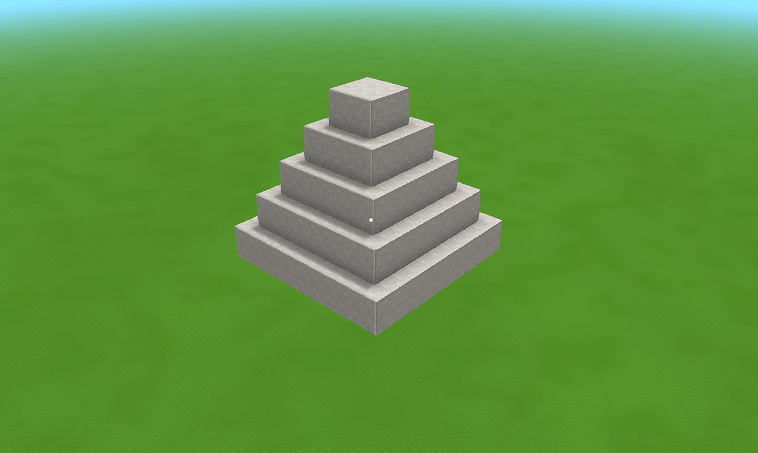
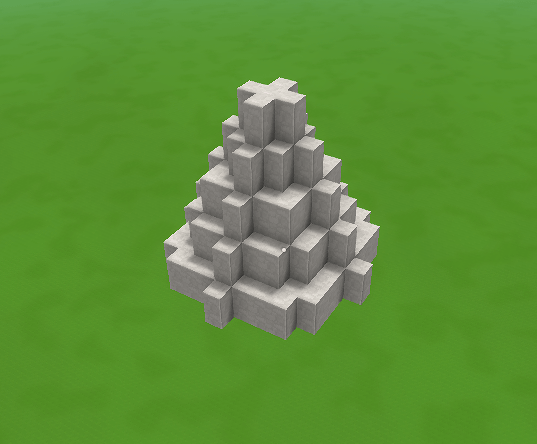
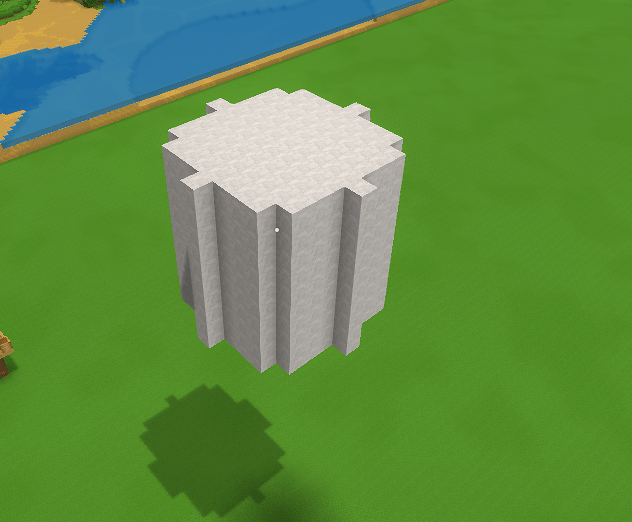
Shape Generator — Hold any block and generate geometric shapes: Cube, Sphere, Cylinder, Pyramid, Cone, and Torus. Adjust radius, height, size, hollow mode, and preview the result in real-time before committing. Fly around the preview freely to inspect it from every angle.
Both tools share a full undo history (up to 5 operations).
.jar into the server's mods/ folder| Command | Description |
|---|---|
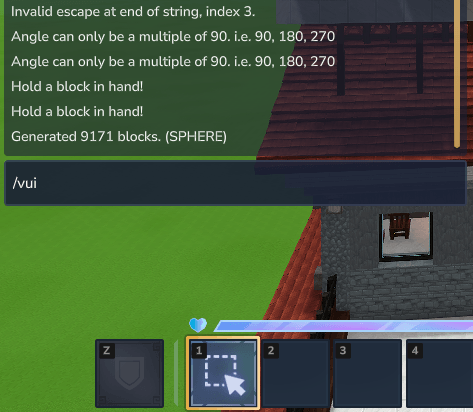
/vui |
Open the main UI (both panels) |
/vpos1 / /vpos2 |
Set selection corners manually |
/vconvert <material> |
Convert selection via chat |
/vblocks <query> |
Search available block IDs |
/vundo |
Undo last operation |
Swapping materials (right panel):
/vpos1 + /vpos2/vui — pick a target material from the listGenerating shapes (left panel):
/vui — choose shape, adjust parameters/vui again to tweak parameters or click Move to repositionWant me to also update the manifest.json description field to match?
<form><fieldset class="inputContainer_cKsPxg" data-permission-mode="acceptEdits">

</fieldset></form>
Project description from CurseForge.
Recent files
26 Mar 2026
22 Feb 2026
17 Feb 2026
10 Feb 2026
31 Jan 2026
Looking for an older file? The official CurseForge project page is in Resources.
 mod
modAdds a brand-new Labyrinth Dimension featuring a vast desert surface and an endless maze stretching deep below. Discover unique locations and face a variety of dangerous new enemies as you explore its depths!
 mod
modCustomize the stack sizes in Hytale easily with a visual interface.
 mod
modStitch focused changes into Hytale assets with a standalone, embeddable patcher built for clean cross-mod compatibility.