NetworkManager-0.1.1-RELEASE.jar
23 Feb 2026
Client Not supported Server Required Dependencies No extras listed Listed on Project page
Check the setup 
CurseForge · Hytale mod
Hytale server network solution that powers multi-server networking, seamless player transfers, and instance-based arena matchmaking using a Redis-based communication system.
Quick answer
Server Network Manager NetworkManager-0.1.1-RELEASE.jar targets Hytale. Do not install it as a separate client mod. Enable it on the world host—the local server in singleplayer or the dedicated server in multiplayer. No required dependencies listed for this file.
Where it goes
Do not install it as a separate client mod. Enable it on the world host—the local server in singleplayer or the dedicated server in multiplayer.
Put Hytale mods on the world host or dedicated server. Singleplayer runs a local server too; Hytale does not use separate client mods.
NetworkManager-0.1.1-RELEASE.jar. Change the file and its required mods may change too.
This file does not list any required mods. Do not add a library just because a different file uses it.
This file does not list any required or optional project dependencies. Check the creator notes before changing an existing world.
Before you install it
Built for Server Network Manager NetworkManager-0.1.1-RELEASE.jar. Pick another file and the loader, install side or required mods may change.
Use NetworkManager-0.1.1-RELEASE.jar. It targets Hytale; another release may target a different game build or dependency set.
This file does not list any required mods. Do not add a library just because a different file uses it.
Do not install it as a separate client mod. Enable it on the world host—the local server in singleplayer or the dedicated server in multiplayer.
Use the “Get this file” button beside NetworkManager-0.1.1-RELEASE.jar. It opens that exact file at the source.
About this project
Designed to fit servers of all sizes. A networking solution for smaller scale projects, but with the architecture to support large server networks. Provides an extensive API for developers to create games which neatly exist within the network.
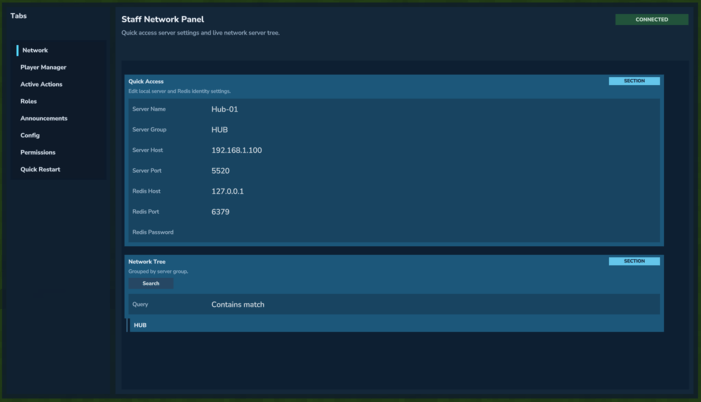
This plugin is server-side focused: it is meant to run across multiple Hytale servers that together form one network. Players connect to the network through the Hub, and the plugin handles routing between servers and arenas.
The network primarily uses Redis to handle quick network communication, with optional Postgres/MySQL support for extensive custom data storage and durability.
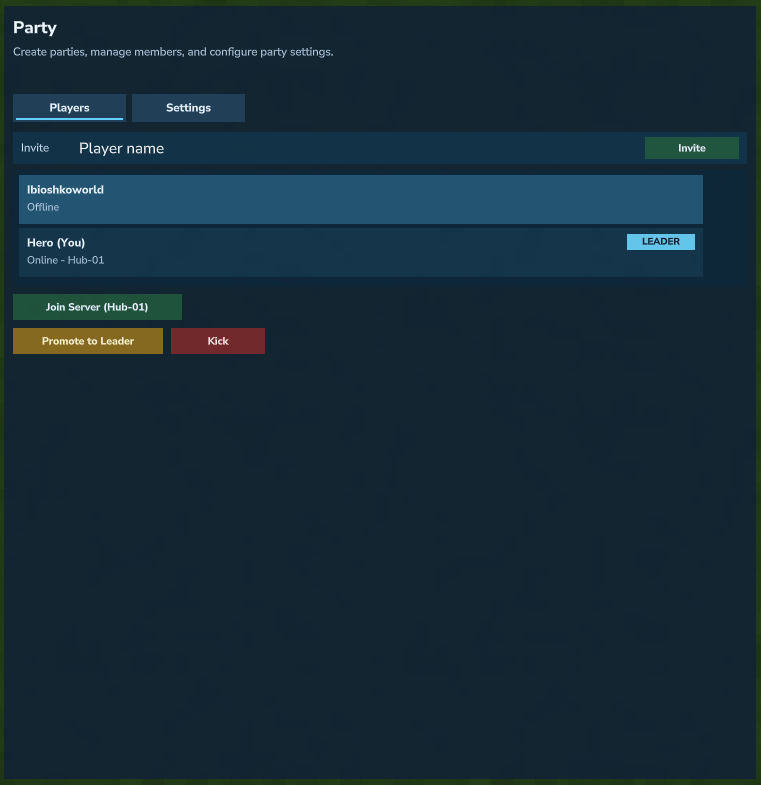
Provides a complete matchmaking solution using the /queue command. Routes players to the best available arena in the specified server group, or enters player into a queue if no arenas are available. Parties and Party Queue are also supported, allowing players to play with their friends!
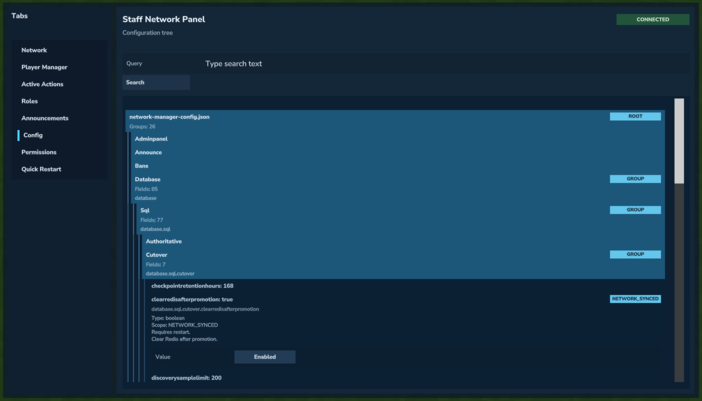
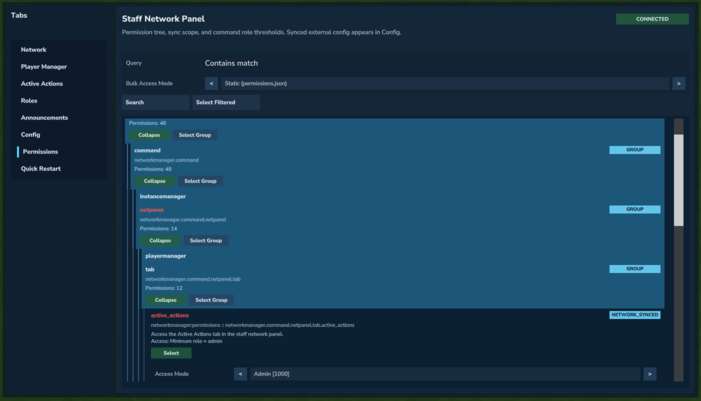
An extensive UI designed to bypass command jungles. Designed to be straightforward and easy to use. Provides powerful features such as the Role-intergrated permissions system and network-synched configs.
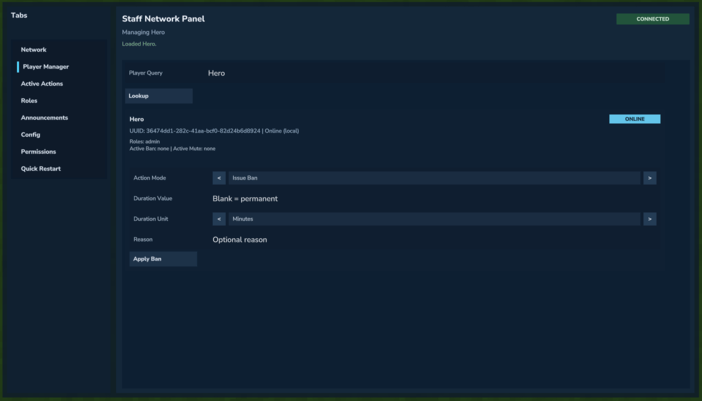
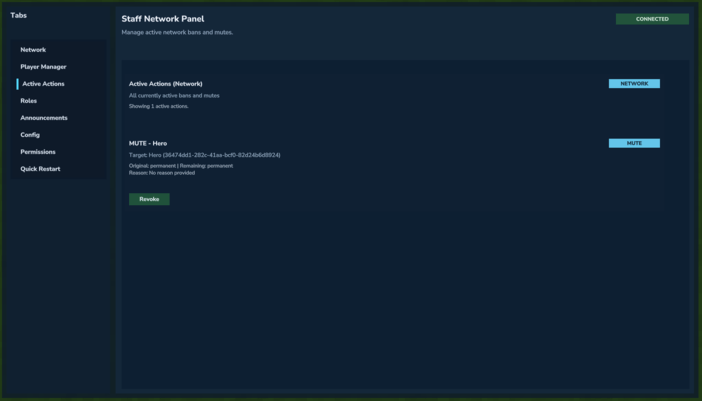
The NetworkPlugin support network bans and mutes. The Staff Network Panel provides a list of active actions as well as a Player Manager tool for pushing moderation actions, in addition to the /netban and /netmute commands.
NetworkManager keeps Redis as the realtime runtime layer (queueing, pub/sub, coordination) and adds optional SQL durability (Postgres/MySQL) for long-term persistence and advanced data storage. Default behavior can stay Redis-first, then be migrated safely to SQP when needed.
REDIS_ONLY, Redis+SQL mirror, and SQL-authoritative cache (per namespace)./netdebug persistence migrate|restore|verify|cutover with scope targeting and dry-run support.This gives you low-latency network behavior now, with a controlled path to stronger durability as your network grows.
The NetworkManager provides an extensive NetworkAPI, enabling you to create games that take advantage of the NetworkManager's features. Documentation does not currently exist and is being worked on.
Manage Player Actions and Role Grants
Dedicated and Automatically Managed Network-Wide Staff Chat for Coordination

View All Active Network-Wide Actions
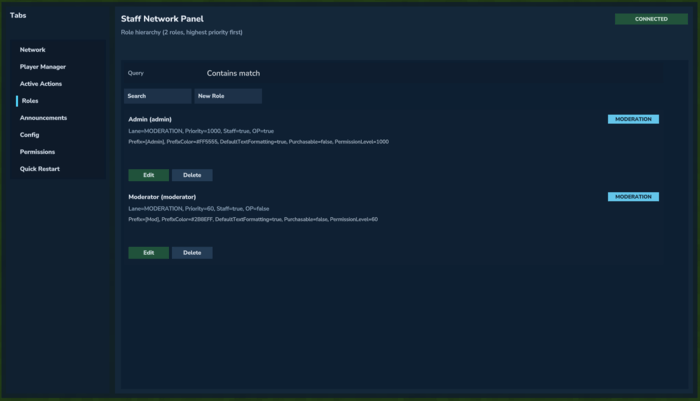
Create Feature-Complete Roles for Your Network
Send Announcements to All Servers in Your Network
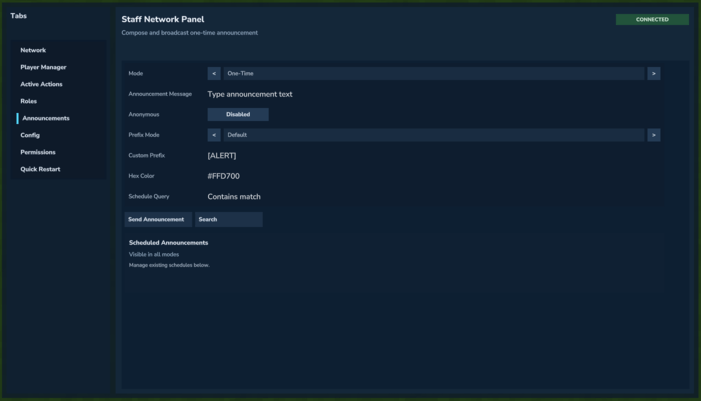
Automatically Detected and Network-Wide Config Manager
Manager Netowrk-Wide Permissions, Integrated With Roles
Create Player Parties and Queue Together
Private Party Chats

Project description from CurseForge.
Recent files
23 Feb 2026
19 Feb 2026
9 Feb 2026
7 Feb 2026
6 Feb 2026
Looking for an older file? The official CurseForge project page is in Resources.
 mod
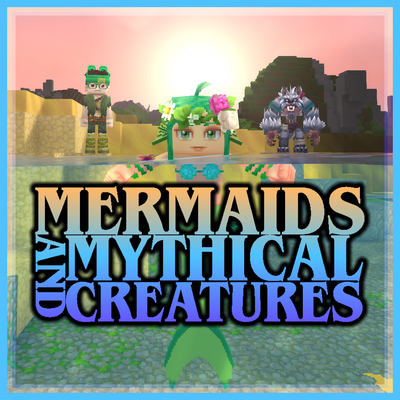
modEver wanted to be a Mermaid, Werewolf, or Vampire? This mod allows the player to transform into a Mermaid when entering the water, transform into a Werewolf at night, and transform into a Vampire, each with their own unique abilities and playstyles.
 mod
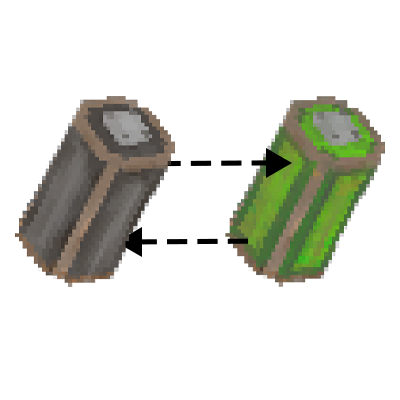
modIndustryTale adds batteries, a generator, and an electric tannery, with more battery-powered industrial machines planned for the future.
 mod
modHave fun looking for minerals, it's so much easier!!!