Hytale version
Back to mods 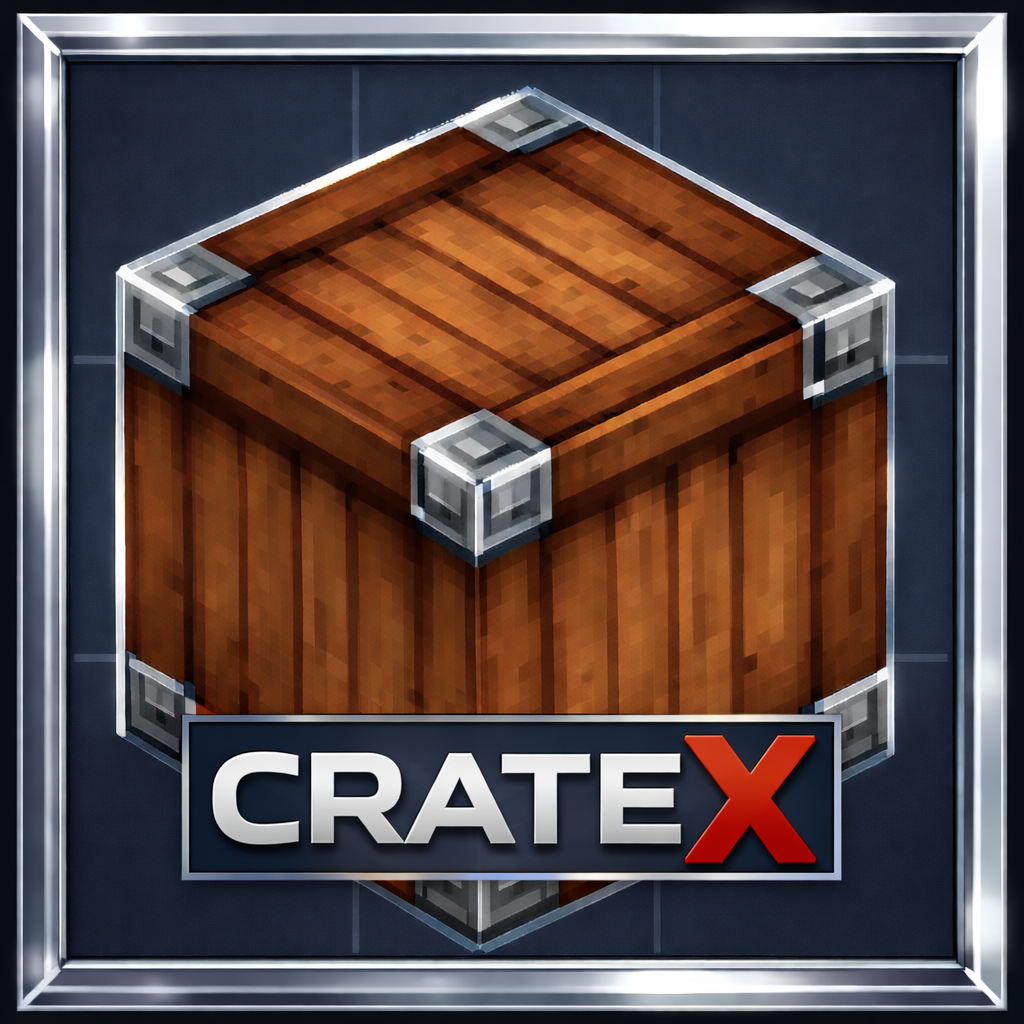
CurseForge · Hytale mod
CrateX
Upgrade Your Storage Game with CrateX!
Choose a version Pick your version below, then grab the matching file.
Quick answer
Which CrateX release should I use?
Latest stable file CrateX-1.7.0
Game version 0.7
Mod system Built-in Hytale mod system
CrateX-1.7.0 targets 0.7. Do not install it as a separate client mod. Enable it on the world host—the local server in singleplayer or the dedicated server in multiplayer. No required dependencies listed for this file.
Where it goes
Where should CrateX be installed in Hytale?
Do not install it as a separate client mod. Enable it on the world host—the local server in singleplayer or the dedicated server in multiplayer.
Separate client mod Not supported
World host / dedicated server Required
Mod system for this release Built-in Hytale mod system
Required install it here Optional supported, not mandatory Not supported do not install here Source doesn’t say do not assume
Put Hytale mods on the world host or dedicated server. Singleplayer runs a local server too; Hytale does not use separate client mods.
What else does CrateX-1.7.0 need?
CrateX-1.7.0. Change the file and its required mods may change too.
This file does not list any required mods. Do not add a library just because a different file uses it.
This file does not list any required or optional project dependencies. Check the creator notes before changing an existing world.
Before you install it
Add CrateX without breaking your instance.
Built for CrateX-1.7.0. Pick another file and the loader, install side or required mods may change.
- 01
Stick to this file
Use CrateX-1.7.0. It targets 0.7; another release may target a different game build or dependency set.
- 02
Bring the mods it needs
This file does not list any required mods. Do not add a library just because a different file uses it.
- 03
Enable it on the world host
Do not install it as a separate client mod. Enable it on the world host—the local server in singleplayer or the dedicated server in multiplayer.
- 04
Pick the file you checked
Use the “Get this file” button beside CrateX-1.7.0. It opens that exact file at the source.
About this project
What does CrateX add?
📦 CrateX 1.7.0
Expanded Storage. Refined Crafting.
CrateX 1.7.0 is now live.
Updated to run with 0.7.2.
✨ Update Highlights
- Added more block designs. Total of 20 now.
All CrateX content is now centralized for faster access and cleaner UI flow.
🛡 Stability Notice
Before installing or updating, it is strongly recommended to create a complete backup of your server or single-player world.
While CrateX is designed for seamless integration, maintaining backups ensures your world is fully protected during any update process.
📦 Designed for Serious Storage
CrateX delivers high-capacity, craftable storage built for performance and balance.
- Stores up to 54 items per crate
- Fully craftable in survival
- Does not replace or alter default crates
- Clean integration with your existing worlds
This is storage done right — powerful, organized, and game-ready.
🔨 Crafting
All CrateX crates are crafted in the Workbench under the dedicated CrateX tab.
No clutter. No confusion. Just efficient building.
🖥 Server Installation
Download the latest release
Upload the
.zipfile to your server’smodsfolder`Restart the server
🎮 Single-Player Installation
Download the latest release
Extract the
.zipfile into your world’smodsfolder`Restart the world
Project description from CurseForge.
Pick your setup
CrateX releases for each Hytale build.
Choose the version and loader you play, then open the matching release.
Check the dependencies, then try the file in a copied instance before changing a world you care about.
Recent files
CrateX releases and Hytale builds
CrateX-1.7.0
19 Oct 2026
Client Not supported Server Required Dependencies No extras listed Listed on Project page
Check the 0.7 setup 0.7 release
CrateX 1.5.1
17 Oct 2026
Client Not supported Server Required Dependencies No extras listed Listed on Project page
Check the 0.7 setup 0.7 release
CrateX-1.5.0
20 Mar 2026
Client Not supported Server Required Dependencies No extras listed Listed on Project page
Check the setup CrateX-1.4.0
1 Mar 2026
Client Not supported Server Required Dependencies No extras listed Listed on Project page
Check the setup CrateX-1.3.0
22 Feb 2026
Client Not supported Server Required Dependencies No extras listed Listed on Project page
Check the setup CrateX-1.2.0
18 Feb 2026
Client Not supported Server Required Dependencies No extras listed Listed on Project page
Check the setup CrateX-1.1.0
15 Feb 2026
Client Not supported Server Required Dependencies No extras listed Listed on Project page
Check the setup CrateX
8 Feb 2026
Client Not supported Server Required Dependencies No extras listed Listed on Project page
Check the setup Looking for an older file? The official CurseForge project page is in Resources.