auto-command-2.5.0.jar
2 Apr 2026
Client Not supported Server Required Dependencies No extras listed Listed on Project page
Check the setup 
CurseForge · Hytale mod
- MOST POWERFUL MOD ON CURSEFORGE - Allows you to easily configure ANY commands to automatically execute based on EXTREMELY extensive rules and triggers.
Quick answer
Auto Command auto-command-2.5.0.jar targets Hytale. Do not install it as a separate client mod. Enable it on the world host—the local server in singleplayer or the dedicated server in multiplayer. No required dependencies listed for this file.
Where it goes
Do not install it as a separate client mod. Enable it on the world host—the local server in singleplayer or the dedicated server in multiplayer.
Put Hytale mods on the world host or dedicated server. Singleplayer runs a local server too; Hytale does not use separate client mods.
auto-command-2.5.0.jar. Change the file and its required mods may change too.
This file does not list any required mods. Do not add a library just because a different file uses it.
This file does not list any required or optional project dependencies. Check the creator notes before changing an existing world.
Before you install it
Built for Auto Command auto-command-2.5.0.jar. Pick another file and the loader, install side or required mods may change.
Use auto-command-2.5.0.jar. It targets Hytale; another release may target a different game build or dependency set.
This file does not list any required mods. Do not add a library just because a different file uses it.
Do not install it as a separate client mod. Enable it on the world host—the local server in singleplayer or the dedicated server in multiplayer.
Use the “Get this file” button beside auto-command-2.5.0.jar. It opens that exact file at the source.
About this project

This simple mod allows you to set up any commands (vanilla or from other mods) to run automatically at a specific time, time interval, or based on when a player joins the world with configuable cooldowns.
The mod includes a fully built up UI for easy management of command groups and triggers.
When you open a world with the mod loaded you will get a message in chat saying what command to use to open the control panel ( /autocmd ). If this message does not show up then you have either not loaded the mod correctly or you are not an opperator or server administrator. To fix this on a single player world simply type ( /op self ).
If you are adding it to an existing world you need to go to that world's settings menu in the world selector and enable it. If this is a new world make sure you enable to mod.
For any questions, support, or bug reports please join our Discord!https://discord.gg/Ey6Pap4jzk
Enjoying the mod? Consider buying me a coffee!
https://buymeacoffee.com/backslashrobotics
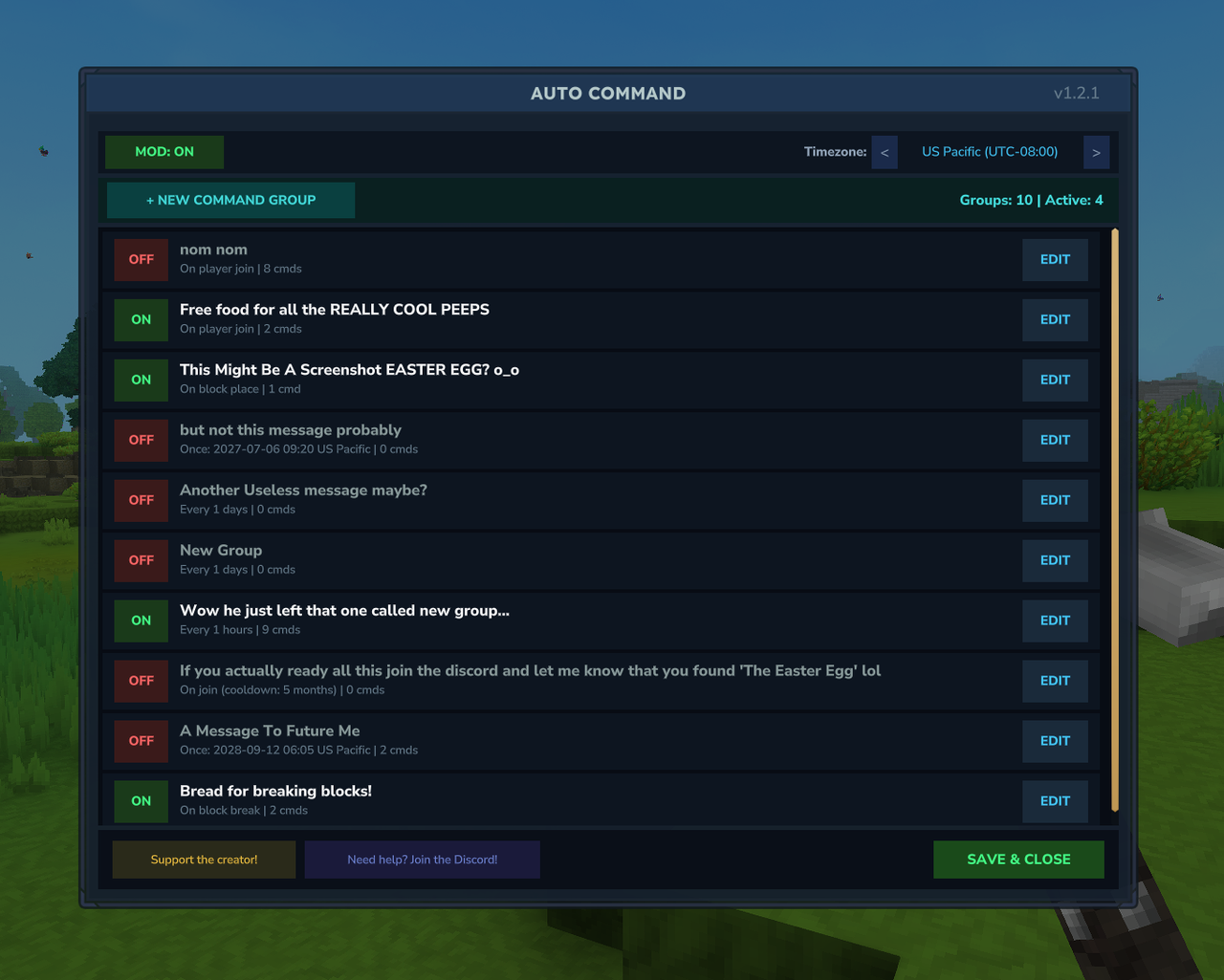
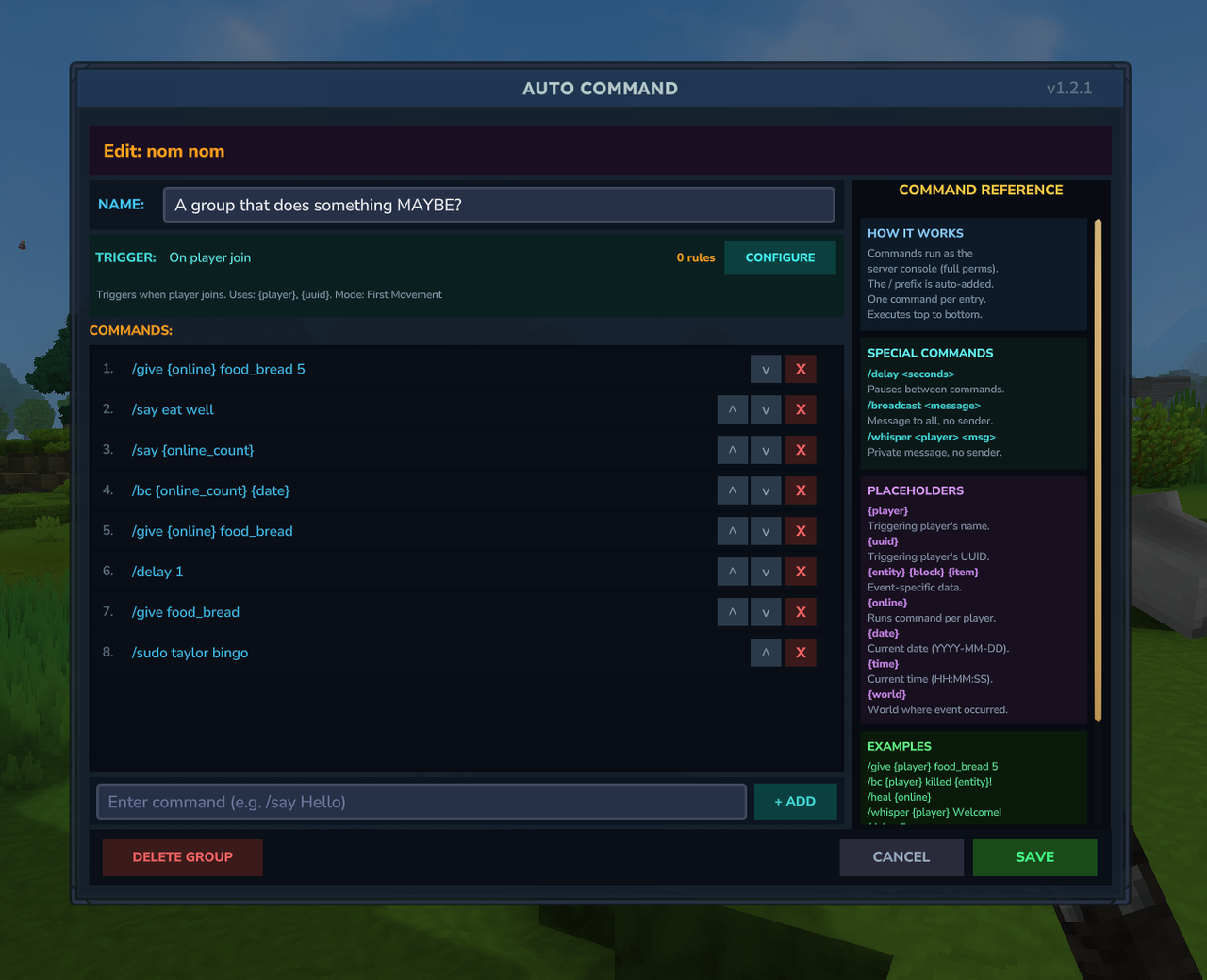
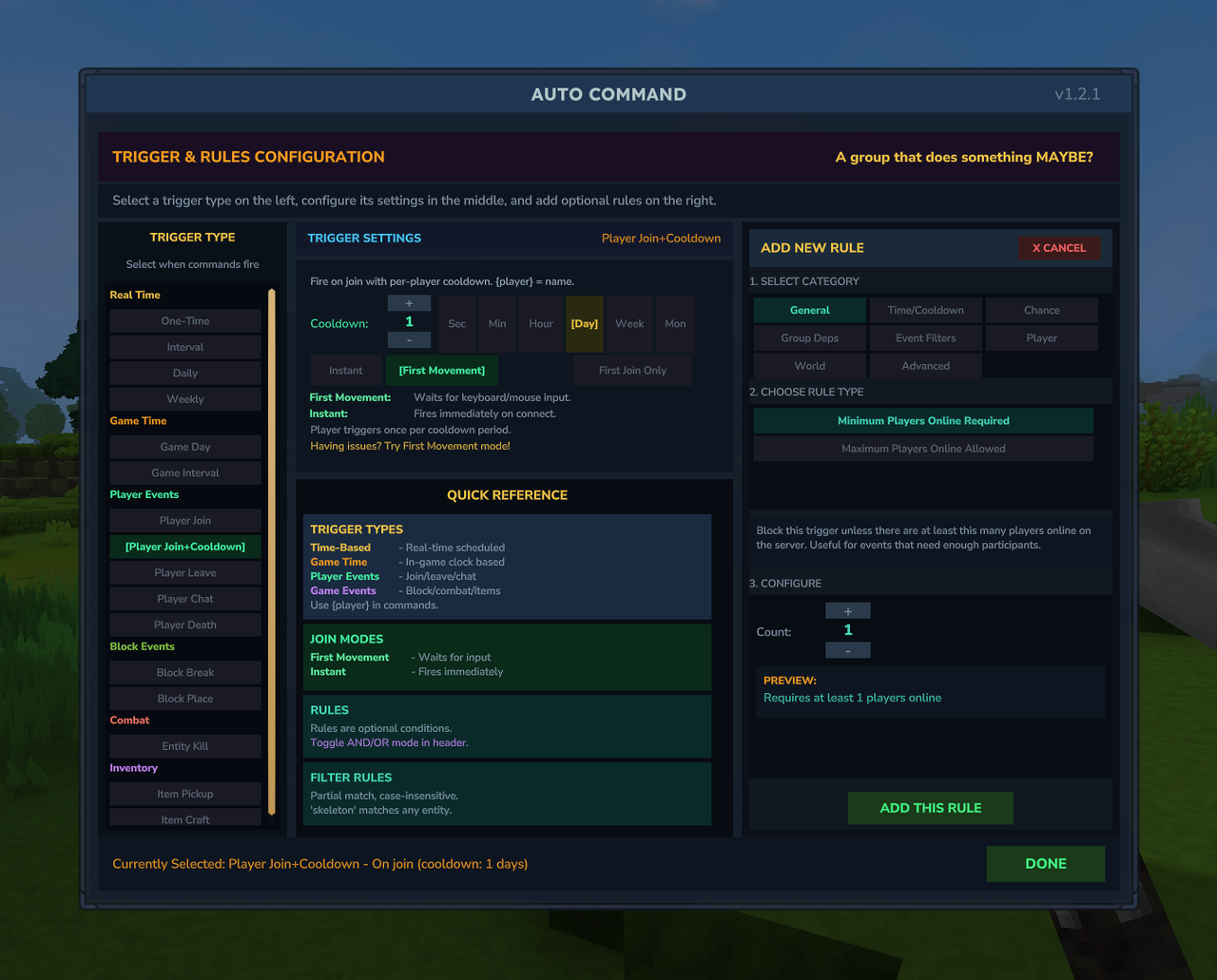
Project description from CurseForge.
Recent files
2 Apr 2026
30 Mar 2026
17 Mar 2026
17 Mar 2026
7 Mar 2026
28 Feb 2026
27 Feb 2026
26 Feb 2026
26 Feb 2026
26 Feb 2026
25 Feb 2026
25 Feb 2026
Looking for an older file? The official CurseForge project page is in Resources.