Inventory_Lock-0.3.0.jar
8 Jul 2026
Client Not supported Server Required Dependencies No extras listed Listed on Project page
Check the setup 
CurseForge · Hytale mod
Limit player inventory slots. Locked slots are filled with a blocker item. On join, items in locked slots are dropped on the ground.
Quick answer
Inventory Lock Inventory_Lock-0.3.0.jar targets Hytale. Do not install it as a separate client mod. Enable it on the world host—the local server in singleplayer or the dedicated server in multiplayer. No required dependencies listed for this file.
Where it goes
Do not install it as a separate client mod. Enable it on the world host—the local server in singleplayer or the dedicated server in multiplayer.
Put Hytale mods on the world host or dedicated server. Singleplayer runs a local server too; Hytale does not use separate client mods.
Inventory_Lock-0.3.0.jar. Change the file and its required mods may change too.
This file does not list any required mods. Do not add a library just because a different file uses it.
This file does not list any required or optional project dependencies. Check the creator notes before changing an existing world.
Before you install it
Built for Inventory Lock Inventory_Lock-0.3.0.jar. Pick another file and the loader, install side or required mods may change.
Use Inventory_Lock-0.3.0.jar. It targets Hytale; another release may target a different game build or dependency set.
This file does not list any required mods. Do not add a library just because a different file uses it.
Do not install it as a separate client mod. Enable it on the world host—the local server in singleplayer or the dedicated server in multiplayer.
Use the “Get this file” button beside Inventory_Lock-0.3.0.jar. It opens that exact file at the source.
About this project
Limit how many storage slots players can use. Locked slots are filled with a "Locked" blocker item that can't be moved, replaced or dropped. Change limits live from an in-game control panel, per player or globally — no restart needed.
Features
Slot locking — storage slots beyond the limit are filled with a blocker item and protected by slot filters, so nothing can be placed in, taken from, or dropped out of them. The limit is automatically clamped to a safe range (0–36).
Nothing is silently deleted — when the lock is applied (on join or when the limit changes), items in locked slots are moved to free slots first; only if the rest of the storage is full are they dropped at the player's feet. Leftover blocker items are always cleaned up.
Per-player overrides — give individual players their own slot limit (e.g. fully unlock one player while everyone else stays locked). Overrides are stored by UUID and survive restarts.
In-game control panel (/invmenu) — a clickable 4×9 storage grid showing usable (green) vs locked (red) slots, global +/− buttons, and a row per online player with +, −, Max and Reset buttons. Every change applies instantly to online players and is saved to the config.
Drop protection — the blocker item can never end up in the world (drops from locked slots are cancelled).
Commands
/invmenu — open the control panel (alias: /invlockui)
/inventorylock — show the current limits (alias: /invlock)
/inventorylock set <slots> — set the global limit (0–36)
/inventorylock player <player> <slots> — set a per-player limit
/inventorylock reset <player> — remove a player's override
Configuration
Found in the worlds/mods or server/mods config folder:
SetInventorySlots — number of storage slots players can use; the rest are locked.
SetMaxInventorySlots — last locked slot index (usually left at 35 so everything past the usable slots is locked).
PlayerOverrides — per-player limits by UUID; managed automatically by the commands/UI, but hand-editable.
Project description from CurseForge.
Recent files
8 Jul 2026
13 May 2026
1 Mar 2026
Looking for an older file? The official CurseForge project page is in Resources.
 mod
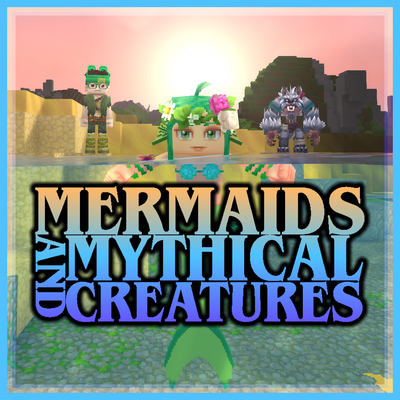
modEver wanted to be a Mermaid, Werewolf, or Vampire? This mod allows the player to transform into a Mermaid when entering the water, transform into a Werewolf at night, and transform into a Vampire, each with their own unique abilities and playstyles.
 mod
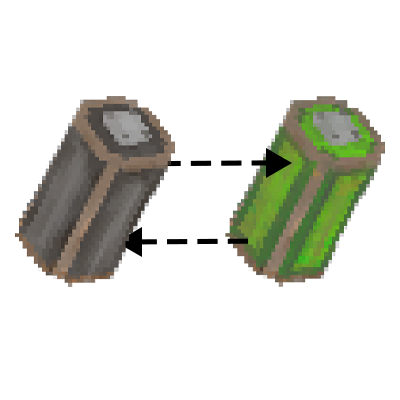
modIndustryTale adds batteries, a generator, and an electric tannery, with more battery-powered industrial machines planned for the future.
 mod
modHave fun looking for minerals, it's so much easier!!!