hycompanion-speech-bubbles.jar
18 Jul 2026
Client Not supported Server Required Dependencies No extras listed Listed on Project page
Check the setup 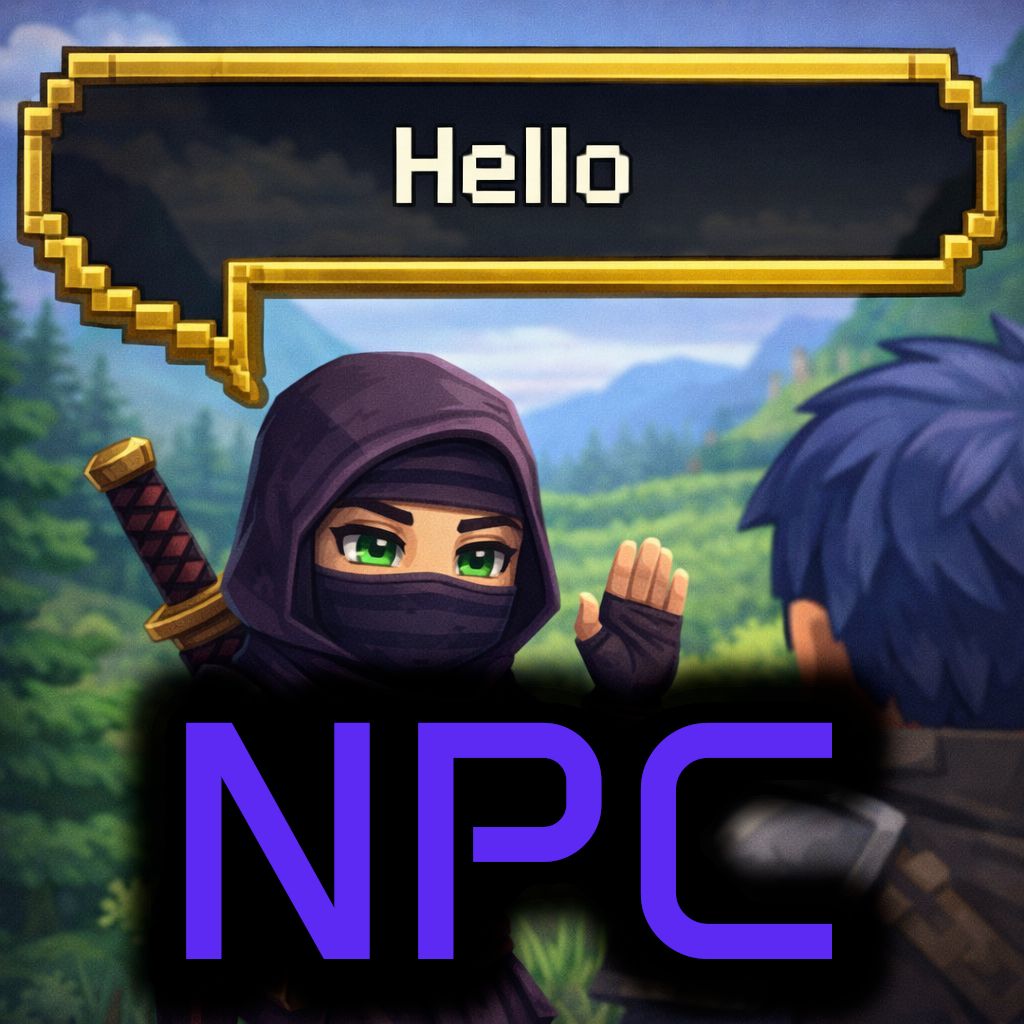
CurseForge · Hytale mod
Provide API for other plugins to display Speech Bubbles above NPCs. Used by Hycompanion NPC AI plugin.
Quick answer
NPC Speech Bubbles hycompanion-speech-bubbles.jar targets Hytale. Do not install it as a separate client mod. Enable it on the world host—the local server in singleplayer or the dedicated server in multiplayer. No required dependencies listed for this file.
Where it goes
Do not install it as a separate client mod. Enable it on the world host—the local server in singleplayer or the dedicated server in multiplayer.
Put Hytale mods on the world host or dedicated server. Singleplayer runs a local server too; Hytale does not use separate client mods.
hycompanion-speech-bubbles.jar. Change the file and its required mods may change too.
This file does not list any required mods. Do not add a library just because a different file uses it.
This file does not list any required or optional project dependencies. Check the creator notes before changing an existing world.
Before you install it
Built for NPC Speech Bubbles hycompanion-speech-bubbles.jar. Pick another file and the loader, install side or required mods may change.
Use hycompanion-speech-bubbles.jar. It targets Hytale; another release may target a different game build or dependency set.
This file does not list any required mods. Do not add a library just because a different file uses it.
Do not install it as a separate client mod. Enable it on the world host—the local server in singleplayer or the dedicated server in multiplayer.
Use the “Get this file” button beside hycompanion-speech-bubbles.jar. It opens that exact file at the source.
About this project
A Hytale server plugin that provides floating speech bubble UI above NPCs and other entities. This plugin is an extension of Hycompanion AI NPC plugin but it can be used for other NPC plugins too :)
If you are looking for Speech Bubble for Players, use Hycompanion Player Speech Bubbles Plugin instead.
compile-plugin.bat
Copy the generated JAR from target/hycompanion-speech-bubbles.jar to your Hytale server's mods/ folder
The plugin will create a default config.yml on first run
Edit mods/dev.hycompanion_SpeechBubbles/config.yml:
# Speech Bubbles Configuration

defaults:
  # Display duration in milliseconds
  duration: 5000
  # Maximum width in pixels (based on bubble image)
  maxWidth: 626
  # Maximum height in pixels (based on bubble image)
  maxHeight: 349
  # Text color (hex)
  textColor: "#FFFFFF"
  # Background opacity (0.0 - 1.0)
  backgroundOpacity: 0.9
  # Field of view for 3D projection (degrees)
  fov: 75.0
  # Offset above entity head in blocks (can be negative)
  headOffset: -0.75

# Maximum visibility distance in blocks (bubble won't show if entity is farther)
maxDistance: 25

# Cleanup interval in seconds
cleanupInterval: 30
| Option | Default | Description |
|---|---|---|
duration |
5000 | Display duration in milliseconds |
maxWidth |
626 | Maximum bubble width in pixels |
maxHeight |
349 | Maximum bubble height in pixels |
textColor |
"#FFFFFF" | Text color in hex format |
backgroundOpacity |
0.9 | Background opacity (0.0-1.0) |
fov |
75.0 | Field of view for 3D projection (degrees) |
headOffset |
0 | Vertical offset above entity head (blocks) |
maxDistance |
25 | Maximum visibility distance in blocks |
cleanupInterval |
30 | Cleanup task interval in seconds |
Add the plugin as a provided dependency and use the API directly:
import dev.hycompanion.speechbubbles.api.SpeechBubbleAPI;
import dev.hycompanion.speechbubbles.api.SpeechBubbleOptions;

// Show a simple speech bubble (5 second duration)
UUID npcUuid = ...;  // The NPC's entity UUID
UUID playerUuid = ...;  // The player's UUID
SpeechBubbleAPI.showBubble(npcUuid, playerUuid, "Hello, adventurer!");

// With custom duration (milliseconds)
SpeechBubbleAPI.showBubble(npcUuid, playerUuid, "Welcome!", 6000);

// With full options
SpeechBubbleOptions options = new SpeechBubbleOptions()
    .duration(10000)
    .maxWidth(300)
    .textColor("#FFD700")
    .fov(90.0f);
SpeechBubbleAPI.showBubble(npcUuid, playerUuid, "Check this out!", options);

// Show to all players
SpeechBubbleAPI.showBubbleToAll(npcUuid, "Hello everyone!");
For a truly optional dependency that doesn't require the Speech Bubbles JAR at compile time, use reflection with Hytale's PluginManager:
import com.hypixel.hytale.common.plugin.PluginIdentifier;
import com.hypixel.hytale.server.core.HytaleServer;
import com.hypixel.hytale.server.core.plugin.PluginBase;
import com.hypixel.hytale.server.core.plugin.PluginManager;
import com.hypixel.hytale.server.core.plugin.PluginState;
import java.lang.reflect.Method;
import java.util.UUID;

public class SpeechBubbleIntegration {

    private static final PluginIdentifier PLUGIN_ID =
        new PluginIdentifier("dev.hycompanion.speech", "SpeechBubbles");
    private static final String API_CLASS =
        "dev.hycompanion.speechbubbles.api.SpeechBubbleAPI";

    private Method showBubbleMethod;
    private boolean available = false;

    public SpeechBubbleIntegration() {
        detectPlugin();
    }

    private void detectPlugin() {
        try {
            PluginManager pm = HytaleServer.get().getPluginManager();
            PluginBase plugin = pm.getPlugin(PLUGIN_ID);

            if (plugin == null || plugin.getState() != PluginState.ENABLED) {
                return;
            }

            ClassLoader cl = plugin.getClass().getClassLoader();
            Class<?> apiClass = Class.forName(API_CLASS, true, cl);
            showBubbleMethod = apiClass.getMethod("showBubble",
                UUID.class, UUID.class, String.class, long.class);

            available = true;
        } catch (Exception e) {
            // Plugin not available
        }
    }

    public boolean isAvailable() {
        return available;
    }

    public void showBubble(UUID entityUuid, UUID playerUuid, String text, long durationMs) {
        if (!available || showBubbleMethod == null) {
            return;
        }
        try {
            showBubbleMethod.invoke(null, entityUuid, playerUuid, text, durationMs);
        } catch (Exception e) {
            // Ignore errors
        }
    }
}
Here's how to integrate speech bubbles in your plugin when an NPC speaks to a player:
public class MyPlugin {
    private final SpeechBubbleIntegration speechBubbles = new SpeechBubbleIntegration();

    public void onNpcSpeak(UUID npcId, UUID playerId, String message) {
        // Send chat message
        sendChatMessage(playerId, message);

        // Show speech bubble if available
        if (speechBubbles.isAvailable()) {
            // Truncate long messages for the bubble
            String bubbleText = truncateText(message, 150);

            // Show for 6 seconds
            speechBubbles.showBubble(npcId, playerId, bubbleText, 6000);
        }
    }

    private String truncateText(String text, int maxLength) {
        if (text.length() <= maxLength) {
            return text;
        }
        // Try to break at sentence
        int lastSentence = text.lastIndexOf(".", maxLength);
        if (lastSentence > maxLength * 0.7) {
            return text.substring(0, lastSentence + 1);
        }
        // Break at word boundary
        int lastSpace = text.lastIndexOf(" ", maxLength - 3);
        if (lastSpace > maxLength * 0.5) {
            return text.substring(0, lastSpace) + "...";
        }
        // Hard truncate
        return text.substring(0, maxLength - 3) + "...";
    }
}
| Method | Description |
|---|---|
isAvailable() |
Check if plugin is loaded |
showBubble(entity, player, text) |
Show simple bubble (5s) |
showBubble(entity, player, text, duration) |
Show with custom duration (ms) |
showBubble(entity, player, text, options) |
Show with full options |
showBubbleToAll(entity, text) |
Show to all players |
showBubbleToAll(entity, text, options) |
Show to all with options |
hideAllBubblesForPlayer(player) |
Hide all for player |
hideAllBubblesForEntity(entity) |
Hide all for entity |
| Method | Default | Description |
|---|---|---|
duration(ms) |
5000 | Display duration |
maxWidth(px) |
626 | Maximum width |
maxHeight(px) |
349 | Maximum height |
textColor(hex) |
#FFFFFF | Text color |
backgroundOpacity() |
0.9 | Background opacity (0.0-1.0) |
fov(degrees) |
75.0 | Field of view for 3D projection |
The Speech Bubble Plugin works better in first person camera mode. Otherwise there is a drift in third person view. Will be fixed in next update.
The plugin uses 1920x1080 as a reference resolution. The Hytale UI system internally scales coordinates based on the client's actual resolution.
When entities are off-screen or behind the camera:
Requirements:
cd hycompanion-speech-bubbles
mvn clean package
# JAR will be in target/hycompanion-speech-bubbles.jar
Check if plugin is loaded:
PluginManager pm = HytaleServer.get().getPluginManager();
PluginBase plugin = pm.getPlugin(new PluginIdentifier("dev.hycompanion.speech", "SpeechBubbles"));
System.out.println("Plugin state: " + (plugin != null ? plugin.getState() : "NOT FOUND"));
Adjust headOffset in config:
0.5)-0.5)MIT License - See LICENSE file for details
Project description from CurseForge.
Recent files
18 Jul 2026
Looking for an older file? The official CurseForge project page is in Resources.