PerWorldChange-1.3.0.jar
24 May 2026
Client Not supported Server Required Dependencies No extras listed Listed on Project page
Check the setup 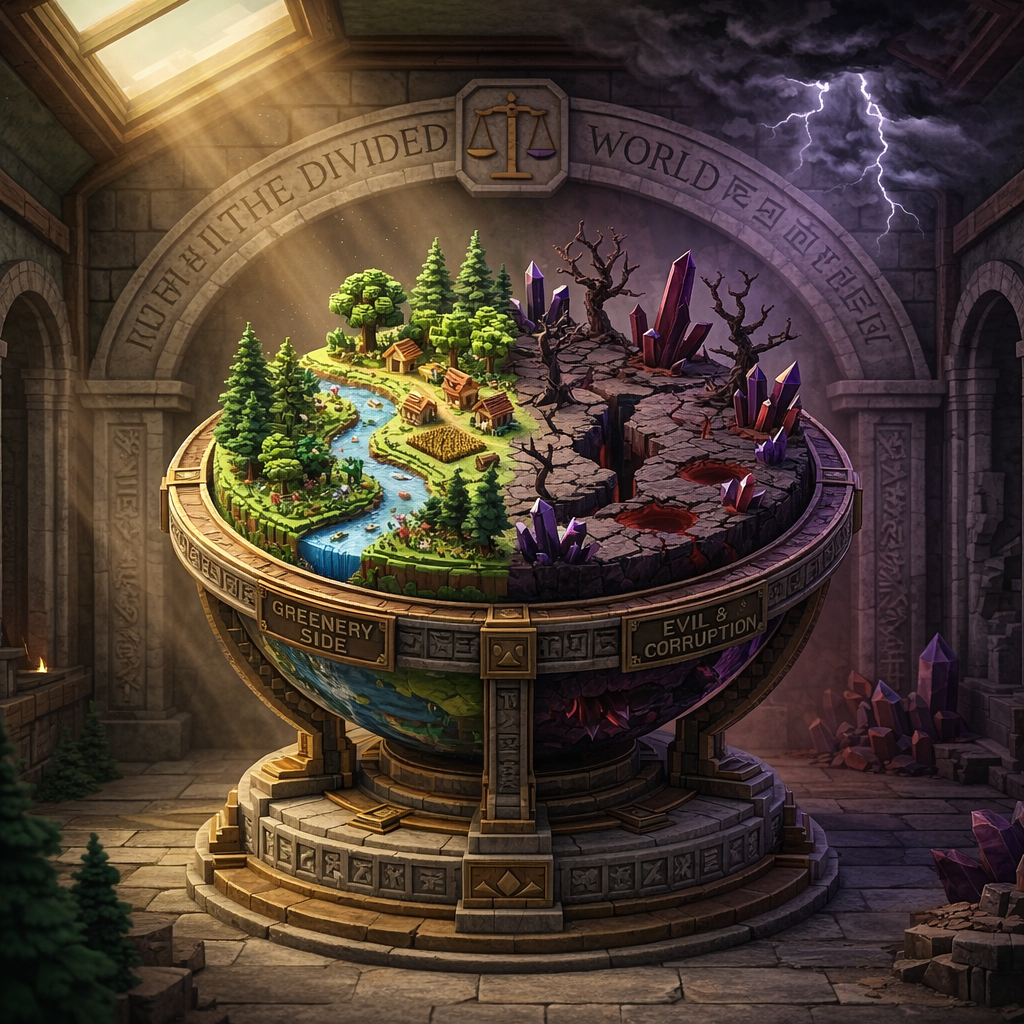
CurseForge · Hytale mod
Per-world inventory and gamemode management. Configure separate inventories and gamemodes for different worlds with simple JSON config. Group worlds to share inventories or keep them isolated
Quick answer
PerWorldChange-1.3.0.jar targets Hytale. Do not install it as a separate client mod. Enable it on the world host—the local server in singleplayer or the dedicated server in multiplayer. No required dependencies listed for this file.
Where it goes
Do not install it as a separate client mod. Enable it on the world host—the local server in singleplayer or the dedicated server in multiplayer.
Put Hytale mods on the world host or dedicated server. Singleplayer runs a local server too; Hytale does not use separate client mods.
PerWorldChange-1.3.0.jar. Change the file and its required mods may change too.
This file does not list any required mods. Do not add a library just because a different file uses it.
This file does not list any required or optional project dependencies. Check the creator notes before changing an existing world.
Before you install it
Built for PerWorldChange-1.3.0.jar. Pick another file and the loader, install side or required mods may change.
Use PerWorldChange-1.3.0.jar. It targets Hytale; another release may target a different game build or dependency set.
This file does not list any required mods. Do not add a library just because a different file uses it.
Do not install it as a separate client mod. Enable it on the world host—the local server in singleplayer or the dedicated server in multiplayer.
Use the “Get this file” button beside PerWorldChange-1.3.0.jar. It opens that exact file at the source.
About this project
PerWorldChange is a lightweight Hytale server plugin for managing inventories and gamemodes across multiple worlds. Group worlds together to share inventories, keep other worlds fully isolated, automatically apply gamemodes on world entry, and support dungeon or instance worlds without inventory headaches. Everything is controlled through a simple config.json file, with hot-reload support added in version 1.3.0.
🎒 Per-World Inventories
Create inventory groups where worlds share the same inventory, or keep each world completely separate. Players switching between worlds in the same group keep their items; switching to a different group loads that group's saved inventory.
🗺️ Dungeon & Instance Support
Dungeon and instance worlds can inherit inventory from their parent or origin world. Players can enter dungeons with the right gear, then return without inventory switching glitches or lost items.
🎮 Per-World Gamemodes
Set specific gamemodes for each world. Players are automatically switched to the configured gamemode when they enter a world, which is perfect for creative build worlds, survival worlds, adventure maps, event worlds, and more.
💾 Per-Player Gamemode Memory
New in 1.3.0: worlds without an explicit configured gamemode remember each player's last gamemode for that world. If an admin puts a player in Creative in a build world, PerWorldChange restores that mode when they return instead of forcing them back to the server default.
🗂️ Inventory Grouping
Group multiple worlds together to share one inventory. For example, all survival worlds can share gear while creative worlds stay isolated from survival items.
🌟 Wildcard Support
Use wildcards in world names, such as instance-creativehub*, to automatically apply inventory and gamemode rules to dynamically created worlds or world instances.
🔁 Config Hot-Reload
New in 1.3.0: run /pwc reload to reload config.json without restarting the server. If the JSON is malformed, the plugin keeps the previous valid config active and logs clear errors.
⚙️ Simple JSON Config
Configure everything in a clean config.json file. Define inventory groups, world gamemodes, instance patterns, and debug mode with easy-to-read JSON syntax.
🐛 Better Debug Logging
Debug mode now logs player name, source world, destination world, resolved inventory group, and applied gamemode so it is easier to diagnose world-switching behavior.
🖥️ Server Compatible
Java plugin built for Hytale dedicated and singleplayer servers. Lightweight, focused, and designed to keep world switching smooth.
The config file (config.json) is automatically generated on first run in the plugin data directory.
{
  "configVersion": "1.3.0",
  "debug": false,
  "inventoryGroups": {
    "survival": [
      "V2",
      "default_world"
    ],
    "creative": [
      "default",
      "instance-creativehub*"
    ]
  },
  "worldGamemodes": {
    "V2": "Adventure",
    "default_world": "Adventure",
    "default": "Creative",
    "instance-creativehub*": "Creative"
  },
  "instanceWorlds": [
    "instance-*",
    "instance-creativehub*"
  ]
}
What this does:
V2 and default_world share a survival inventory. Worlds default and instance-creativehub* share a creative inventory.V2 and default_world are set to Adventure mode. default and worlds matching instance-creativehub* are set to Creative mode.* means any world starting with instance-creativehub will use the creative inventory group and Creative mode.worldGamemodes, the plugin can remember the player's last gamemode for that world./pwc reload — Reloads config.json without restarting the server./perworldchange reload — Alias for the reload command.If you run a multi-world server and want different worlds to have different rules, inventories, or gamemodes, this plugin keeps it simple. No more creative items leaking into survival worlds, no more repeated manual gamemode commands after every world switch, and fewer headaches around dungeon instances. Configure it once, reload when needed, and let the plugin handle the switching.
.jar from this page.PerWorldChange-1.3.0.jar in your server's mods/ folder.config.json file to set up inventory groups and world gamemodes./pwc reload after config edits, or restart the server.⚠️ Requirements: Hytale Early Access release server build 2026.03.26-89796e57b · No external server dependencies · Multi-world server setup recommended
🌐 Premium Arcanum | 💬 Discord Server

Thanks for checking out PerWorldChange. For issues, questions, or feedback, join the Discord above.
Created by PrimeEcto using Hytale's official plugin API.
Project description from CurseForge.
Recent files
24 May 2026
16 Mar 2026
16 Mar 2026
Looking for an older file? The official CurseForge project page is in Resources.