Crity.jar
24 Aug 2026
Client Not supported Server Required Dependencies No extras listed Listed on Project page
Check the setup 
CurseForge · Hytale mod
Enhances combat with dynamic tiered damage numbers, critical popups, and a smooth target health bar. Commands: • /crity damage [on | default | off] & • /crity health [on | default | off]
Quick answer
Crity.jar targets Hytale. Do not install it as a separate client mod. Enable it on the world host—the local server in singleplayer or the dedicated server in multiplayer. No required dependencies listed for this file.
Where it goes
Do not install it as a separate client mod. Enable it on the world host—the local server in singleplayer or the dedicated server in multiplayer.
Put Hytale mods on the world host or dedicated server. Singleplayer runs a local server too; Hytale does not use separate client mods.
Crity.jar. Change the file and its required mods may change too.
This file does not list any required mods. Do not add a library just because a different file uses it.
This file does not list any required or optional project dependencies. Check the creator notes before changing an existing world.
Before you install it
Built for Crity.jar. Pick another file and the loader, install side or required mods may change.
Use Crity.jar. It targets Hytale; another release may target a different game build or dependency set.
This file does not list any required mods. Do not add a library just because a different file uses it.
Do not install it as a separate client mod. Enable it on the world host—the local server in singleplayer or the dedicated server in multiplayer.
Use the “Get this file” button beside Crity.jar. It opens that exact file at the source.
About this project
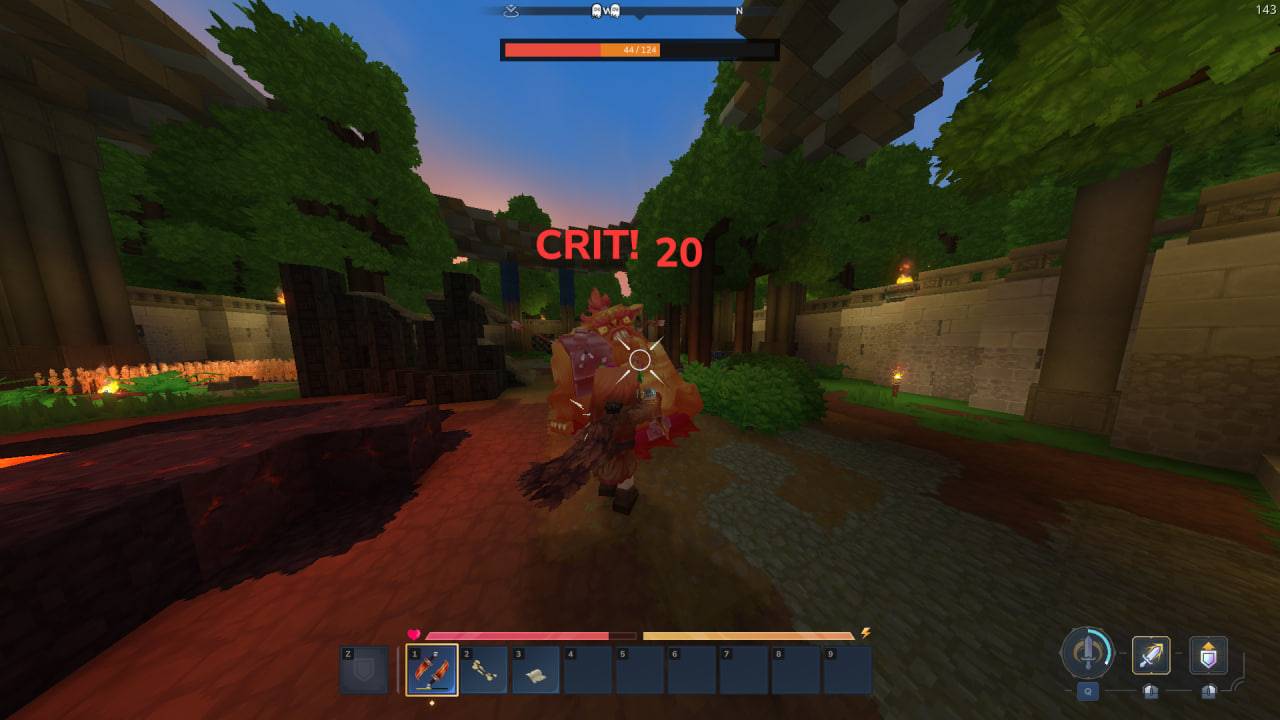
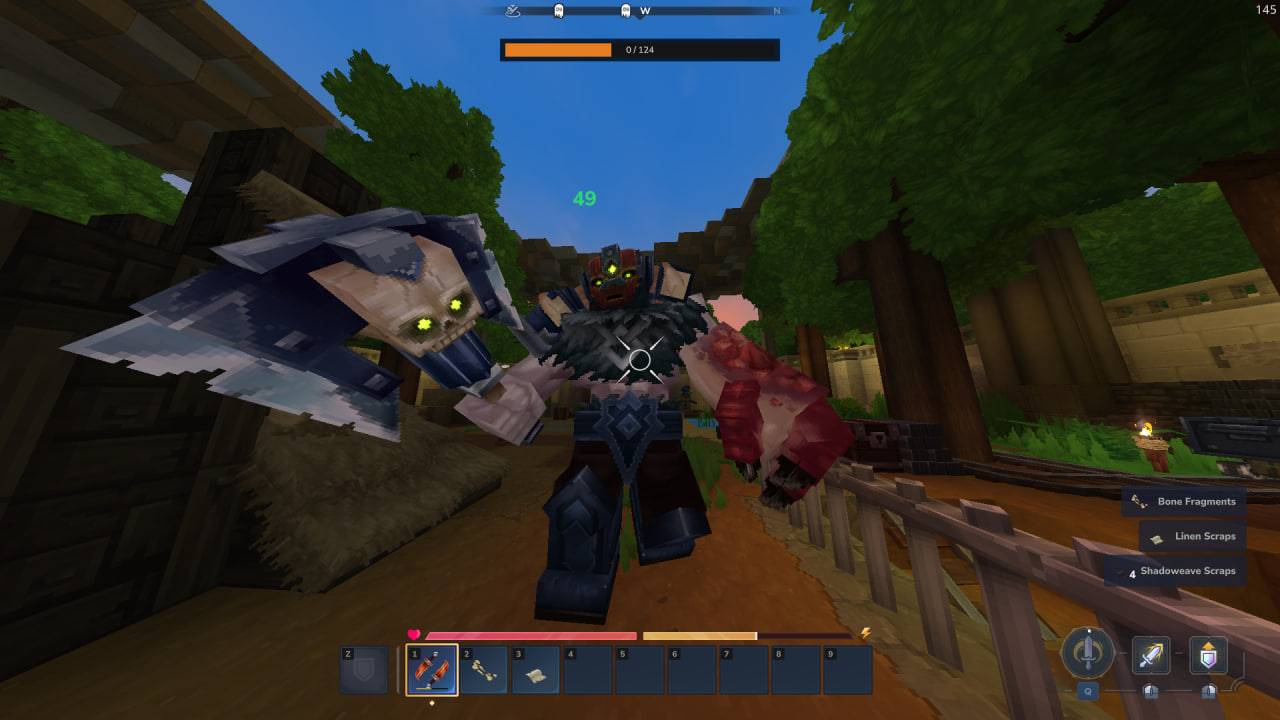
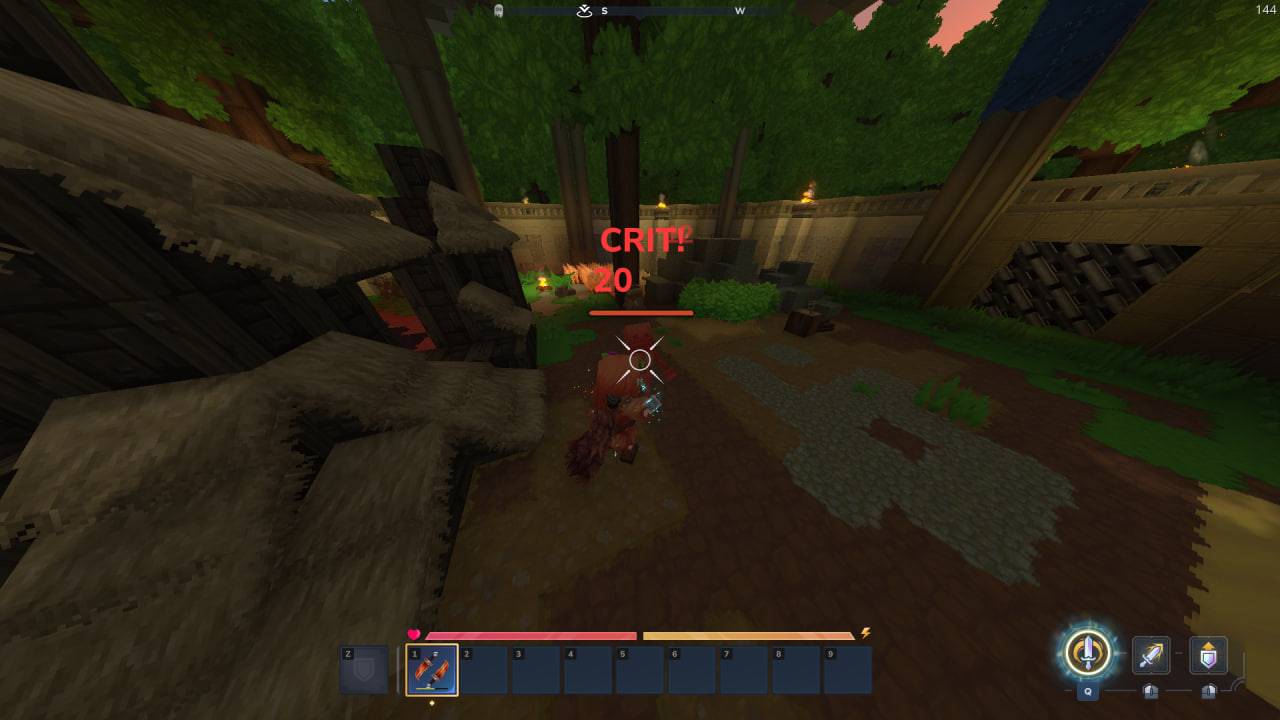
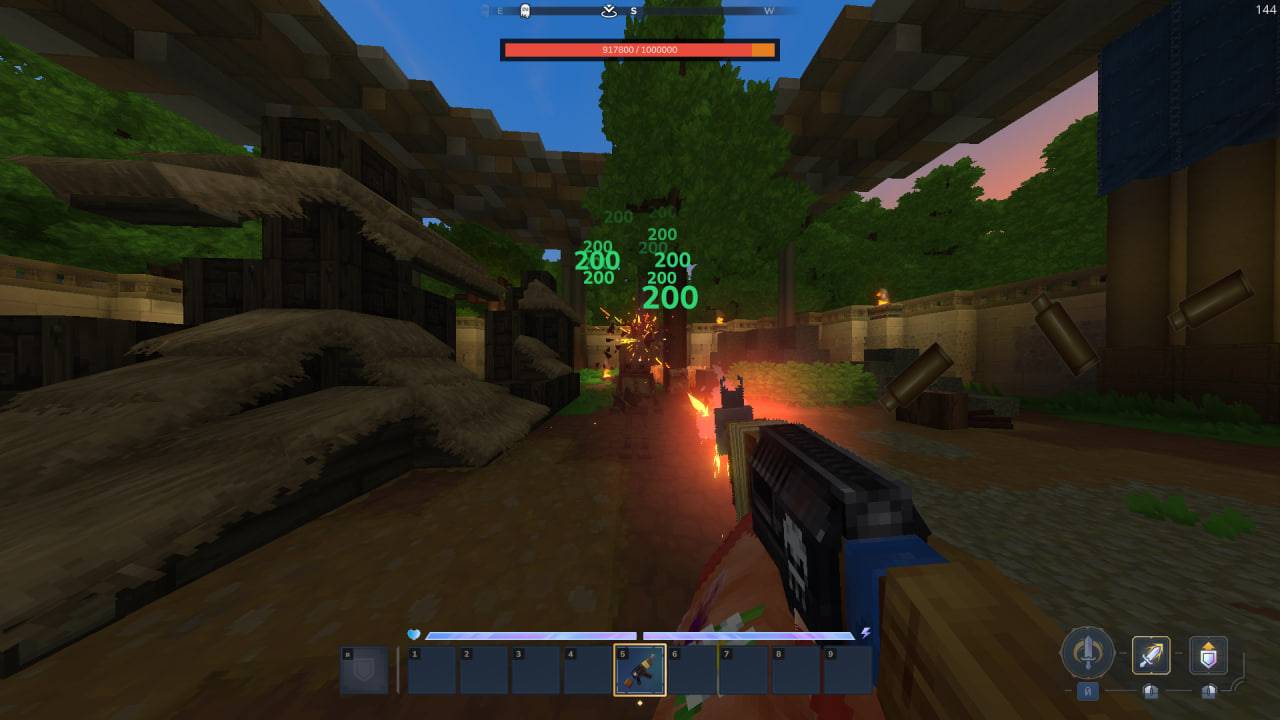
Crity — Dynamic Combat Damage & Target HUD
Crity brings an immersive, modern combat experience to Hytale! It replaces static damage indicators with dynamic tiered floating numbers, critical hit popups, and introduces a clean, layered top-screen Target Health Bar with smooth phantom health drain.
DISCLAIMER & NOTE
I am not a professional developer! I create mods purely as a hobby and for fun. Because this mod hooks into internal damage events, custom UI pipelines, and game reflection systems, you might encounter occasional visual quirks or minor glitches. Feel free to experiment, test it out, and leave feedback in the comments!
FEATURES
Dynamic Damage Tiers & Critical Popups
Damage numbers dynamically scale in color, size, and animation depending on how hard you hit relative to your weapon's damage range:
• Cyan (< 25% weapon range): Light glancing blow.
• Green (25% – 55% weapon range): Standard solid strike.
• Yellow (55% – 80% weapon range): Heavy hit.
• Red + CRIT! (≥ 80% weapon range): Massive critical hit with an additional explosive "CRIT!" popup!
Layered Target Health Bar
• Phantom Damage Trail: Instant red health bar drop with a smooth orange phantom trail that gracefully drains down.
• Exact HP Numbers: Clear and precise numerical health readout (Current HP / Max HP).
• Smart Auto-Hide: Automatically fades away after 5 seconds of combat inactivity.
• Keeps entity heads clean by moving target health to an elegant top-centered HUD.
COMMANDS & CUSTOMIZATION
Every player can independently configure their preferences. All settings are automatically saved and persist across server restarts!
• /crity
View your current display settings.
• /crity damage [on | default | off]
Switch between Custom Tiers, Vanilla White, or Disabled.
• /crity health [on | default | off]
Switch between HUD, Vanilla 3D Bar, or Disabled.
Project description from CurseForge.
Recent files
24 Aug 2026
Looking for an older file? The official CurseForge project page is in Resources.
 mod
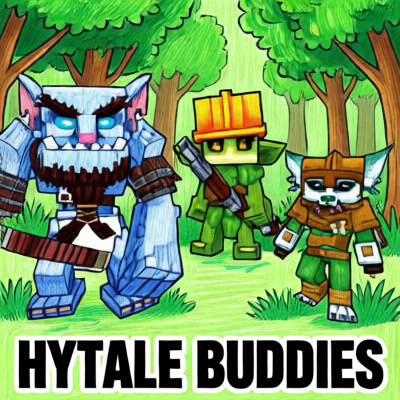
modThis Plugins add three Buddies to your adventure - they will follow you, fight with you and interact via sounds and chat (AI-featured through LLM).
 mod
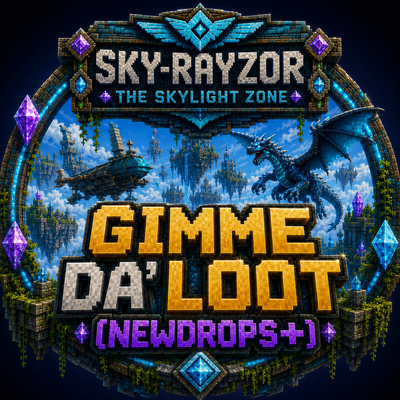
modThe Skylight Zone: Gimme Da' Loot (NewDrops+) is a Droptable Addon for (New Items, NPC Drops, Lootbags and more). - It Adds 3 New 'Lootbags' that have the chance to reward the player with Loot. The Mod now Also Includes 28 new NPCs.
 mod
modMob taming framework and asset patcher. Breeding, traits, leveling, tame management UI, easier interaction chains, capture/spawn items that store metadata, ownership/tamed status, lots of behavior components and more!