Hytale version
Back to mods 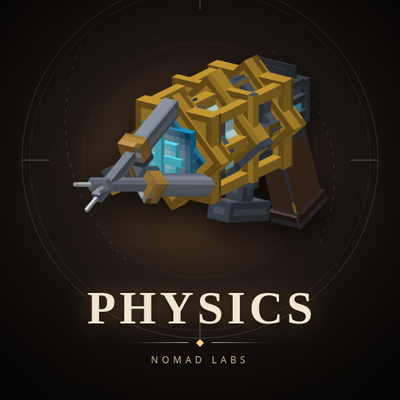
CurseForge · Hytale mod
Nomad Physics
Real rigid-body physics for Hytale. Props tumble, settle and collide on ode4j; move, pin and throw them at range with the physgun, or grab and nudge them with the gravity gun.
Choose a version Pick your version below, then grab the matching file.
Quick answer
Which Nomad Physics release should I use?
Latest stable file NomadPhysics-0.2.0.jar
Game version 0.7
Mod system Built-in Hytale mod system
Nomad Physics NomadPhysics-0.2.0.jar targets 0.7. Do not install it as a separate client mod. Enable it on the world host—the local server in singleplayer or the dedicated server in multiplayer. No required dependencies listed for this file.
Where it goes
Where should Nomad Physics be installed in Hytale?
Do not install it as a separate client mod. Enable it on the world host—the local server in singleplayer or the dedicated server in multiplayer.
Separate client mod Not supported
World host / dedicated server Required
Mod system for this release Built-in Hytale mod system
Required install it here Optional supported, not mandatory Not supported do not install here Source doesn’t say do not assume
Put Hytale mods on the world host or dedicated server. Singleplayer runs a local server too; Hytale does not use separate client mods.
What else does Nomad Physics NomadPhysics-0.2.0.jar need?
NomadPhysics-0.2.0.jar. Change the file and its required mods may change too.
This file does not list any required mods. Do not add a library just because a different file uses it.
This file does not list any required or optional project dependencies. Check the creator notes before changing an existing world.
Before you install it
Add Nomad Physics without breaking your instance.
Built for Nomad Physics NomadPhysics-0.2.0.jar. Pick another file and the loader, install side or required mods may change.
- 01
Stick to this file
Use NomadPhysics-0.2.0.jar. It targets 0.7; another release may target a different game build or dependency set.
- 02
Bring the mods it needs
This file does not list any required mods. Do not add a library just because a different file uses it.
- 03
Enable it on the world host
Do not install it as a separate client mod. Enable it on the world host—the local server in singleplayer or the dedicated server in multiplayer.
- 04
Pick the file you checked
Use the “Get this file” button beside NomadPhysics-0.2.0.jar. It opens that exact file at the source.
About this project
What does Nomad Physics add?
Full guide, screenshots and release notes for every version at nomad-labs.co/physics.
Bugs and questions: our Discord.
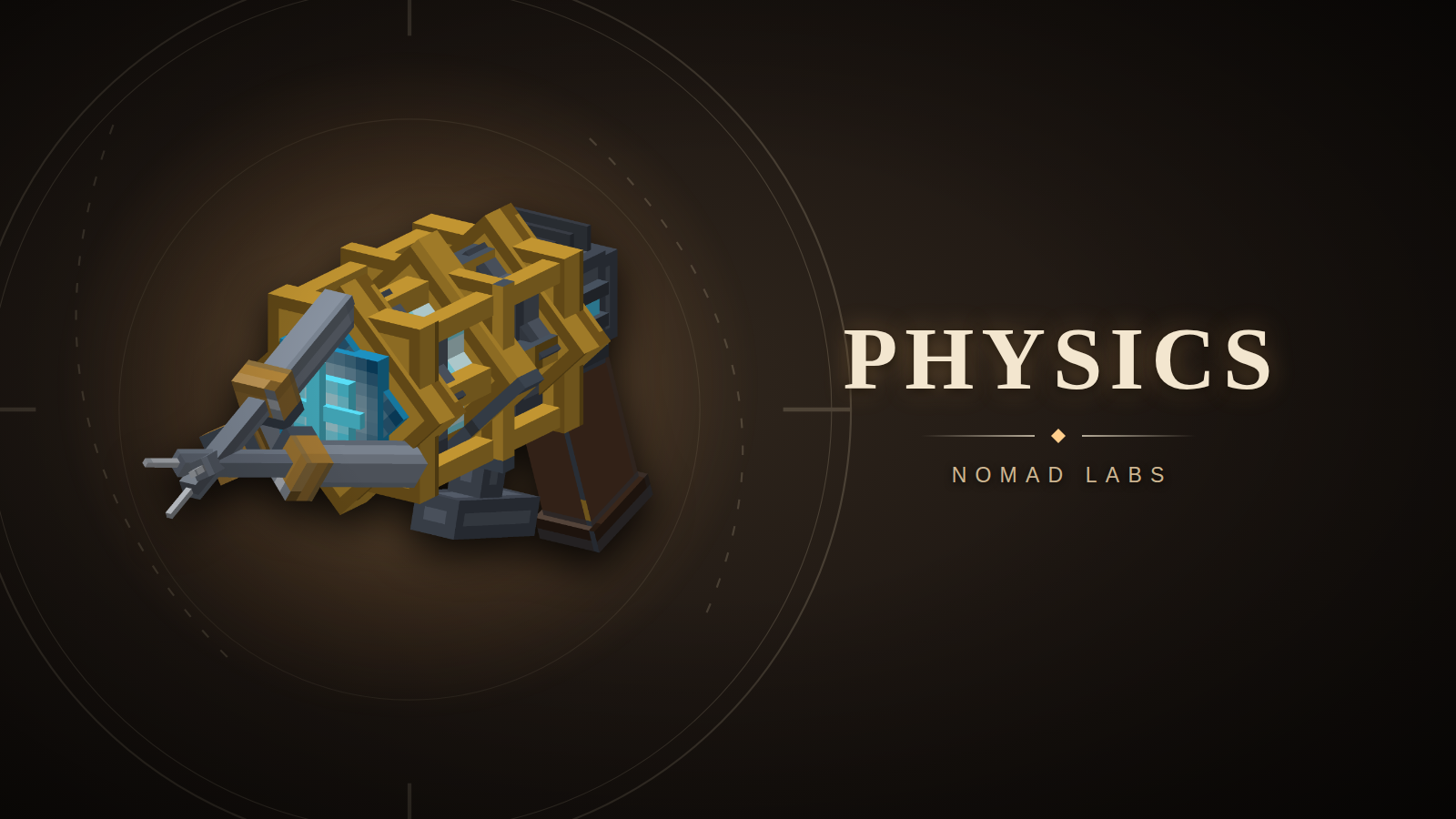
Nomad Physics adds rigid-body physics to Hytale props. Drop a crate, grab something with the physgun and throw it across the room. Props fall, roll and collide with the world, with ode4j running the simulation on the server. Players don't need a separate client mod.
The core includes the physgun, gravity gun, a wooden crate, and Rubber, Steel and Slick demo blocks. Other plugins can use the same physics through PhysicsApi, including content packs such as bowling and War Games.
Try it on Nomad Arcade
Test out the physics system for yourself on the Nomad Arcade server. Join at arcade.nomad-labs.co:5521.
Getting started on your server

Install NomadPhysics-0.1.1.jar in your server's mods folder and restart the server. When upgrading, replace the previous Nomad Physics jar so only one copy is installed. The jar includes its assets. Start in an open area and run these commands as a server operator:
/physics tool physgun
/physics tool gravgun
/physics demo crates
The tools have no crafting recipes. Give one to another player with /physics tool physgun --player=PlayerName or /physics tool gravgun --player=PlayerName. The recipient must be in the same world as the command.
Using the tools

These are the default mouse and Use-key bindings. If you've rebound your controls, use the corresponding Primary, Secondary or Use action.
Physgun
Use the physgun for placing and arranging props. It can carry heavy objects without the gravity gun's mass limit.
| Control | Action |
|---|---|
| Hold left click | Grab the prop under your crosshair and carry it where you aim. |
| Release left click | Let go of the prop. |
| Right click while carrying | Freeze the prop in place. |
| Right click a frozen prop while carrying nothing | Unfreeze it. Grabbing it with left click also unfreezes it. |
| F while carrying | Enter rotate mode, then look around to turn the prop. Press F again to resume carrying. |
| Crouch and look up or down while carrying | Adjust how far away you hold the prop. |
Gravity gun
Use the gravity gun to pull things close or launch them away.
| Control | Action |
|---|---|
| Right click a prop | Pull it toward you and hold it in front of you. |
| Right click again | Drop the held prop, or cancel a pull in progress. |
| Left click | Punt the prop you're holding or aiming at. |
The gravity gun has a shorter reach and a carry mass limit. An ordinary prop that's too heavy to lift can still receive a weaker shove. Creature and registered-owner targets are exempt from that carry mass check.
Block mode
With either gun equipped and nothing held, press F to toggle block mode. The HUD tells you whether it's on. In block mode, the gun can pull allowed blocks out of the world and move them as loose props. They snap back into the block grid when they settle; if no suitable space is available, they drop as an item.
After enabling block mode, aim at a placed block and hold left click with the physgun, or right click with the gravity gun, to pick it up. F changes the mode; it does not grab a block by itself. While carrying with the physgun, F controls rotation instead. The gravity gun has no rotate or freeze mode.
Block pickup needs the tool's permission and nomadphysics.blocks. The server's Blocks.AllowTags and Blocks.DenyIds settings decide which block types can be picked up. Denied IDs take priority over allowed tags.
Rubber, Steel and Slick
All three demo blocks are included in free core. Find them in the creative catalog under Blocks > Build, or use the server's existing /give <player> <ItemId> command with an ID below. Giving items uses the server's normal command permissions; it does not grant permission to use the physics guns.
| Item | Item ID | Behavior while loose |
|---|---|---|
| Rubber Block | Nomad_Demo_Rubber |
Matte red rubber with rounded corners. Bounces on solid terrain, with each bounce losing height until it stops. |
| Steel Weight | Nomad_Demo_Steel |
Four times the ordinary block mass, so the same impulse moves it less. Useful for knocking over loose stacks. |
| Slick Block | Nomad_Demo_Slick |
Lower friction makes it slide farther than an ordinary loose block. When placed, players slide across it like ice. |
Place one as an ordinary block, enable block mode, and grab it using the controls above. Each block moves independently. Release left click with the physgun to drop it, or use the gravity gun's left click to throw it. To freeze one, carry it with the physgun and right click; with nothing held, right click the frozen block to unfreeze it. Let it settle back into the grid, then pick it up again: its material behavior returns on every pickup. Breaking it returns its own item for re-placement.
The demo blocks use the normal Furniture pickup tag, so they work with the default allowlist. Administrator restrictions still apply. Rubber's bounce and Steel's extra mass apply while loose; Slick also uses vanilla ice's player movement settings when placed. Steel follows the same gravity as ordinary blocks, and Rubber is not a player trampoline.
What works with physics?
| Object | What to expect |
|---|---|
| Physics props | Both guns can move them. The physgun can freeze and rotate them. |
| World blocks | Stay in the world until picked up in block mode. Only permitted block types can be removed. |
| Mobs and animals | Can be picked up when creature handling is enabled. Their AI pauses while physics controls them and resumes after release. Hard landings can hurt them if creature damage is enabled. |
| Props in water | Bodies configured with a buoyancy density can float. Bodies without buoyancy sink. |
| Other mods' entities | Their mod must register an integration before the guns can take control. Nomad Longships is one example; its integration decides which hulls can be picked up. |
If your favourite modded object misbehaves with this on, tell me and I'll do my best to sort it out. Point its author to the integration instructions below, too.
Permissions and configuration

Give players the permissions for the tools and actions you want them to use:
| Default permission | Allows |
|---|---|
nomadphysics.physgun |
Using the physgun. |
nomadphysics.gravitygun |
Using the gravity gun. |
nomadphysics.blocks |
Picking up world blocks with either tool. The tool's own permission is also required. |
nomadphysics.admin |
Passing the additional permission check on /physics tool to hand out tools. |
These nodes are configurable. They are separate from the server's command permissions, so keep administrative commands restricted through your normal permission setup.
The plugin creates config.json in its data directory on first startup. Stop the server before editing it, then restart to load your changes.
| Config section | What you can change |
|---|---|
Physgun |
Reach, minimum and maximum carry distance, distance adjustment and the permission node. |
GravityGun |
Reach, carry distance, MassCap, PuntSpeed, weaker shoves for heavy props and the permission node. |
Blocks |
Allowed tags, denied block IDs, base mass, the per-player airborne-block limit and the permission node. Steel Weight uses four times the base mass. |
Creatures |
Enable or disable creature pickup, adjust its limits, and turn landing damage on or off with Damage. |
Impact |
Damage and knockback from props hitting players. Set Enabled to false to disable that impact handling. |
Diagnostics |
Set this top-level flag to true when investigating a problem. It is off by default. |
Useful operator commands
| Command | Purpose |
|---|---|
/physics status |
Show the current world's physics state. |
/physics stats |
Inspect body counts, simulation cost and contacts. |
/physics holds |
List active holds and frozen props. |
/physics unfreeze all |
Unfreeze all tool-frozen props in the current world. |
/physics unfreeze PlayerName |
Unfreeze props frozen by that player, who must be online in the current world. |
/physics blocks |
Inspect the block allowlist and airborne blocks. |
/physics creatures |
Inspect creature settings and active creature adoptions. |
/physics owners |
List registered mod integrations and their adopted entities. |
/physics joints |
List the current world's joints. |
/physics clear |
Clear the world's physics simulation, including props created by content packs. Use this to reset a test area, not as a routine cleanup command on an active game. |
For mod authors: using PhysicsApi

The Java API is for server plugins. Server owners can use the tools and commands above without writing code.
Add the dependency
Compile against the core and plugin API in NomadPhysics-0.1.1.jar. For a Gradle Kotlin build, put the jar in your project's libs directory and add:
dependencies {
    compileOnly(files("libs/NomadPhysics-0.1.1.jar"))
}
Add this dependency entry to your plugin's manifest.json:
{
  "Dependencies": {
    "co.nomadlabs:NomadPhysics": "*"
  }
}
Install Nomad Physics alongside your plugin on the server. Keep the dependency as compileOnly; bundling another copy of the physics classes into your jar can give your plugin a separate API holder.
Spawn, move and remove a prop
Create one PhysicsExample for the world you want to use, then call spawn with a body-centre position in a loaded area. This example spawns the vanilla Minecart model as a physics prop and pushes it along the world's X axis. Call clear when your feature is finished with it, while that world is still running.
import co.nomadlabs.physics.Quat;
import co.nomadlabs.physics.Vec3;
import co.nomadlabs.physics.plugin.api.BodyHandle;
import co.nomadlabs.physics.plugin.api.PhysicsApi;
import com.hypixel.hytale.server.core.universe.world.World;

public final class PhysicsExample {
    private final World world;
    private BodyHandle prop;

    public PhysicsExample(World world) {
        this.world = world;
    }

    public void spawn(Vec3 centre) {
        world.execute(() -> {
            PhysicsApi physics = PhysicsApi.get();
            if (physics == null || prop != null) return;

            prop = physics.spawnBody(world, "Minecart", centre, Quat.IDENTITY);
            if (prop != null) {
                physics.applyImpulse(prop, new Vec3(8, 0, 0), centre);
            }
        });
    }

    public void clear() {
        world.execute(() -> {
            PhysicsApi physics = PhysicsApi.get();
            if (physics != null && prop != null) physics.removeBody(prop);
            prop = null;
        });
    }
}
PhysicsApi.get() returns null before setup and after shutdown. spawnBody can return null when a model is unknown, the destination section is unloaded, or the world has reached its body cap. Query the cap with bodyCap() rather than hard-coding it.
Run simulation calls on the owning world's thread. world.execute(...) schedules the work there. Contact, impact and adoption callbacks already run on that thread; keep them short and avoid blocking I/O. Impulses use kg·m/s, and the application point is in world coordinates. Check bodyState(handle) before relying on a stored handle: it returns null after that body has gone.
More API features
| API | Use it for |
|---|---|
spawnBody(..., BodySpec) |
Choose mass, buoyancy, rolling resistance and other body settings. |
bodyState, entityOf, bodyOf |
Read a body's state or find the link between a physics body and its entity. |
spawnBlockBody |
Spawn a loose block that snaps back into the world when it settles. Its body handle expires when that happens. |
addContactListener / removeContactListener |
Receive body contact events. Register once and keep the same listener object for removal. |
addImpactListener / removeImpactListener |
Receive player-impact events separately from body contacts. |
addHinge, addSlider, addBall |
Join bodies to each other or to the world. Keep the returned joint handle and release it with removeJoint. |
adopt / release |
Temporarily give physics control of an existing entity, then hand it back. |
registerAdoptable / unregisterAdoptable |
Let the physics guns recognise and pick up entities owned by your mod. |
registerLiftOwner / unregisterLiftOwner |
Let a carry action move a multi-part object through a body chosen by your mod. |
registerMachine |
Register a machine that a content-pack item can place and pick up. |
Remove your listeners and registrations when your integration shuts down. Remove spawned bodies when your feature no longer needs them. For adopted entities, use release so their owner gets control back.
Make your own entities work with the guns
Implement AdoptableOwner and register it from your plugin's start() using NomadPhysicsPlugin.registerAdoptable("yourgroup:YourPlugin", owner). This registration is thread-safe and can happen before worlds exist. Use the same ID with unregisterAdoptable when your plugin shuts down.
| Callback | Your mod's job |
|---|---|
claims(store, entity) |
Return whether this is one of your entities. Keep this check cheap. |
describe(store, entity) |
Return an AdoptRequest with its shape and settings, or null to refuse pickup, for example while it's occupied or locked. |
onAdopt(store, entity) |
Pause your own movement or AI for this entity. Return false to cancel adoption. |
onRelease(store, entity, finalPose, reason) |
Resume your own behaviour from the final pose. Use the entity reference supplied here; a cached reference may have been replaced. |
AdoptRequest contains an AdoptShape and AdoptOptions. The shape describes positive box half-extents in blocks and the box centre's offset from the entity origin in entity-local coordinates. The options set mass, buoyancy, client collision, the thresholds for returning a settled entity, friction and restitution. The original five-argument AdoptOptions constructor remains available with friction 0.8 and restitution 0. finalPose is the body's centre and orientation; the entity origin is finalPose.centre().minus(finalPose.rotation().rotate(pivotOffset)).
Release reasons are REST, OWNER_RECALLED, ENTITY_GONE and WORLD_CLOSED. The release callback fires once. For ENTITY_GONE, the entity reference may already be invalid, so check it before accessing components.
If physics support is optional for your mod, load its classes through the installed physics plugin's class loader and use a reflection proxy for AdoptableOwner. A null check on a directly imported PhysicsApi does not remove the jar dependency. The static registration methods on NomadPhysicsPlugin are available for that optional integration path too.
Changelog
0.1.1
Added three placeable demo blocks to the free core:
- Rubber Block: matte red rubber with rounded corners and bounces that lose height until it settles. Tuned for strong rebounds while staying grippy.
- Steel Weight: four times the ordinary block mass for heavier impacts against loose props.
- Slick Block: slides farther while loose and gives players an ice-like surface to slide on when placed.
Find them under Blocks > Build in the creative catalog, or use /give <player> Nomad_Demo_Rubber, Nomad_Demo_Steel, or Nomad_Demo_Slick. Both physics guns can pick them up in block mode. Each block keeps its material behavior after settling and being picked up again.
Updated the demo models, textures and inventory icons. Clarified the tool guide: F toggles block mode when nothing is held; normal grab inputs pick up blocks, and the physgun handles freezing and rotation. Plugin authors can now set friction and restitution through AdoptOptions; the existing five-argument constructor remains compatible.
0.1.0
First release: rigid bodies, terrain and model-shape collision, joints, the physgun and the gravity gun, with PhysicsApi available to other plugins. Includes a placeable crate with an inventory icon. Packs can register machines as placeable items through PhysicsApi.registerMachine: look at a block to place one, then sneak + F to pick it up. Per-world tile and speed budgets limit the load from pile-ups. Diagnostic logging is off unless Diagnostics is enabled in config.
Packs built on Nomad Physics
The core is free and stays free. The games run on top of it as separate packs, sold on our site:
- Nomad Physics: Bowling — out now. A full alley with real ten-pin scoring, a ball return and pin setting, for any server running this core. Get it at nomad-labs.co/bowling.
- Playground and War Games — next. Watch nomad-labs.co/products or the Discord release pings.
Every pack needs this core installed, so keep it updated: nomad-labs.co/physics always shows the current version.
More from Nomad Labs
- This mod's home page: nomad-labs.co/physics — the full guide, real screenshots and the version history. Downloads stay here on CurseForge.
- Release notes for every version, the moment one ships: nomad-labs.co/changelog, or follow the release feed.
- Discord: nomad-labs.co/discord — support, release pings you can opt into, and the people who make these.
- Our other free Hytale mods: Nomad Compass, Nomad Drawstring — all at nomad-labs.co/products.
- Play on our servers: Loneshoal (full-loot survival) and Nomad Arcade (physics games) — addresses at nomad-labs.co.
Project description from CurseForge.
Pick your setup
Nomad Physics releases for each Hytale build.
Choose the version and loader you play, then open the matching release.
Hytale version
0.6
1 loader buildCheck the dependencies, then try the file in a copied instance before changing a world you care about.
Recent files
Nomad Physics releases and Hytale builds
NomadPhysics-0.2.0.jar
30 Oct 2026
Client Not supported Server Required Dependencies No extras listed Listed on Project page
Check the 0.7 setup 0.7 release
NomadPhysics-0.1.1.jar
15 Sept 2026
Client Not supported Server Required Dependencies No extras listed Listed on Project page
Check the 0.6 setup 0.6 release
NomadPhysics-0.1.0.jar
14 Sept 2026
Client Not supported Server Required Dependencies No extras listed Listed on Project page
Check the 0.6 setup 0.6 release
Looking for an older file? The official CurseForge project page is in Resources.
 mod
mod CurseForge · Hytale
Umbral Tether
A Void-bound charm that pulls you back from death, at a price.
 mod
mod CurseForge · Hytale
Fullmetal Labyrinth
Adds a brand-new Labyrinth Dimension featuring a vast desert surface and an endless maze stretching deep below. Discover unique locations and face a variety of dangerous new enemies as you explore its depths!
 mod
mod CurseForge · Hytale
Togo Weapons - Spear Rework
[Feedback welcomed] Turning Hytale into Fast-Paced ARPG, bringing New Combat style with Hytale Weapons, and Elemental powers