Kiwi 🥝 (Neo/Forge) Needed by Kiwi Customization KiwiCustomization-1.0.0.jar
requiredMatching file found Matched file: [NeoForge 26.1.X] 26.0.18
CurseForge · Minecraft mod
a tool for creating game content from Excel/Google Sheets/YAML.
Quick answer
Kiwi Customization KiwiCustomization-1.0.0.jar targets 1.21.1, 26.1, 26.1.1 with NeoForge, Fabric, Quilt. The project page does not say whether this file belongs on the client, dedicated server, or both. All 3 required mods have matching files.
Where it goes
The project page does not say whether this file belongs on the client, dedicated server, or both.
The source does not explicitly classify this release as client-only or server-only.
KiwiCustomization-1.0.0.jar. Change the file and its required mods may change too.
Install Kiwi 🥝 (Neo/Forge), Kiwi 🥝, Fabric API first. We found matching files for this game-version and loader setup. 3 come through another mod in the chain.
3 extra mods were pulled in by other dependencies. Indented rows show who needs each one. We only count dependency files that match this setup. A file for another loader does not fill the gap.
Before you install it
Built for Kiwi Customization KiwiCustomization-1.0.0.jar. Pick another file and the loader, install side or required mods may change.
Use KiwiCustomization-1.0.0.jar. It targets 1.21.1, 26.1, 26.1.1 with NeoForge, Fabric, Quilt; another release may have different loader, side or dependency requirements.
Install Kiwi 🥝 (Neo/Forge), Kiwi 🥝, Fabric API first. We found matching files for this game-version and loader setup. 3 come through another mod in the chain.
The project page does not say whether this file belongs on the client, dedicated server, or both.
Use the “Get this file” button beside KiwiCustomization-1.0.0.jar. It opens that exact file at the source.
About this project
Kiwi Customization is a tool for creating game content (mainly blocks and items) from Excel/Google Sheets/YAML.
Currently, you can use this mod to create:
Here you can check out a real mod project based on this mod. Table template can be found here.
Kiwi Customization is not designed to replace the use of code. Instead, it focuses primarily on providing development team members with a more user-friendly and scalable content management workflow, even if they have no experience in programming. And non-programmers can easily edit certain properties and see the effects in the game, without having to compile the mod. But with the combination of Lychee/Polytone/KubeJS/other mods, you can already create many fun things without coding.
Typically, after modifying the table, you should run the Python script, which will generate YAML files recognizable by Kiwi to create content. Then run the data generation task to generate the necessary resources. As a result, the corresponding changes will be reflected in the game.
Plus, this mod provides some useful systems to make end users way easier to use blocks. For example, a block can change it's state based on the surroundings, completely data-driven! The example mod, XK's Decoration, takes full advantage of this system. You can find more details in the example and source code.
You don't have to use this mod as a dependency. You can directly use Kiwi as a dependency and add a custom key in your mod file, just like this mod does.
Please understand that due to my limited energy, there is no documentation available for now. I made this because I need it in my projects. I feel that someone may be interested in it, so I made it more visible.
Finally, I would like to thank SettingDust and 3TUSK for their help on this project.

Project description from CurseForge.
Pick your setup
Choose the version and loader you play, then open the matching release.
Check the dependencies, then try the file in a copied instance before changing a world you care about.
Recent files
23 Aug 2025
Looking for an older file? The official CurseForge project page is in Resources.
 mod
Breaking grass, dirt, podzol and mycelium can drop seeds, crops and mushrooms, including seeds from other mods. Configurable, datapack-friendly and server-side.
 mod
Add dimensional wines to Kaleidoscope.
 mod
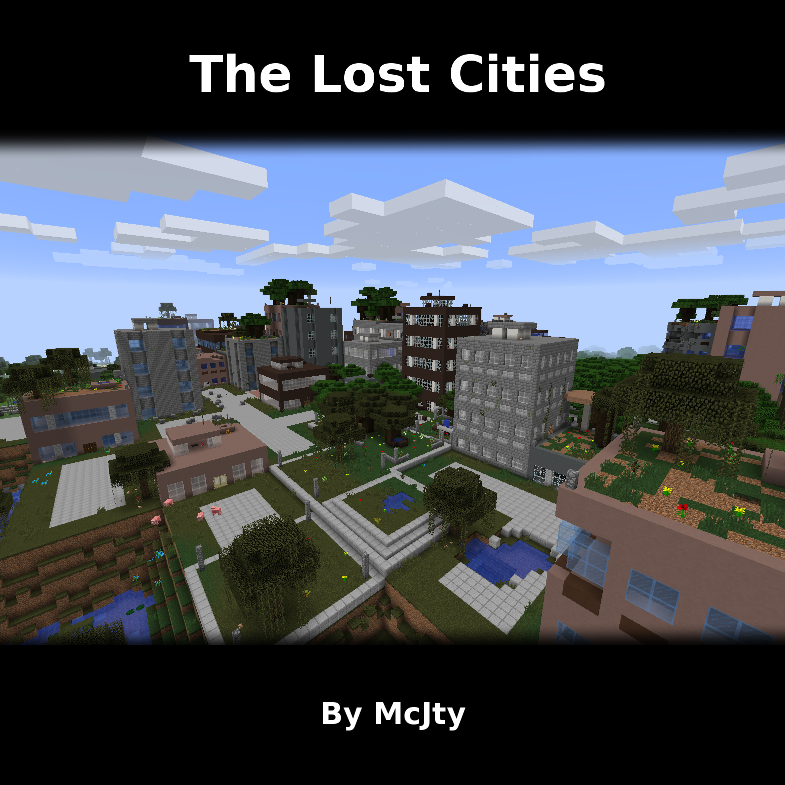
Allows the player to play in an old abandoned city instead of the normal overworld