Minecraft version
Back to mods 
CurseForge · Minecraft mod
Magpie
A Minecraft Mod for Fabric that adds a plenty of various artifacts spicying up your gameplay
Choose a version Pick your version below, then grab the matching file.
Quick answer
Which Magpie release should I use?
Latest stable file magpie-1.0.2-1.20.2.jar
Game version 1.20.2
Loader Fabric
magpie-1.0.2-1.20.2.jar targets 1.20.2 with Fabric. The project page does not say whether this file belongs on the client, dedicated server, or both. No extra mods listed for this file.
Where it goes
Is Magpie required on the client, server, or both?
The project page does not say whether this file belongs on the client, dedicated server, or both.
Client Source doesn’t say
Dedicated server Source doesn’t say
Loader for this release Fabric
Required install it here Optional supported, not mandatory Not supported do not install here Source doesn’t say do not assume
The source does not explicitly classify this release as client-only or server-only.
What else does magpie-1.0.2-1.20.2.jar need?
magpie-1.0.2-1.20.2.jar. Change the file and its required mods may change too.
This file does not list any required mods. Do not add a library just because a different file uses it.
This file does not list any required or optional mods.
Before you install it
Add Magpie without breaking your instance.
Built for magpie-1.0.2-1.20.2.jar. Pick another file and the loader, install side or required mods may change.
- 01
Stick to this file
Use magpie-1.0.2-1.20.2.jar. It targets 1.20.2 with Fabric; another release may have different loader, side or dependency requirements.
- 02
Bring the mods it needs
This file does not list any required mods. Do not add a library just because a different file uses it.
- 03
Put it on the correct side
The project page does not say whether this file belongs on the client, dedicated server, or both.
- 04
Pick the file you checked
Use the “Get this file” button beside magpie-1.0.2-1.20.2.jar. It opens that exact file at the source.
About this project
What does Magpie add?
Magpie
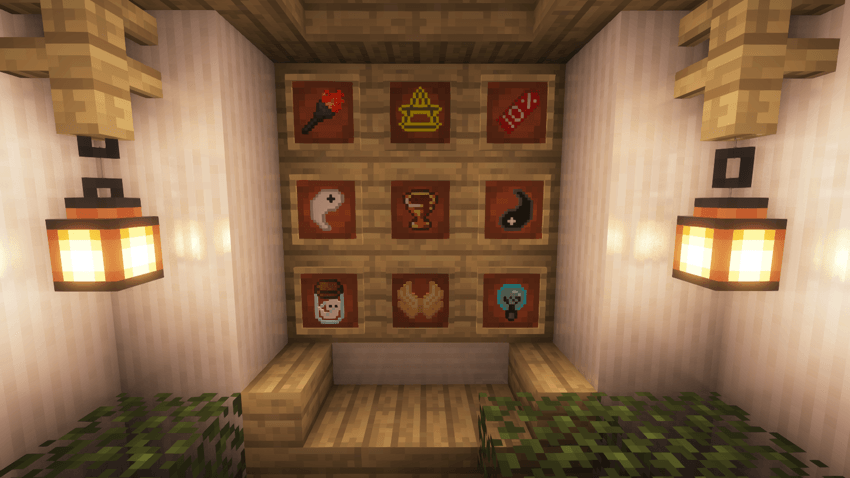
Did you ever want to have a little speed boost for your exploration mission? Have you ever wanted to become much more powerful than your friends in your multiplayer world? Have you always found roguelike mechanics fun and exciting? Or are you like a magpie and is collecting stuff your passion? If the answer to any of these questions is yes, you should try this mod! It has a lot (currently 36) of artifacts for you to find, collect and use! The effects of these artifacts range from giving you a small speed boost to giving you creative flight in certain conditions! These artifacts are scattered around the world and are waiting for you to find them!
Gameplay
Every player has 6 passive artifact slots and 1active artifact slot. You cannot have the same artifact equipped twice.
Let’s start with finding your first artifact! They are scattered through the worlds, appearing in almost every structure. Different structures contain different artifacts, so it’s worth it to explore various structures and dungeons.
Some other artifacts are obtained through trading or drops from entities or blocks.
Passive Artifacts
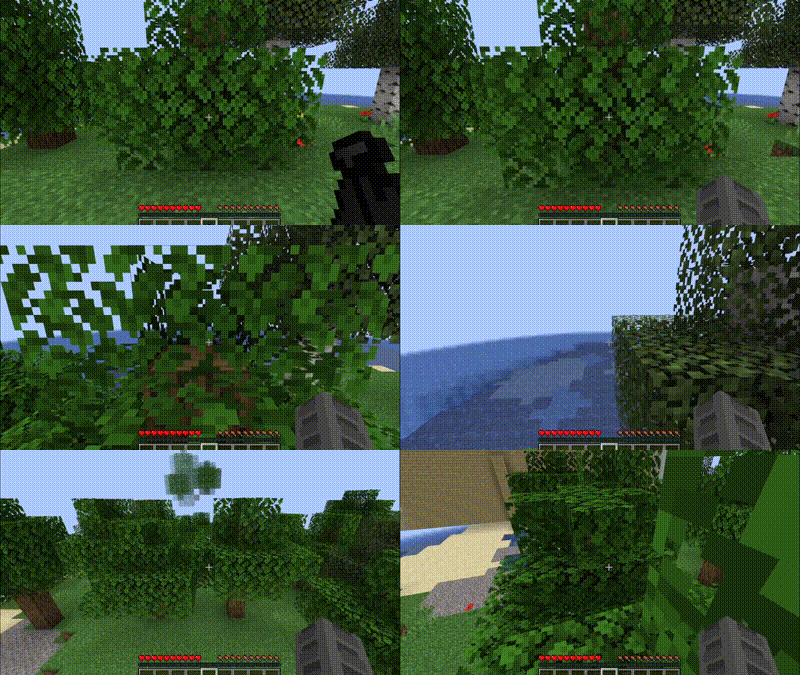
Try mining some stone. If you’re lucky, you’ll get a Lucky Pebble! Wow, your first artifact! If you look at the tooltips you’ll find a small desription and an explanation of how the artifact works.
Equip it! You can find the slots in your inventory. They should be near your offhand slot and are marked with a shiny coin.
As soon as you equip the artifact, its effect is working. Lucky Pebble is a passive artifact giving you more attack strength. Other artifacts have stronger effects, like conditional creative flight or double jump!
Active Artifacts
The bonuses (and negatives) of passive artifacts are active all the time - as soon as you equip them, you are good to go.
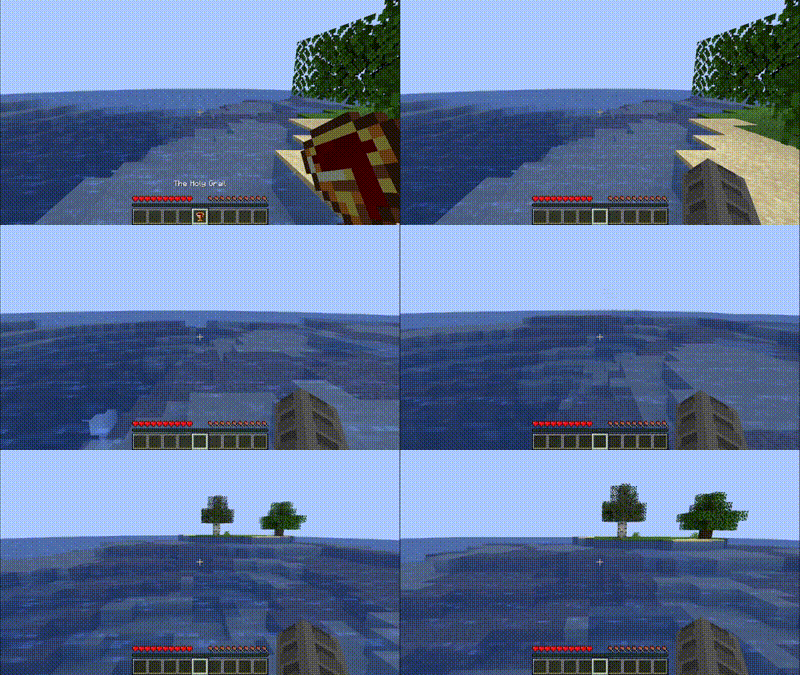
Active artifacts are different. Active artifacts go in a different slot, which is marked by a coin with lightning, have a recharge time and don’t give you a constant effect. You have to use them to get the bonus. You can do that by pressing ‘U’.
Remember the recharge time? It is the time you need to wait before using the active artifact again.
Project description from CurseForge.
Pick your setup
Magpie by Minecraft version and loader
Choose the version and loader you play, then open the matching release.
Minecraft version
1.20.1
1 loader buildMinecraft version
1.20
1 loader buildMinecraft version
1.19.4
1 loader buildMinecraft version
1.19.3
1 loader buildCheck the dependencies, then try the file in a copied instance before changing a world you care about.
Recent files
Magpie versions and loaders
magpie-1.0.2-1.20.2.jar
11 Jul 2024
Client Source doesn’t say Server Source doesn’t say Dependencies No extras listed Listed on Release listing
Check the 1.20.2 · Fabric setup 1.20.2Fabric release
magpie-1.0.2-1.20.1.jar
11 Jul 2024
Client Source doesn’t say Server Source doesn’t say Dependencies No extras listed Listed on Release listing
Check the 1.20.1 · Fabric setup Fabric1.20.1 release
magpie-1.0.2-1.20.jar
11 Jul 2024
Client Source doesn’t say Server Source doesn’t say Dependencies No extras listed Listed on Release listing
Check the 1.20 · Fabric setup Fabric1.20 release
magpie-1.0.2-1.19.4.jar
11 Jul 2024
Client Source doesn’t say Server Source doesn’t say Dependencies No extras listed Listed on Release listing
Check the 1.19.4 · Fabric setup 1.19.4Fabric release
magpie-1.0.2-1.19.3.jar
11 Jul 2024
Client Source doesn’t say Server Source doesn’t say Dependencies No extras listed Listed on Release listing
Check the 1.19.3 · Fabric setup 1.19.3Fabric release
magpie-1.0.0-1.20.2.jar
18 Jun 2024
Client Source doesn’t say Server Source doesn’t say Dependencies No extras listed Listed on Release listing
Check the 1.20.2 · Fabric setup 1.20.2Fabric release
magpie-1.0.0-1.20.1.jar
18 Jun 2024
Client Source doesn’t say Server Source doesn’t say Dependencies No extras listed Listed on Release listing
Check the 1.20.1 · Fabric setup Fabric1.20.1 release
magpie-1.0.0-1.20.jar
18 Jun 2024
Client Source doesn’t say Server Source doesn’t say Dependencies No extras listed Listed on Release listing
Check the 1.20 · Fabric setup Fabric1.20 release
magpie-1.0.0-1.19.4.jar
18 Jun 2024
Client Source doesn’t say Server Source doesn’t say Dependencies No extras listed Listed on Release listing
Check the 1.19.4 · Fabric setup 1.19.4Fabric release
magpie-1.0.1-1.19.3.jar
18 Jun 2024
Client Source doesn’t say Server Source doesn’t say Dependencies No extras listed Listed on Release listing
Check the 1.19.3 · Fabric setup 1.19.3Fabric release
magpie-1.0.0.jar
27 May 2024
Client Source doesn’t say Server Source doesn’t say Dependencies No extras listed Listed on Release listing
Check the 1.19.3 · Fabric setup 1.19.3Fabric release
Looking for an older file? The official CurseForge project page is in Resources.
 mod
CurseForge + Modrinth · Minecraft
Agritech (AT2)
Farming automation mod. Planters and raised beds grow your crops and trees for you.
 mod
CurseForge · Minecraft
The Flood: Rising Waters
An apocalyptic survival mod where the world gradually drowns in rising floodwaters from deepest caves up to mountain peaks.
 mod
CurseForge · Minecraft
Combat Styles Content
Content made for Combat Styles with many accessories and weapons