GeckoLib Needed by Dark Hours darkhours 1.21.1-1.0.4 Neoforge
requiredMatching file found Matched file: NeoForge 1.21.1 4.9.4
CurseForge · Minecraft mod
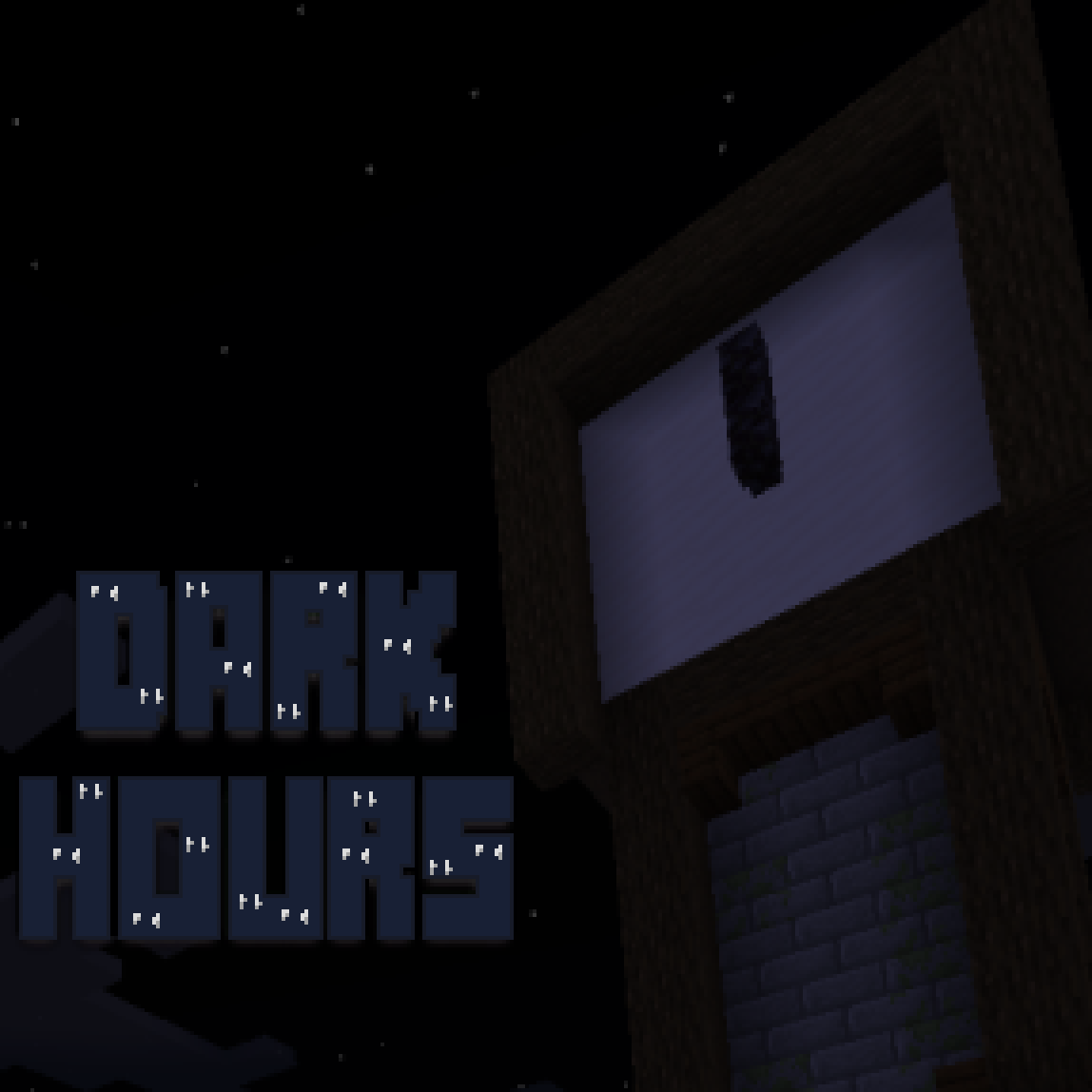
A lumbering darkness falls over forests at midnight, spawning new monsters.
Quick answer
Dark Hours darkhours 1.21.1-1.0.4 Neoforge targets 1.21.1 with NeoForge. The project page does not say whether this file belongs on the client, dedicated server, or both. All 1 required mods have matching files.
Where it goes
The project page does not say whether this file belongs on the client, dedicated server, or both.
The source does not explicitly classify this release as client-only or server-only.
darkhours 1.21.1-1.0.4 Neoforge. Change the file and its required mods may change too.
Install GeckoLib first. We found matching files for this game-version and loader setup.
We only count dependency files that match this setup. A file for another loader does not fill the gap.
Before you install it
Built for Dark Hours darkhours 1.21.1-1.0.4 Neoforge. Pick another file and the loader, install side or required mods may change.
Use darkhours 1.21.1-1.0.4 Neoforge. It targets 1.21.1 with NeoForge; another release may have different loader, side or dependency requirements.
Install GeckoLib first. We found matching files for this game-version and loader setup.
The project page does not say whether this file belongs on the client, dedicated server, or both.
Use the “Get this file” button beside darkhours 1.21.1-1.0.4 Neoforge. It opens that exact file at the source.
About this project
Without a timekeeper to watch over the clocktowers of the overworld, their gears have rusted, and a fog seeps into forests when time is most vulnerable. Made for Spookyjam 2024.
This mod causes forest biomes to become foggy from midnight to sunrise, when two new monsters, the lumber, and the forest clock spawn in. The darkness can be cured for 10 minecraft days (configurable) by finding a clocktower, and interacting with its mechanisms inside with a Time Density Manifest.
Forests include all forest, jungle and taiga biomes.
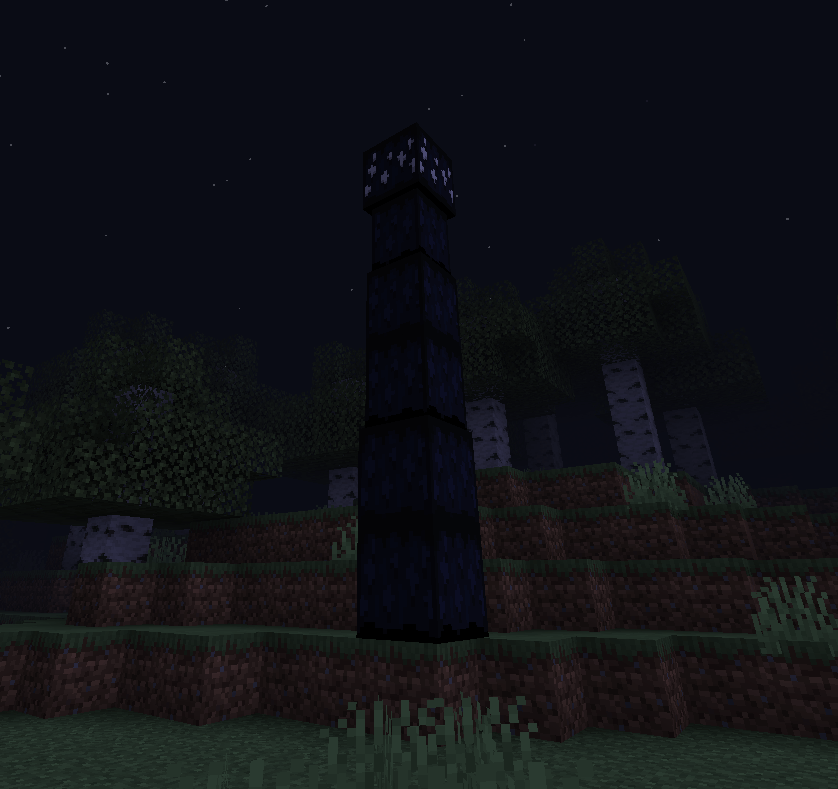
A very tall monster with high health that attacks players telepathically, if hiding under trees they will generally not be able to see players, but they will randomly peek under trees and other structures to find them. Once they spot a player, they will apply a mental load effect that will affect vision and take air away from the player, though they can't apply the effect if the player is already under mental load, giving time to run.
Drops lumber goo.
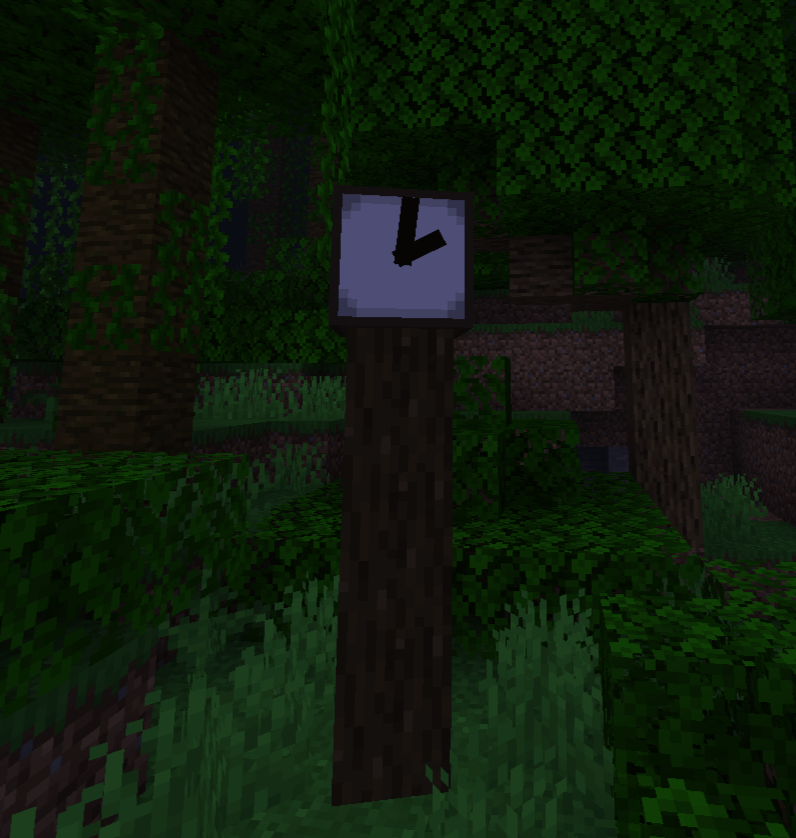
A monster that can only be killed with fire that will actively search for players, and once spotted, will apply a countdown effect that will teleport them to their last position before entering a forest biome. They will attract the direction functionality of the Time Density Manifest item if the player is headed for one, disrupting the players' search for a clocktower.
Can be right-clicked with a clock given you have at least 1 xp level to enchant it, creating an enchanted clock.

Project description from CurseForge.
Pick your setup
Choose the version and loader you play, then open the matching release.
Check the dependencies, then try the file in a copied instance before changing a world you care about.
Recent files
darkhours-1.0.4.jar
22 Nov 2024
darkhours-1.0.3.jar
21 Nov 2024
darkhours-1.0.2.jar
20 Nov 2024
darkhours-1.0.1.jar
13 Nov 2024
darkhours-1.0.0.jar
27 Oct 2024
Looking for an older file? The official CurseForge project page is in Resources.
 mod
Adds a soulslike HUD featuring equipment slots, boss bar, status gauges and team display.
 mod
A WW1-based server structure/instant structure Mod
 mod
Unofficial NeoForge 1.21.1 port of Ancient Warfare 2: NPC workers and armies, automation, siege weapons and generated faction structures.