OneConfig Needed by Chatting 3.2.5
requiredMatching file found Matched file: 1.4.4

CurseForge · Minecraft mod
Chatting is a chat mod adding utilities such as extremely customizable chat tabs, chat shortcuts, chat screenshots, and message copying.
Quick answer
Chatting 3.2.5 targets 26.3 with Fabric. The project page does not say whether this file belongs on the client, dedicated server, or both. 1 required mod needs a matching file.
Where it goes
The project page does not say whether this file belongs on the client, dedicated server, or both.
The source does not explicitly classify this release as client-only or server-only.
3.2.5. Change the file and its required mods may change too.
Install OneConfig, Fabric Language Kotlin, Compose Multiplatform, Fabric API first, but 1 required mod has no matching file for this setup. Do not mix loader builds to force a match. 2 come through another mod in the chain.
2 extra mods were pulled in by other dependencies. Indented rows show who needs each one. We only count dependency files that match this setup. A file for another loader does not fill the gap.
Before you install it
Built for Chatting 3.2.5. Pick another file and the loader, install side or required mods may change.
Use 3.2.5. It targets 26.3 with Fabric; another release may have different loader, side or dependency requirements.
Install OneConfig, Fabric Language Kotlin, Compose Multiplatform, Fabric API first, but 1 required mod has no matching file for this setup. Do not mix loader builds to force a match. 2 come through another mod in the chain.
The project page does not say whether this file belongs on the client, dedicated server, or both.
Use the “Get this file” button beside 3.2.5. It opens that exact file at the source.
About this project


Chatting completely revamps the Minecraft chat with many quality-of-life improvements while remaining unintrusive, and functional.
Features


 |
 |
|---|

Project description from CurseForge.
Pick your setup
Choose the version and loader you play, then open the matching release.
Check the dependencies, then try the file in a copied instance before changing a world you care about.
Recent files
chatting-3.2.5+26.3.jar
24 Oct 2026
chatting-3.2.5+26.2.jar
24 Oct 2026
chatting-3.2.5+26.1.jar
24 Oct 2026
chatting-3.2.5+1.21.11.jar
24 Oct 2026
chatting-3.2.5+1.21.10.jar
24 Oct 2026
chatting-3.2.5+1.21.8.jar
24 Oct 2026
chatting-3.2.5+1.21.5.jar
24 Oct 2026
chatting-3.2.5+1.21.4.jar
24 Oct 2026
chatting-3.2.5+1.21.1.jar
24 Oct 2026
chatting-3.2.3+26.3.jar
12 Oct 2026
chatting-3.2.3+26.2.jar
12 Oct 2026
chatting-3.2.3+26.1.jar
12 Oct 2026
Looking for an older file? The official CurseForge project page is in Resources.
 mod
modA simple client-only mod for Minecraft that adds a little heads-up display with info about directions, coordinates and time of the day. It also displays the corresponding current coordinates in the Nether, the current Biome and weather
 mod
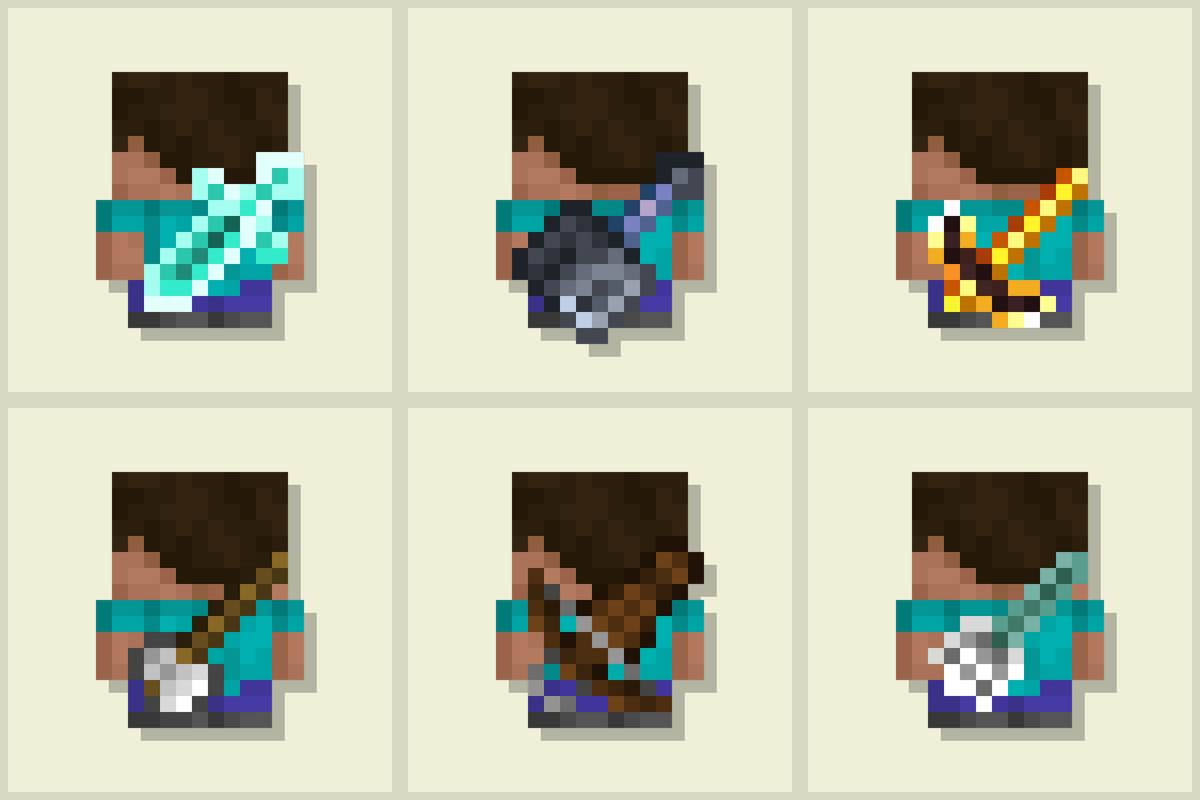
modDisplays the last used tool on the player's back. Adds immersive style to your adventures! 🪄 Now with an in-game editor and profile sharing! 🪄
 mod
modthis mod made by Eksan brings the portal guns into minecraft