Quick answer
Which Craftpilot release should I use?
Latest stable file v1.0.3
Game version 1.21.11
Loader Fabric
Craftpilot v1.0.3 targets 1.21.11 with Fabric. The project page does not say whether this file belongs on the client, dedicated server, or both. All 2 required mods have matching files.
Where it goes
Is Craftpilot required on the client, server, or both?
The project page does not say whether this file belongs on the client, dedicated server, or both.
Client Source doesn’t say
Dedicated server Source doesn’t say
Loader for this release Fabric
Required install it here Optional supported, not mandatory Not supported do not install here Source doesn’t say do not assume
The source does not explicitly classify this release as client-only or server-only.
What else does Craftpilot v1.0.3 need?
v1.0.3. Change the file and its required mods may change too.
Install Fabric API, Cloth Config API (Fabric/Forge/NeoForge) first. We found matching files for this game-version and loader setup. 1 comes through another mod in the chain.
3 listed on this file 1 pulled in by one of those mods
Matching file found Matched file: v17.0.1 for 1.21.11
Matching file found Matched file: [1.21.11] Fabric API 0.141.6+1.21.11
Matching file found Matched file: [Fabric 1.21.11] v21.11.153
Matching file found Matched file: placeholder-api-2.8.2+1.21.10.jar
1
extra mod was pulled in by another dependency.
Indented rows show who needs each one. We only count dependency files that match this setup. A file for another loader does not fill the gap.
Before you install it
Add Craftpilot without breaking your instance.
Built for Craftpilot v1.0.3. Pick another file and the loader, install side or required mods may change.
- 01
Stick to this file
Use v1.0.3. It targets 1.21.11 with Fabric; another release may have different loader, side or dependency requirements.
- 02
Bring the mods it needs
Install Fabric API, Cloth Config API (Fabric/Forge/NeoForge) first. We found matching files for this game-version and loader setup. 1 comes through another mod in the chain.
- 03
Put it on the correct side
The project page does not say whether this file belongs on the client, dedicated server, or both.
- 04
Pick the file you checked
Use the “Get this file” button beside v1.0.3. It opens that exact file at the source.
About this project
What does Craftpilot add?
Craftpilot





Craftpilot is your personal building assistant in Minecraft. As you build, it provides relevant suggestions through an easy-to-use overlay. Whether you're seeking inspiration for new structures or struggling with complex details, Craftpilot helps bring your creative vision to life. The assistant supports a wide variety of building styles and block palettes, making it a versatile tool for any Minecraft builder.
Setup
Craftpilot requires a companion program that runs the ML model. Here's how to get started:
Quick Start (Recommended)
- Download the latest release from the releases page
- Run the companion program
⚠️ Note: The ML model requires a modern GPU (NVIDIA recommended) for optimal performance. Without one, generation times may be significantly slower.
- Start Minecraft - Craftpilot will automatically connect to the local instance
Alternative Setup Options
- For Developers: You can run the companion program directly from source code. Clone the repo, install Python dependencies, and run it locally. This is useful for customization or troubleshooting.
- Advanced Configuration: The companion program can run on a remote server. Configure the connection URL in the mod settings to point to your desired server address.
Usage
Triggering Suggestions
- Place any block to begin a new build or continue an existing one. Suggestions will automatically appear.
- You can also manually trigger the suggestions without placing any block by pressing the trigger key (default R).
- Craftpilot will display suggested blocks as a transparent overlay.
Working with Suggestions
- Accept suggestions by placing blocks where they're shown.
- With easy place mode (enabled by default) you can place blocks exactly as they appear in the suggestions, without needing to worry about orientation or adjacent blocks. Simply right-click on the suggested block to place it in the correct orientation and state. In creative mode, you can even place blocks with an empty hand.
- As you build, new suggestions will automatically appear.
- Use the pick block function (middle mouse) on suggestions to quickly select blocks.
- Press the clear key (default Z) to clear all current suggestions.
- Remove individual suggestions by left-clicking (punching) them.
- Accept all of the suggested blocks at once by pressing the accept key (default V).
Building Flexibility
- Feel free to deviate from suggestions - the system will adapt.
- A grace period allows for placing a few different blocks before regenerating suggestions.
- This helps accommodate support blocks and minor adjustments.
Selecting Alternatives
- In addition to the main suggestions, several alternatives can also be generated. These can be seen as boxes next to the Craftpilot logo on the top right of the screen.
- Hold the select alternative key (default left alt) and use the scroll wheel or the hotbar keys to choose an option.
Performance Tuning
Running the ML model is very performance intensive and hardware dependent. There are thus several options / tradeoffs for performance. If the suggestions generate very slow, try reducing these. If the generation speed is okay, you can try increasing them. There are 3 main options that affect performance:
- Model Type - There are currently 2 different size models, Iron and Diamond. Iron is significantly smaller and faster than Diamond, but will provide lesser quality suggestions. If running on CPU, Diamond is almost impossible to run. With this setting on default it uses the model that the companion program has automatically chosen for your hardware.
- Suggestion Range - This changes the size of the structure sent to the model and thus directly affects the amount of computation it needs to do. Larger ranges exponentially increase the computation and memory requirements. Reducing this value will speed things up, but the suggestions will take into account less of the surrounding area.
- Max Alternatives - Each alternative the model calculates takes extra computation and memory. It will be fastest to set this to 1.
Customization
Settings can be edited in the config file "craftpilot.json" or on the configuration screen accessed through Mod Menu. Available settings include visual options (like overlay appearance), building behavior, and ML model parameters.
Project description from CurseForge.
Pick your setup
Craftpilot by Minecraft version and loader
Choose the version and loader you play, then open the matching release.
Minecraft version
1.21.11
1
loader build Minecraft version
1.21.10
1
loader build Minecraft version
1.21.5
1
loader build Minecraft version
1.21.4
1
loader build Minecraft version
1.21.3
1
loader build Check the dependencies, then try the file in a copied instance before changing a world you care about.
Recent files
Craftpilot versions and loaders
craftpilot-1.0.3.jar
22 Feb 2026
Client Source doesn’t say Server Source doesn’t say Dependencies 2 required · matched Listed on Release listing
Check the 1.21.11 · Fabric setup → craftpilot-1.0.2.jar
21 Feb 2026
Client Source doesn’t say Server Source doesn’t say Dependencies 2 required · 2 unchecked Listed on Release listing
Check the 1.21.10 · Fabric setup → craftpilot-1.0.1.jar
14 Apr 2025
Client Source doesn’t say Server Source doesn’t say Dependencies 2 required · 2 unchecked Listed on Release listing
Check the 1.21.5 · Fabric setup → craftpilot-0.2.0.jar
11 Apr 2025
Client Source doesn’t say Server Source doesn’t say Dependencies 2 required · 2 unchecked Listed on Release listing
Check the 1.21.4 · Fabric setup → craftpilot-0.2.0.jar
7 Mar 2025
Client Source doesn’t say Server Source doesn’t say Dependencies 2 required · 2 unchecked Listed on Release listing
Check the 1.21.4 · Fabric setup → craftpilot-0.1.0.jar
18 Feb 2025
Client Source doesn’t say Server Source doesn’t say Dependencies 2 required · 2 unchecked Listed on Release listing
Check the 1.21.4 · Fabric setup → craftpilot-0.0.6.jar
11 Jan 2025
Client Source doesn’t say Server Source doesn’t say Dependencies 2 required · 2 unchecked Listed on Release listing
Check the 1.21.4 · Fabric setup → craftpilot-0.0.5.jar
9 Jan 2025
Client Source doesn’t say Server Source doesn’t say Dependencies 2 required · 2 unchecked Listed on Release listing
Check the 1.21.3 · Fabric setup → 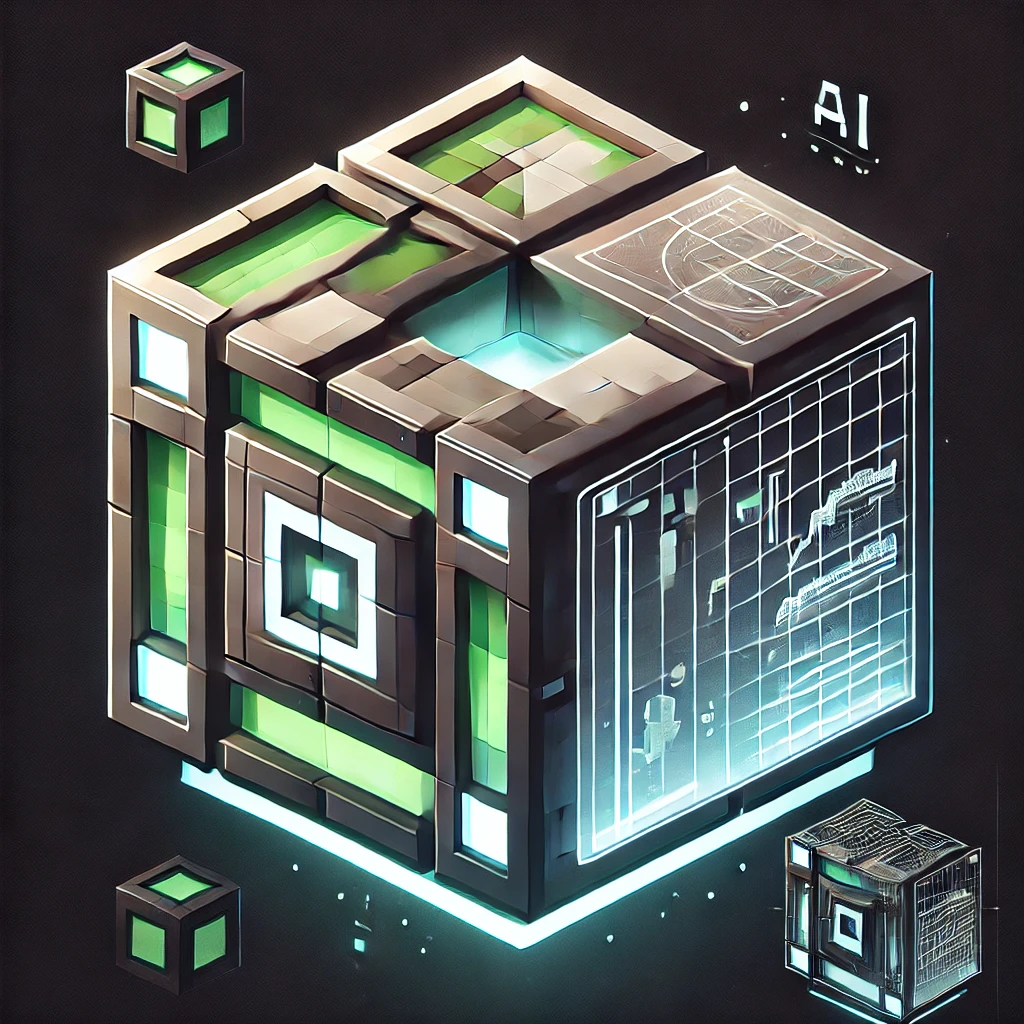
 mod
 mod
 mod