TerraFirmaCraft Needed by woodencog-1.2.18-1.21.1.jar
requiredMatching file found Matched file: TerraFirmaCraft 1.21.1-4.2.8

CurseForge · Minecraft mod
Tfc - Create Compatibility mod
Quick answer
woodencog-1.2.18-1.21.1.jar targets 1.21.1 with NeoForge. The project page does not say whether this file belongs on the client, dedicated server, or both. All 3 required mods have matching files.
Where it goes
The project page does not say whether this file belongs on the client, dedicated server, or both.
The source does not explicitly classify this release as client-only or server-only.
woodencog-1.2.18-1.21.1.jar. Change the file and its required mods may change too.
Install TerraFirmaCraft, Create, Patchouli first. We found matching files for this game-version and loader setup. 2 come through another mod in the chain.
2 extra mods were pulled in by other dependencies. Indented rows show who needs each one. We only count dependency files that match this setup. A file for another loader does not fill the gap.
Before you install it
Built for woodencog-1.2.18-1.21.1.jar. Pick another file and the loader, install side or required mods may change.
Use woodencog-1.2.18-1.21.1.jar. It targets 1.21.1 with NeoForge; another release may have different loader, side or dependency requirements.
Install TerraFirmaCraft, Create, Patchouli first. We found matching files for this game-version and loader setup. 2 come through another mod in the chain.
The project page does not say whether this file belongs on the client, dedicated server, or both.
Use the “Get this file” button beside woodencog-1.2.18-1.21.1.jar. It opens that exact file at the source.
About this project
Woodencog is a compatibility mod for create The scope of this mod is to allow the player to automate almost every aspect of TFC with create. We intend to do the whole compatibility layer, then allow pack makers and players to edit crafts and systems as they like with datapacks or kubejs.
This mod will probably break tfc progression and allow big skips into it as itself. That's why I don't really recommend using it as it is when it's finished but see it as a tool to build your own modpack with things that you couldn't do with just datapacks. We still intend to do some balancing, but it will be easier to finish TFC with it. As of now, this mod contains :
Rotation Compatibility
Generate Create Rotation with TFC sources, and transform Create rotation to TFC rotation
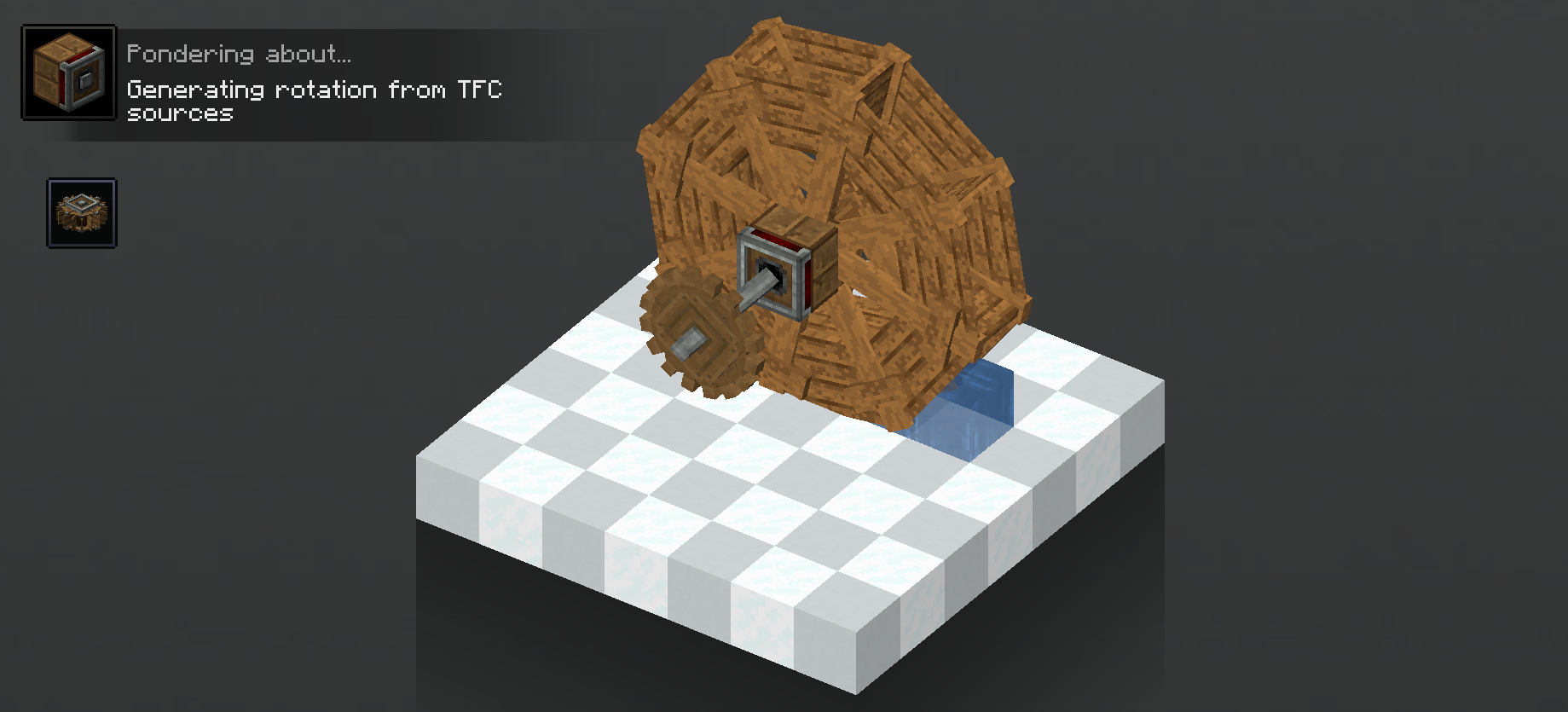
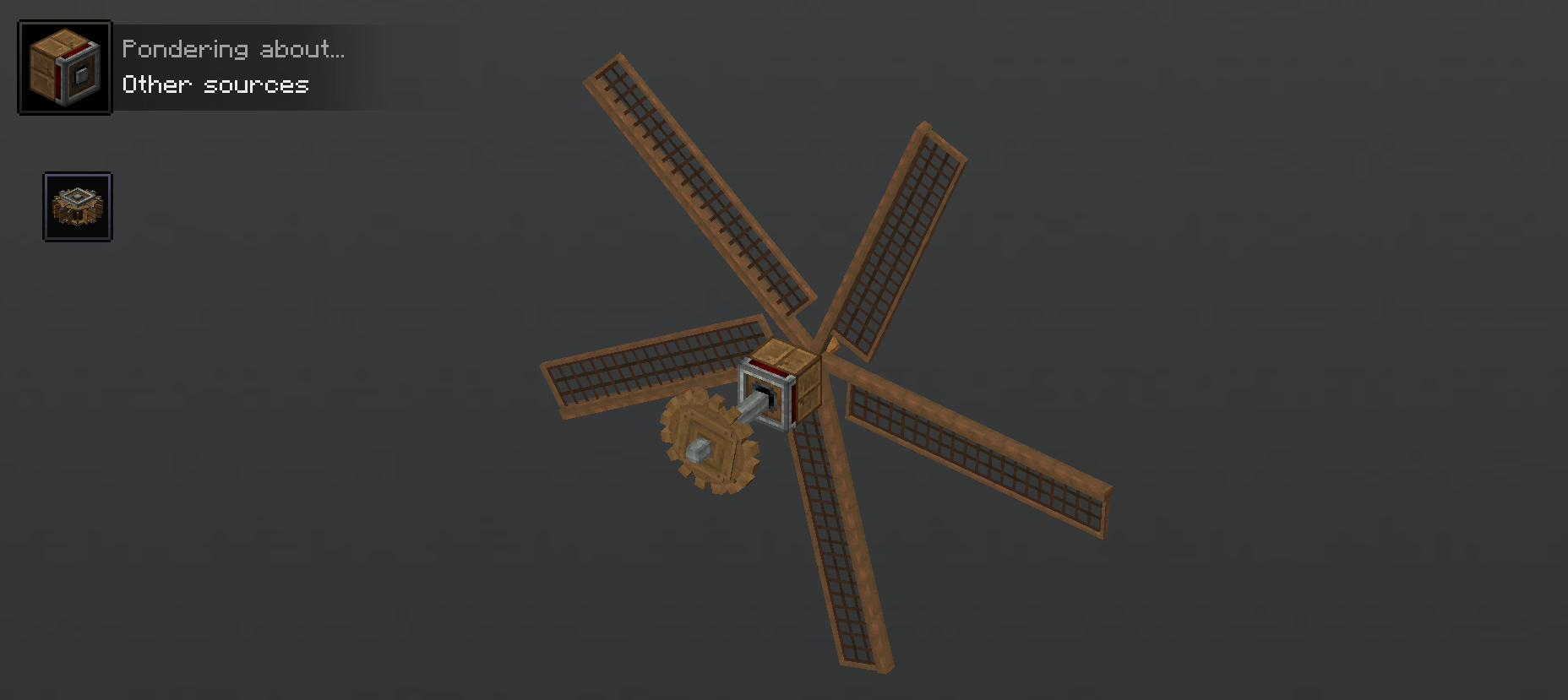
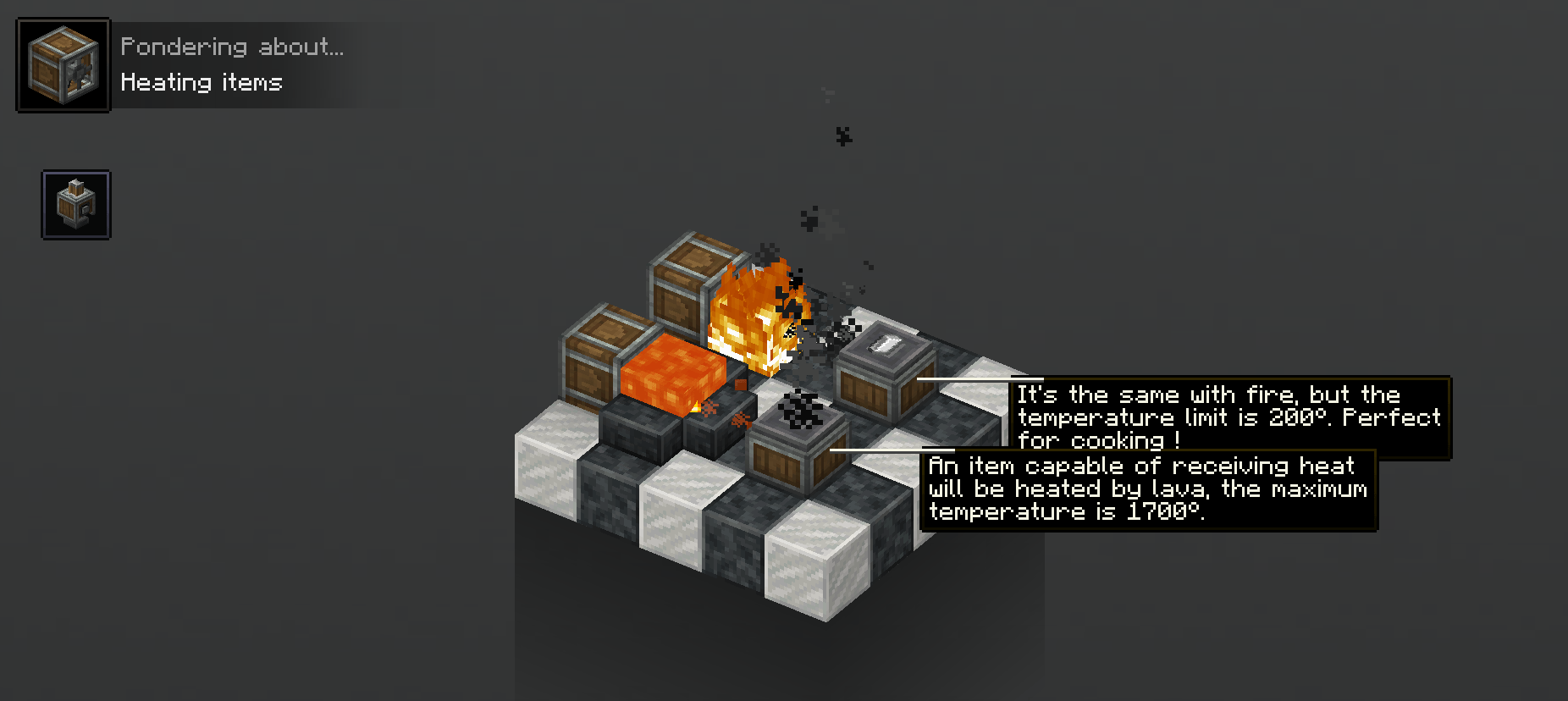
Heating and Cooling
Heat and cool items with basins and encased fans
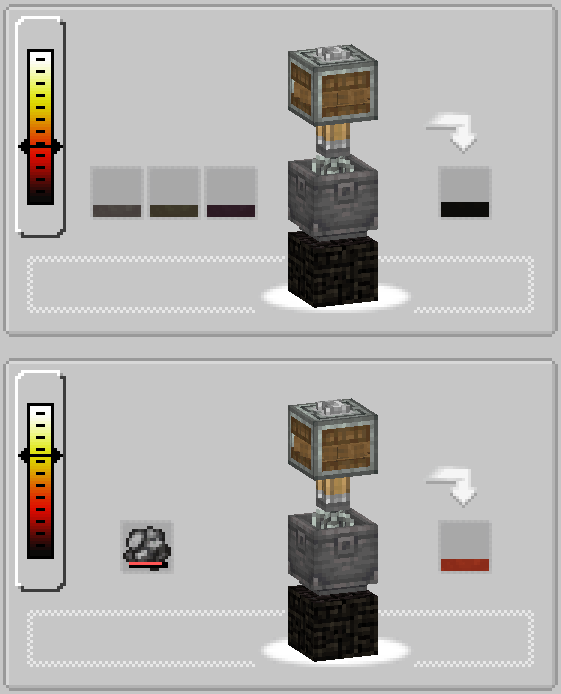
Recipes
Recipes can have temperature requirements for both charcoal forge and item temperature.

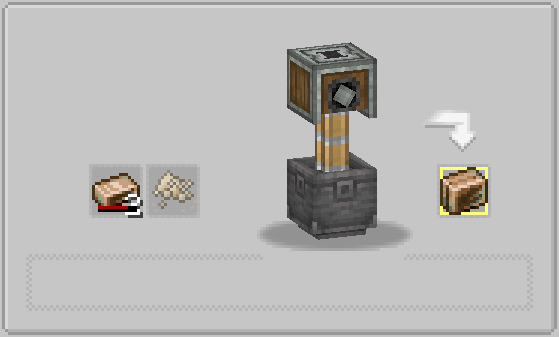
TFC Chains

This is a fork of the original, fixin the basing recipe crash and much more… If any other bug is reported I will try to fix it.
Project description from CurseForge.
Pick your setup
Choose the version and loader you play, then open the matching release.
Check the dependencies, then try the file in a copied instance before changing a world you care about.
Recent files
31 May 2026
25 May 2026
25 May 2026
9 Mar 2026
8 Jan 2026
4 Jan 2026
30 Dec 2025
9 Dec 2025
2 Dec 2025
29 Nov 2025
25 Nov 2025
7 Nov 2025
Looking for an older file? The official CurseForge project page is in Resources.
 mod
modMCA: Conversations is an add-on for MCA: Reborn that replaces the Chat button with a hub of deeper conversations. Heart-gated personal topics, per-villager personality and profession flavor, conversation memory, gift gratitude and village gossip.
 mod
modCooking and farming addon for TerraFirmaCraft
 mod
modAn RPG-style, datapack-driven quest system for MCA:Reborn villagers. Right-click a villager, open the new Quests menu, accept a job, complete it out in the world, and turn it in for sweet rewards and hearts.