Cosmic Horizons Needed by Cosmos Unbound Forge 1.2 1.20.1~1.20.6
requiredMatching file found Matched file: Cosmic_Horizons_0.0.7.3-forge-1.20.1.jar

CurseForge · Minecraft mod
A mod that makes it possible for Cosmic Horizons to be playable in Survival.
Quick answer
Cosmos Unbound Forge 1.2 1.20.1~1.20.6 targets 1.20.2, 1.20.5, 1.20.2-Snapshot with Forge. The project page does not say whether this file belongs on the client, dedicated server, or both. All 1 required mods have matching files.
Where it goes
The project page does not say whether this file belongs on the client, dedicated server, or both.
The source does not explicitly classify this release as client-only or server-only.
Cosmos Unbound Forge 1.2 1.20.1~1.20.6. Change the file and its required mods may change too.
Install Cosmic Horizons first. We found matching files for this game-version and loader setup.
We only count dependency files that match this setup. A file for another loader does not fill the gap.
Before you install it
Built for Cosmos Unbound Forge 1.2 1.20.1~1.20.6. Pick another file and the loader, install side or required mods may change.
Use Cosmos Unbound Forge 1.2 1.20.1~1.20.6. It targets 1.20.2, 1.20.5, 1.20.2-Snapshot with Forge; another release may have different loader, side or dependency requirements.
Install Cosmic Horizons first. We found matching files for this game-version and loader setup.
The project page does not say whether this file belongs on the client, dedicated server, or both.
Use the “Get this file” button beside Cosmos Unbound Forge 1.2 1.20.1~1.20.6. It opens that exact file at the source.
About this project
Cosmic Unbound unlocks the survival experience of Cosmic Horizons by making its space travel items fully obtainable without requiring other mods. With this addon, you can craft, discover, and explore space in a purely survival-friendly way.
Q: Do I need any other mods to access space?
A: No, Cosmic Unbound ensures you can reach space without requiring other mods beyond Cosmic Horizons.
Q: Does this mod add new items or just unlock existing ones?
A: This mod makes Cosmic Horizons’ space travel items craftable and obtainable in survival, but it also introduces new items hoping to evolve the experience.
Q: Is this mod required on both client and server?
A: Yes, Cosmic Unbound needs to be installed on both client and server to ensure proper survival item progression.
Q: Any other features planned for the mod?
A: Yes, for the time being we are planning to add Space suits, and give both space suits and different tiers of spaceships a purpose.
Take your survival adventure to the stars and forge your own path beyond the skies!
Looking for an easier way to reach space using flight-based mechanics? Check out Cosmos Uncharted, which allows you to travel to Cosmic Horizons space with any compatible flight mod!
Project description from CurseForge.
Pick your setup
Choose the version and loader you play, then open the matching release.
Check the dependencies, then try the file in a copied instance before changing a world you care about.
Recent files
cosmosunbound-1.2-forge-1.20.1.jar
15 Feb 2025
Looking for an older file? The official CurseForge project page is in Resources.
 mod
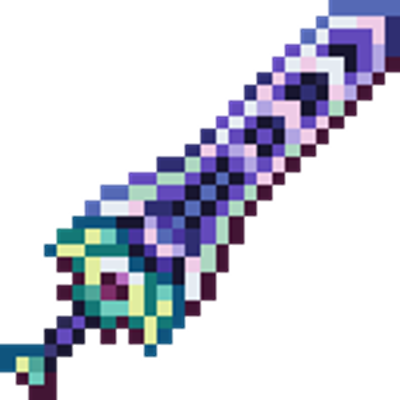
Adding the Zenith Sword to Minecraft, use it to attack groups of enemies from a distance.
 mod
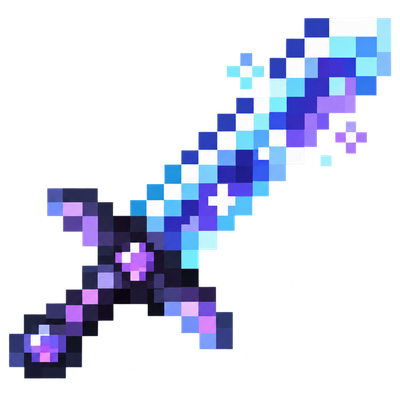
Tools of Fire and Ice
 mod
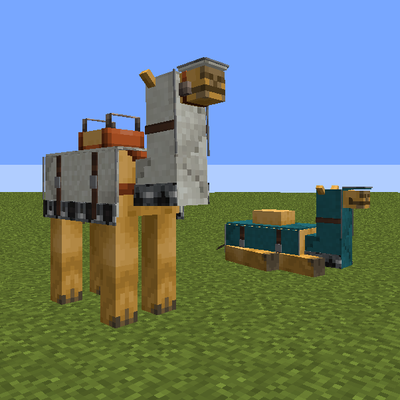
Relative-speed melee damage and knockback, mount charges, saddle protection, portable cargo, and dyeable camel armor for Forge 1.20.1. Formerly Mount Enhancement.