Minecraft version
Back to mods 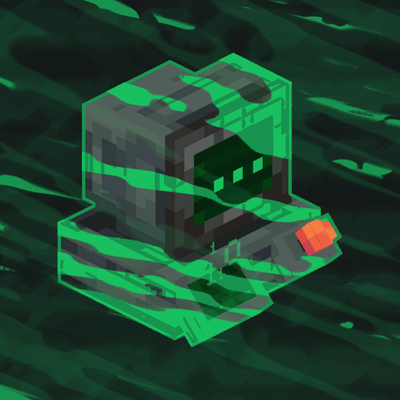
CurseForge · Minecraft mod
Cyberspace
Transfer your machines into the Cyberspace
Choose a version Pick your version below, then grab the matching file.
Quick answer
Which Cyberspace release should I use?
Latest stable file Cyberspace 5.0.2
Game version 1.20.1
Loader Forge
Cyberspace 5.0.2 targets 1.20.1 with Forge. The project page does not say whether this file belongs on the client, dedicated server, or both. No extra mods listed for this file.
Where it goes
Is Cyberspace required on the client, server, or both?
The project page does not say whether this file belongs on the client, dedicated server, or both.
Client Source doesn’t say
Dedicated server Source doesn’t say
Loader for this release Forge
Required install it here Optional supported, not mandatory Not supported do not install here Source doesn’t say do not assume
The source does not explicitly classify this release as client-only or server-only.
What else does Cyberspace 5.0.2 need?
Cyberspace 5.0.2 . Change the file and its required mods may change too.
This file does not list any required mods. Do not add a library just because a different file uses it.
This file does not list any required or optional mods.
Before you install it
Add Cyberspace without breaking your instance.
Built for Cyberspace 5.0.2. Pick another file and the loader, install side or required mods may change.
- 01
Stick to this file
Use Cyberspace 5.0.2 . It targets 1.20.1 with Forge; another release may have different loader, side or dependency requirements.
- 02
Bring the mods it needs
This file does not list any required mods. Do not add a library just because a different file uses it.
- 03
Put it on the correct side
The project page does not say whether this file belongs on the client, dedicated server, or both.
- 04
Pick the file you checked
Use the “Get this file” button beside Cyberspace 5.0.2 . It opens that exact file at the source.
About this project
What does Cyberspace add?

{ Description }
Cyberspace adds a private digital pocket dimension for every player, plus a shared Public Cyberspace. Invite friends, visit their spaces, control visitor permissions, fly in Survival, and return to the exact location you entered from.
Also check out the Continuum addon to share one Cyberspace across multiple Minecraft saves.
{ Guide }
To access Public & Private Cyberspace, first build a Virtual Machine. A tutorial showing how to build it is available in the Gallery.
Each player gets their own protected 4096×4096 region inside the Private Cyberspace dimension. Regions are separated from each other, so every player has a huge personal area while still sharing the same dimension. You can invite friends, visit their regions, manage visitor permissions, and use the shared Public Cyberspace.
Use /cyberspace invite, /accept, /decline, /visit, /home, and /revoke to manage multiplayer access. Press C (Keybind can be changed) to leave Cyberspace and return to the exact dimension and location you originally entered from.
Survival flight is enabled inside both Private and Public Cyberspace.
Cyberspace also works great with chunk loader mods, making it ideal for farms, machines, storage systems, and other automated builds.
{ Discord }
If you need help, have any questions or suggestions, or want to follow the mod's development, join our Discord!
Support the project by donating on Ko-fi.
Project description from CurseForge.
Pick your setup
Cyberspace by Minecraft version and loader
Choose the version and loader you play, then open the matching release.
Minecraft version
1.21.1
1 loader buildMinecraft version
1.20.1
1 loader buildCheck the dependencies, then try the file in a copied instance before changing a world you care about.
Recent files
Cyberspace versions and loaders
Cyberspace 5.0.2
Cyberspace 5.0.2 (F1.20.1).jar
1 Sept 2026
Client Source doesn’t say Server Source doesn’t say Dependencies No extras listed Listed on Release listing
Check the 1.20.1 · Forge setup 1.20.1Forge release
Cyberspace 5.0.2
Cyberspace 5.0.2 (NF1.21.1).jar
1 Sept 2026
Client Source doesn’t say Server Source doesn’t say Dependencies No extras listed Listed on Release listing
Check the 1.21.1 · NeoForge setup 1.21.1NeoForge release
Cyberspace 5.0.1
Cyberspace 5.0.1 (F1.20.1).jar
1 Sept 2026
Client Source doesn’t say Server Source doesn’t say Dependencies No extras listed Listed on Release listing
Check the 1.20.1 · Forge setup 1.20.1Forge release
Cyberspace 5.0.1
Cyberspace 5.0.1 (NF1.21.1).jar
1 Sept 2026
Client Source doesn’t say Server Source doesn’t say Dependencies No extras listed Listed on Release listing
Check the 1.21.1 · NeoForge setup 1.21.1NeoForge release
Cyberspace 5.0
Cyberspace 5.0 (F1.20.1).jar
30 Aug 2026
Client Source doesn’t say Server Source doesn’t say Dependencies No extras listed Listed on Release listing
Check the 1.20.1 · Forge setup 1.20.1Forge release
Cyberspace 5.0
Cyberspace 5.0 (NF1.21.1).jar
30 Aug 2026
Client Source doesn’t say Server Source doesn’t say Dependencies No extras listed Listed on Release listing
Check the 1.21.1 · NeoForge setup 1.21.1NeoForge release
Cyberspace 4.1.1
Cyberspace 4.1.1 (NF1.21.1).jar
26 Jun 2026
Client Source doesn’t say Server Source doesn’t say Dependencies No extras listed Listed on Release listing
Check the 1.21.1 · NeoForge setup 1.21.1NeoForge release
Cyberspace 4.1
cyberspace 4.1.0 (NF1.21.1).jar
24 Jun 2026
Client Source doesn’t say Server Source doesn’t say Dependencies No extras listed Listed on Release listing
Check the 1.21.1 · NeoForge setup 1.21.1NeoForge release
Cyberspace 4.0.3
Cyberspace 4.0.3 (NF1.21.1).jar
19 Jun 2026
Client Source doesn’t say Server Source doesn’t say Dependencies No extras listed Listed on Release listing
Check the 1.21.1 · NeoForge setup 1.21.1NeoForge release
Cyberspace 4.0.2
Cyberspace 4.0.2 (NF1.21.1).jar
3 May 2026
Client Source doesn’t say Server Source doesn’t say Dependencies No extras listed Listed on Release listing
Check the 1.21.1 · NeoForge setup 1.21.1NeoForge release
Cyberspace 4.0.1
Cyberspace 4.0.1 (NF1.21.1).jar
30 Apr 2026
Client Source doesn’t say Server Source doesn’t say Dependencies No extras listed Listed on Release listing
Check the 1.21.1 · NeoForge setup 1.21.1NeoForge release
Cyberspace 4.0
Cyberspace 4.0 (NF1.21.1).jar
29 Apr 2026
Client Source doesn’t say Server Source doesn’t say Dependencies No extras listed Listed on Release listing
Check the 1.21.1 · NeoForge setup 1.21.1NeoForge release
Looking for an older file? The official CurseForge project page is in Resources.
 mod
mod CurseForge + Modrinth · Minecraft
Gouge
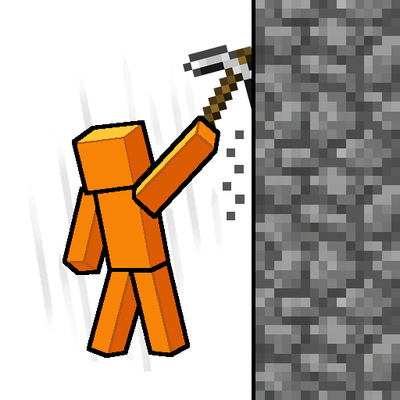
Slam your pickaxe into a wall mid-fall to slow your descent or lock yourself in place before you hit the ground.
 mod
mod CurseForge · Minecraft
Applestats AddOn
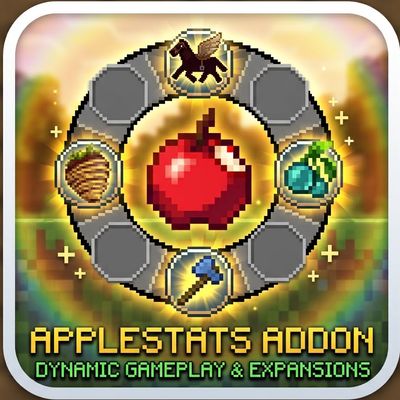
While Applestats only shows stats, this addon brings real gameplay changes: instantly tame horse (mounts),eat anytime even when full
 mod
mod CurseForge · Minecraft
CobbleGacha Expanded (Cobblemon Gacha System)
CobbleGacha Expanded is a Cobblemon gacha mod featuring rotating limited banners, rate-up Pokémon, pity and 50/50 guarantees, pull history, and configurable server-side banner management.