Cloth Config API Needed by AutoSell 1.2.0
requiredMatching file found Matched file: 17.0.144+neoforge
CurseForge · Minecraft mod
A mod to automatically sell items from your inventory to the villagers.
Quick answer
AutoSell 1.2.0 targets 1.21.4 with NeoForge. It must be installed on the client. Do not install it on the dedicated server. All 1 required mods have matching files.
Where it goes
It must be installed on the client. Do not install it on the dedicated server.
This file is marked client-only.
1.2.0. Change the file and its required mods may change too.
Install Cloth Config API first. We found matching files for this game-version and loader setup.
We only count dependency files that match this setup. A file for another loader does not fill the gap.
Before you install it
Built for AutoSell 1.2.0. Pick another file and the loader, install side or required mods may change.
Use 1.2.0. It targets 1.21.4 with NeoForge; another release may have different loader, side or dependency requirements.
Install Cloth Config API first. We found matching files for this game-version and loader setup.
It must be installed on the client. Do not install it on the dedicated server.
Use the “Get this file” button beside 1.2.0. It opens that exact file at the source.
About this project
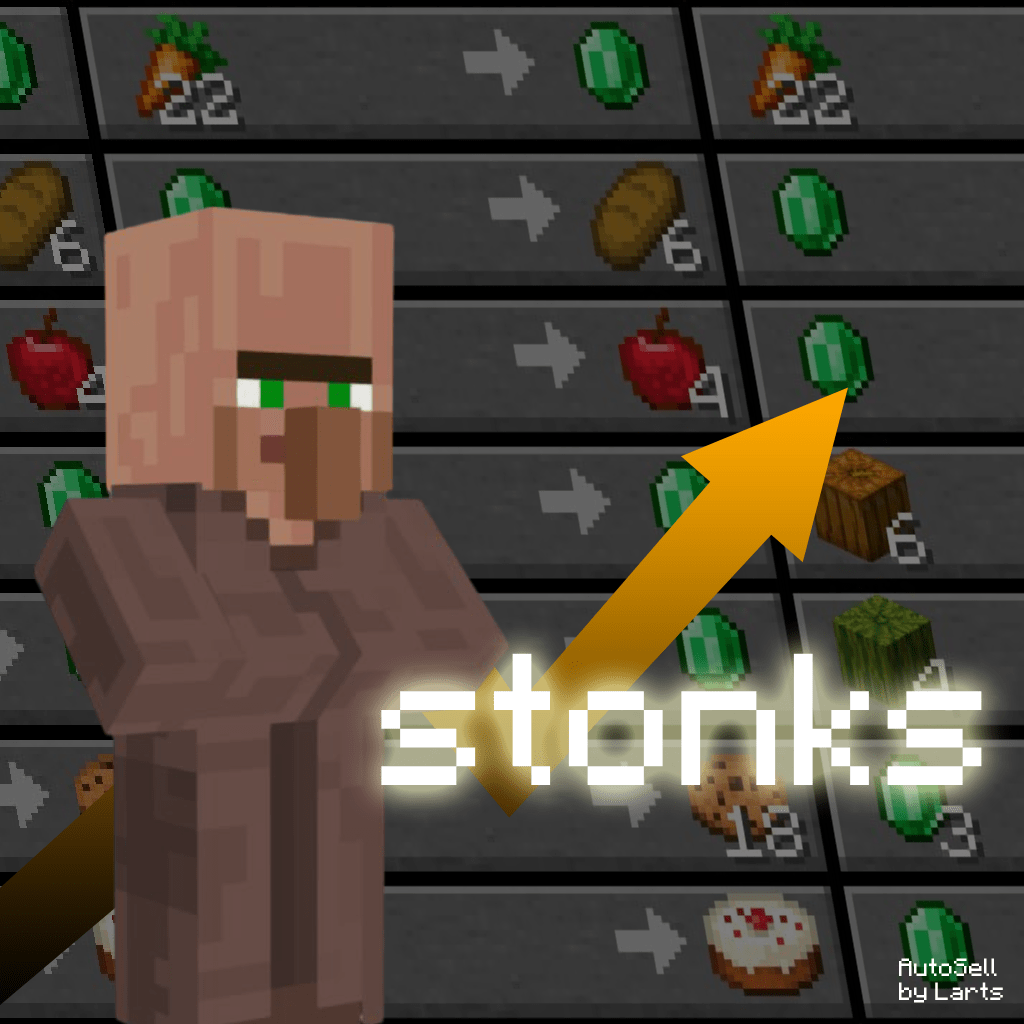
Tired of manually selling tons of items to villagers? This mod will automatically sell your items as soon as you open the trading GUI, saving your time and effort.
You can specify which trades to process by simply adding entries to the config (via ModMenu).
Format:
_ => _ (single-input trades)_ + _ => _ (two-input trades)Where _ should be an in-game item identifier.
For example:
pumpkin => emerald (one of default one)emerald + compass => filled_mapminecraft:emerald + minecraft:gravel => minecraft:flintTip: Press F3 + H to see item identifiers in inventory.
As you can see, you also can specify a namespace where's the item from. All Minecraft items have a default minecraft namespace and it can be skipped. If you want to process some modded trades with modded items, you must specify the namespace explicitly, e.g. create:cogwheel.
Warning: AutoSell should work with modded items, but it is not tested yet. Please report any bugs to GitHub Issues.
You don't want to sell really everything, right?.. In my opinion, trading 40 pumpkins for 1 emerald is kinda unprofitable.
That's why AutoSell has 3 (4 with Off) work modes! Here they are:
Say goodbye to tedious trading - let AutoSell handle the grind!
Project description from CurseForge.
Pick your setup
Choose the version and loader you play, then open the matching release.
Check the dependencies, then try the file in a copied instance before changing a world you care about.
Recent files
autosell-neoforge-1.21.4-1.2.0.jar
9 Jul 2025
AutoSell-forge-1.21.4-1.2.0.jar
9 Jul 2025
autosell-fabric-1.21.4-1.2.0.jar
9 Jul 2025
autosell-1.1.1+1.21.jar
5 Jun 2025
autosell-1.1.1+1.21.4.jar
4 Jun 2025
autosell-1.1.1+1.21.3.jar
4 Jun 2025
autosell-1.1.1+1.21.2.jar
4 Jun 2025
autosell-1.1.1+1.21.1.jar
4 Jun 2025
autosell-1.1.0.jar
9 May 2025
28 Apr 2025
autosell-1.0.5.jar
28 Apr 2025
Looking for an older file? The official CurseForge project page is in Resources.
 mod
modAdds Mochi pounding, Osechi dishes, and festive decorations in Farmer's Delight style.
 mod
modA cozy progression system with skill leveling, Mastery talents, unlockable abilities, collection bundles, and rewarding gameplay improvements.
 mod
modAn useful AI agent in your world