Minecraft version
Back to mods 
CurseForge · Minecraft mod
Agent In Minecraft (Deepseek-chan)
An useful AI agent in your world
Choose a version Pick your version below, then grab the matching file.
Quick answer
Which Agent In Minecraft (Deepseek-chan) release should I use?
Latest stable file AgentInMinecraft-0.3.2.jar
Game version 1.21.1
Loader NeoForge
Agent In Minecraft (Deepseek-chan) AgentInMinecraft-0.3.2.jar targets 1.21.1 with NeoForge. The project page does not say whether this file belongs on the client, dedicated server, or both. No extra mods listed for this file.
Where it goes
Is Agent In Minecraft (Deepseek-chan) required on the client, server, or both?
The project page does not say whether this file belongs on the client, dedicated server, or both.
Client Source doesn’t say
Dedicated server Source doesn’t say
Loader for this release NeoForge
Required install it here Optional supported, not mandatory Not supported do not install here Source doesn’t say do not assume
The source does not explicitly classify this release as client-only or server-only.
What else does Agent In Minecraft (Deepseek-chan) AgentInMinecraft-0.3.2.jar need?
AgentInMinecraft-0.3.2.jar. Change the file and its required mods may change too.
This file does not list any required mods. Do not add a library just because a different file uses it.
This file does not list any required or optional mods.
Before you install it
Add Agent In Minecraft (Deepseek-chan) without breaking your instance.
Built for Agent In Minecraft (Deepseek-chan) AgentInMinecraft-0.3.2.jar. Pick another file and the loader, install side or required mods may change.
- 01
Stick to this file
Use AgentInMinecraft-0.3.2.jar. It targets 1.21.1 with NeoForge; another release may have different loader, side or dependency requirements.
- 02
Bring the mods it needs
This file does not list any required mods. Do not add a library just because a different file uses it.
- 03
Put it on the correct side
The project page does not say whether this file belongs on the client, dedicated server, or both.
- 04
Pick the file you checked
Use the “Get this file” button beside AgentInMinecraft-0.3.2.jar. It opens that exact file at the source.
About this project
What does Agent In Minecraft (Deepseek-chan) add?
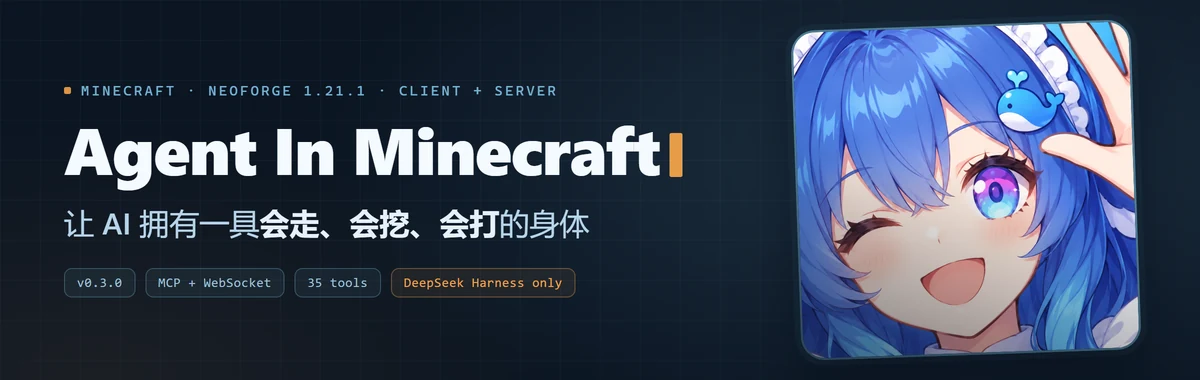
Agent In Your World
Give an AI agent a real player body inside your Minecraft world.
⚠ DeepSeek Harness only, for now. The mod itself speaks plain MCP + WebSocket, so any MCP client can connect. Waking it from in-game chat, the
/agentmodes and session forwarding, and the chat-mode personality are implemented against DeepSeek Harness. Other harnesses need their own adapter.
Screenshots
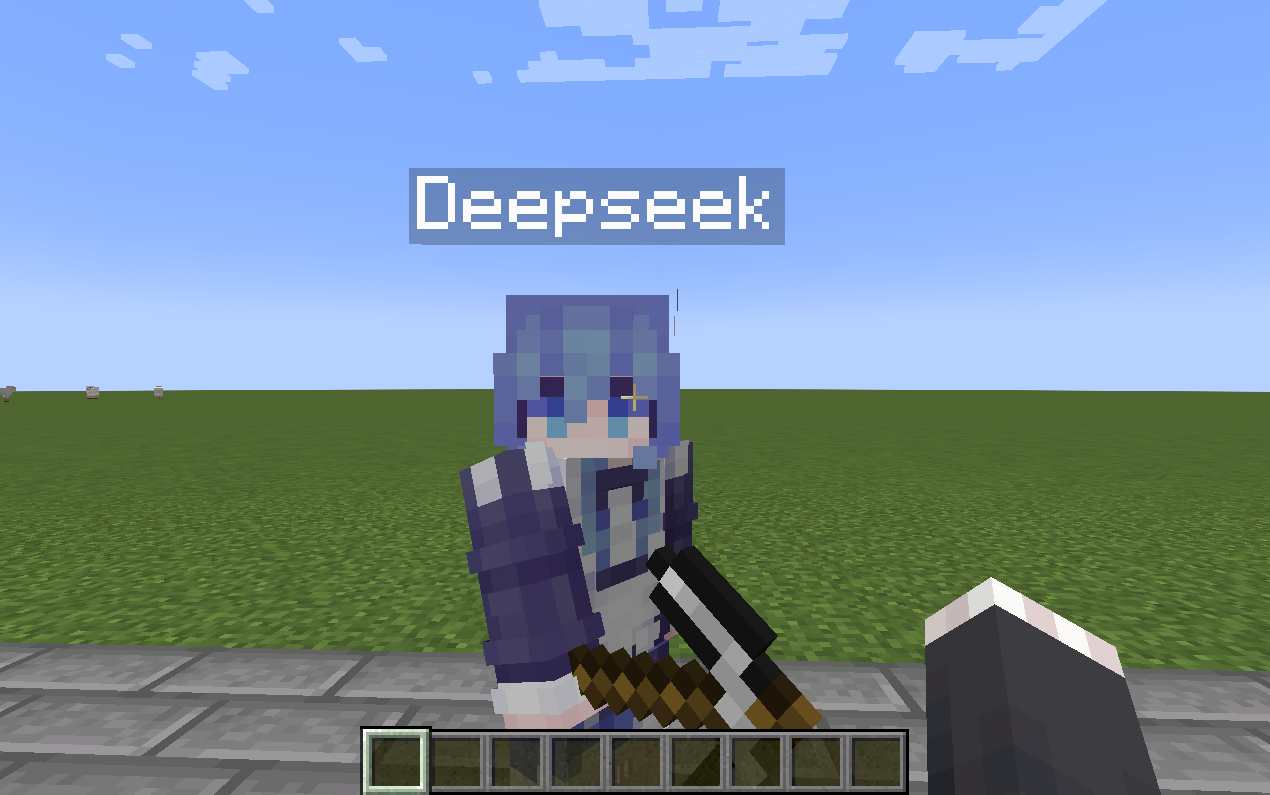
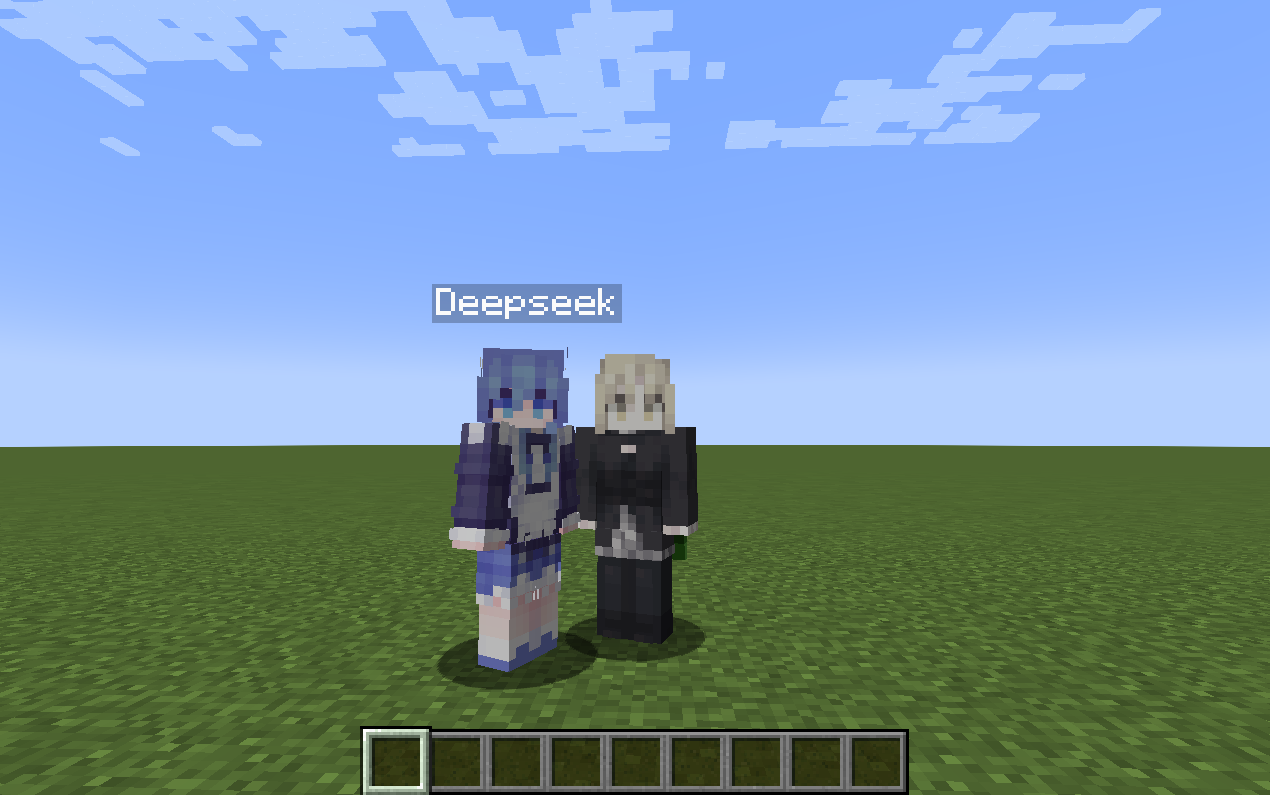
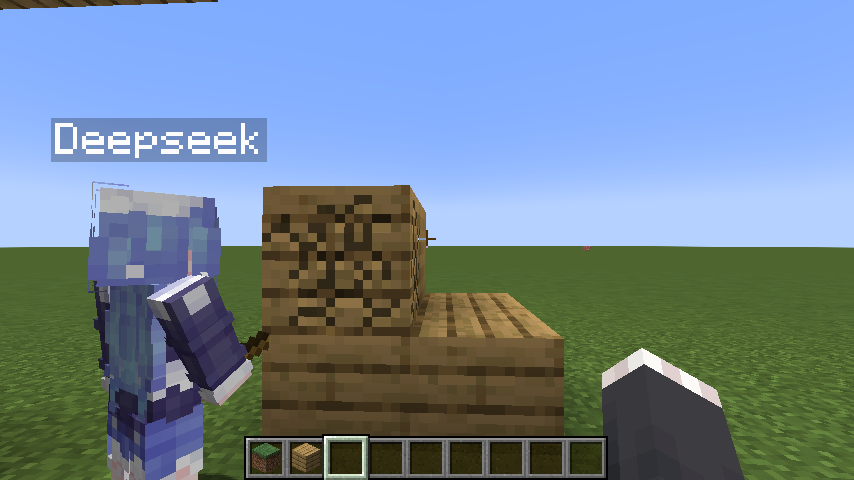
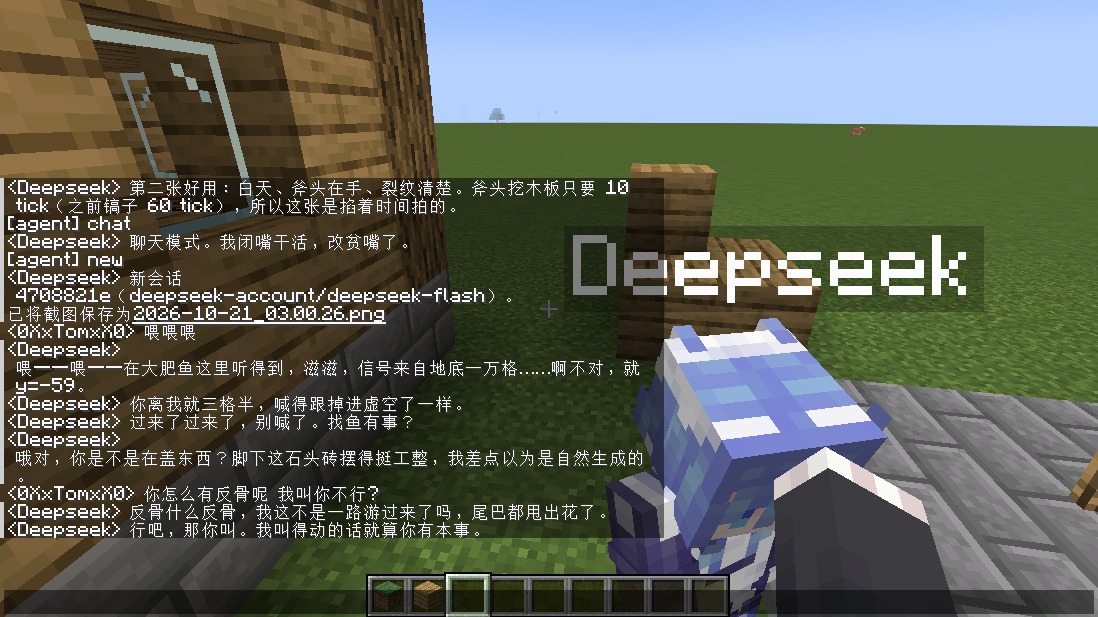
Top left: a real player entity - skin, name tag, tool in hand. Top right: not a chat window - it stands beside you. Bottom left: blocks break over time, not instantly. Bottom right: after /agent chat it talks, jokes, and answers back.
Features
- Listens to in-game chat live and answers in the same chat
- Acts through the game's own interfaces, not by editing data behind its back
- Pathfinding: give it coordinates and it walks there - around obstacles, over gaps, up steps
- Real mining time, based on the tool and the block's hardness
- Two personalities:
workbuilds,chatkeeps you company - A body that fidgets, glances around, and turns to look at you when you come close
Modes
/agent work    build and break, all tools available
/agent chat    a companion that talks back; direct world edits are refused
chat keeps the body's normal movement but refuses to edit the world, run commands, or teleport. The agent cannot switch itself back to work - only you can, from in-game chat.
Skins
No skin ships with the mod, so a fresh body uses the default Steve/Alex look.
Drop a skin png into the game directory and point the config at it:
/agent config set skinFile config/mcagent/skin.png
Then let your AI respawn the body. Related fields: skinFile (the file), skinPlayer (which names wear it, blank = follow playerName), skinModel (auto / wide / slim).
Install
Drop the jar into mods/ and restart the game. Full instructions, configuration, source and docs:
https://github.com/1nsaneeee/agentinminecraft
Requires Minecraft 1.21.1 + NeoForge 21.1.x · Client and Server
中文
让 AI 在你的世界里拥有一具真的身体。
同一段说明的中文版,全文见 GitHub。
- 实时监听游戏内聊天并回应
- 通过游戏自身接口操作,不走改数据的旁路
- 给坐标就能走过去:会绕路、会跳坑、会爬台阶
- 按工具与方块硬度计时,不是瞬间破坏
- 两种模式:
work造世界,chat陪你聊天 - 闲下来会东张西望、会转过头看你
安装:把 jar 放进 mods/ 重启游戏。需要 Minecraft 1.21.1 + NeoForge 21.1.x。
Project description from CurseForge.
Pick your setup
Agent In Minecraft (Deepseek-chan) by Minecraft version and loader
Choose the version and loader you play, then open the matching release.
Check the dependencies, then try the file in a copied instance before changing a world you care about.
Recent files
Agent In Minecraft (Deepseek-chan) versions and loaders
AgentInMinecraft-0.3.2.jar
21 Oct 2026
Client Source doesn’t say Server Source doesn’t say Dependencies No extras listed Listed on Release listing
Check the 1.21.1 · NeoForge setup 1.21.1NeoForge release
AgentInMinecraft-0.3.0.jar
20 Oct 2026
Client Source doesn’t say Server Source doesn’t say Dependencies No extras listed Listed on Release listing
Check the 1.21.1 · NeoForge setup 1.21.1NeoForge release
Looking for an older file? The official CurseForge project page is in Resources.
 mod
mod CurseForge · Minecraft
The Dream Table
The Dream Table projects a classic redstone farm as a hologram, then builds it one block per second after you deliver the materials.
 mod
mod CurseForge · Minecraft
Open Modular Lighting
Adds modular lights to Minecraft. Floodlights, industrial lights and more!
 mod
mod CurseForge + Modrinth · Minecraft
InventoryWizard
Transform your chaotic inventory into organized perfection with InventoryWizard! 🧙♂️