Minecraft version
Back to mods 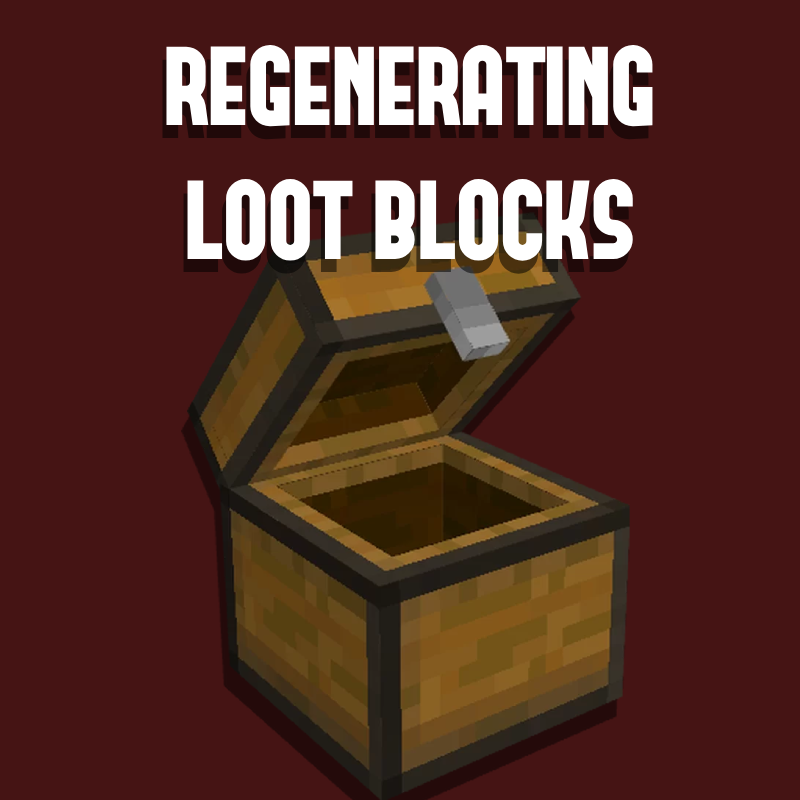
CurseForge · Minecraft mod
Regenerating Loot Blocks
A simple mod that adds a block that regenerates it's loot table. Perfect for modpacks.
Choose a version Pick your version below, then grab the matching file.
Quick answer
Which Regenerating Loot Blocks release should I use?
Latest stable file rlbmod-1.0.2.jar
Game version 1.20.1
Loader Forge
Regenerating Loot Blocks rlbmod-1.0.2.jar targets 1.20.1 with Forge. The project page does not say whether this file belongs on the client, dedicated server, or both. No extra mods listed for this file.
Where it goes
Is Regenerating Loot Blocks required on the client, server, or both?
The project page does not say whether this file belongs on the client, dedicated server, or both.
Client Source doesn’t say
Dedicated server Source doesn’t say
Loader for this release Forge
Required install it here Optional supported, not mandatory Not supported do not install here Source doesn’t say do not assume
The source does not explicitly classify this release as client-only or server-only.
What else does Regenerating Loot Blocks rlbmod-1.0.2.jar need?
rlbmod-1.0.2.jar. Change the file and its required mods may change too.
This file does not list any required mods. Do not add a library just because a different file uses it.
This file does not list any required or optional mods.
Before you install it
Add Regenerating Loot Blocks without breaking your instance.
Built for Regenerating Loot Blocks rlbmod-1.0.2.jar. Pick another file and the loader, install side or required mods may change.
- 01
Stick to this file
Use rlbmod-1.0.2.jar. It targets 1.20.1 with Forge; another release may have different loader, side or dependency requirements.
- 02
Bring the mods it needs
This file does not list any required mods. Do not add a library just because a different file uses it.
- 03
Put it on the correct side
The project page does not say whether this file belongs on the client, dedicated server, or both.
- 04
Pick the file you checked
Use the “Get this file” button beside rlbmod-1.0.2.jar. It opens that exact file at the source.
About this project
What does Regenerating Loot Blocks add?
Details
Regenerating Loot Blocks is a mod made for modpack developers. It adds a singular indestructable block called the Loot Block. This block will automatically restock it's inventory with a provided loot table when it's internal cooldown reaches 0. It is also capable of disguising itself as almost any block, though the default appearance is a chest.
How To Use
To obtain the block, you will need to use /give regenerating_loot_blocks:regen_loot_block as the item is not in the creative menus.
The mod comes with one command: /lootBlock <x> <y> <z> <loot_table> <cooldown> [blockstate]. This command is used to modify existing loot blocks. loot_table is what loot table the game will generate inside the container, cooldown is how many ticks it takes for the inventory to regenerate from the last player to interact, and blockstate is the optional blockstate that the Loot Block will take the appearance of.
Creative mode players are also able to right click the Loot Block with any block, and the Loot Block will instantly copy the appearance of that block. Blocks with the FACING property will automatically rotate to face the player for convenience.
Shift right clicking the Loot Block in creative mode will allow you to display some stats about it's stored data.
To copy a Loot Block and it's settings to your inventory for easy replication, simply use the vanilla method: <Pick Block> + Ctrl (Middle Click + Ctrl by default) to copy the block with nbt.
Known Issues
There are some small issues with the mod:
BlockEntities cannot be used as the display blockstate for the Loot Block, meaning blocks such as chests will not be rotateable if they are used.
Details
You may use this mod in any modpack without asking me, just don't forget to credit.
Please do not ask me to make this mod for different versions of the game, it was originally made for personal use and I do not intend to upkeep it.
Project description from CurseForge.
Pick your setup
Regenerating Loot Blocks by Minecraft version and loader
Choose the version and loader you play, then open the matching release.
Check the dependencies, then try the file in a copied instance before changing a world you care about.
Recent files
Regenerating Loot Blocks versions and loaders
rlbmod-1.0.2.jar
31 May 2025
Client Source doesn’t say Server Source doesn’t say Dependencies No extras listed Listed on Release listing
Check the 1.20.1 · Forge setup 1.20.1Forge release
Looking for an older file? The official CurseForge project page is in Resources.
 mod
CurseForge · Minecraft
Open Parties and Claims: Team Claims
Open Parties and Claims with real team bases: claim land together as a party, share one fair claim budget, set team roles, convert claims, forceload for the whole team and keep colors, names and permissions in sync. Fabric and NeoForge 1.21.1.
 mod
CurseForge · Minecraft
Turbo for Distant Horizons
Distant Horizons addon: generates distant terrain from the world noise several times faster, with real trees and structures.
 mod
CurseForge · Minecraft
musicaldash
Insert Musical Dash discs into any Jukebox to teleport to live action stages across all Minecraft updates, spawn a Bot with your exact skin that builds, mines, and fights, record your own replay discs, and return anytime via the Skip Block!