Fabric API Needed by Shulker Box Labels 3.5.0 for Fabric 26.3
requiredMatching file found Matched file: [26.3] Fabric API 0.166.0+26.3

CurseForge · Minecraft mod
Give your shulker boxes an item label!
Quick answer
Shulker Box Labels 3.5.0 for Fabric 26.3 targets 26.3 with Fabric. The project page does not say whether this file belongs on the client, dedicated server, or both. All 1 required mods have matching files.
Where it goes
The project page does not say whether this file belongs on the client, dedicated server, or both.
The source does not explicitly classify this release as client-only or server-only.
Shulker Box Labels 3.5.0 for Fabric 26.3. Change the file and its required mods may change too.
Install Fabric API first. We found matching files for this game-version and loader setup. 1 comes through another mod in the chain.
1 extra mod was pulled in by another dependency. Indented rows show who needs each one. We only count dependency files that match this setup. A file for another loader does not fill the gap.
Before you install it
Built for Shulker Box Labels 3.5.0 for Fabric 26.3. Pick another file and the loader, install side or required mods may change.
Use Shulker Box Labels 3.5.0 for Fabric 26.3. It targets 26.3 with Fabric; another release may have different loader, side or dependency requirements.
Install Fabric API first. We found matching files for this game-version and loader setup. 1 comes through another mod in the chain.
The project page does not say whether this file belongs on the client, dedicated server, or both.
Use the “Get this file” button beside Shulker Box Labels 3.5.0 for Fabric 26.3. It opens that exact file at the source.
About this project



This mod allows you to add item labels to your shulker boxes, making your storage more organized and inventory management much easier.
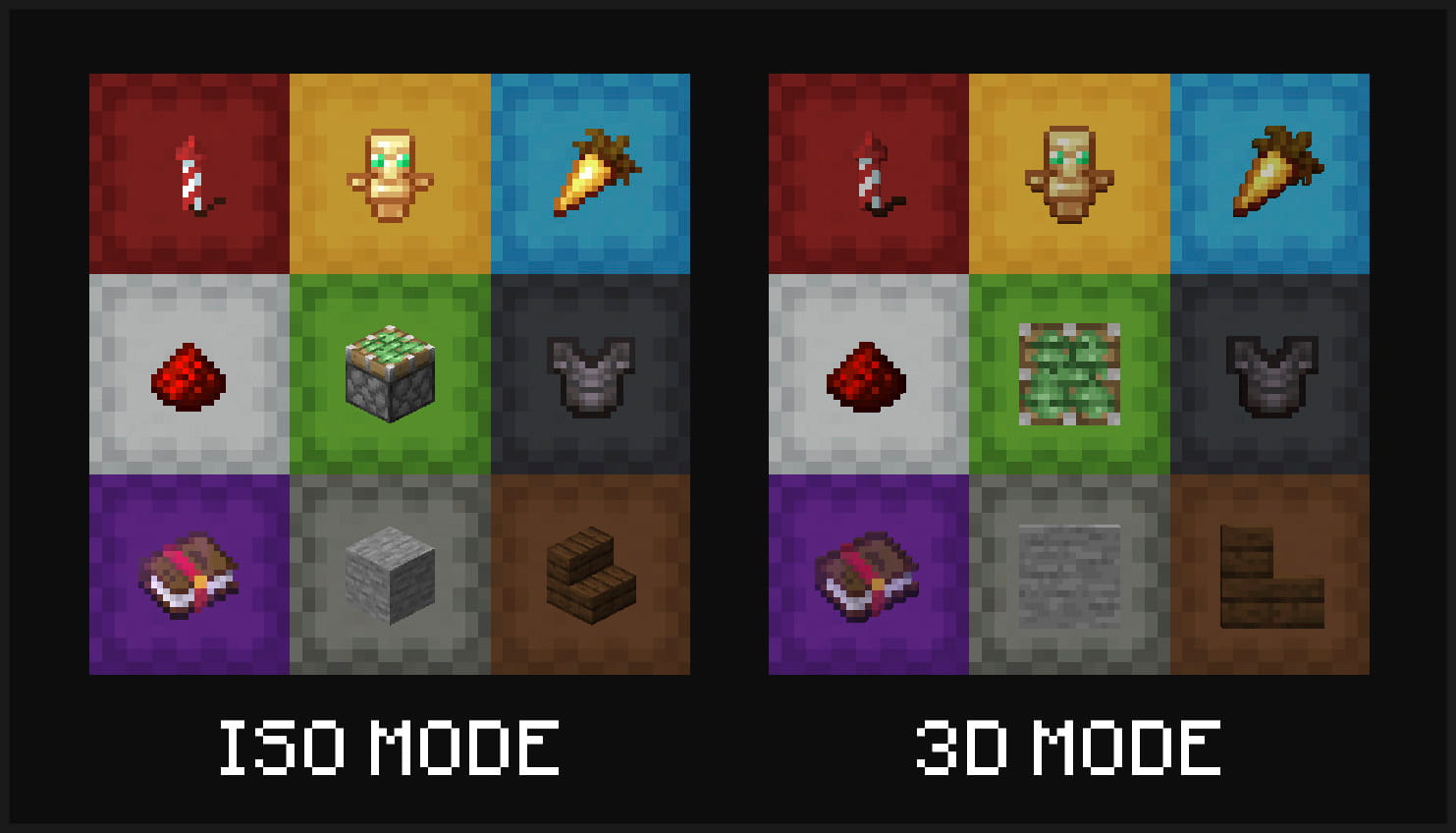
Multiple display modes are supported - you can have your shulker boxes displayed in flat mode, and choose to display labels in either 3D or isometric mode.
Display your labeled shulker boxes in the GUI in any mode. Labels can be shown in 3D or isometric mode, and shulker boxes can appear in regular or flat (large/small) mode
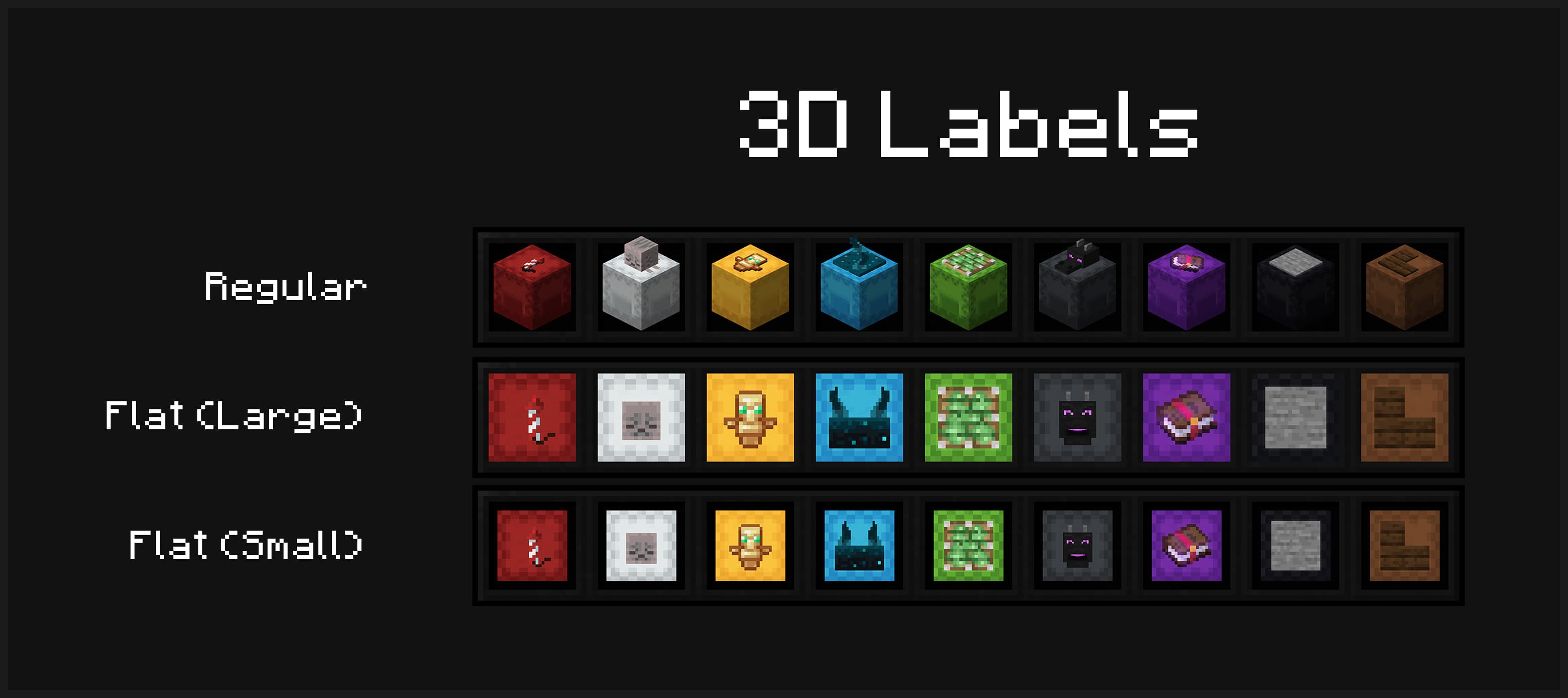
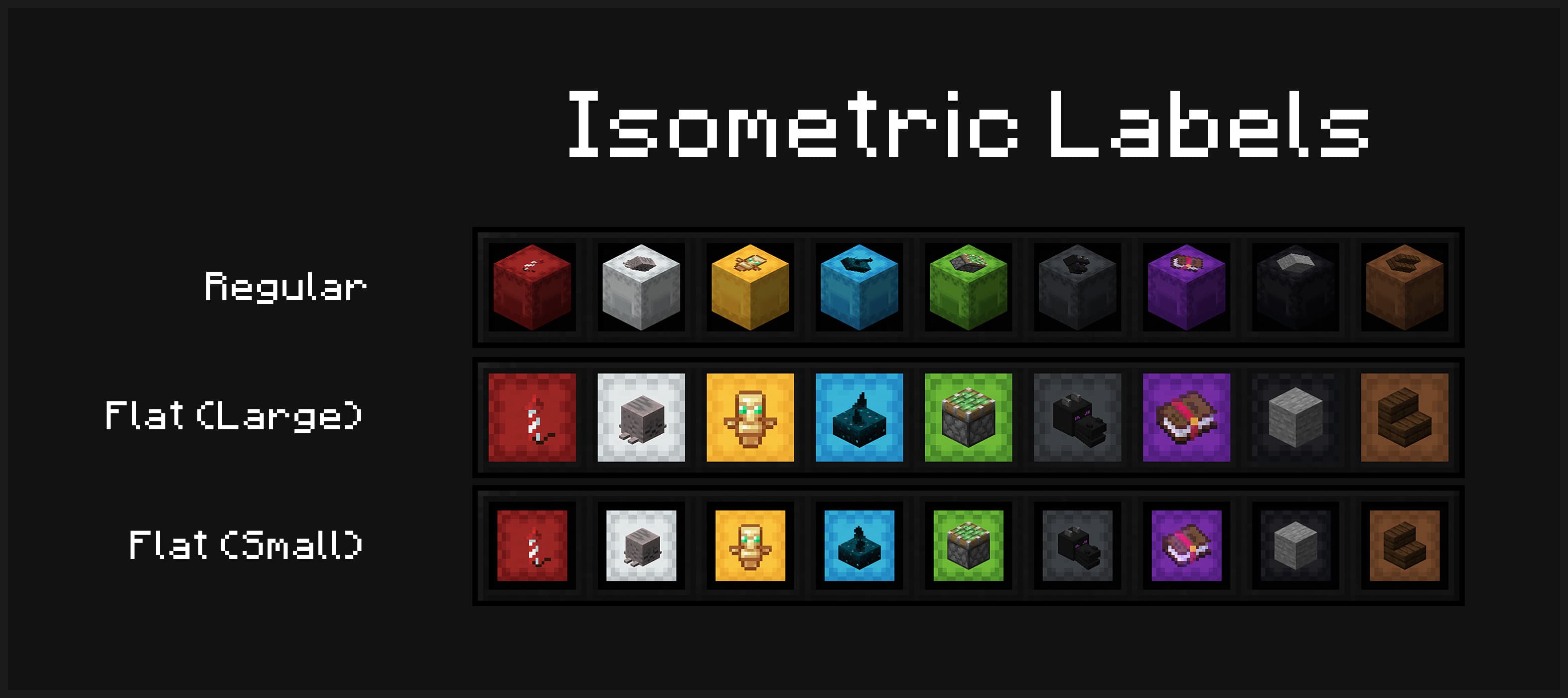
Item labels on placed shulker boxes can also either display in isometric or 3D mode
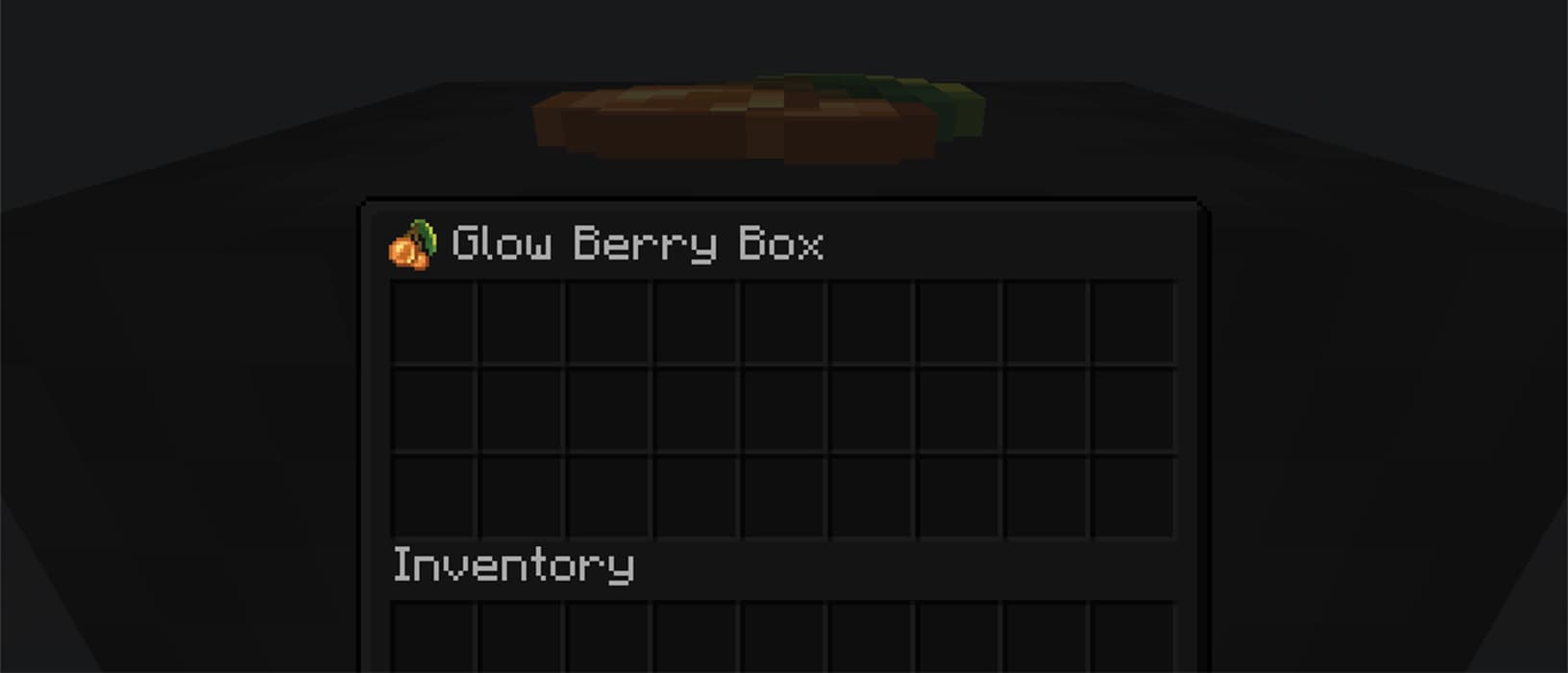
Optionally view your label from inside your shulker box
mods folder/shulker-box-labels config to open the config screen in-gameTo apply a label, simply place your shulker box in the first anvil slot and the label item in the second slot. This costs one experience level. You can also modify the name of your shulker box at the same time.
Anvil Preview
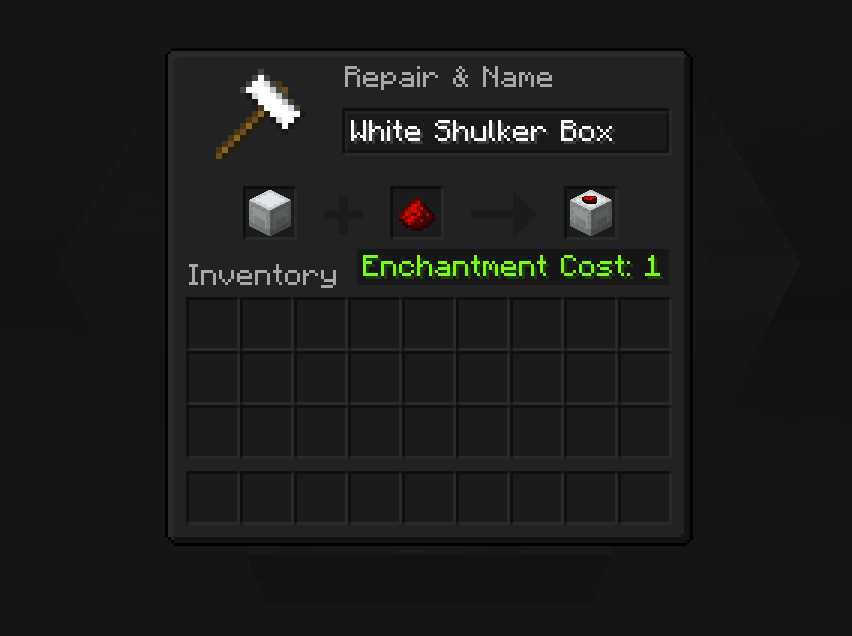
Project description from CurseForge.
Pick your setup
Choose the version and loader you play, then open the matching release.
Check the dependencies, then try the file in a copied instance before changing a world you care about.
Recent files
shulker-box-labels-3.5.0+26.3-fabric.jar
17 Sept 2026
shulker-box-labels-3.5.0+26.3-neoforge.jar
17 Sept 2026
shulker-box-labels-3.5.0+26.2-fabric.jar
17 Sept 2026
shulker-box-labels-3.5.0+26.2-neoforge.jar
17 Sept 2026
shulker-box-labels-3.4.5+26.3-neoforge.jar
15 Sept 2026
shulker-box-labels-3.4.5+26.3-fabric.jar
15 Sept 2026
shulker-box-labels-3.4.4+26.2-neoforge.jar
16 Jun 2026
shulker-box-labels-3.4.4+26.2-fabric.jar
16 Jun 2026
shulker-box-labels-3.4.3+26.1-neoforge.jar
24 Mar 2026
shulker-box-labels-3.4.3+26.1-fabric.jar
24 Mar 2026
shulker-box-labels-3.4.2+1.21.11-neoforge.jar
9 Dec 2025
shulker-box-labels-3.4.2+1.21.11-fabric.jar
9 Dec 2025
Looking for an older file? The official CurseForge project page is in Resources.
 mod
OnlyMouse is an accessibility-focused Minecraft Java Edition mod that enables players to play using only a mouse, reducing the need for a physical keyboard.
 mod
Auto clicker (autoclicker) and AFK helper for Fabric, NeoForge and Forge: auto attack, auto eat, auto fish, auto farm, auto tool, hotbar refill, anti-AFK and hotkeys for mob farms, mining, farming and fishing
 mod
Hang a lantern on your belt: it lights your way hands-free with smooth moving light and swings as you move. Works client-only on any server.