Minecraft version
Back to mods 
CurseForge · Minecraft mod
UrbanCraft
A building mod that adds 50 types of concrete
Choose a version Pick your version below, then grab the matching file.
Quick answer
Which UrbanCraft release should I use?
Latest stable file urbancraft-1.1.jar
Game version 1.20.2, 1.20.5, 1.20.1
Loader Forge
urbancraft-1.1.jar targets 1.20.2, 1.20.5, 1.20.1 with Forge. The project page does not say whether this file belongs on the client, dedicated server, or both. No extra mods listed for this file.
Where it goes
Is UrbanCraft required on the client, server, or both?
The project page does not say whether this file belongs on the client, dedicated server, or both.
Client Source doesn’t say
Dedicated server Source doesn’t say
Loader for this release Forge
Required install it here Optional supported, not mandatory Not supported do not install here Source doesn’t say do not assume
The source does not explicitly classify this release as client-only or server-only.
What else does urbancraft-1.1.jar need?
urbancraft-1.1.jar. Change the file and its required mods may change too.
This file does not list any required mods. Do not add a library just because a different file uses it.
This file does not list any required or optional mods.
Before you install it
Add UrbanCraft without breaking your instance.
Built for urbancraft-1.1.jar. Pick another file and the loader, install side or required mods may change.
- 01
Stick to this file
Use urbancraft-1.1.jar. It targets 1.20.2, 1.20.5, 1.20.1 with Forge; another release may have different loader, side or dependency requirements.
- 02
Bring the mods it needs
This file does not list any required mods. Do not add a library just because a different file uses it.
- 03
Put it on the correct side
The project page does not say whether this file belongs on the client, dedicated server, or both.
- 04
Pick the file you checked
Use the “Get this file” button beside urbancraft-1.1.jar. It opens that exact file at the source.
About this project
What does UrbanCraft add?
UrbanCraft is a block mod focused on enhancing modern and urban-style building in Minecraft. It adds a wide range of decorative and structural blocks aimed at city builders, transit planners, and modern architects who want more detail, variety, and realism in their builds.
Overview
This mod provides a large selection of clean, neutral blocks designed for realistic city environments. It is ideal for use in conjunction with city-themed mods such as Minecraft Transit Railway and Fureniku’s Roads, offering a block set that fits in visually with urban infrastructure, transport hubs, and modern commercial architecture.
Features
55 Colours of Concrete
UrbanCraft includes 55 color variants of smooth, modern concrete blocks. Each color comes with:
Full blocks
Slabs
Stairs
Walls
These blocks are designed for clean, polished surfaces, allowing you to build structures like skyscrapers, malls, platforms, or roadsides with a more realistic appearance than vanilla concrete or terracotta.
Window Blocks
A range of modern window designs is included, aimed at large commercial buildings, residential towers, stations, and other city structures. These are solid decorative blocks (not glass panes) with frame detailing that fits naturally into modern facades.
Minaret Pillars
A unique decorative block that functions like a clean vertical column. While inspired by traditional architectural minarets, these pillar blocks are versatile and can be used in both cultural and modern contexts — for example, as station supports, mall interior columns, or aesthetic building details.
Integration and Compatibility
UrbanCraft is built to complement a range of other city-building mods. While fully usable on its own, it is especially useful when paired with the following:
Minecraft Transit Railway (MTR)
UrbanCraft blocks are scaled and textured to match the style of MTR’s modern transit system. The concrete tones and window designs work well for building:
Station interiors and exteriors
Raised platforms and walkways
Underpasses, terminals, and line infrastructure
Fureniku’s Roads (1.18.2 Port)
If you are using the 1.18.2 port of Fureniku’s Roads, UrbanCraft provides a great set of supplementary blocks for decorating city streets, sidewalks, medians, and adjacent buildings. Wall blocks can be used for fencing or railings, and the clean concrete palette helps blend roads into the surrounding city.
Ongoing Development
UrbanCraft is actively being expanded with new content. Planned additions include:
More architectural block types
New decorative details for modern and cultural builds
Additional slab/stair variants and unique facade elements
Expanded compatibility with other city-themed mods
Suggestions and feedback are welcome — feel free to leave comments or requests.
Use Cases
UrbanCraft is designed for builders who want to create:
Modern cityscapes
Shopping centres and plazas
Transit hubs and terminals
Apartment blocks and housing estates
High-density downtown areas
Mosques, museums, and civic buildings
Project description from CurseForge.
Pick your setup
UrbanCraft by Minecraft version and loader
Choose the version and loader you play, then open the matching release.
Minecraft version
1.20.5
1 loader buildMinecraft version
1.20.4
1 loader buildMinecraft version
1.20.3
1 loader buildMinecraft version
1.20.2
1 loader buildMinecraft version
1.20.1
1 loader buildMinecraft version
1.20
1 loader buildMinecraft version
1.18.2
1 loader buildMinecraft version
1.18.1
1 loader buildMinecraft version
1.18
1 loader buildCheck the dependencies, then try the file in a copied instance before changing a world you care about.
Recent files
UrbanCraft versions and loaders
urbancraft-1.1.jar
urbancraft-1.0.jar
11 Jun 2026
Client Source doesn’t say Server Source doesn’t say Dependencies No extras listed Listed on Release listing
Check the 1.20.6 · Forge setup 1.20.21.20.51.20.1Forge release
urbancraft-1.0.jar
23 Jul 2025
Client Source doesn’t say Server Source doesn’t say Dependencies No extras listed Listed on Release listing
Check the 1.18.2 · Forge setup 1.18.11.18Forge1.18.2 release
Looking for an older file? The official CurseForge project page is in Resources.
 mod
CurseForge + Modrinth · Minecraft
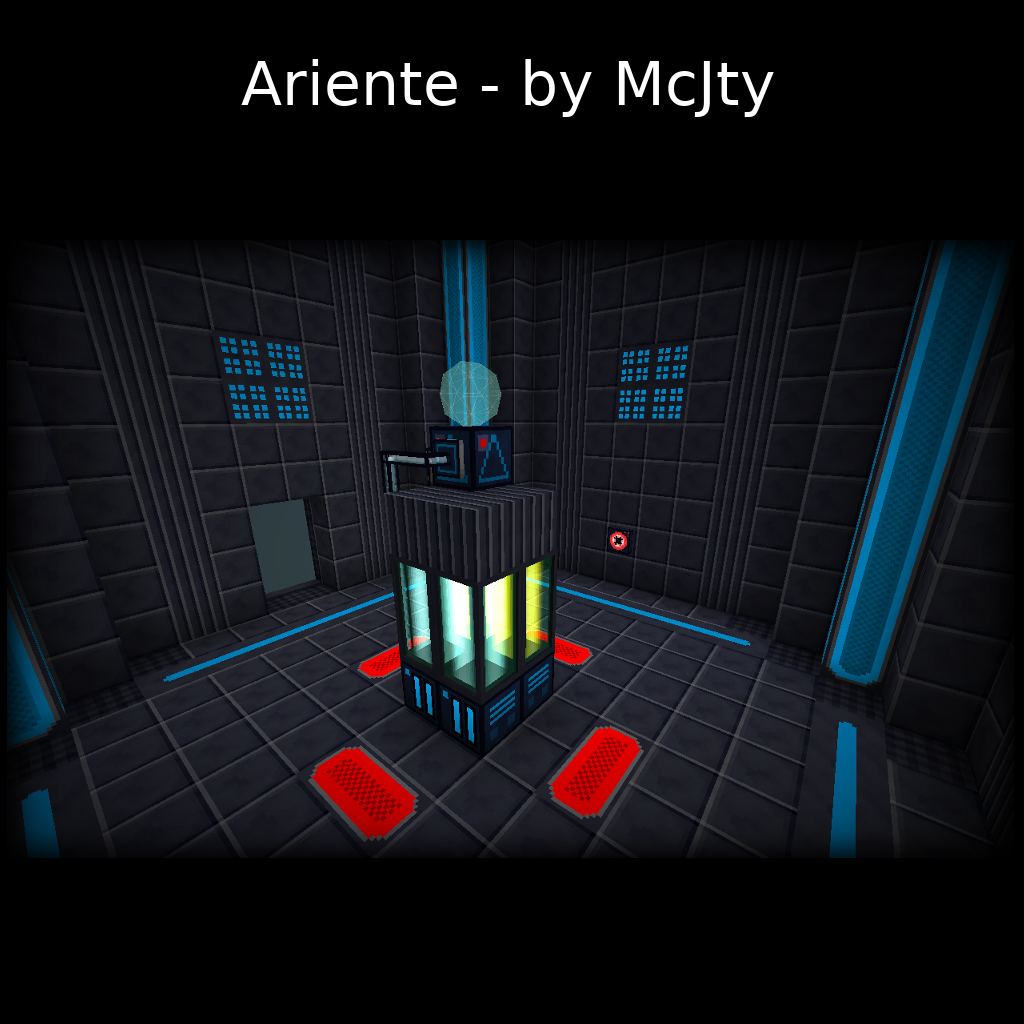
Ariente
Ariente - a high-tech exploration and tech mod
 mod
CurseForge · Minecraft
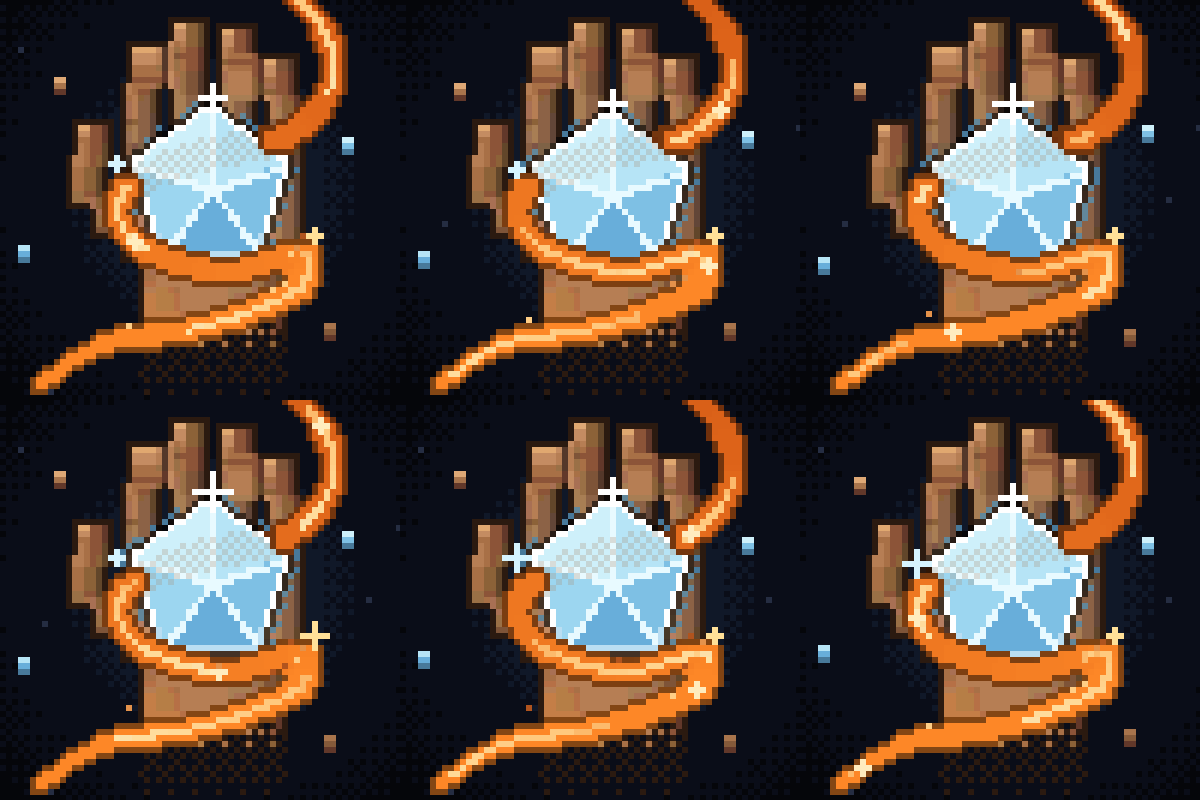
UnOrigin
A Minecraft Palladium addon Mod that adapts the infamous Webtoon, "UnOrdinary", into Minecraft.
 mod
CurseForge · Minecraft
XiaoXiang Realms Expansion
An Expansion Of The Xiaoxiang Cultivation Mod. Tired Of One Long Silent Bar Between Breakthroughs? Ten Layers To Every Realm, Mortal Included — 99+ Breakthroughs Across. Every Requirement Is Yours To Set, And A Peak Route Past The Materials.