Create Needed by Create: Templates & Gears create_templates_gears-1.1.2-fabric-1.20.1.jar
requiredNo matching file
CurseForge · Minecraft mod
Allows you to create Smithing Templates using the machines from the Create mod.
Quick answer
Create: Templates & Gears create_templates_gears-1.1.2-fabric-1.20.1.jar targets 1.20.1, 1.20, 1.20.2 with Fabric. The project page does not say whether this file belongs on the client, dedicated server, or both. 1 required mod needs a matching file.
Where it goes
The project page does not say whether this file belongs on the client, dedicated server, or both.
The source does not explicitly classify this release as client-only or server-only.
create_templates_gears-1.1.2-fabric-1.20.1.jar on Fabric. Every mod below is checked against that same setup.
Install Create, Create: Enchantment Industry, Fabric API, Create Fabric and 3 more first, but 1 required mod has no matching file for this setup. Do not mix loader builds to force a match. 19 come through another mod in the chain.
19 extra mods were pulled in by other dependencies. Indented rows show who needs each one. We only count dependency files that match this setup. A file for another loader does not fill the gap.
Before you install it
Built for Create: Templates & Gears create_templates_gears-1.1.2-fabric-1.20.1.jar on Fabric. Pick another file and the loader, install side or required mods may change.
Use create_templates_gears-1.1.2-fabric-1.20.1.jar. It targets 1.20.1, 1.20, 1.20.2 with Fabric; another release may have different loader, side or dependency requirements.
Install Create, Create: Enchantment Industry, Fabric API, Create Fabric and 3 more first, but 1 required mod has no matching file for this setup. Do not mix loader builds to force a match. 19 come through another mod in the chain.
The project page does not say whether this file belongs on the client, dedicated server, or both.
Use the “Get this file” button beside create_templates_gears-1.1.2-fabric-1.20.1.jar. It opens that exact file at the source.
About this project
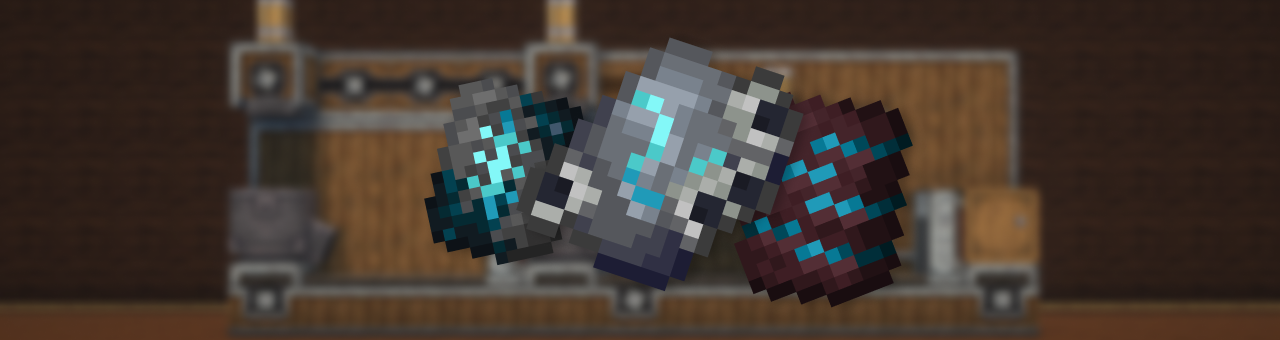
This mod adds a complex, immersive, and fully automated way to craft Armor Trim Smithing Templates using Create machines and experience fluid.
Forget vanilla loot tables — now you build your trims like an engineer.
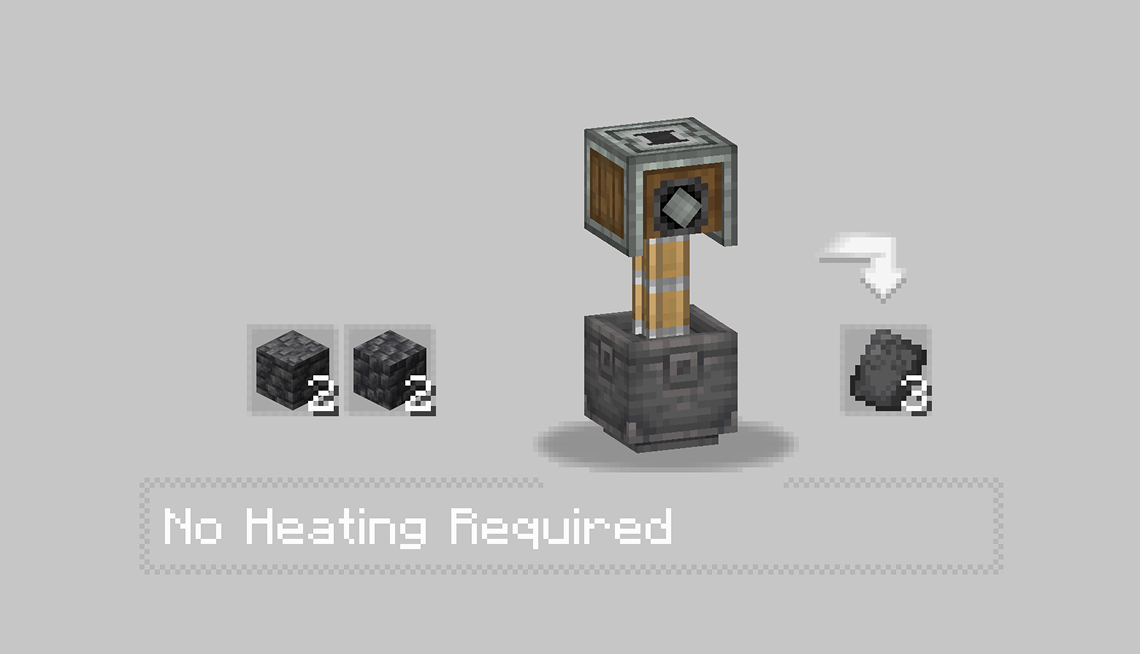
The first step is to craft a base shard using various Create machines like the Press and the Basin. Each trim starts its journey as a raw material processed with care.
|  |
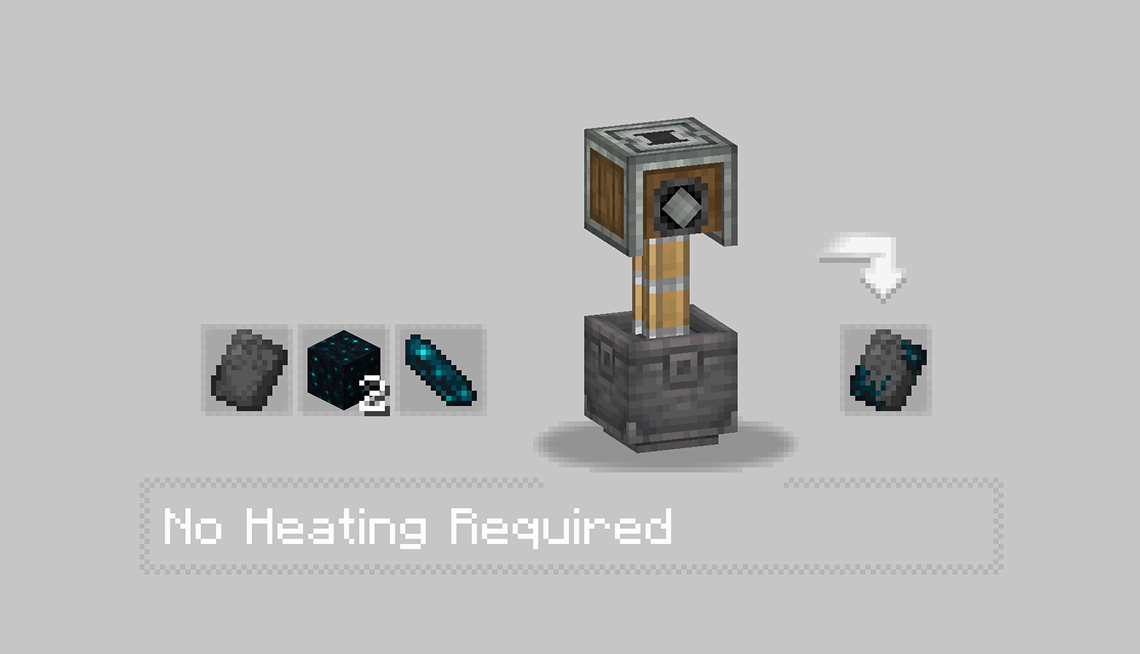 |
With the base shards ready, the real process begins.
You’ll need to:
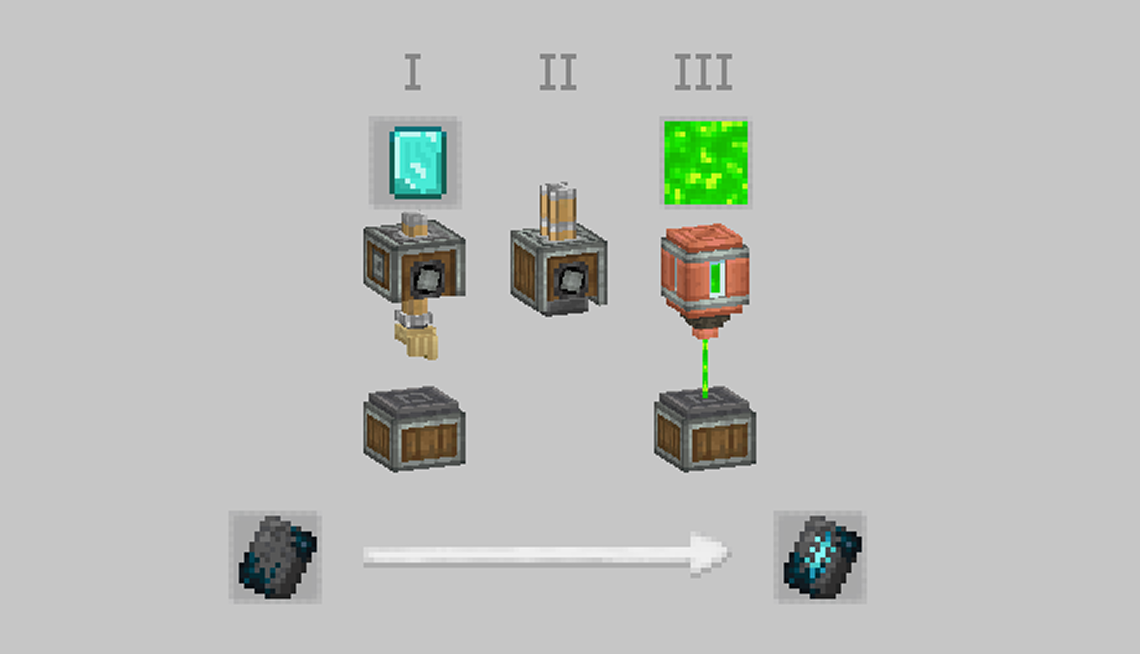
Every trim has a different flavor — some require specific coral types, others need rare materials like diamonds or nether components.
The XP injection is what activates the shard, making it usable as a Smithing Template.
After these steps, you’ll have a fully functional Armor Trim Template — obtained through automation, logic, and style.
Perfect for tech-based survival worlds or modpacks aiming to reduce RNG and promote player-driven progression.
Project description from CurseForge.
Pick your setup
Choose the version and loader you play, then open the matching release.
Check the dependencies, then try the file in a copied instance before changing a world you care about.
Recent files
3 Aug 2025
31 Jul 2025
31 Jul 2025
Looking for an older file? The official CurseForge project page is in Resources.
 mod
This mod increases damage to moving minecarts; the faster they move, the higher the damage, with virtually no damage limit!
 mod
Bring MissingNo to your Cobblemon adventure with an original Mega Evolution, two Mega Stones, flying mounts, and an administrator profile controlled through OP commands if needed.
 mod
A suite of integration and compatibility patches for Thermoo-based mods (including Frostiful and Scorchful) and other mods