PlayerEngine Needed by Player2 AI NPC player2npc-fabric-1.21.1-1.4.0.jar
requiredMatching file found Matched file: playerengine-fabric-1.21.1-1.4.0.jar
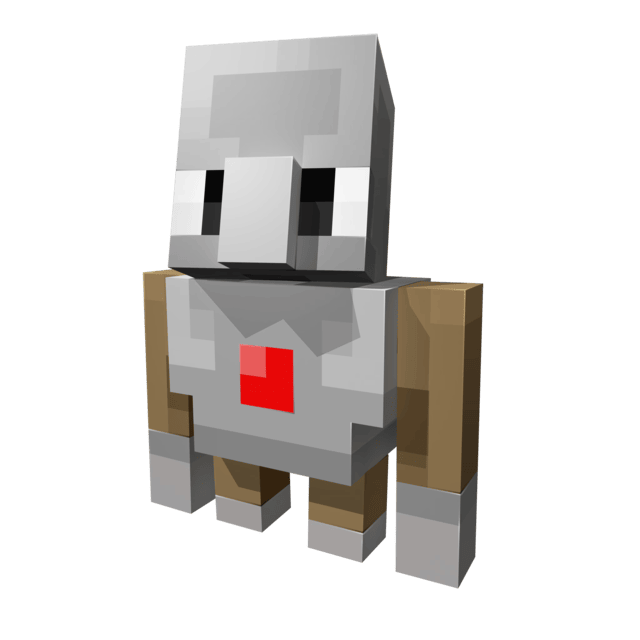
CurseForge · Minecraft mod
This is not just another companion mod; it is a live showcase of the PlayerEngine framework, built to fundamentally change our perception of AI NPCs in Minecraft.
Quick answer
Player2 AI NPC player2npc-fabric-1.21.1-1.4.0.jar targets 1.21.1 with Fabric. The project page does not say whether this file belongs on the client, dedicated server, or both. All 3 required mods have matching files.
Where it goes
The project page does not say whether this file belongs on the client, dedicated server, or both.
The source does not explicitly classify this release as client-only or server-only.
player2npc-fabric-1.21.1-1.4.0.jar on Fabric. Every mod below is checked against that same setup.
Install PlayerEngine, Architectury API, Fabric API first. We found matching files for this game-version and loader setup. 1 comes through another mod in the chain.
1 extra mod was pulled in by another dependency. Indented rows show who needs each one. We only count dependency files that match this setup. A file for another loader does not fill the gap.
Before you install it
Built for Player2 AI NPC player2npc-fabric-1.21.1-1.4.0.jar on Fabric. Pick another file and the loader, install side or required mods may change.
Use player2npc-fabric-1.21.1-1.4.0.jar. It targets 1.21.1 with Fabric; another release may have different loader, side or dependency requirements.
Install PlayerEngine, Architectury API, Fabric API first. We found matching files for this game-version and loader setup. 1 comes through another mod in the chain.
The project page does not say whether this file belongs on the client, dedicated server, or both.
Use the “Get this file” button beside player2npc-fabric-1.21.1-1.4.0.jar. It opens that exact file at the source.
About this project
Ever wished you had a friend in Minecraft who could actually help you? Not just a pet that follows you around, but a true companion who can chop wood, mine ores, and even defend you from monsters?
Welcome to Player2NPC! This mod brings AI to life in your Minecraft world like never before. Powered by the groundbreaking Player2 AI and the PlayerEngine framework, these aren't your average villagers. These are fully embodied AI companions that listen to you, talk back, and interact with the world just like a real player.
This mod is an entry for the Player2 AI Game Jam, created by Goodbird.
Getting your AI companion into your world is easy! Just watch this video, or scroll down for a text walkthrough.
The AI that powers your companions runs through the Player2 desktop application. It acts as a secure gateway to the AI models and is required for the mod to work.
The Player2 app provides the AI "brain" for your NPC. The mod provides the "body" in-game.
This works like any other Fabric mod.
mods folder.This mod was made possible by the incredible work of the following:
This mod was originally created by Goodbird. Now maintained and updated by Zardov (Discord: Miliardo)
Disclaimer: This mod uses AI in the generation of UI Assets, and the in-game Logo.
Project description from CurseForge.
Pick your setup
Choose the version and loader you play, then open the matching release.
Check the dependencies, then try the file in a copied instance before changing a world you care about.
Recent files
17 Jul 2026
17 Jul 2026
17 Jun 2026
17 Jun 2026
16 May 2026
16 May 2026
6 May 2026
6 May 2026
28 Jan 2026
24 Jan 2026
20 Nov 2025
player2npc-fabric-1.1.6.jar
20 Nov 2025
Looking for an older file? The official CurseForge project page is in Resources.
 mod
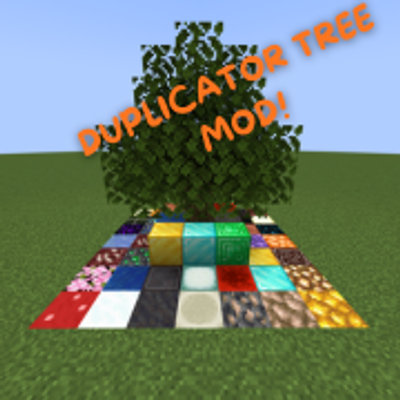
DUPLICATE YOUR BLOCKS AND GET OP QUICKLY. Inspired by the Orespawn tree.
 mod
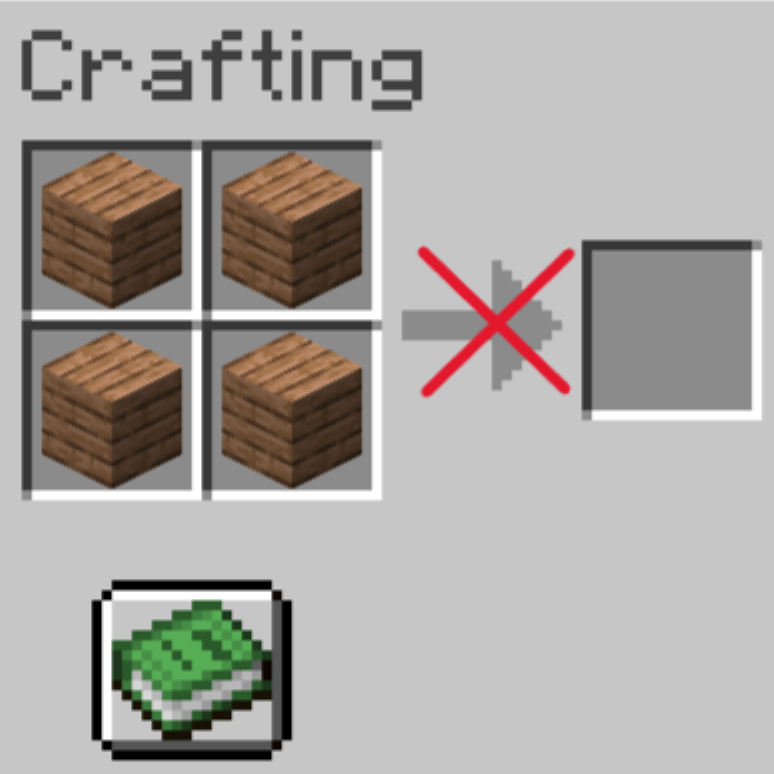
Permissions-based item crafting restrictions
 mod
Disposable public fixture for testing the Modpacks.ch GitHub catalogue flow
