Minecraft version
Back to mods 
CurseForge · Minecraft mod
Server boundaries (for two player)
A helpful mod that can split the world in half so that each player get's a half
Choose a version Pick your version below, then grab the matching file.
Quick answer
Which Server boundaries (for two player) release should I use?
Latest stable file server_boundries-1.0.0-forge-1.20.1.jar
Game version 1.20.1
Loader Forge
Server boundaries (for two player) server_boundries-1.0.0-forge-1.20.1.jar targets 1.20.1 with Forge. The project page does not say whether this file belongs on the client, dedicated server, or both. No extra mods listed for this file.
Where it goes
Is Server boundaries (for two player) required on the client, server, or both?
The project page does not say whether this file belongs on the client, dedicated server, or both.
Client Source doesn’t say
Dedicated server Source doesn’t say
Loader for this release Forge
Required install it here Optional supported, not mandatory Not supported do not install here Source doesn’t say do not assume
The source does not explicitly classify this release as client-only or server-only.
What else does Server boundaries (for two player) server_boundries-1.0.0-forge-1.20.1.jar need?
server_boundries-1.0.0-forge-1.20.1.jar. Change the file and its required mods may change too.
This file does not list any required mods. Do not add a library just because a different file uses it.
This file does not list any required or optional mods.
Before you install it
Add Server boundaries (for two player) without breaking your instance.
Built for Server boundaries (for two player) server_boundries-1.0.0-forge-1.20.1.jar. Pick another file and the loader, install side or required mods may change.
- 01
Stick to this file
Use server_boundries-1.0.0-forge-1.20.1.jar. It targets 1.20.1 with Forge; another release may have different loader, side or dependency requirements.
- 02
Bring the mods it needs
This file does not list any required mods. Do not add a library just because a different file uses it.
- 03
Put it on the correct side
The project page does not say whether this file belongs on the client, dedicated server, or both.
- 04
Pick the file you checked
Use the “Get this file” button beside server_boundries-1.0.0-forge-1.20.1.jar. It opens that exact file at the source.
About this project
What does Server boundaries (for two player) add?
A helpful mod that can split the world in half so that each player get's a half
But how?
Gamerules
boudryorientation - True = the boundry splits Z
- False = the boundry splits X
boundrypos - a number, represents where the boundry is along the axis, stated above
boundrytoggle -True = boundry enabled
-False = boundry dissabled
GUI
Accessable by the defualt key command of 'k' however will only show when the player is Op (operator), for obv reasons.
there there is player one and two fields,
input the player display name into the box,
and the other display name in the other.
If boundry is the wrong way round simply swap the names around
after pressing 'submit' on both fields then 'exit' you should recieve a message in chat
When opening the GUI the names won't be displayed but still will be saved (unless you click 'submit' and save a new name)
The mod changes the gamemode of the player to survival in their half and adventure in the other half
Player names and gamerules are saved and stored for next session, but after updating the instance's files check the settings
Don't know your friends player id, check the server whitelist (if enabled), or get them to send a message in chat
Happy Bordering guys.
Project description from CurseForge.
Pick your setup
Server boundaries (for two player) by Minecraft version and loader
Choose the version and loader you play, then open the matching release.
Check the dependencies, then try the file in a copied instance before changing a world you care about.
Recent files
Server boundaries (for two player) versions and loaders
server_boundries-1.0.0-forge-1.20.1.jar
3 Oct 2025
Client Source doesn’t say Server Source doesn’t say Dependencies No extras listed Listed on Release listing
Check the 1.20.1 · Forge setup 1.20.1Forge release
Looking for an older file? The official CurseForge project page is in Resources.
 mod
mod CurseForge + Modrinth · Minecraft
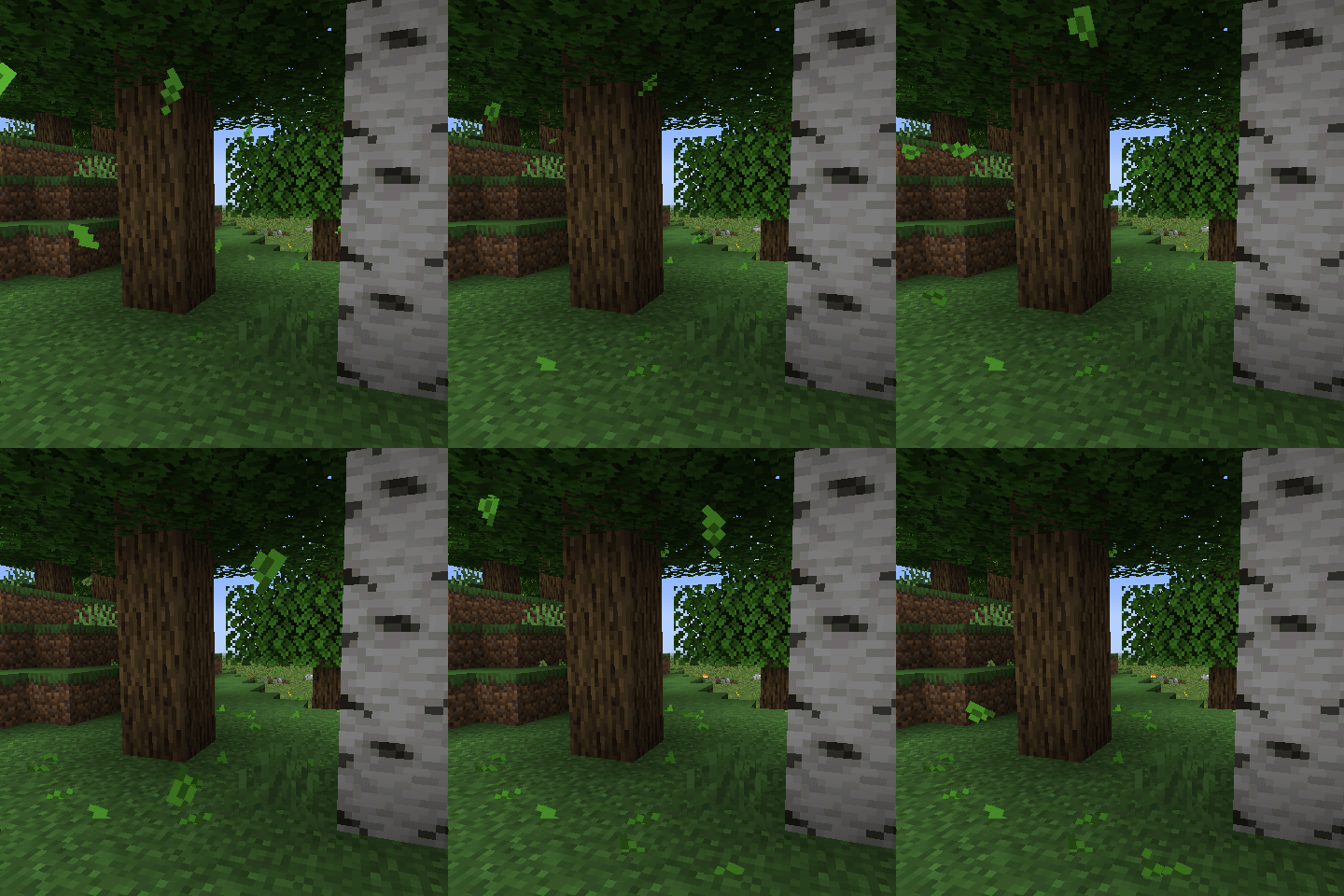
Falling Leaves (NeoForge/Forge)
Adds a neat little particle effect to leaf blocks
 mod
mod CurseForge · Minecraft
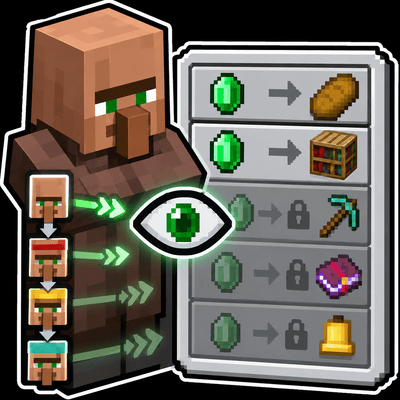
Villager Trade Preview
Preview the trades a villager will unlock at each future profession level directly from the trading screen.
 mod
mod CurseForge · Minecraft
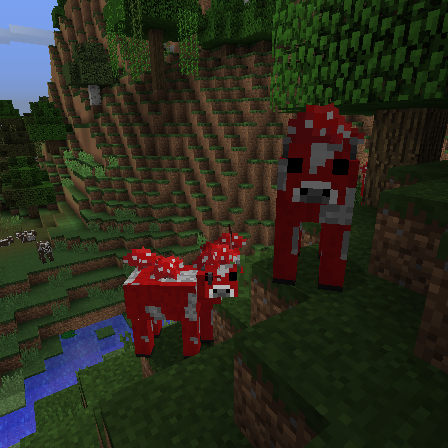
Mooshroom Spawn
🐮🍄 Adds a chance for mooshrooms to spawn naturally everywhere in place of a cow.