Forge Config API Port Needed by Fantastic Wings [FABRIC] [26.1.x] v26.1.2
requiredMatching file found Matched file: [FABRIC] [26.1.x] v26.1.5

CurseForge · Minecraft mod
Beautifully animated avian and insectoid wings for aerial travel. A continuation of Wings by Pau101.
Quick answer
Fantastic Wings [FABRIC] [26.1.x] v26.1.2 targets 26.1, 26.1.1, 26.1.2 with Fabric. The project page does not say whether this file belongs on the client, dedicated server, or both. All 3 required mods have matching files.
Where it goes
The project page does not say whether this file belongs on the client, dedicated server, or both.
The source does not explicitly classify this release as client-only or server-only.
[FABRIC] [26.1.x] v26.1.2. Change the file and its required mods may change too.
Install Forge Config API Port, Fabric API, Puzzles Lib first. We found matching files for this game-version and loader setup. 4 come through another mod in the chain.
4 extra mods were pulled in by other dependencies. Indented rows show who needs each one. We only count dependency files that match this setup. A file for another loader does not fill the gap.
Before you install it
Built for Fantastic Wings [FABRIC] [26.1.x] v26.1.2. Pick another file and the loader, install side or required mods may change.
Use [FABRIC] [26.1.x] v26.1.2. It targets 26.1, 26.1.1, 26.1.2 with Fabric; another release may have different loader, side or dependency requirements.
Install Forge Config API Port, Fabric API, Puzzles Lib first. We found matching files for this game-version and loader setup. 4 come through another mod in the chain.
The project page does not say whether this file belongs on the client, dedicated server, or both.
Use the “Get this file” button beside [FABRIC] [26.1.x] v26.1.2. It opens that exact file at the source.
About this project
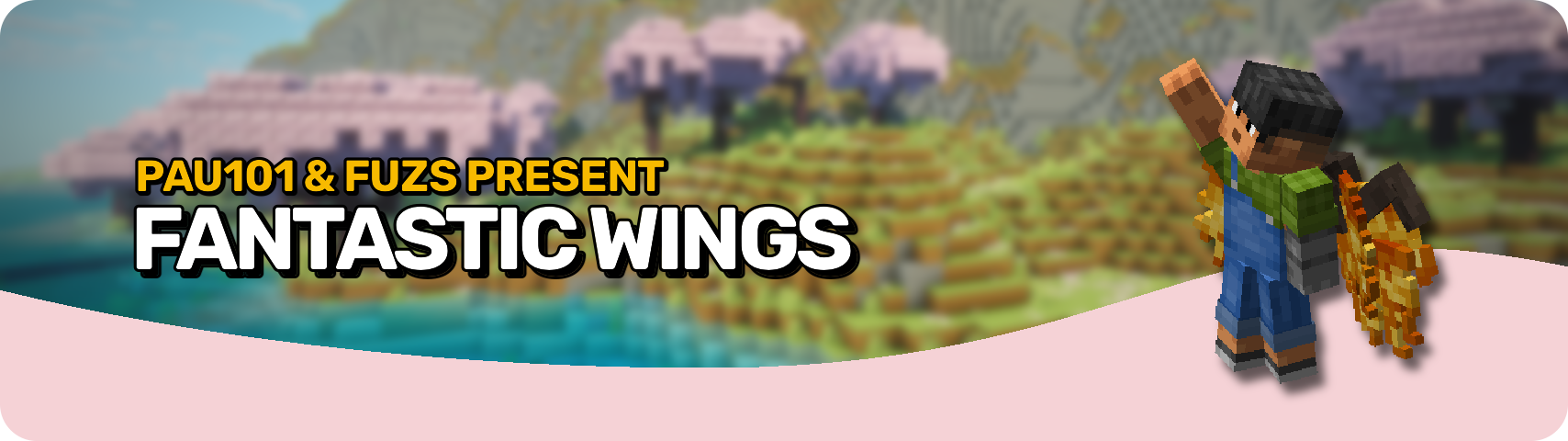







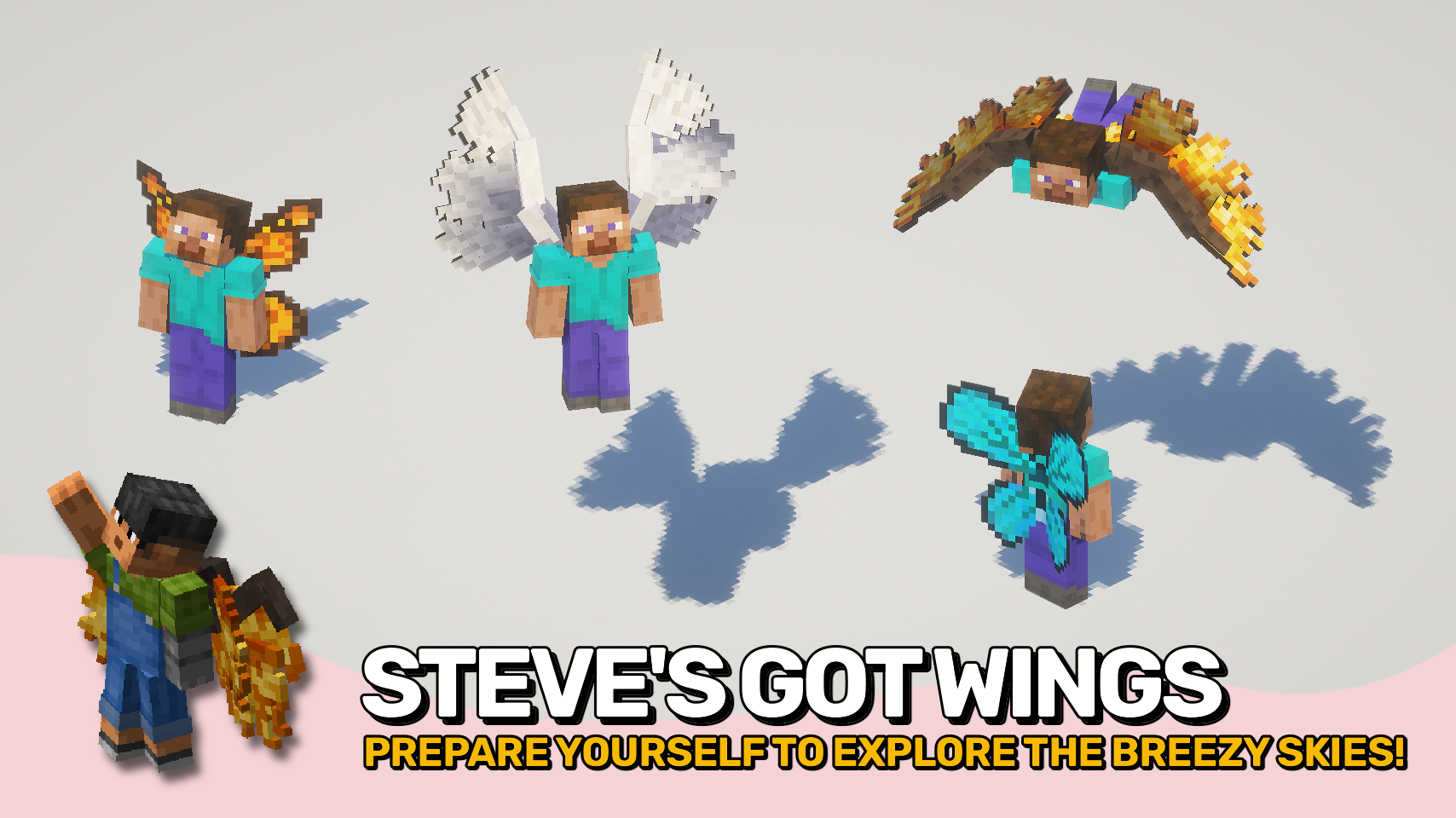
Fantastic Wings lets you take to the skies with stunningly animated wings inspired by birds and insects. Craft a special potion to grow your own wings and feel the freedom of effortless flight across your world. Each wing type is lovingly animated to flutter, fold, and stretch naturally as you move, making every motion feel lively and magical.
Once your wings have grown, flying is simple and smooth. Press your flight key to toggle flight mode, move forward to speed up, jump to rise, and crouch to descend or land faster. Stop flying mid-air and drift safely down without a crash landing. Whether you prefer feathery grace or fluttering energy, every wing type brings a touch of magic to your adventures.



⏩ INSTALLATION REQUIRED ON CLIENT & REQUIRED ON SERVER
⏩ REQUIRES PUZZLES LIB TO BE INSTALLED (FABRIC & NEOFORGE)
⏩ REQUIRES FABRIC API TO BE INSTALLED (FABRIC)
⏩ REQUIRES FORGE CONFIG API PORT TO BE INSTALLED (FABRIC)

If available for a mod, configuration is possible directly from in-game using the mod menu (requires Mod Menu by Prospector to be installed on Fabric).
For manual configuration using an external text editor all files are found at .minecraft/config, named as MOD_ID-client.toml, MOD_ID-common.toml, or MOD_ID-server.toml, depending on the type of config. Not all types might exist for a mod, if any at all.

🌟 Huge thanks to pau101 for the original Wings mod. The incredible attention to detail and gorgeous animations serve as the foundation for this faithful continuation for modern Minecraft.
 |
 |
|
|---|---|---|
 |
 |
|
 |
 |
|
 |
 |
|
 |
 |
|

© 2026 @heyitsfuzs. All rights reserved. This page was last edited on 11 September 2026, at 06:44 (UTC).
Project description from CurseForge.
Pick your setup
Choose the version and loader you play, then open the matching release.
Showing the newest 12 of 13 game versions. Older files are in the list below.
Check the dependencies, then try the file in a copied instance before changing a world you care about.
Recent files
FantasticWings-v26.1.2-mc26.1.x-Fabric.jar
19 Jun 2026
FantasticWings-v26.1.2-mc26.1.x-NeoForge.jar
19 Jun 2026
FantasticWings-v26.2.0-mc26.2.x-Fabric.jar
18 Jun 2026
FantasticWings-v26.2.0-mc26.2.x-NeoForge.jar
18 Jun 2026
FantasticWings-v20.4.1-1.20.4-NeoForge.jar
26 May 2026
FantasticWings-v20.4.1-1.20.4-Forge.jar
26 May 2026
FantasticWings-v20.4.1-1.20.4-Fabric.jar
26 May 2026
FantasticWings-v20.1.1-1.20.1-Forge.jar
26 May 2026
FantasticWings-v20.1.1-1.20.1-Fabric.jar
26 May 2026
FantasticWings-v26.1.1-mc26.1.x-NeoForge.jar
22 May 2026
FantasticWings-v26.1.1-mc26.1.x-Fabric.jar
22 May 2026
FantasticWings-v21.11.1-mc1.21.11-Fabric.jar
22 May 2026
Looking for an older file? The official CurseForge project page is in Resources.
 mod
modEnsures important resource packs stay always active and helps clean up the pack selection screen.
 mod
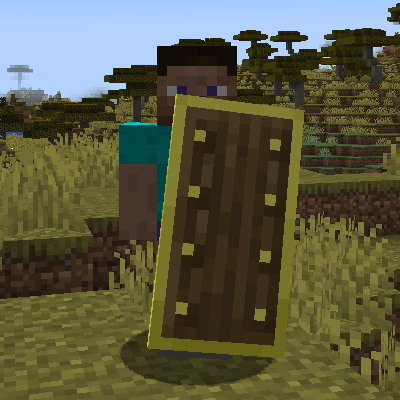
modChanging shields mechanics and adding more shields and enchantments
 mod
modData-driven minecraft in-game documentation with progress visualization.
