Minecraft version
Back to mods 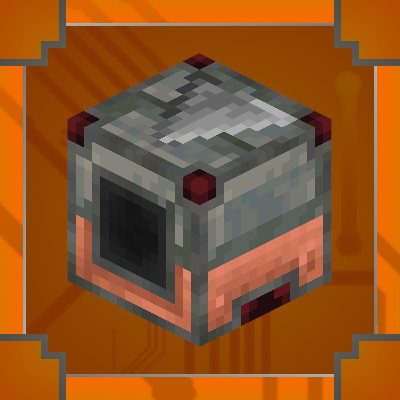
CurseForge · Minecraft mod
Re-Locate
Re-Locate is mod that adds new redstone-like Blocks based on Copper and Tuff.
Choose a version Pick your version below, then grab the matching file.
Quick answer
Which Re-Locate release should I use?
Latest stable file relocate-1.8.0-neoforge-26.1.2.jar
Game version 26.1.2
Loader NeoForge
Re-Locate relocate-1.8.0-neoforge-26.1.2.jar targets 26.1.2 with NeoForge. The project page does not say whether this file belongs on the client, dedicated server, or both. No extra mods listed for this file.
Where it goes
Is Re-Locate required on the client, server, or both?
The project page does not say whether this file belongs on the client, dedicated server, or both.
Client Source doesn’t say
Dedicated server Source doesn’t say
Loader for this release NeoForge
Required install it here Optional supported, not mandatory Not supported do not install here Source doesn’t say do not assume
The source does not explicitly classify this release as client-only or server-only.
What else does Re-Locate relocate-1.8.0-neoforge-26.1.2.jar need?
relocate-1.8.0-neoforge-26.1.2.jar. Change the file and its required mods may change too.
This file does not list any required mods. Do not add a library just because a different file uses it.
This file does not list any required or optional mods.
Before you install it
Add Re-Locate without breaking your instance.
Built for Re-Locate relocate-1.8.0-neoforge-26.1.2.jar. Pick another file and the loader, install side or required mods may change.
- 01
Stick to this file
Use relocate-1.8.0-neoforge-26.1.2.jar. It targets 26.1.2 with NeoForge; another release may have different loader, side or dependency requirements.
- 02
Bring the mods it needs
This file does not list any required mods. Do not add a library just because a different file uses it.
- 03
Put it on the correct side
The project page does not say whether this file belongs on the client, dedicated server, or both.
- 04
Pick the file you checked
Use the “Get this file” button beside relocate-1.8.0-neoforge-26.1.2.jar. It opens that exact file at the source.
About this project
What does Re-Locate add?
Weclome to Re-Locate!
Re-Locate is a mod that adds redstone-like blocks based on Trial Chambers theme. It is designed to be easy to understand, just hover over block and hold shift, build-in tooltips will help you!
For better experience, download Just Enough Items (JEI) mod! You found an issue? Click Here!
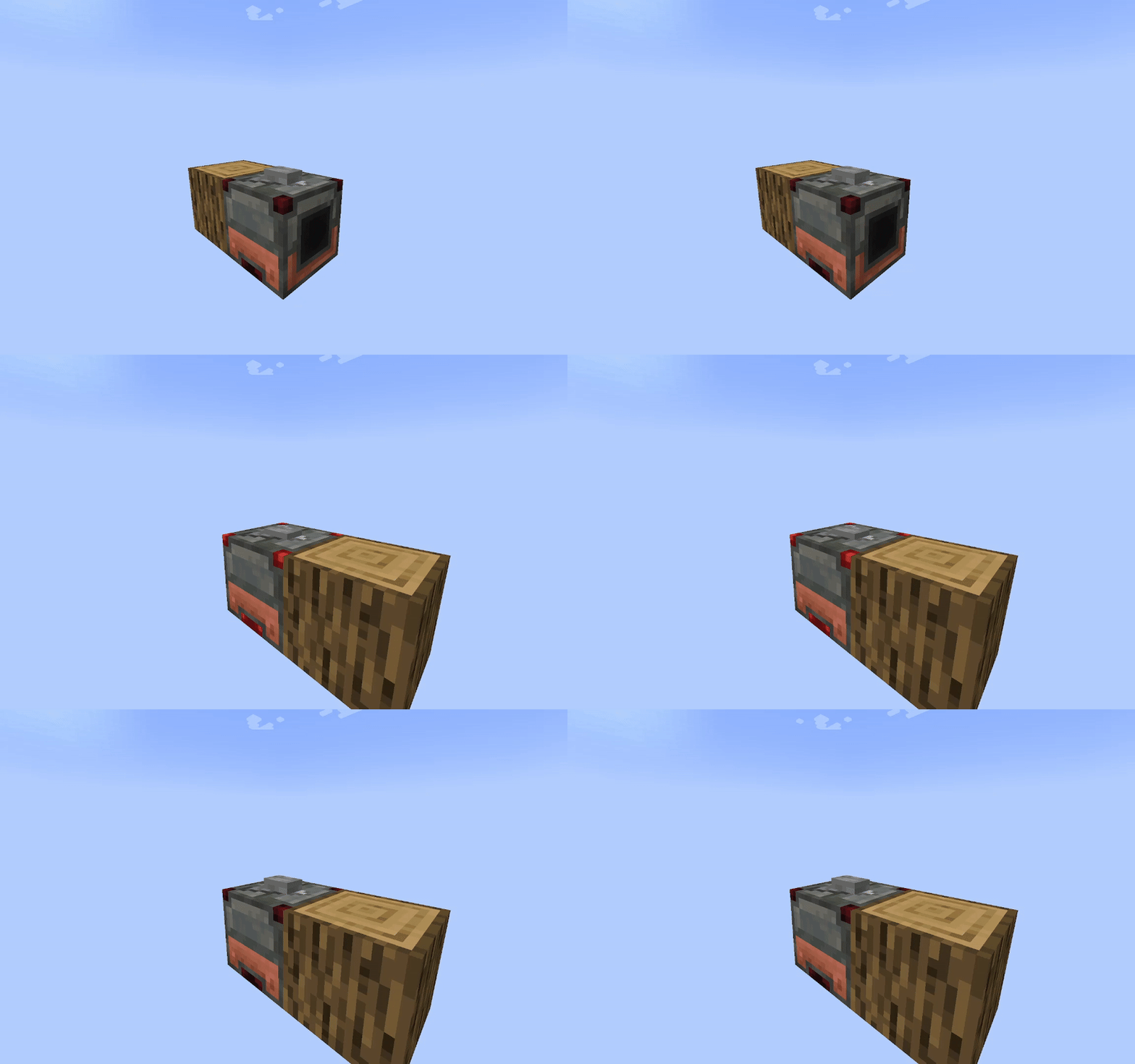
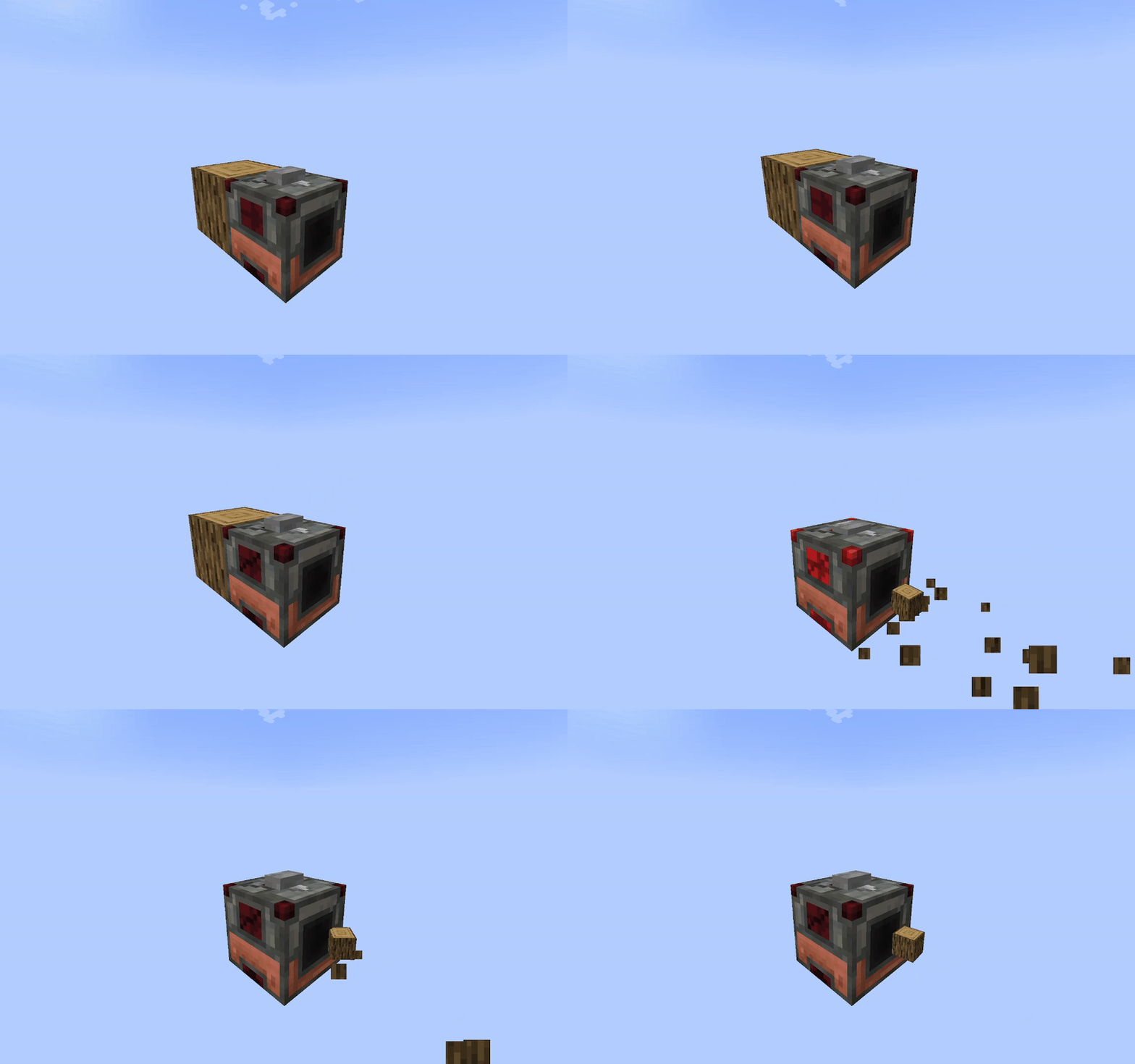
In game gifs:
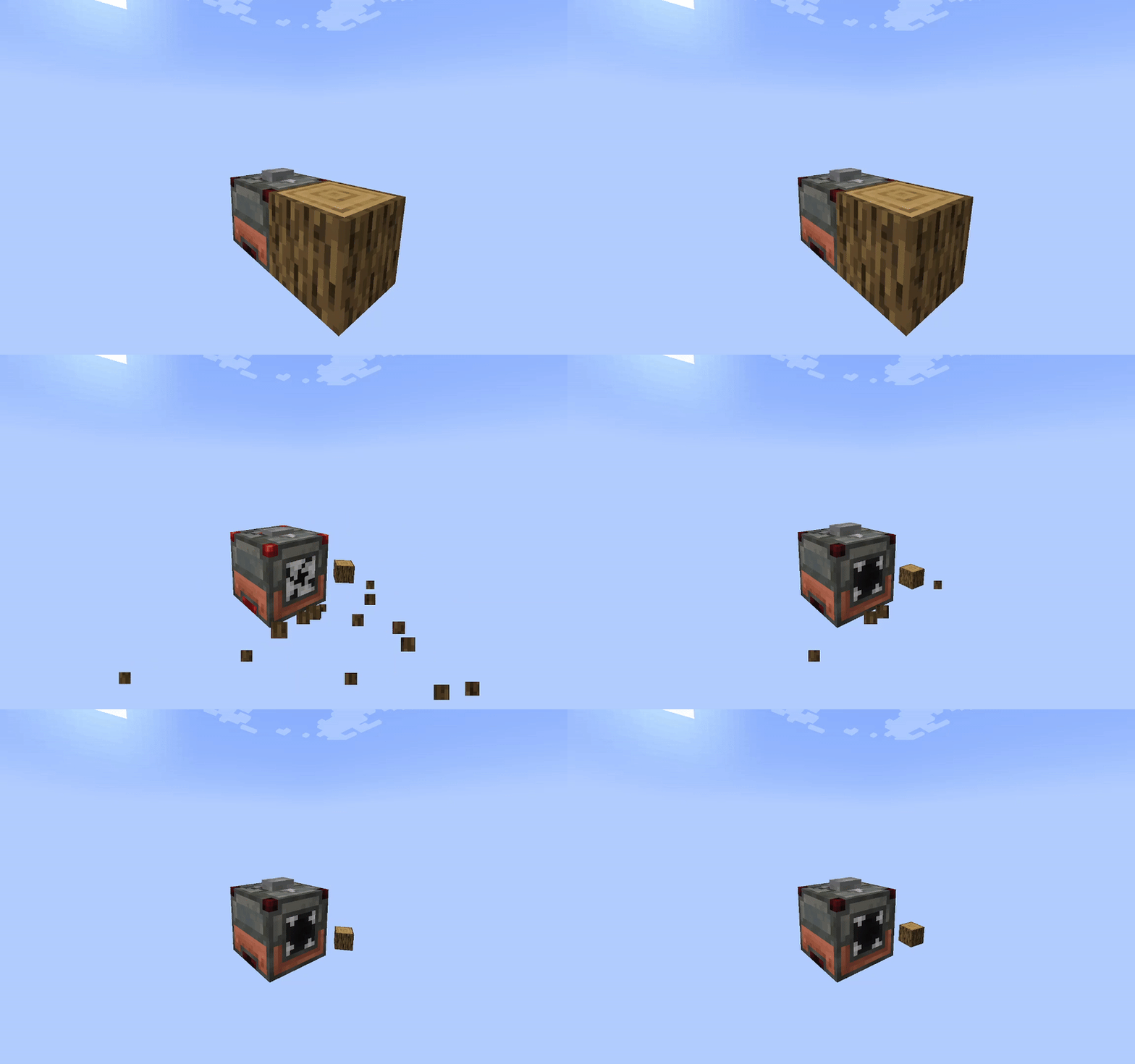
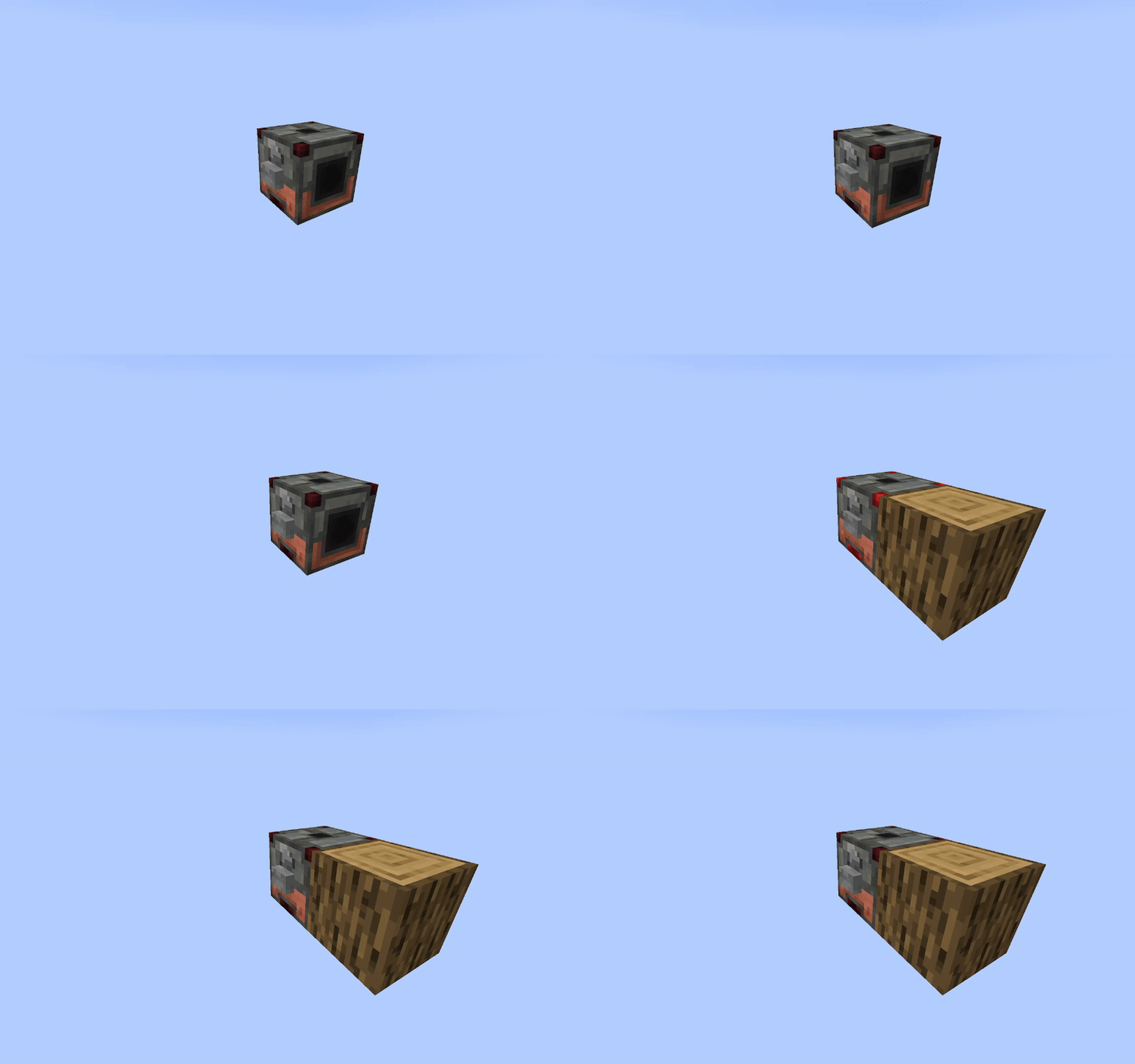
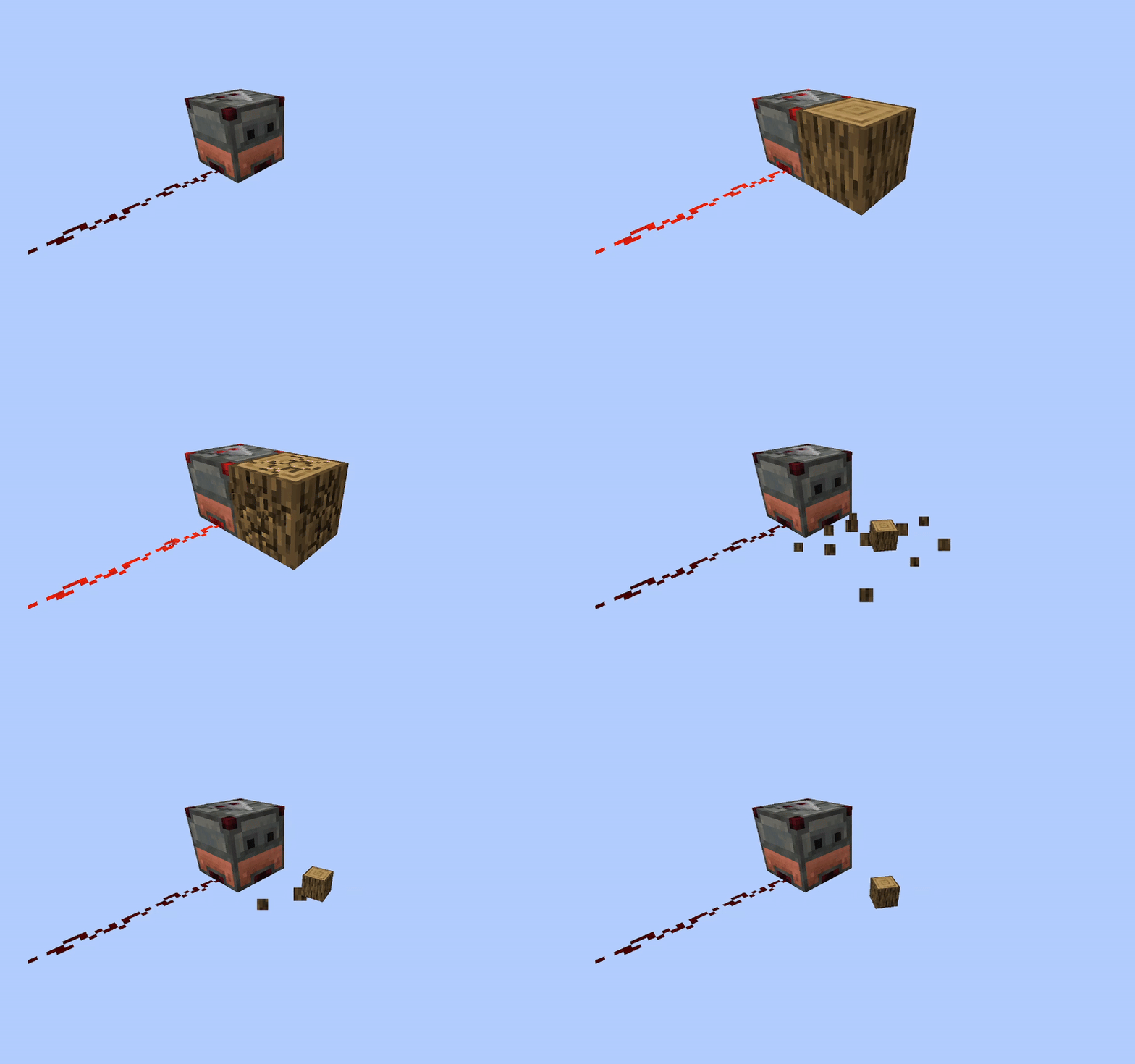
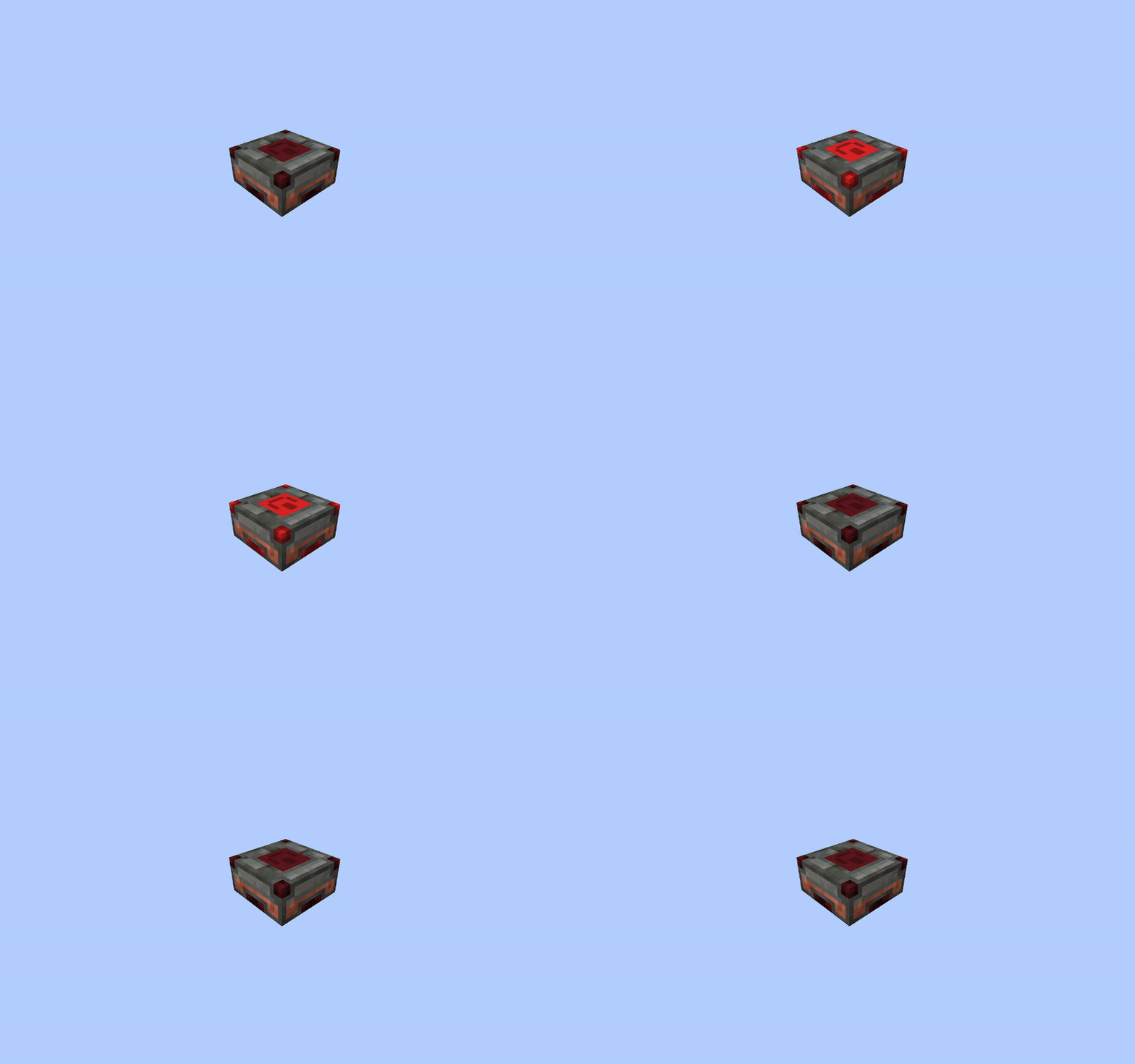
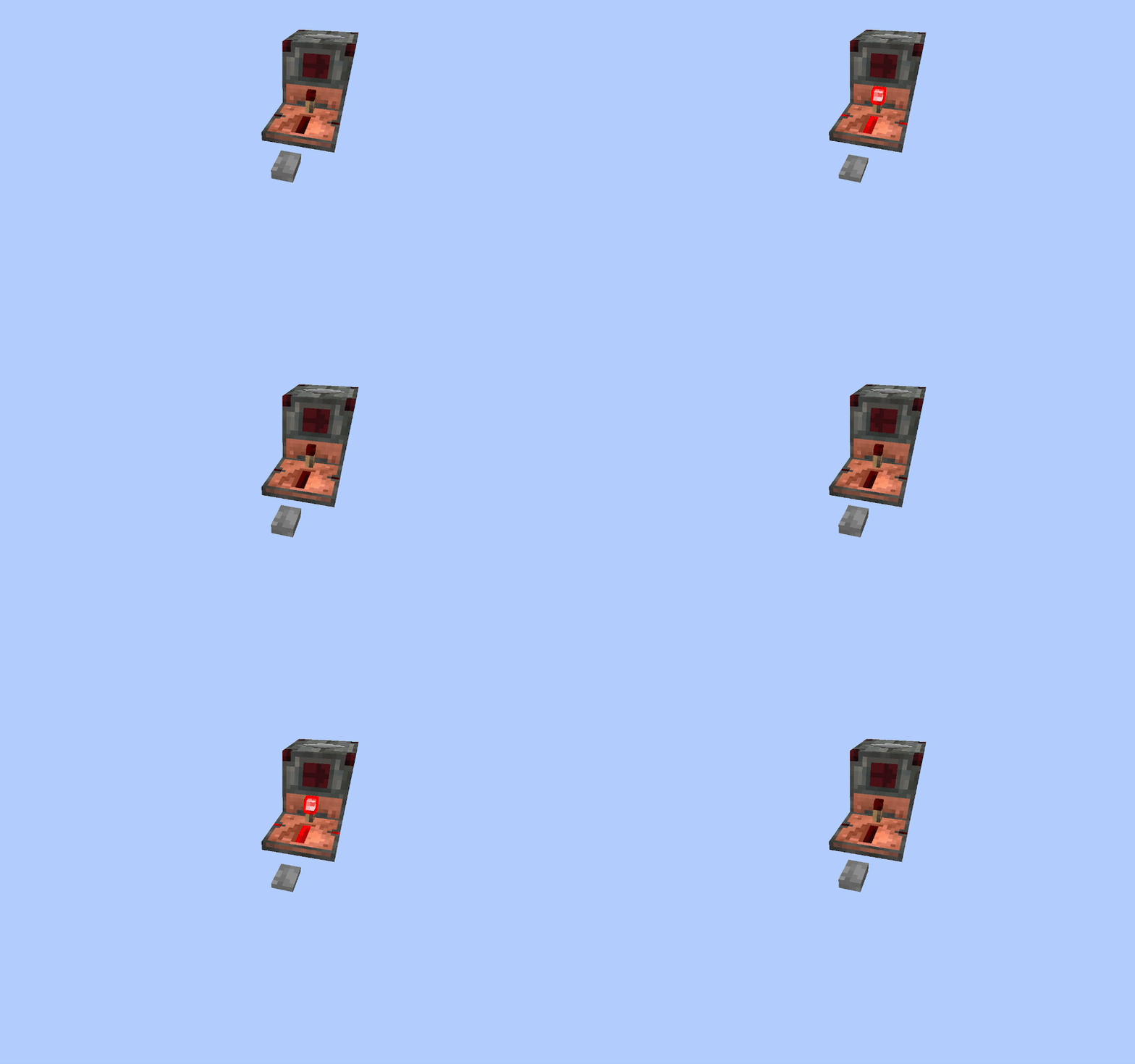
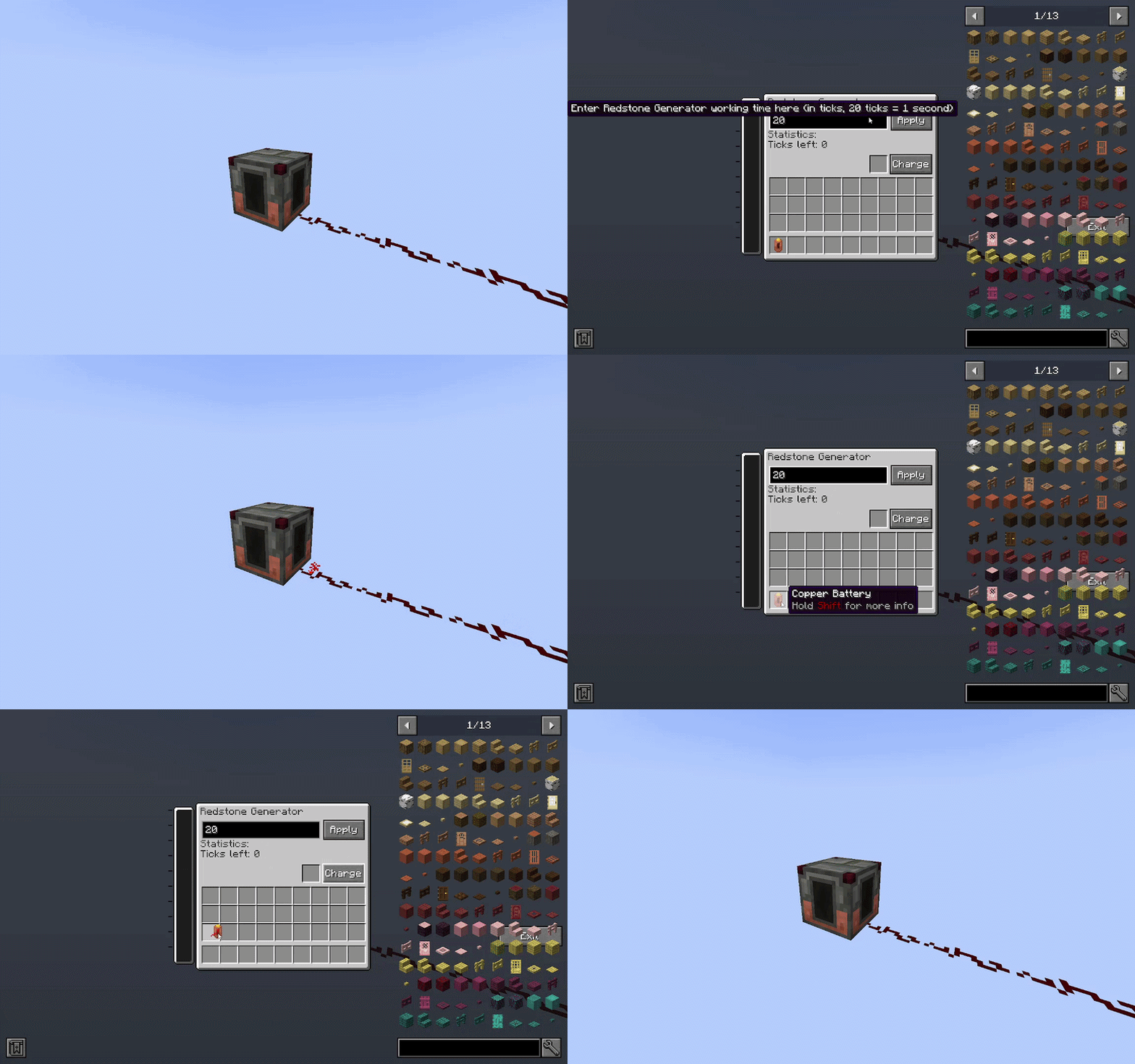
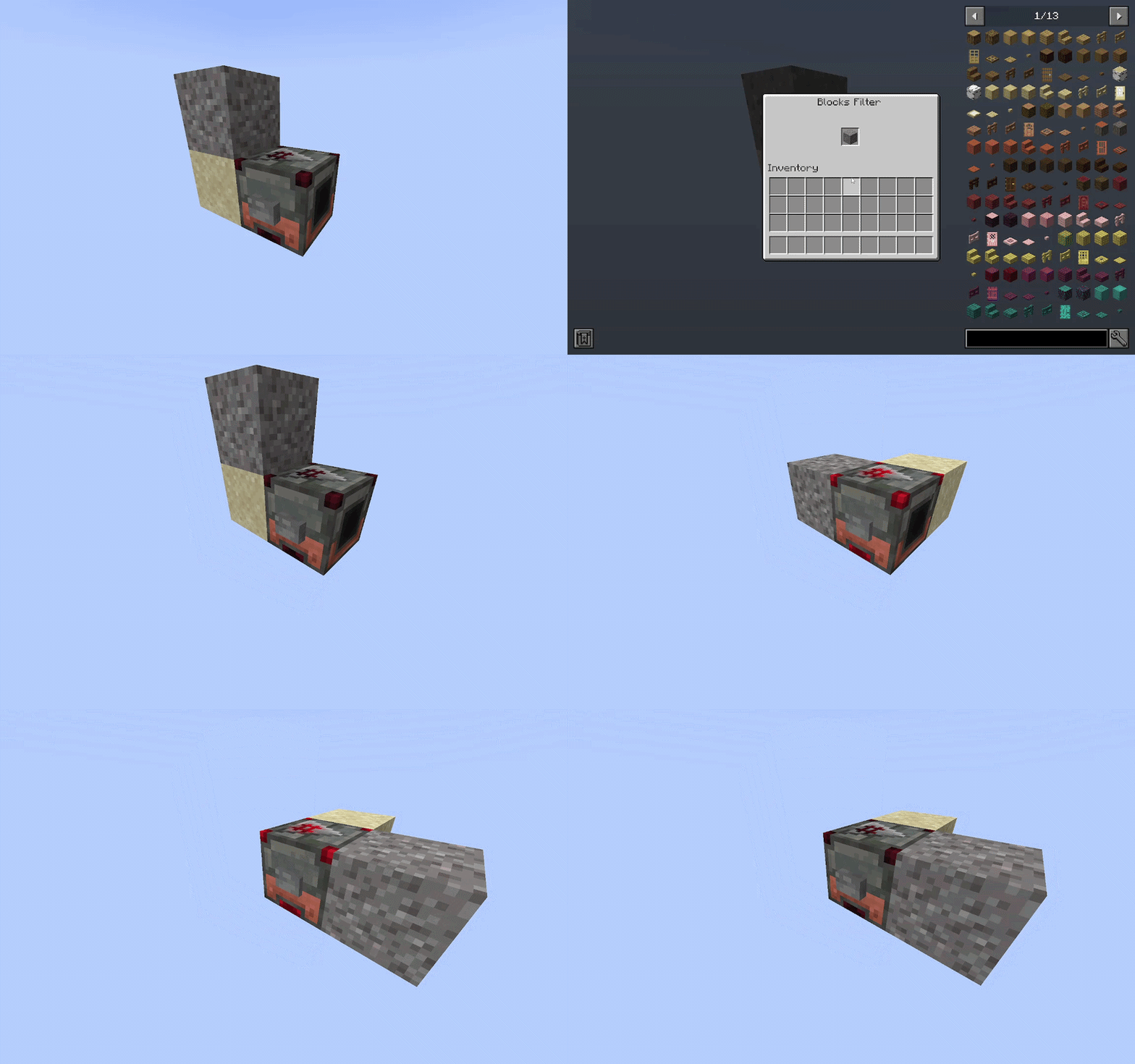
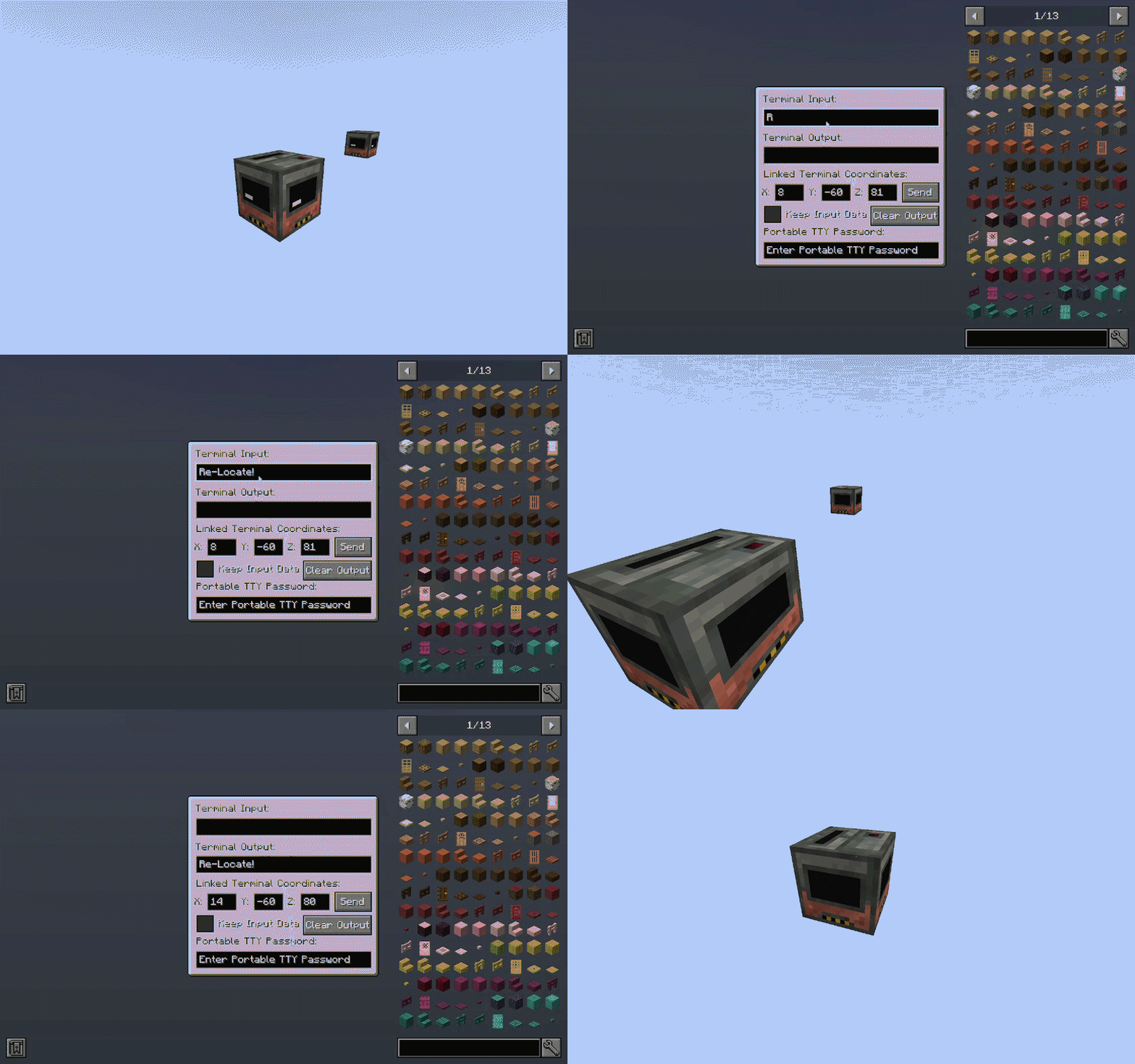
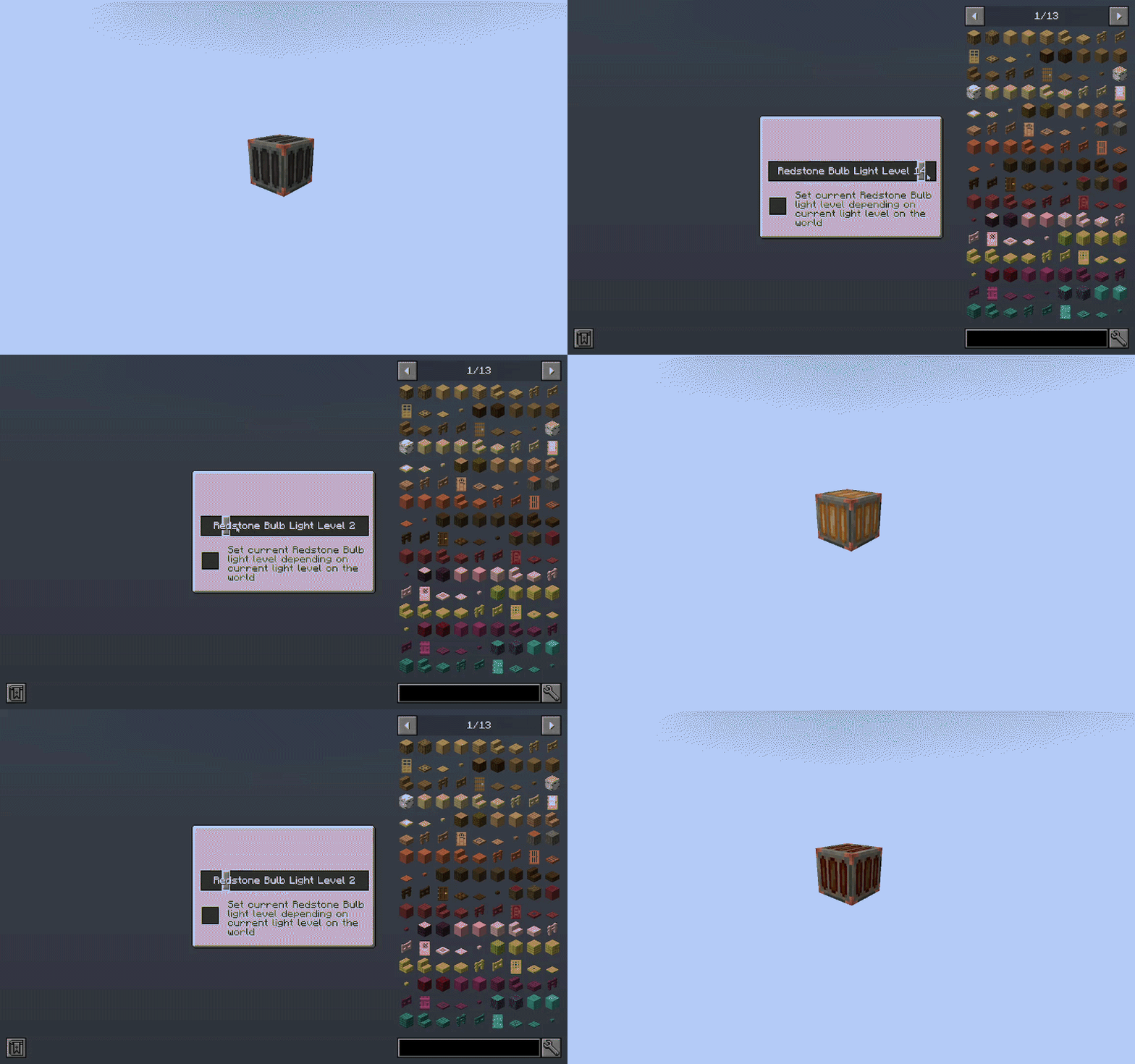
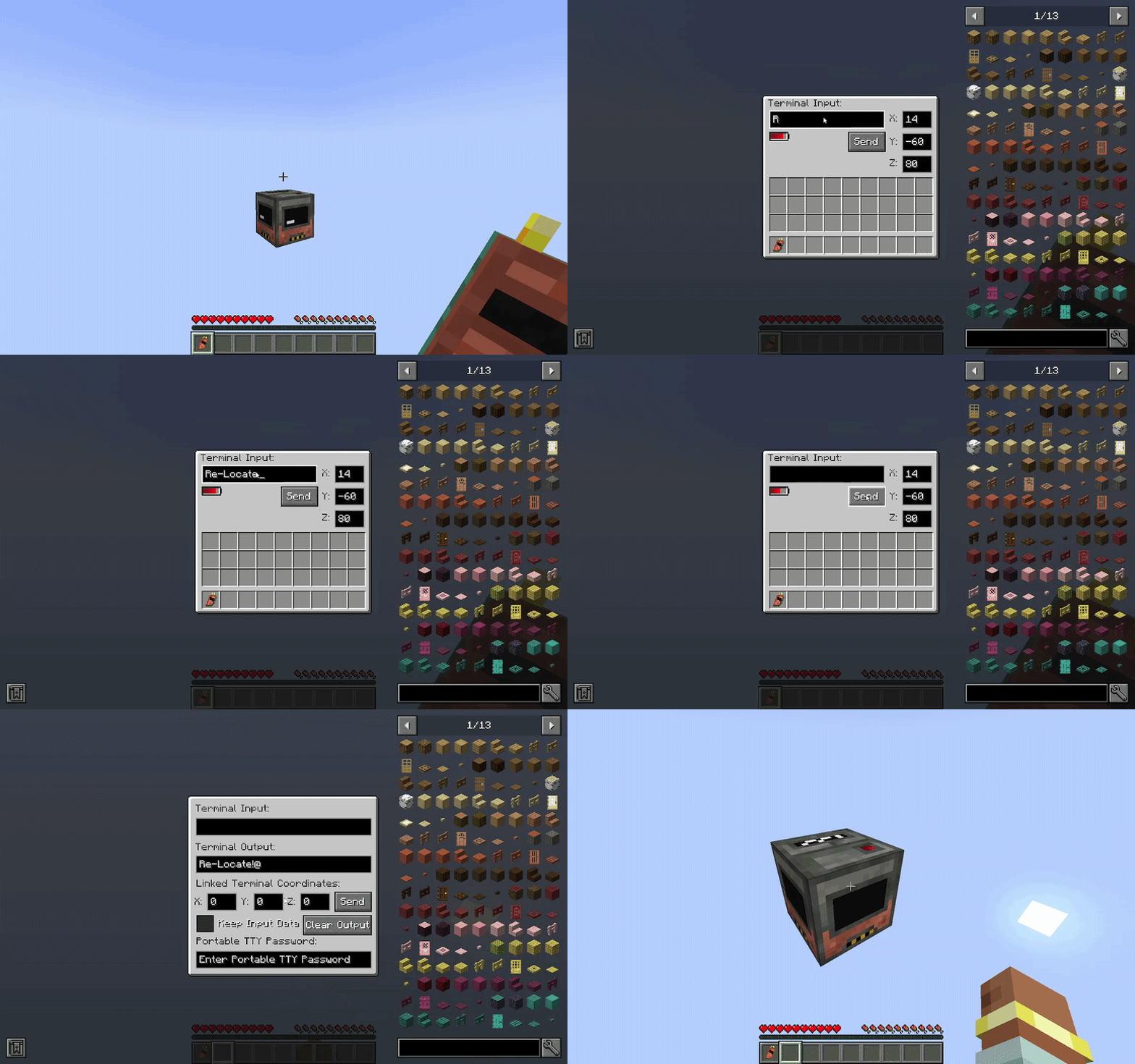
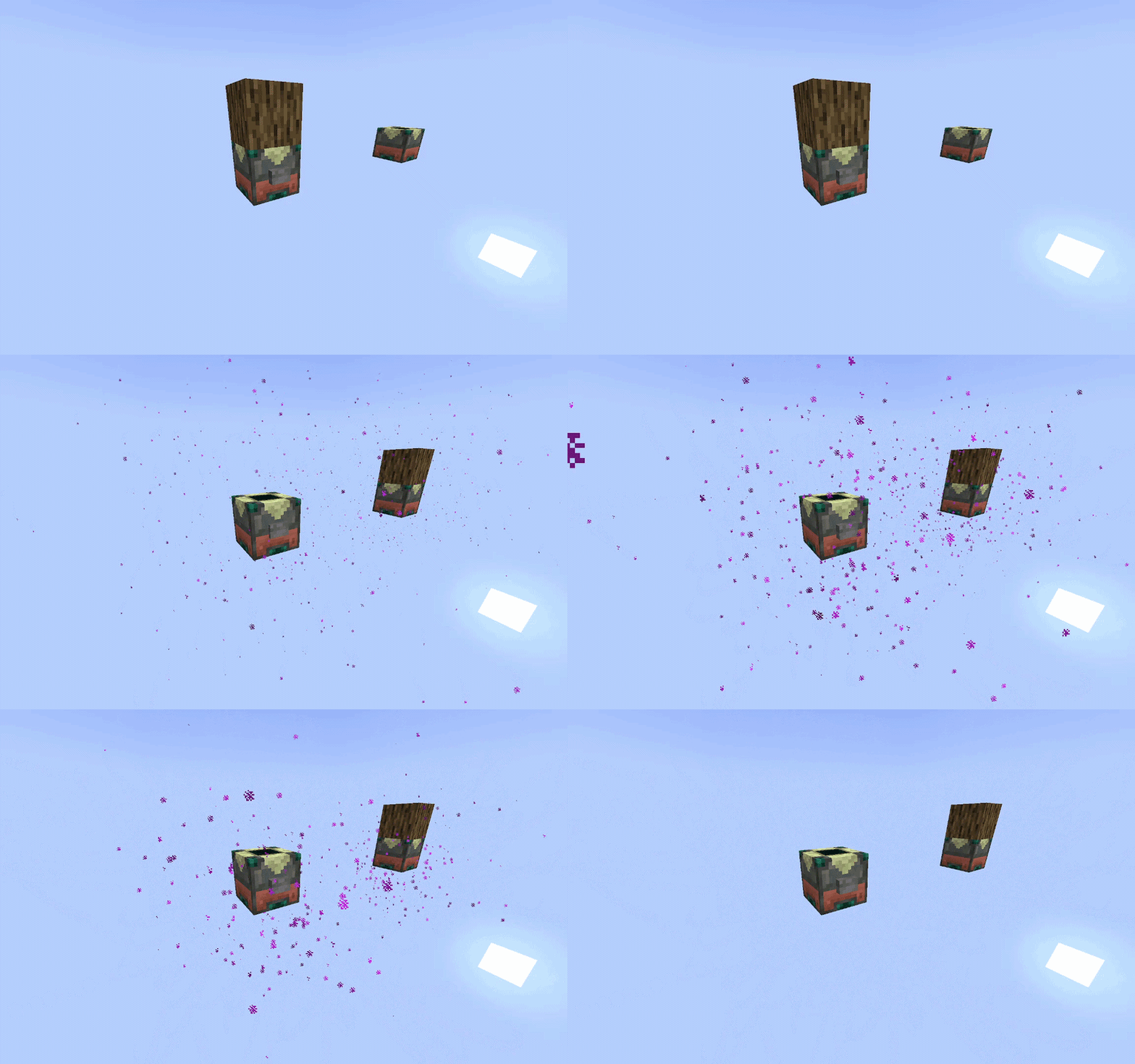
Check out my Twitter Page!
Project description from CurseForge.
Pick your setup
Re-Locate by Minecraft version and loader
Choose the version and loader you play, then open the matching release.
Minecraft version
1.21.8
1 loader buildMinecraft version
1.21.1
1 loader buildMinecraft version
1.20.1
1 loader buildCheck the dependencies, then try the file in a copied instance before changing a world you care about.
Recent files
Re-Locate versions and loaders
relocate-1.8.0-neoforge-26.1.2.jar
19 Aug 2026
Client Source doesn’t say Server Source doesn’t say Dependencies No extras listed Listed on Release listing
Check the 26.1.2 · NeoForge setup NeoForge26.1.2 release
relocate-1.8.0-neoforge-1.21.1.jar
19 Aug 2026
Client Source doesn’t say Server Source doesn’t say Dependencies No extras listed Listed on Release listing
Check the 1.21.1 · NeoForge setup 1.21.1NeoForge release
relocate-1.7.0-neoforge-1.21.8.jar
4 Jun 2026
Client Source doesn’t say Server Source doesn’t say Dependencies No extras listed Listed on Release listing
Check the 1.21.8 · NeoForge setup 1.21.8NeoForge release
relocate-1.7.0-neoforge-1.21.1.jar
4 Jun 2026
Client Source doesn’t say Server Source doesn’t say Dependencies No extras listed Listed on Release listing
Check the 1.21.1 · NeoForge setup 1.21.1NeoForge release
relocate-1.6.0-neoforge-1.21.8.jar
29 May 2026
Client Source doesn’t say Server Source doesn’t say Dependencies No extras listed Listed on Release listing
Check the 1.21.8 · NeoForge setup 1.21.8NeoForge release
relocate-1.6.0-neoforge-1.21.1.jar
29 May 2026
Client Source doesn’t say Server Source doesn’t say Dependencies No extras listed Listed on Release listing
Check the 1.21.1 · NeoForge setup 1.21.1NeoForge release
relocate-1.5.0-neoforge-1.21.8.jar
1 May 2026
Client Source doesn’t say Server Source doesn’t say Dependencies No extras listed Listed on Release listing
Check the 1.21.8 · NeoForge setup 1.21.8NeoForge release
relocate-1.5.0-neoforge-1.21.1.jar
1 May 2026
Client Source doesn’t say Server Source doesn’t say Dependencies No extras listed Listed on Release listing
Check the 1.21.1 · NeoForge setup 1.21.1NeoForge release
relocate-1.4.0-neoforge-1.21.8.jar
28 Feb 2026
Client Source doesn’t say Server Source doesn’t say Dependencies No extras listed Listed on Release listing
Check the 1.21.8 · NeoForge setup 1.21.8NeoForge release
relocate-1.4.0-neoforge-1.21.1.jar
28 Feb 2026
Client Source doesn’t say Server Source doesn’t say Dependencies No extras listed Listed on Release listing
Check the 1.21.1 · NeoForge setup 1.21.1NeoForge release
DESCRIPTION-relocate-1.4.0-beta-1-neoforge-1.21.1.jar
relocate-1.4.0-beta-1-neoforge-1.21.1.jar
16 Feb 2026
Client Source doesn’t say Server Source doesn’t say Dependencies No extras listed Listed on Release listing
Check the 1.21.1 · NeoForge setup 1.21.1NeoForge beta
relocate-1.3.0-neoforge-1.21.8.jar
2 Feb 2026
Client Source doesn’t say Server Source doesn’t say Dependencies No extras listed Listed on Release listing
Check the 1.21.8 · NeoForge setup 1.21.8NeoForge release
Looking for an older file? The official CurseForge project page is in Resources.
 mod
mod CurseForge + Modrinth · Minecraft
BBL Invisible Lights
Adds a couple of items that provide light without needing torches
 mod
mod CurseForge · Minecraft
Quirb
Adds a few things, for a specific modpack
 mod
mod CurseForge · Minecraft
Piggy Bank Economy & Craft Control
Adds 4 tiered coins (bronze/silver/gold/platinum) with a piggy bank block to store and exchange them, plus an admin command to disable specific crafting recipes. ( /craft)