Patchouli Needed by Re-Locate 1.9.0
requiredMatching file found Matched file: 26.1-94-beta

Modrinth · Minecraft mod
Relocate is mod that adds new redstone-like Blocks based on Copper and Tuff.
Quick answer
Re-Locate 1.9.0 targets 26.1.2 with NeoForge. Installation on the client is optional. Installation on the dedicated server is optional. All 1 required mods have matching files.
Where it goes
Installation on the client is optional. Installation on the dedicated server is optional.
The source marks this as usable on both the client and server.
1.9.0. Change the file and its required mods may change too.
Install Patchouli first. We found matching files for this game-version and loader setup.
We only count dependency files that match this setup. A file for another loader does not fill the gap.
Before you install it
Built for Re-Locate 1.9.0. Pick another file and the loader, install side or required mods may change.
Use 1.9.0. It targets 26.1.2 with NeoForge; another release may have different loader, side or dependency requirements.
Install Patchouli first. We found matching files for this game-version and loader setup.
Installation on the client is optional. Installation on the dedicated server is optional.
Use the “Get this file” button beside 1.9.0. It opens that exact file at the source.
About this project
Re-Locate is a mod that adds redstone-like blocks based on Trial Chambers theme. It is designed to be easy to understand, just hover over block and hold shift, build-in tooltips will help you!
Re-Locate 1.9.0 and above requires Patchouli mod!
For better experience, download Just Enough Items (JEI) mod! You found an issue? Click Here!
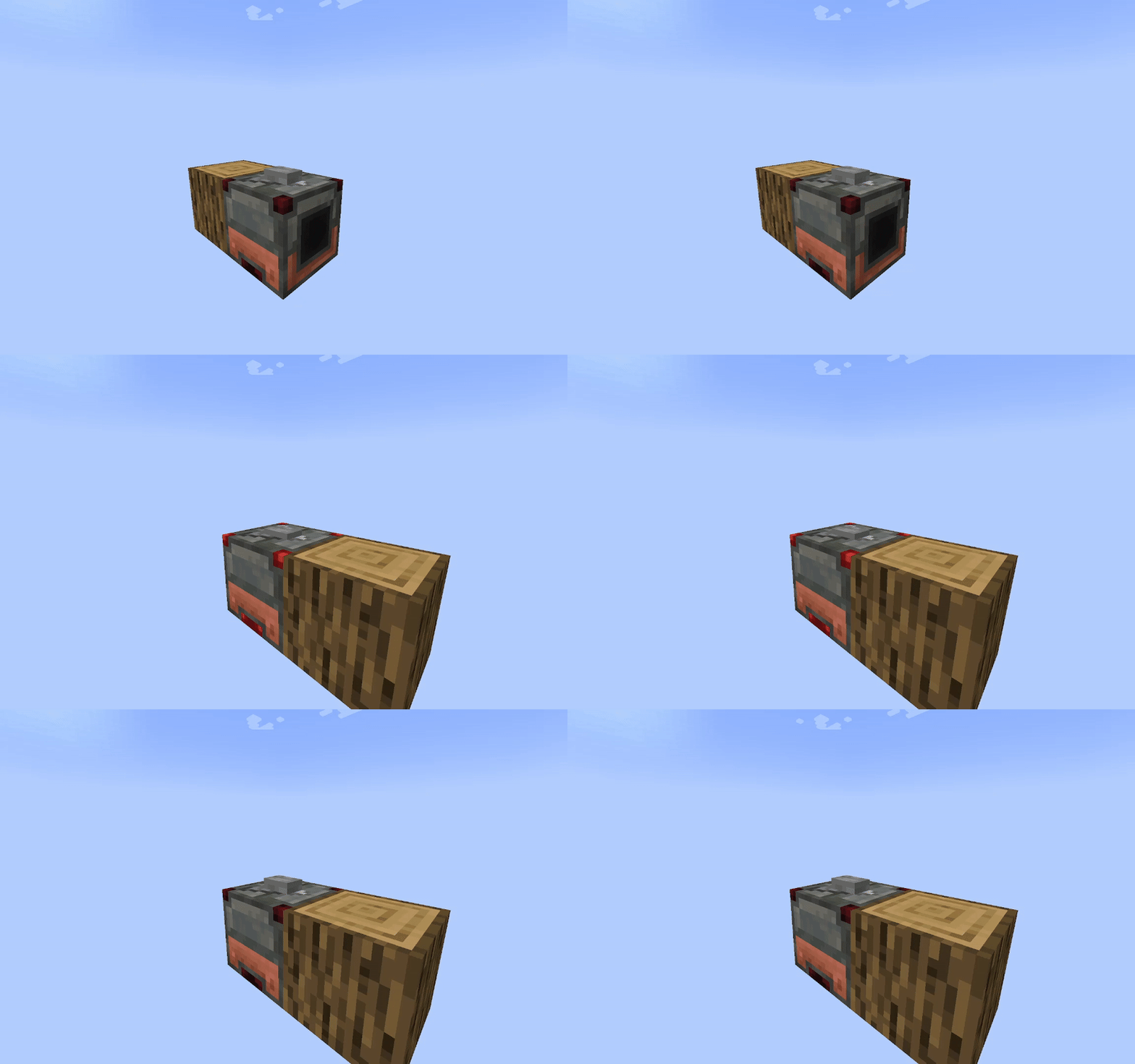
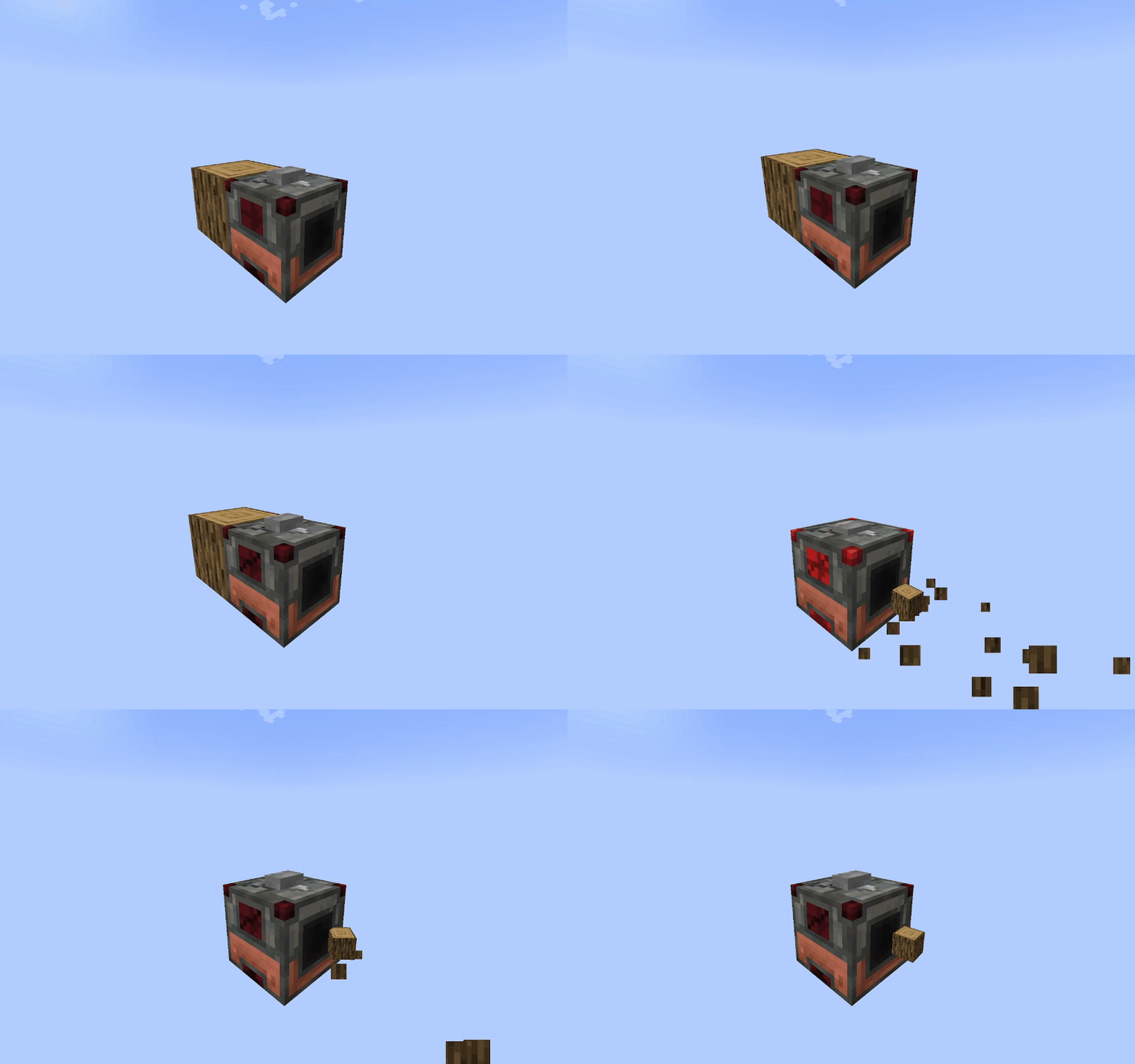
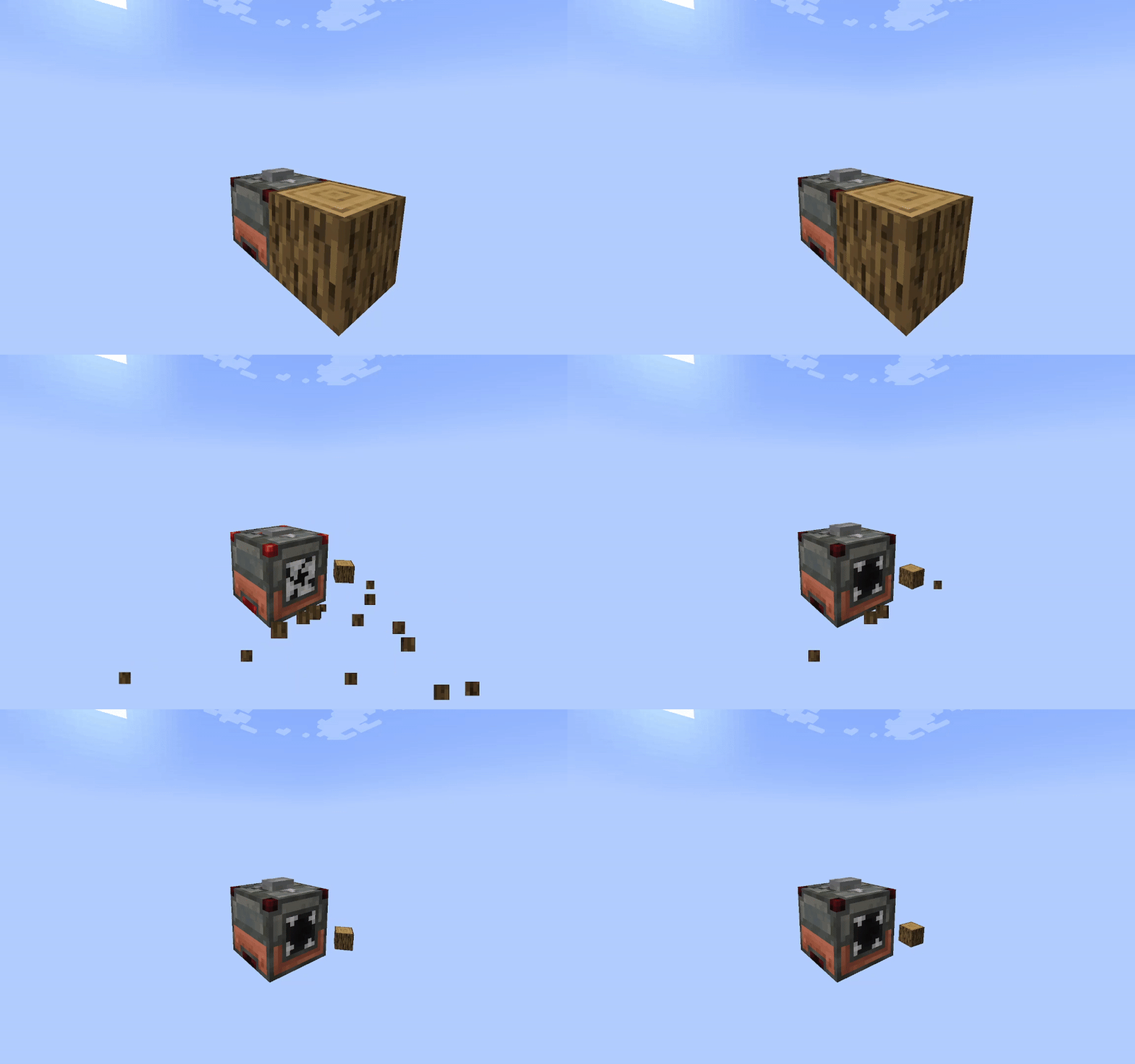
In game gifs:
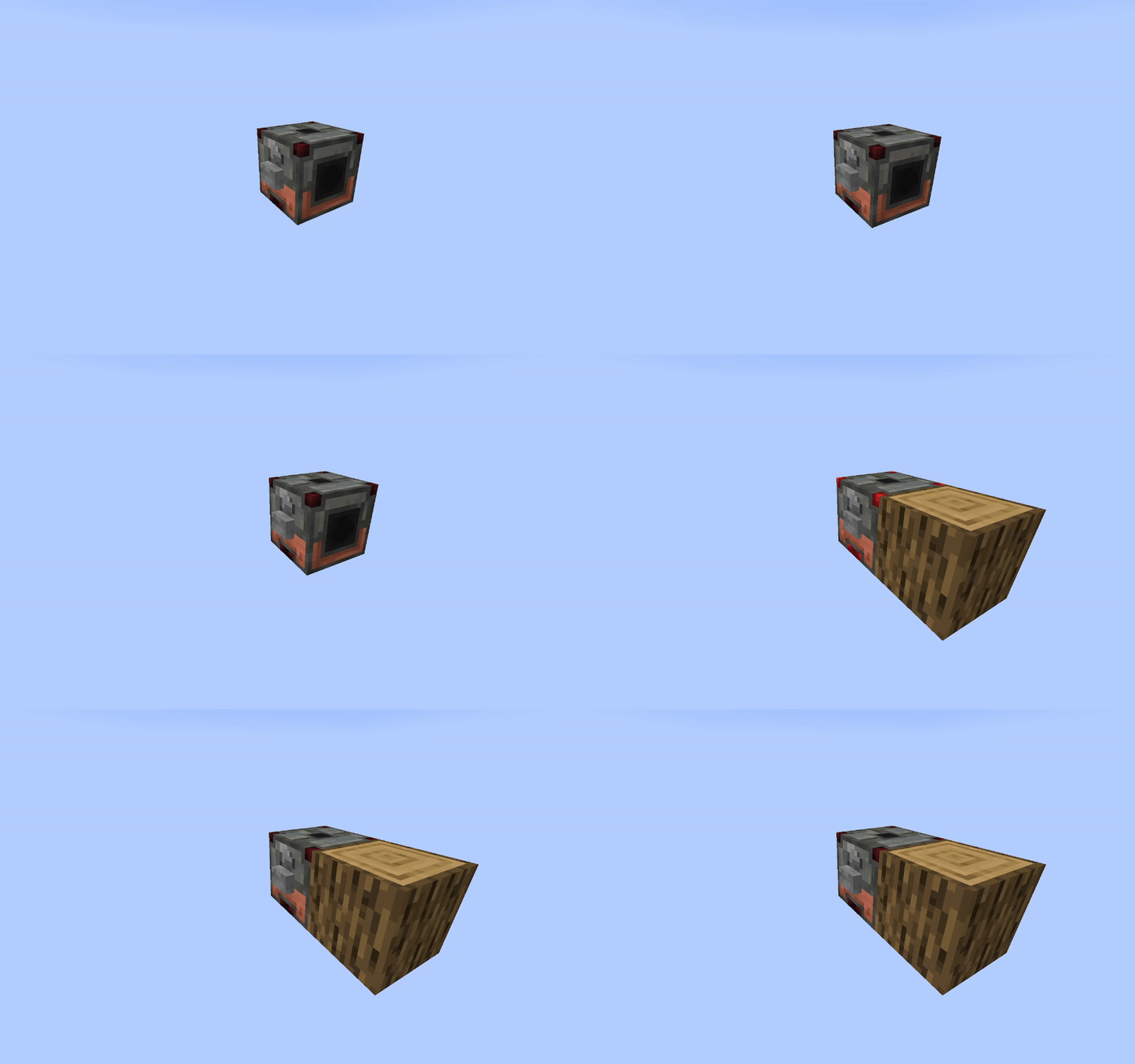
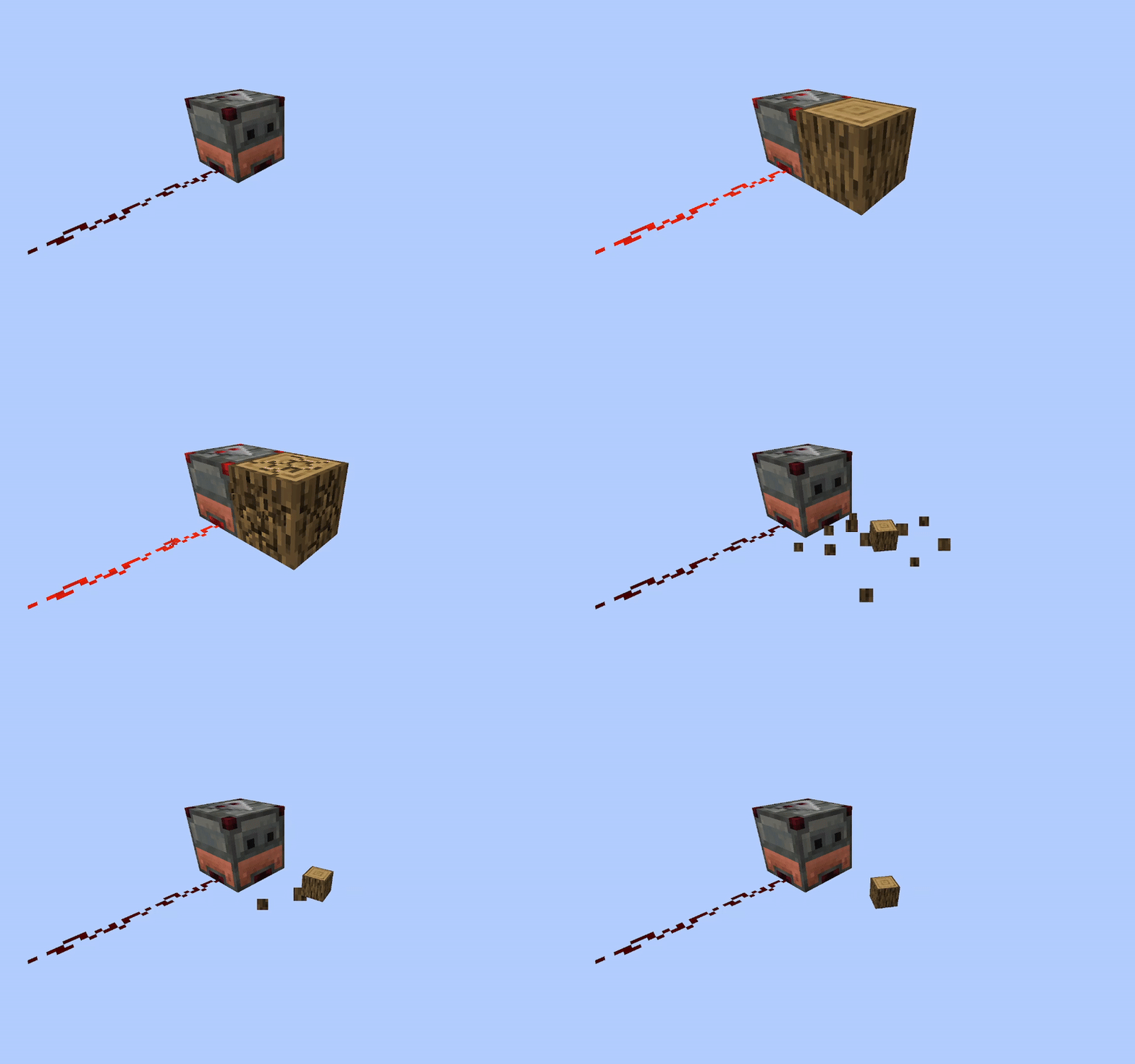
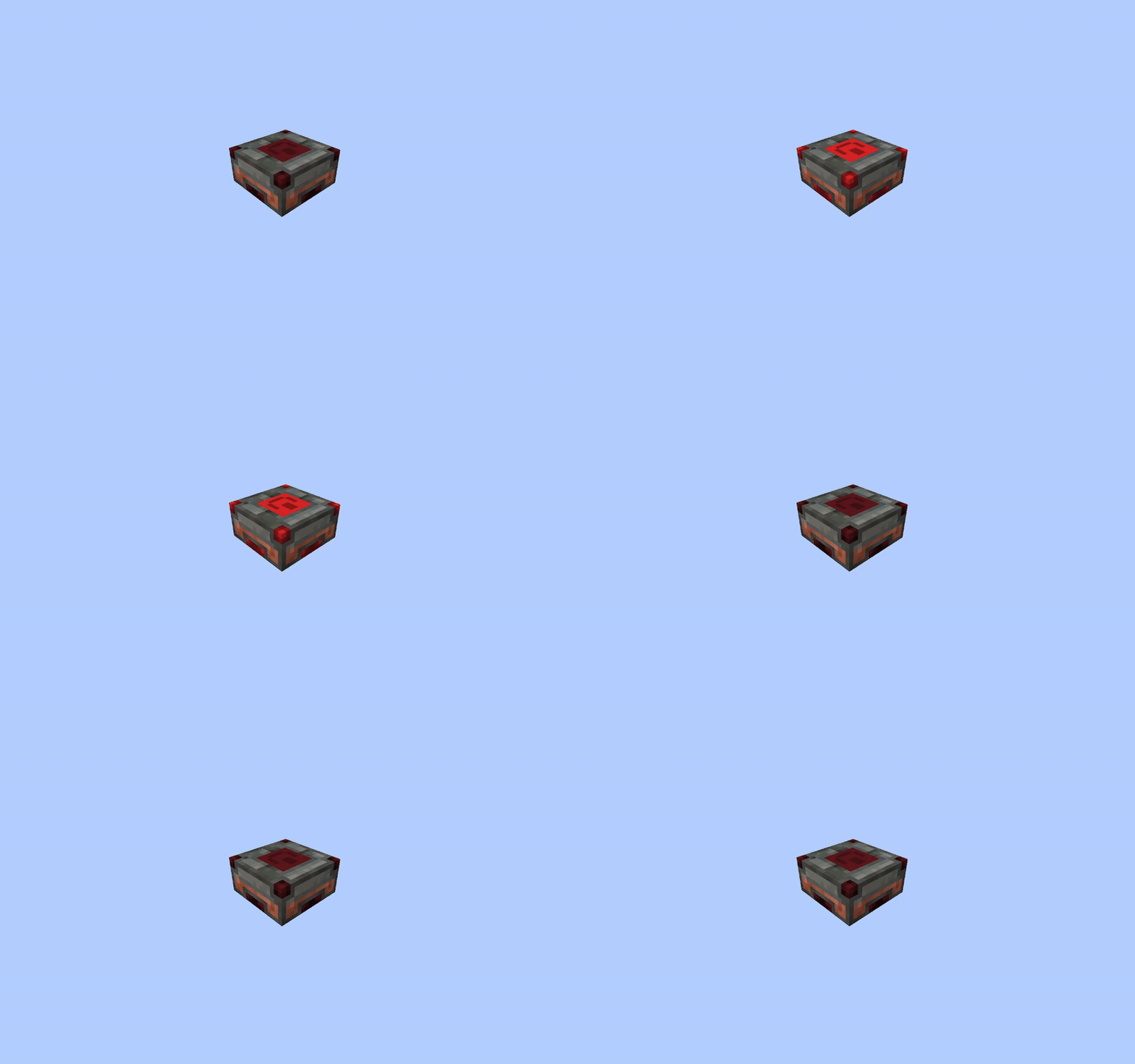
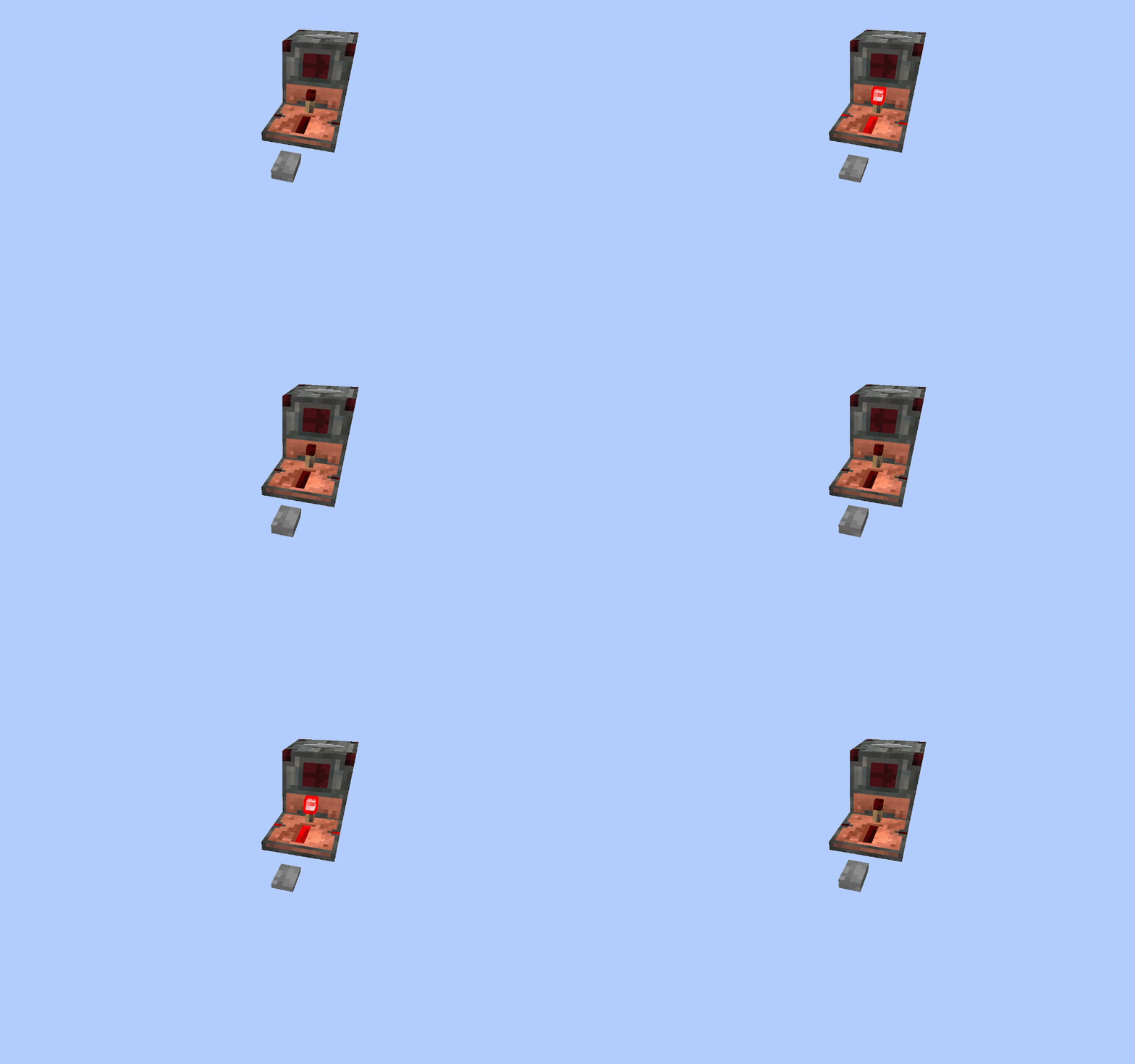
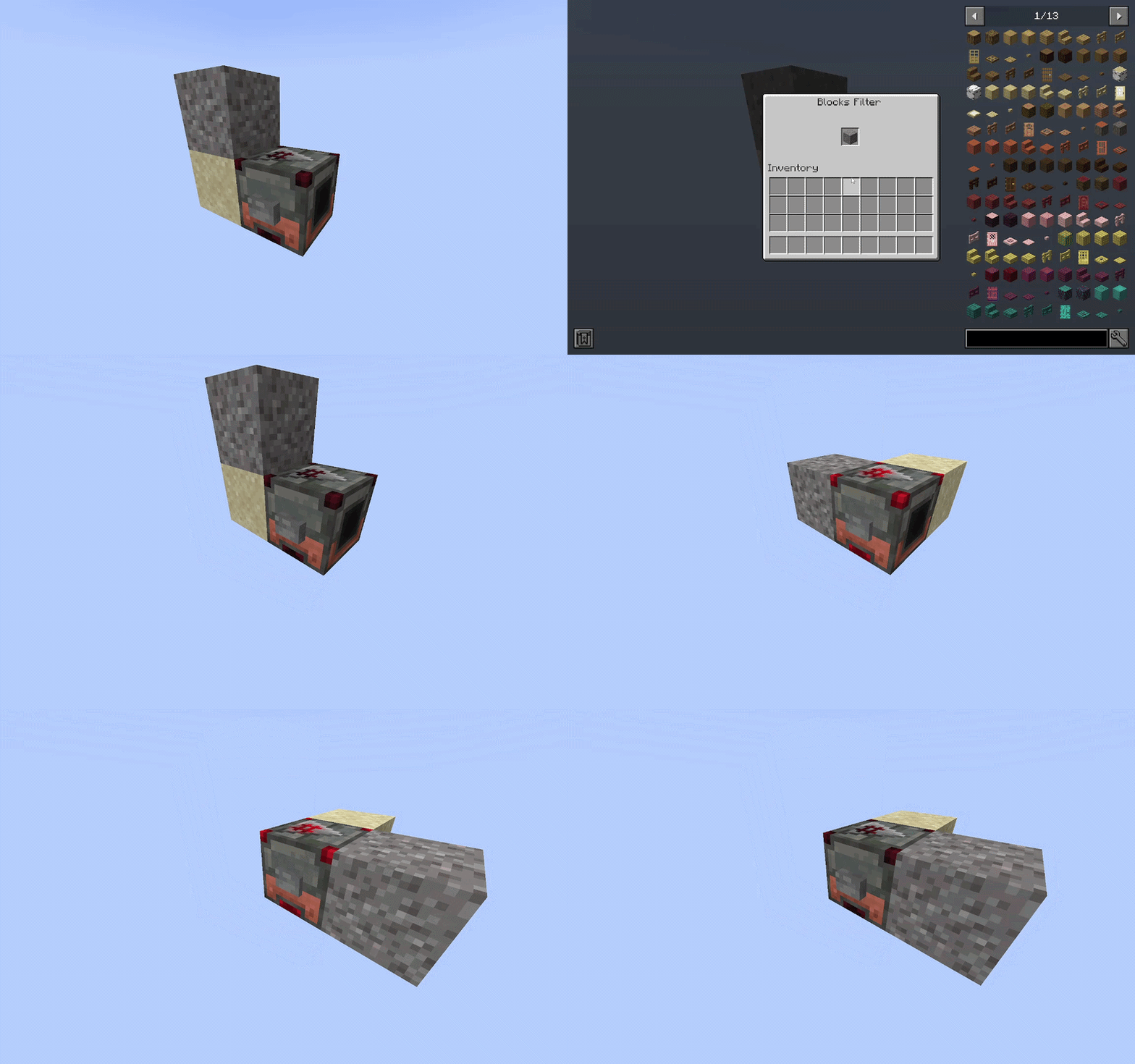
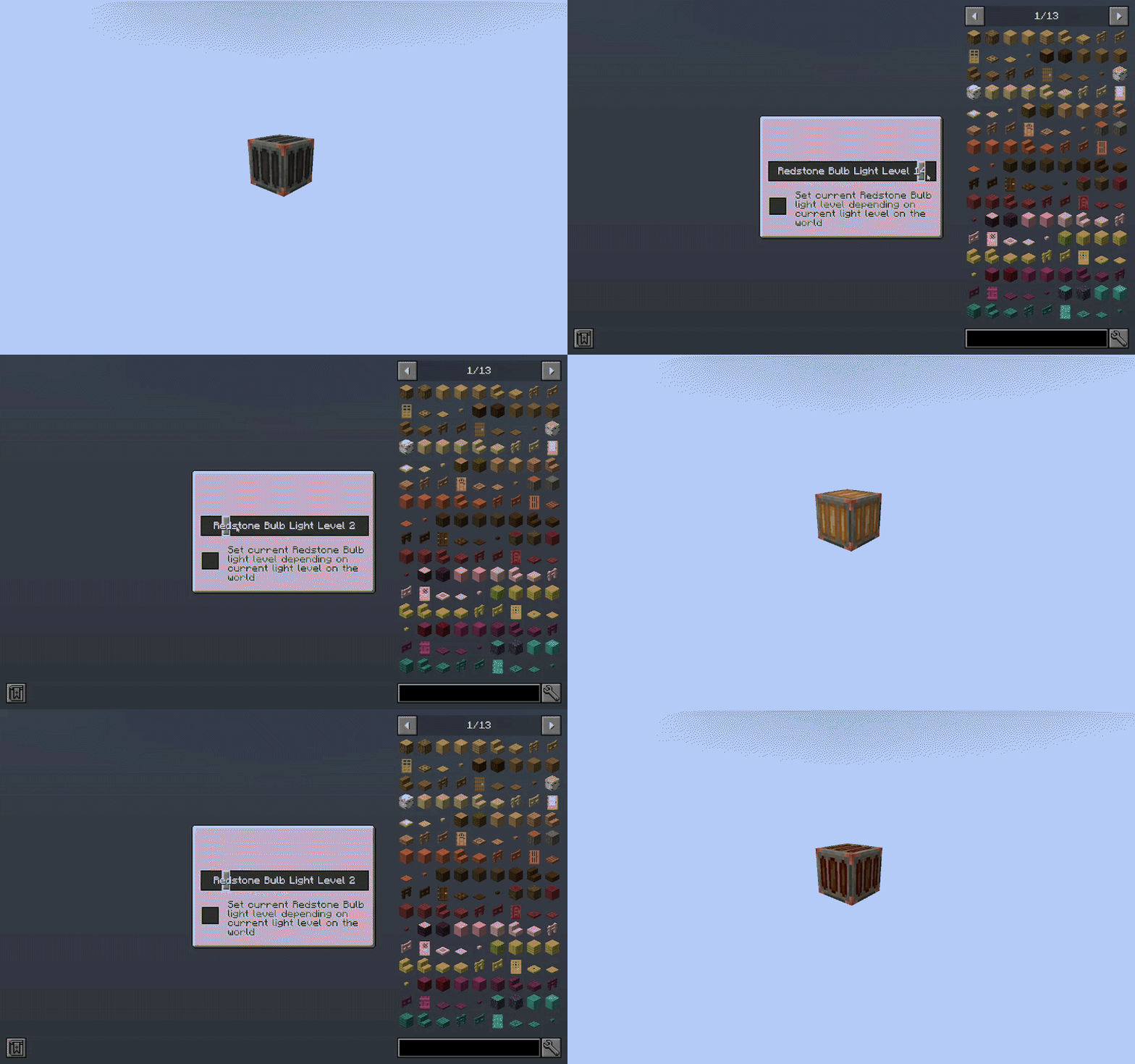
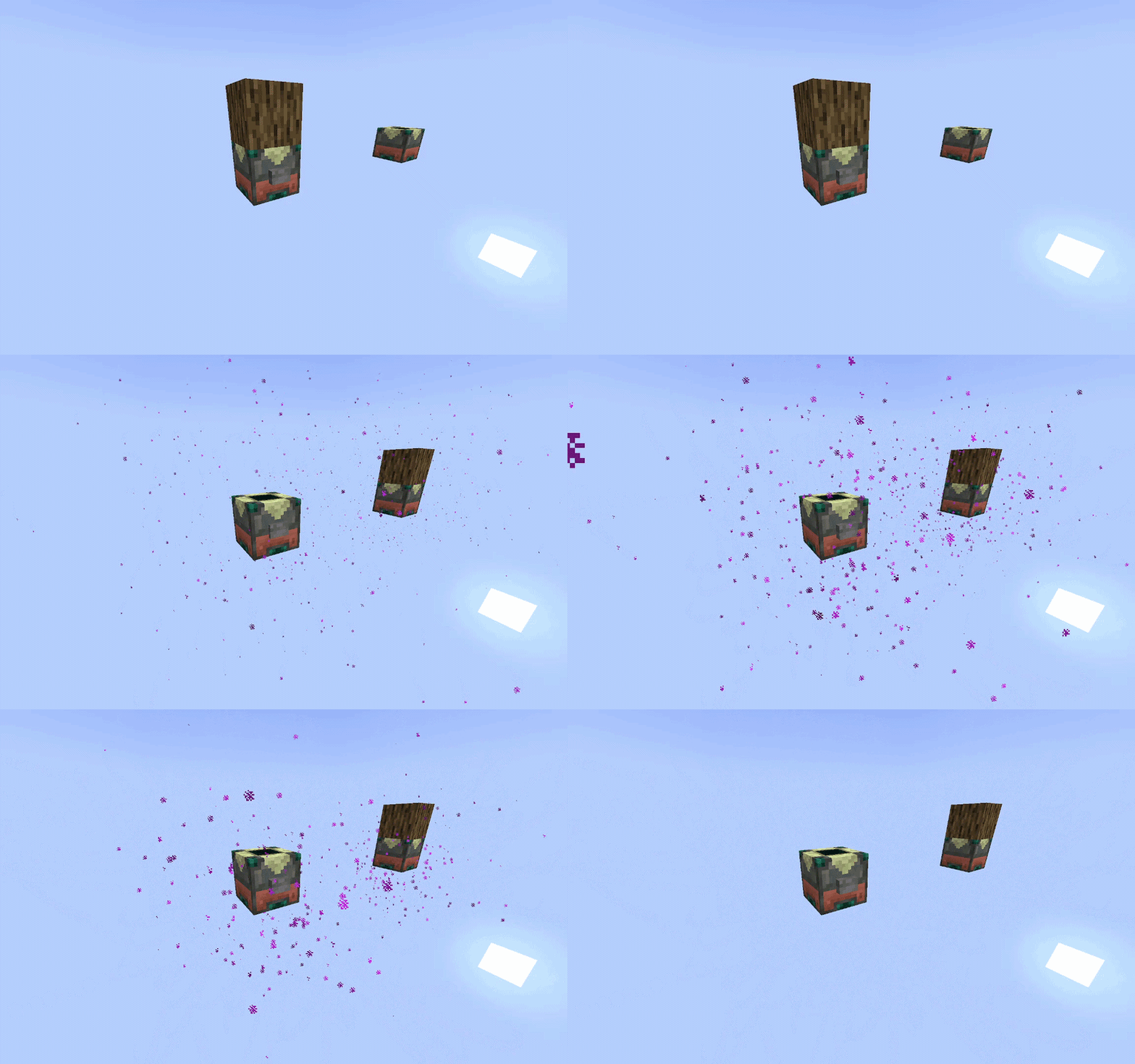
Check out my Twitter Page!

Project description from Modrinth.
Pick your setup
Choose the version and loader you play, then open the matching release.
Check the dependencies, then try the file in a copied instance before changing a world you care about.
Recent files
relocate-1.9.0-neoforge-26.1.2.jar
11 Nov 2026
relocate-1.9.0-neoforge-1.21.1.jar
11 Nov 2026
relocate-1.8.1-neoforge-26.1.2.jar
25 Sept 2026
relocate-1.8.1-neoforge-1.21.1.jar
25 Sept 2026
relocate-1.8.0-neoforge-26.1.2.jar
19 Aug 2026
relocate-1.8.0-neoforge-1.21.1.jar
19 Aug 2026
relocate-1.7.0-neoforge-1.21.8.jar
4 Jun 2026
relocate-1.7.0-neoforge-1.21.1.jar
4 Jun 2026
relocate-1.6.0-neoforge-1.21.8.jar
29 May 2026
relocate-1.6.0-neoforge-1.21.1.jar
29 May 2026
relocate-1.5.0-neoforge-1.21.8.jar
1 May 2026
relocate-1.5.0-neoforge-1.21.1.jar
1 May 2026
Looking for an older file? The official Modrinth project page is in Resources.
 mod
Esper abilities, a fixed Academy City, survival portals, drivable vehicles, tactical guardians and twelve titans.
 mod
Voxy multiplayer support and Distant Horizons compatibility (unofficial). See fully rendered chunks and players thousands of blocks away in multiplayer.
 mod
A GUI Studio and built-in IDE for KubeJS