Moonlight Lib Needed by Burning Block 1.0.0
requiredMatching file found Matched file: moonlight-1.21.1-3.8.3-neoforge
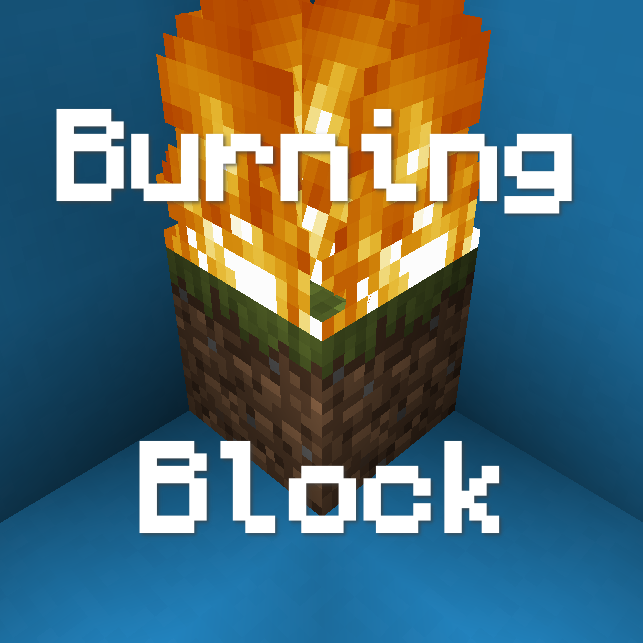
CurseForge · Minecraft mod
The mod that makes fire mechanics more believable!
Quick answer
Burning Block 1.0.0 targets 1.21.1 with NeoForge. The project page does not say whether this file belongs on the client, dedicated server, or both. All 2 required mods have matching files.
Where it goes
The project page does not say whether this file belongs on the client, dedicated server, or both.
The source does not explicitly classify this release as client-only or server-only.
Burning Block 1.0.0. Change the file and its required mods may change too.
Install Moonlight Lib, Moonlight Lib first. We found matching files for this game-version and loader setup.
We only count dependency files that match this setup. A file for another loader does not fill the gap.
Before you install it
Built for Burning Block 1.0.0. Pick another file and the loader, install side or required mods may change.
Use Burning Block 1.0.0. It targets 1.21.1 with NeoForge; another release may have different loader, side or dependency requirements.
Install Moonlight Lib, Moonlight Lib first. We found matching files for this game-version and loader setup.
The project page does not say whether this file belongs on the client, dedicated server, or both.
Use the “Get this file” button beside Burning Block 1.0.0. It opens that exact file at the source.
About this project
Burning Block is a mod that makes fire leave a mark on the world, making it quite obvious where there was a fire. It also means that you might have to clean up after a fire!
Currently the ash block has no uses.
Burning Block is made with modpack and datapack devs in mind: featuring datapack support. Many of the mod's block conversions are controlled by block tags and Neoforge data maps. There is a basic Wiki.
This mod probably doesn't mix with with Burnt, havn't tested it. Burning Block is fully configurable meaning modpack (or datapack) and mod developers can hopefully make whatever blocks/items they are missing out on.
This mod's ash is a decorative block, if you have Supplementaries it will probably spawn both types of ash during a fire. If supplementaries supports the proper item tags both mod's ash should be able to be used in recipes.
Project description from CurseForge.
Pick your setup
Choose the version and loader you play, then open the matching release.
Check the dependencies, then try the file in a copied instance before changing a world you care about.
Recent files
burningblock-1.0.0.jar
20 Nov 2025
Looking for an older file? The official CurseForge project page is in Resources.
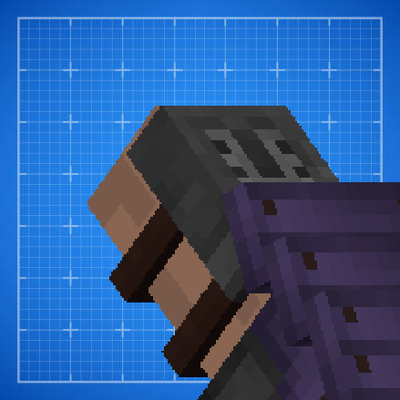 mod
A small client mod that adds first-person rendering of armour on the hand
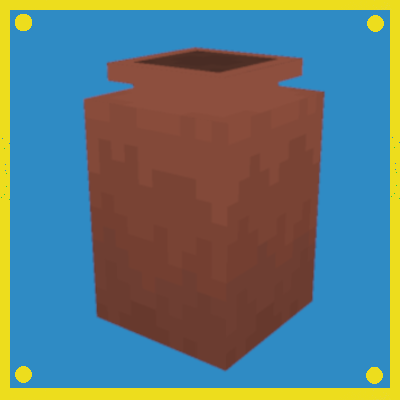 mod
A mod that adds biome specific Pots randomly in your world with useful loot.
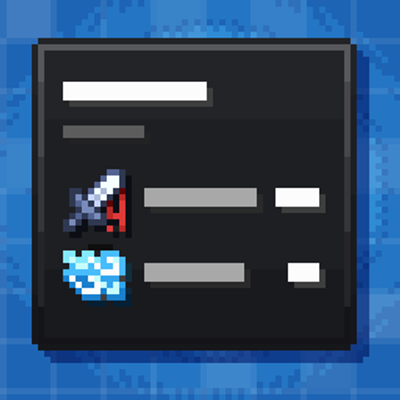 mod
This mod turns boring tooltips into awesome RPG ones, with automatic support for other mods.