TerraBlender (NeoForge) Needed by Apple Tree appletreemod-2.0.2-for-1.21.1.jar
requiredMatching file found Matched file: TerraBlender NeoForge 1.21.1-4.1.0.8
CurseForge · Minecraft mod
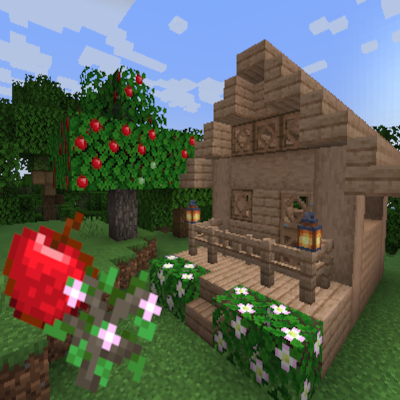
Apple trees grow naturally in some biomes, and provide ornamental block & building block.
Quick answer
Apple Tree appletreemod-2.0.2-for-1.21.1.jar targets 1.21.1 with NeoForge. The project page does not say whether this file belongs on the client, dedicated server, or both. All 1 required mods have matching files.
Where it goes
The project page does not say whether this file belongs on the client, dedicated server, or both.
The source does not explicitly classify this release as client-only or server-only.
appletreemod-2.0.2-for-1.21.1.jar. Change the file and its required mods may change too.
Install TerraBlender (NeoForge) first. We found matching files for this game-version and loader setup.
We only count dependency files that match this setup. A file for another loader does not fill the gap.
Before you install it
Built for Apple Tree appletreemod-2.0.2-for-1.21.1.jar. Pick another file and the loader, install side or required mods may change.
Use appletreemod-2.0.2-for-1.21.1.jar. It targets 1.21.1 with NeoForge; another release may have different loader, side or dependency requirements.
Install TerraBlender (NeoForge) first. We found matching files for this game-version and loader setup.
The project page does not say whether this file belongs on the client, dedicated server, or both.
Use the “Get this file” button beside appletreemod-2.0.2-for-1.21.1.jar. It opens that exact file at the source.
About this project

このMODはバニラっぽい雰囲気を踏襲したリンゴの木と建材ブロックを追加します。
This mod adds apple trees and building blocks that have a vanilla feel.
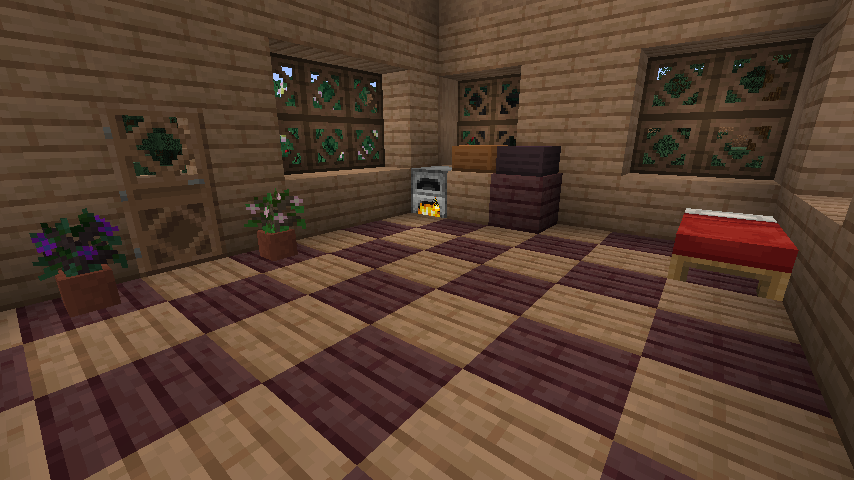
■リンゴの苗木と原木が追加されます。
Add apple saplings & apple logs
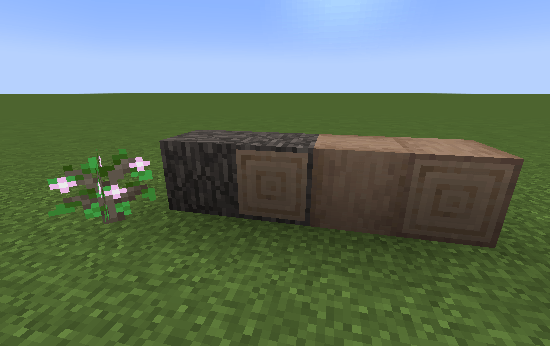
■ダークアップルの苗木と原木が追加されます。
Add dark apple saplings & apple logs
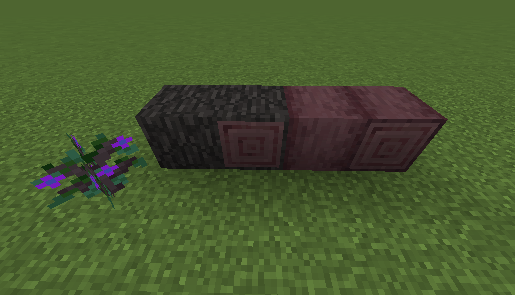
■リンゴの木は花が実に成長するメカニズムを搭載しています。実になった葉ブロックを右クリックするとリンゴを収穫し、葉ブロックは花状態に巻き戻されます。また実のなった葉ブロックを破壊すると確定でリンゴをドロップします。
Apple trees have a mechanism where flowers grow into fruit. When you right-click on a fruited apple leaves, it will drop an apple and return to its flower state. If you destroy it, it will still drop an apple.
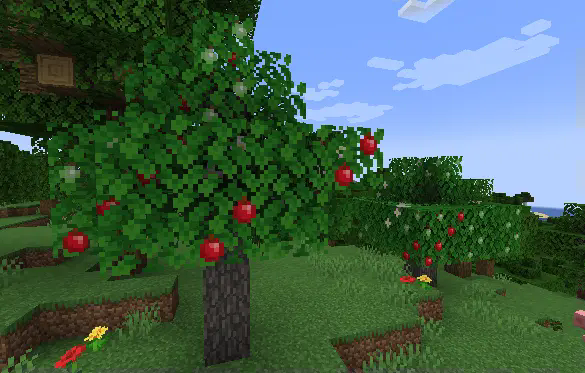
■リンゴが多く自生するバイオーム「AppleWoodland」をしました。2.0.0からTerraBlenderの導入が必須となります。
TerraBlender is now required starting from version 2.0.0. Added "AppleWoodland," a biome where apple trees grow in abundance.
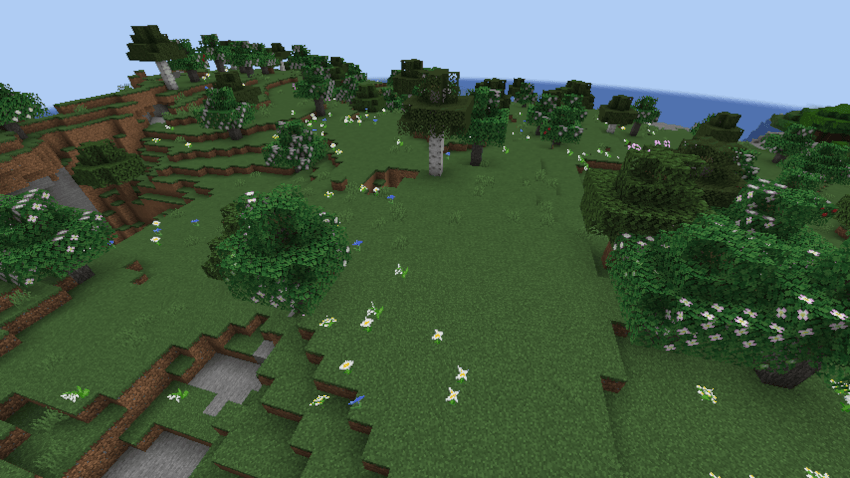
■温帯・冷帯の森林バイオームのいくつかにリンゴの木が自生します。葉ブロックはバイオームの色味の変化が適用されます。
Add an apple tree. Apple trees occur naturally in warm or cool forest biomes.
The color of the leaves block changes depending on the biome.
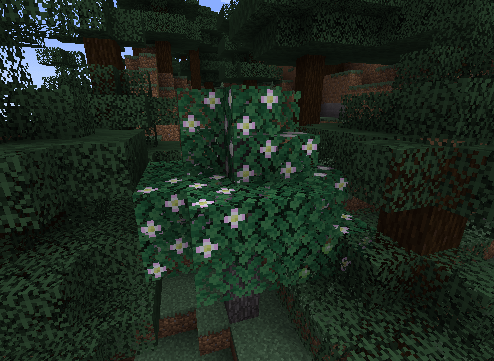
自生するバイオーム Applied biomes
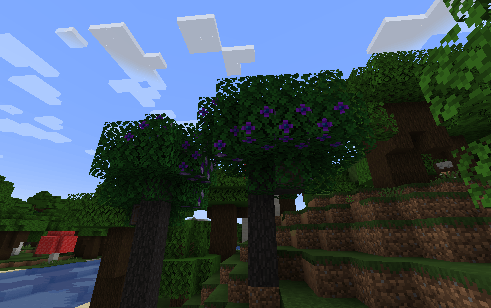
■ダークアップルの木はダークフォレストでのみ自生します。
Dark Apple trees grow only in the Dark Forest.
■リンゴの木材の建材ブロックを追加します。
Adds apple planks building blocks.
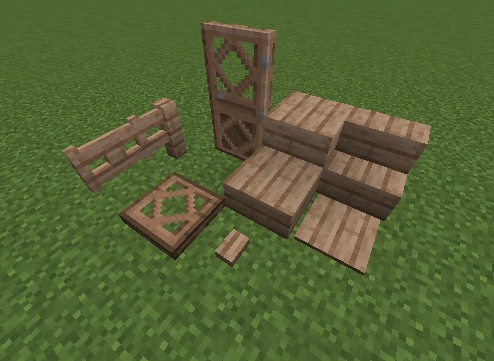
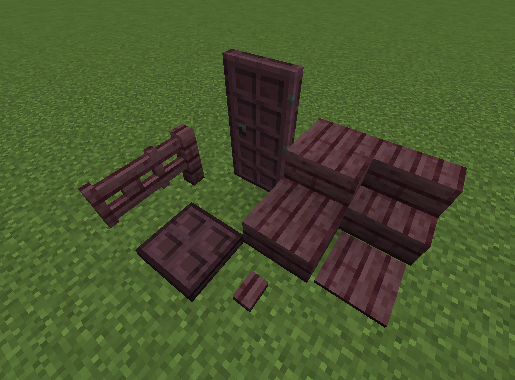
■看板とボートを追加しました。(ver1.4.0以降)
Added signs and boats.(Version 1.4.0 and later)
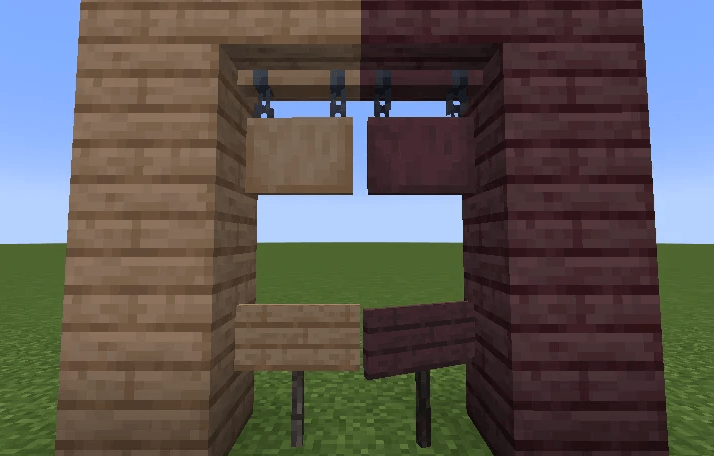
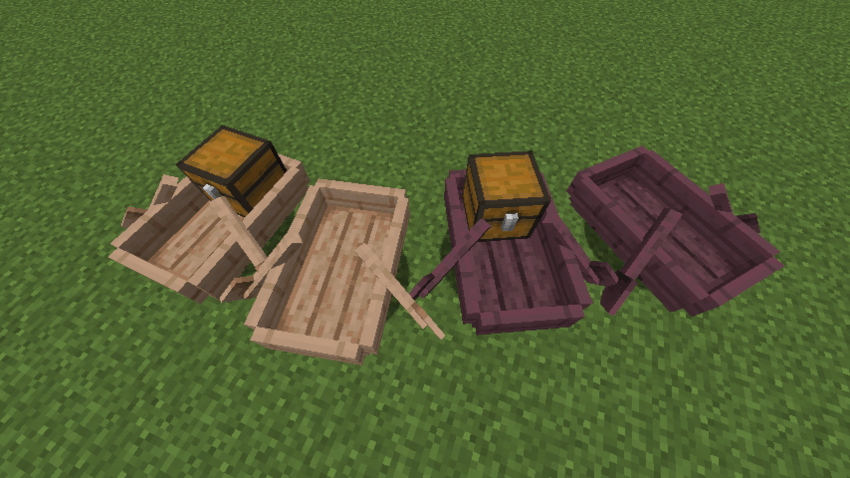
■花のついたブロックをハサミで破壊すると装飾用のブロックとして回収します。このブロックには成長要素はありません。
Destroying flowering Leaves with shears will drop a ornamental Apple leaves block, which is a non-growing block.
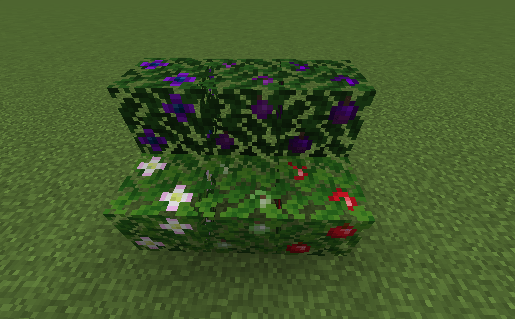
🌸Ornamental flowering apple leaves
🍏Ornamental unripe apple leaves
🍎Ornamental ripe apple leaves
🌸Ornamental flowering dark apple leaves
🍏Ornamental unripe dark apple leaves
🍎Ornamental ripe dark apple leaves
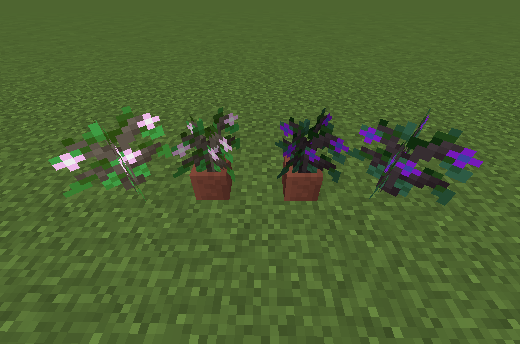
■植木鉢にリンゴの苗木をセットできるようになりました。
Apple saplings can now be placed in flower pots.
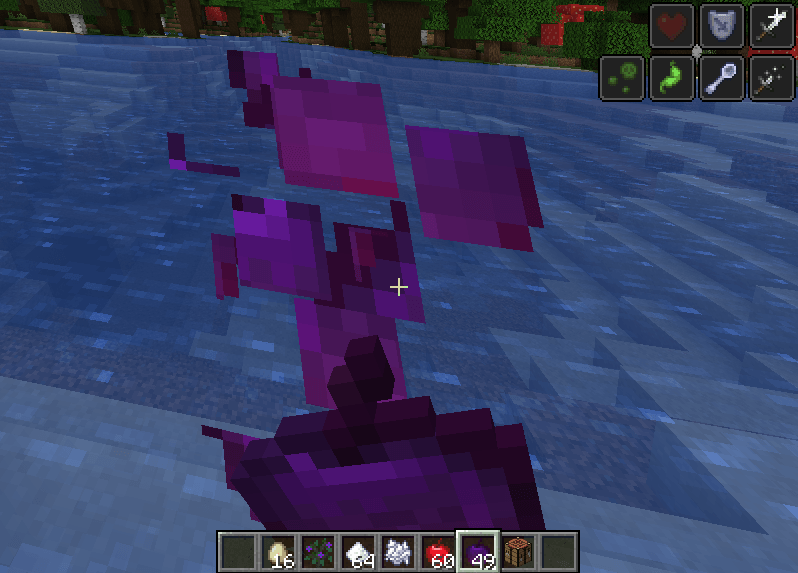
■ダークアップルを追加します。食べるたびに様々なバフとデバフが付きます。
Adds dark apples, which provide various buffs and debuffs each time they are eaten.
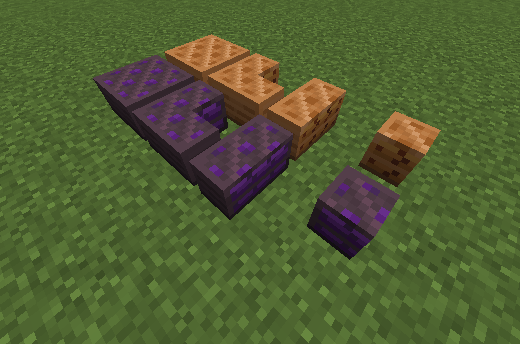
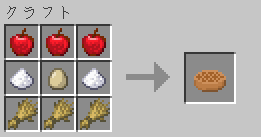
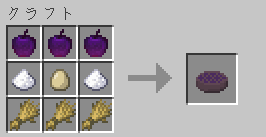
■アップルパイとそのレシピを追加しました。ケーキブロックに近い挙動をします。
ダークアップルパイはダークアップルと同様に様々なバフとデバフが付きます。
Added apple pie and its recipe. It behaves similarly to cake blocks.
Dark Apple Pie, like Dark Apple, comes with various buffs and debuffs.
Project description from CurseForge.
Pick your setup
Choose the version and loader you play, then open the matching release.
Check the dependencies, then try the file in a copied instance before changing a world you care about.
Recent files
25 Jul 2026
11 Jul 2026
11 Jul 2026
13 Jun 2026
13 Jun 2026
13 Jun 2026
appletreemod-1.4.2-for-1.20.1.jar
23 Apr 2026
appletreemod-1.4.2-for-1.21.4.jar
19 Apr 2026
appletreemod-1.4.2-for-1.21.1.jar
19 Apr 2026
18 Apr 2026
18 Apr 2026
18 Apr 2026
Looking for an older file? The official CurseForge project page is in Resources.
 mod
An extremely customizable nametag mod. By Polyfrost, best with OneClient.
 mod
Unofficial port of Alexthe666's Rats to 1.21.1 and 26.x for NeoForge and Fabric: tame rats, 200+ upgrades, the plague and Ratlantis, with 17 bugs of the original fixed.
 mod
Unofficial Forge 1.20.1 port of Creature Feature: 22 strange and dangerous creatures, with their items, effects and blocks.