Extreme sound muffler - (Neo)Forge Needed by Synesthesia: Sound Visualizer synesthesia-1.18.2-Forge-1.1.0.jar
requiredNo matching file

CurseForge · Minecraft mod
Addon to Extreme Sound Muffler that allows you to locate sound sources (or a standalone keybind)
Quick answer
Synesthesia: Sound Visualizer synesthesia-1.18.2-Forge-1.1.0.jar targets 1.18.2 with Forge. The project page does not say whether this file belongs on the client, dedicated server, or both. 1 required mod needs a matching file.
Where it goes
The project page does not say whether this file belongs on the client, dedicated server, or both.
The source does not explicitly classify this release as client-only or server-only.
synesthesia-1.18.2-Forge-1.1.0.jar. Change the file and its required mods may change too.
Install Extreme sound muffler - (Neo)Forge first, but 1 required mod has no matching file for this setup. Do not mix loader builds to force a match.
We only count dependency files that match this setup. A file for another loader does not fill the gap.
Before you install it
Built for Synesthesia: Sound Visualizer synesthesia-1.18.2-Forge-1.1.0.jar. Pick another file and the loader, install side or required mods may change.
Use synesthesia-1.18.2-Forge-1.1.0.jar. It targets 1.18.2 with Forge; another release may have different loader, side or dependency requirements.
Install Extreme sound muffler - (Neo)Forge first, but 1 required mod has no matching file for this setup. Do not mix loader builds to force a match.
The project page does not say whether this file belongs on the client, dedicated server, or both.
Use the “Get this file” button beside synesthesia-1.18.2-Forge-1.1.0.jar. It opens that exact file at the source.
About this project
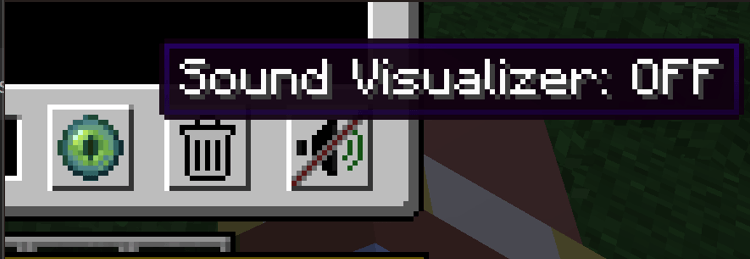
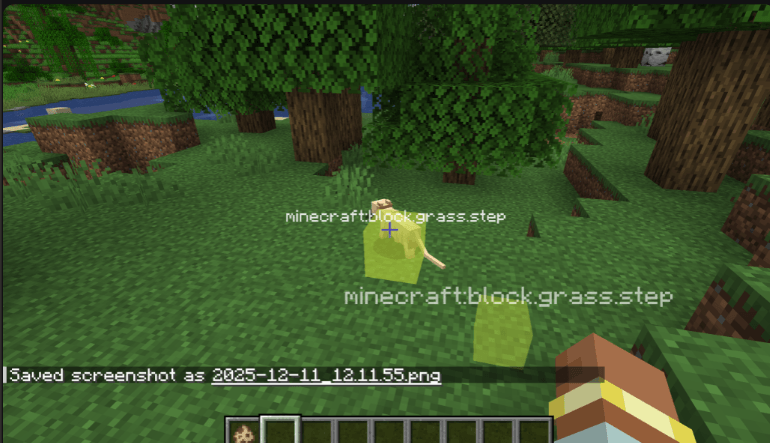
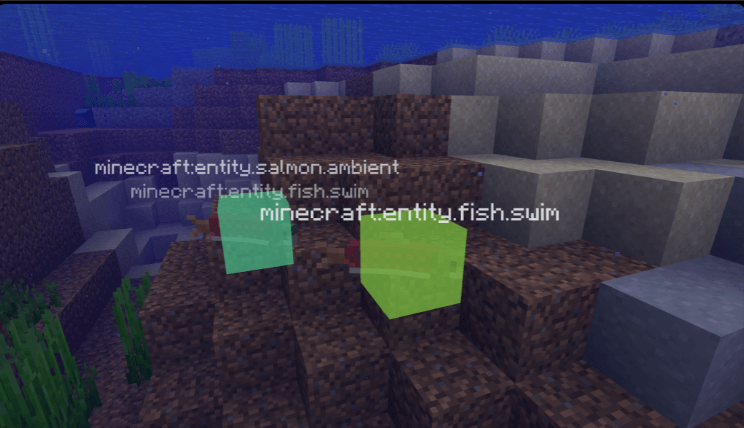
Need help or have questions? Join me on Discord!
If you'd like to support me and the development of my mods, I recommend trying out BisectHosting. Use code "project8gbderam" to get 25% off your first month of a gaming server for new customers. They offer 24/7 support and lightning-fast response times, ensuring you're in great hands and providing exceptional assistance for all your gaming needs. https://www.bisecthosting.com/project8gbderam

Project description from CurseForge.
Pick your setup
Choose the version and loader you play, then open the matching release.
Check the dependencies, then try the file in a copied instance before changing a world you care about.
Recent files
27 Apr 2026
18 Apr 2026
18 Apr 2026
18 Apr 2026
18 Apr 2026
18 Apr 2026
18 Apr 2026
28 Dec 2025
27 Dec 2025
22 Dec 2025
22 Dec 2025
11 Dec 2025
Looking for an older file? The official CurseForge project page is in Resources.
 mod
modTwo-page book editing/viewing, easy formatting, colored books, literate mobs and other book-related improvements
 mod
modBuild recipes and loot tables in game
 mod
modRadiation mod adds datapack driven radiation for more complex modpacks