Minecraft version
Back to mods 
CurseForge · Minecraft mod
Optifined Graphics
Minecraft optimization mod, It allows Minecraft to run faster and look better with full support for HD textures and many configuration options.
Choose a version Pick your version below, then grab the matching file.
Quick answer
Which Optifined Graphics release should I use?
Latest stable file OptiGraph HD U C3 pre2
Game version 1.5.3, 1.16.3, 1.13.1
Loader Forge
Optifined Graphics OptiGraph HD U C3 pre2 targets 1.5.3, 1.16.3, 1.13.1 with Forge. The project page does not say whether this file belongs on the client, dedicated server, or both. No extra mods listed for this file.
Where it goes
Is Optifined Graphics required on the client, server, or both?
The project page does not say whether this file belongs on the client, dedicated server, or both.
Client Source doesn’t say
Dedicated server Source doesn’t say
Loader for this release Forge
Required install it here Optional supported, not mandatory Not supported do not install here Source doesn’t say do not assume
The source does not explicitly classify this release as client-only or server-only.
What else does Optifined Graphics OptiGraph HD U C3 pre2 need?
OptiGraph HD U C3 pre2. Change the file and its required mods may change too.
This file does not list any required mods. Do not add a library just because a different file uses it.
This file does not list any required or optional mods.
Before you install it
Add Optifined Graphics without breaking your instance.
Built for Optifined Graphics OptiGraph HD U C3 pre2. Pick another file and the loader, install side or required mods may change.
- 01
Stick to this file
Use OptiGraph HD U C3 pre2. It targets 1.5.3, 1.16.3, 1.13.1 with Forge; another release may have different loader, side or dependency requirements.
- 02
Bring the mods it needs
This file does not list any required mods. Do not add a library just because a different file uses it.
- 03
Put it on the correct side
The project page does not say whether this file belongs on the client, dedicated server, or both.
- 04
Pick the file you checked
Use the “Get this file” button beside OptiGraph HD U C3 pre2. It opens that exact file at the source.
About this project
What does Optifined Graphics add?
NOTICE* Using this mod without crediting the mod & it's creator will result in a copyright claim as it's All Rights Reserved (View License). Thank you for your time. - MiseryKR
Discord | Twitter | Forum | GitHub
 **Fast track to the [Latest Version](https://www.curseforge.com/minecraft/mc-mods/og/files/8189566).**
Features
- FPS boost (examples)
- doubling the FPS is common
- decreases lag spikes and smooths gameplay
- Support for HD Textures (info)
- HD textures and HD fonts (MCPatcher not needed)
- custom terrain and item textures
- animated terrain and item textures
- custom HD Font character widths
- custom colors
- custom block color palettes
- custom lighting
- unlimited texture size
- Support for Shaders (info)
- based on the Shaders Mod by Karyonix
- Dynamic Lights
- allows handheld and dropped light emitting items to illuminate the objects around them
- similar, but not related to the Dynamic Lights mod
- Variable Render Distance (example)
- from Tiny to Extreme (2 x Far) in 16m steps
- sun, moon and stars are visible in Tiny and Short distance
- Configurable Smooth Lighting (examples)
- from 1% - smooth lighting without shadows
- to 100% - smooth lighting with full shadows
- Performance: VSync
Synchronizes framerate with monitor refresh rate to remove split frames and smooth gameplay - Smart Advanced OpenGL
- more efficient, less artifacts
- Fast - faster, some artifacts still visible
- Fancy - slower, avoids visual artifacts
- Fog control
- Fog: Fancy, Fast, OFF
- Fog start: Near, Far
- Mipmaps (examples)
- Visual effect which makes distant objects look better by smoothing the texture details
- Mipmap level - OFF, 1, 2, 3, Max
- Mipmap type - Nearest, Linear
- Anisotropic Filtering (examples)
- Restores details in mipmapped textures
- AF level - OFF, 2, 4, 8, 16 (depends on hardware support)
- Antialiasing (examples)
- Smooths jagged lines and sharp color transitions
- AA level - OFF, 2, 4, 6, 8, 12, 16 (depends on hardware support)
- Better Grass
Fixes grass blocks side texture to match surrounding grass terrain - Better Snow (examples, credit)
Fixes transparent blocks textures to match surrounding snow terrain - Clear Water (examples)
Clear, transparent water with good visibility underwater - Random Mobs
Use random mob textures if available in the texture pack - Connected Textures (examples)
Connects textures for glass, glass panes, sandstone and bookshelf blocks which are next to each other. - Natural Textures (examples, idea)
Removes the gridlike pattern created by repeating blocks of the same type.
Uses rotated and flipped variants of the base block texture. - FPS control
- Smooth FPS - stabilizes FPS by flushing the graphics driver buffers (examples)
- Smooth Input - fixes stuck keys, slow input and sound lag by setting correct thread priorities
- Chunk Loading Control
- Load Far - loads the world chunks at distance Far, allows fast render distance switching
- Preloaded Chunks - defines an area in which no new chunks will be loaded
- Chunk Updates per Frame - allows for faster world loading
- Dynamic Updates - loads more chunks per frame when the player is standing still
- Configurable Details
- Clouds - Default, Fast, Fancy
- Cloud Height - from 0% to 100%
- Trees - Default, Fast, Fancy
- Grass - Default, Fast, Fancy
- Water - Default, Fast, Fancy
- Rain and Snow - Default, Fast, Fancy
- Sky - ON, OFF
- Stars - ON, OFF
- Sun & Moon - ON, OFF
- Depth Fog - ON, OFF
- Weather - ON, OFF
- Swamp Colors - ON, OFF
- Smooth Biomes - ON, OFF
- Custom Fonts - ON, OFF
- Custom Colors - ON, OFF
- Show Capes - ON, OFF (supports HD capes)
- Configurable animations
- Water Animated - OFF, Dynamic, ON
- Lava Animated - OFF, Dynamic, ON
- Fire Animated - OFF, ON
- Portal Animated - OFF, ON
- Redstone Animated - OFF, ON
- Explosion Animated - OFF, ON
- Flame Animated - OFF, ON
- Smoke Animated - OFF, ON
- Void Particles - OFF, ON
- Water Particles - OFF, ON
- Rain Splash - OFF, ON
- Portal Particles - OFF, ON
- Dripping Water/Lava - OFF, ON
- Terrain Animated - OFF, ON
- Items Animated - OFF, ON
- Fast Texturepack Switching
Switch the current Texturepack without leaving the world - Fullscreen Resolution
Configurable fullscreen resolution - Debug
- Fast Debug Info - removes lagometer from debug screen
- Debug Profiler - removes profiler from debug screen
- Time Control
Default, Day Only or Night Only - works in only in Creative mode - Autosave
- Configurable Autosave interval
- A fix for the famous Lag Spike of Deat
Project description from CurseForge.
Pick your setup
Optifined Graphics by Minecraft version and loader
Choose the version and loader you play, then open the matching release.
Minecraft version
26.1.1
1 loader buildMinecraft version
26.1
1 loader buildMinecraft version
1.21.11
1 loader buildMinecraft version
1.21.10
1 loader buildMinecraft version
1.21.9
1 loader buildMinecraft version
1.21.8
1 loader buildMinecraft version
1.21.7
1 loader buildMinecraft version
1.21.6
1 loader buildMinecraft version
1.21.5
1 loader buildMinecraft version
1.21.4
1 loader buildMinecraft version
1.21.3
1 loader buildShowing the newest 12 of 104 game versions. Older files are in the list below.
Check the dependencies, then try the file in a copied instance before changing a world you care about.
Recent files
Optifined Graphics versions and loaders
OptiGraph HD U C3 pre2
OptiGraph_26.1.2_PRE2.jar
14 Jun 2026
Client Source doesn’t say Server Source doesn’t say Dependencies No extras listed Listed on Release listing
Check the 26.1.2 · Forge setup 1.5.31.16.31.13.11.9.3 release
OptiGraph HD U B2
OptiGraph-1.21.11.jar
3 Jun 2026
Client Source doesn’t say Server Source doesn’t say Dependencies No extras listed Listed on Release listing
Check the 1.21.11 · Forge setup 1.5.31.16.31.13.11.9.3 release
OptiGraph HD U A1 pre1
OptifinedGraphics1.21.10_HD_U_J7_pre11.jar
25 Dec 2025
Client Source doesn’t say Server Source doesn’t say Dependencies No extras listed Listed on Release listing
Check the 1.21.10 · Forge setup 1.5.31.16.31.13.11.9.3 release
Looking for an older file? The official CurseForge project page is in Resources.
 mod
mod CurseForge · Minecraft
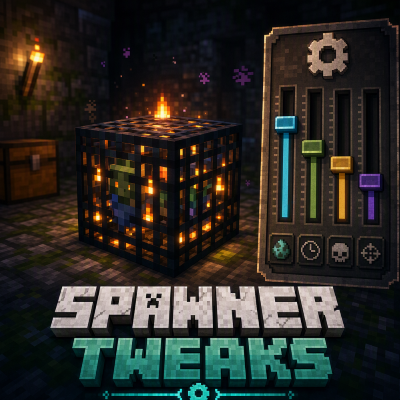
Mob Spawner Tweaks
This is a Minecraft mod designed to control mob spawners' behaviour.
 mod
mod CurseForge · Minecraft
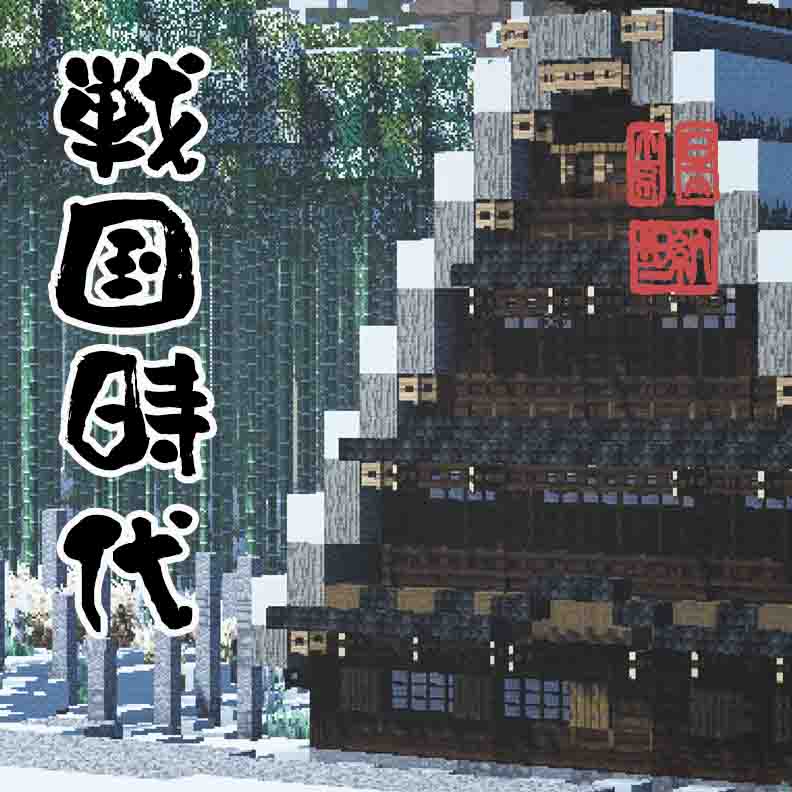
Sengoku Jidai, Japanese Overhaul
An immense mod that adds and modifys weapons, biomes, mobs, world gen, blocks, and much much more.
 mod
mod CurseForge · Minecraft
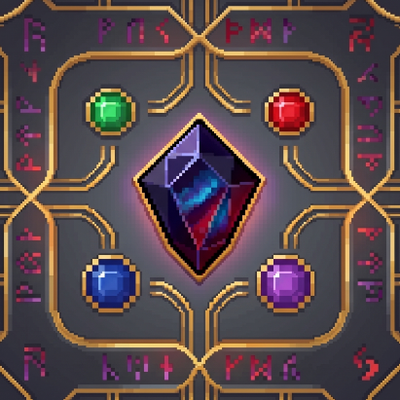
Gemstone Protection
Protect your lands using customizable gemstone wards with an intuitive GUI to manage players, flags, and visual borders.